I Tri and Craft

thoughts from a mother of boys, a marathoner, a triathlete, a crafter, a wife, and a scientist


2 Comments

Running Motivation in a Temporary Tattoo

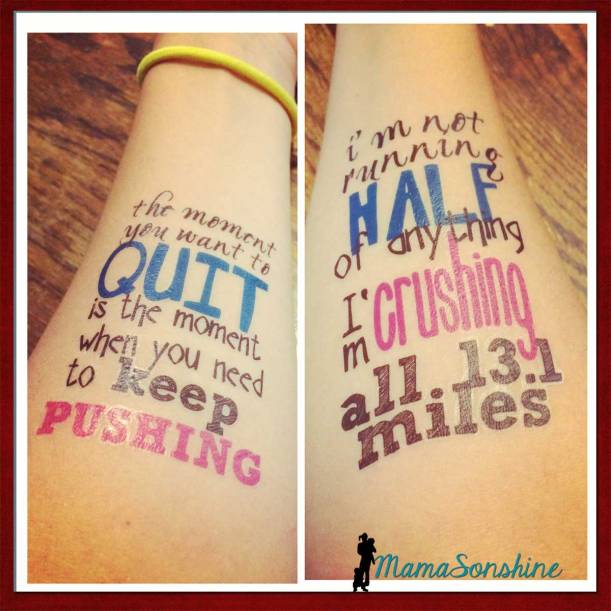
If you read my race recap about the half-marathon I ran this summer you saw that I made some motivational tattoos for my cousin and me to wear.
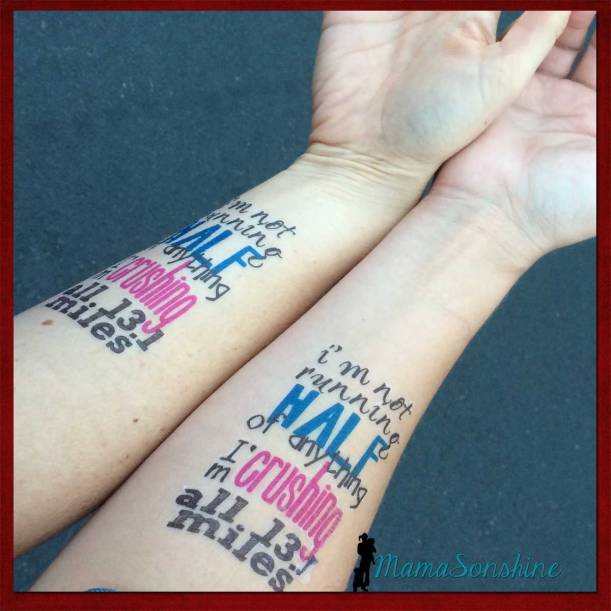
Running Tattoos_MamaSonshine

It was the first time I used the Silhouette brand Temporary Tattoo paper, but I knew that I would be using it again the following month for Sid’s birthday party.  I ran into a few issues as a first time user and thought I would share them, in hopes that other’s don’t have the same troubles.

First I made my design.  One of my favorite motivational quotes for running is “I’m not running half of anything. I’m crushing all 13.1 miles.”  There are a few variations, but I like this wording the best.  I made one for my cousin and one for me.  I had room for one more quote, and since I had two arms I also used “The moment you want to quite, is the moment when you need to keep pushing.”

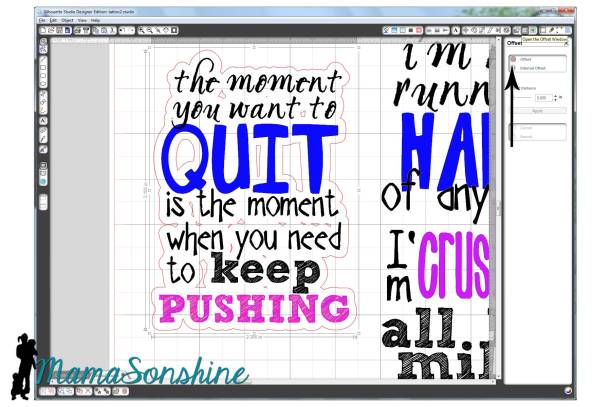
I sized out the space on my arm and made a box in Silhouette Studio.  I then typed out my sayings and changed the fonts, sizes and colors for specific words.  I then used the offset tool to create my cut lines around the words.  Remember, anything that is white in your design will be clear on the tattoo, and your skin will show through.

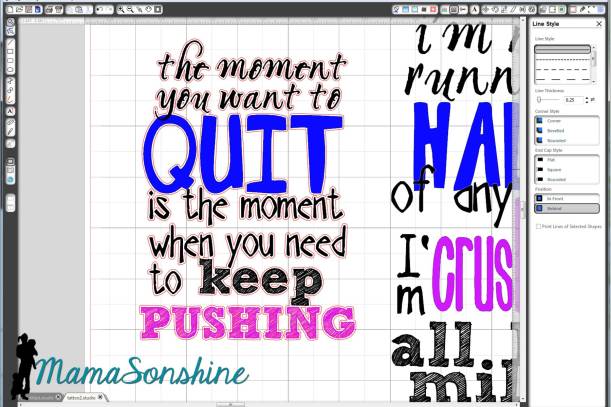
My first instinct was to make a close-in offset, as I would when cutting other media.
MSS_Tattoo close offset

Here is the problem: when you cut it, it cuts through the paper backing.  So now you have all the words in different pieces that you would have to place on your arm individually.  So again, remember that the tattoo paper is clear, and make your offset big enough that all the words cut as one piece.
MSS_Tattoo large offset

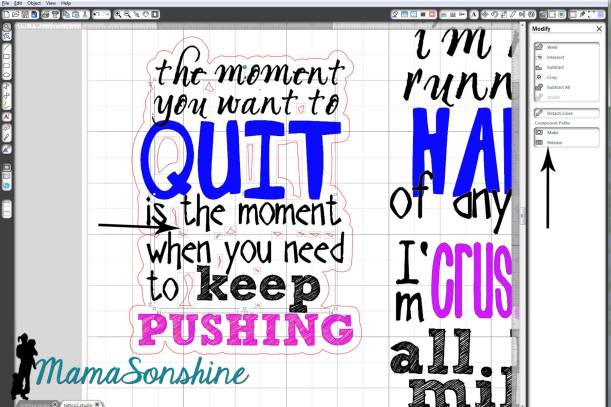
And there is no reason you need to waste time cutting out the middle of your o’s or other inner parts since the paper is clear.  Release the compound path,
MSS_Tattoo

select all the unwanted parts, then delete them.

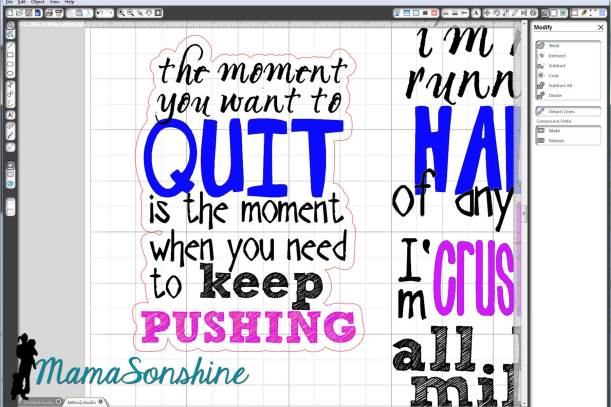
Now you are left with a nice group of text that will stay together once cut.
MSS_Tattoo Running motivation

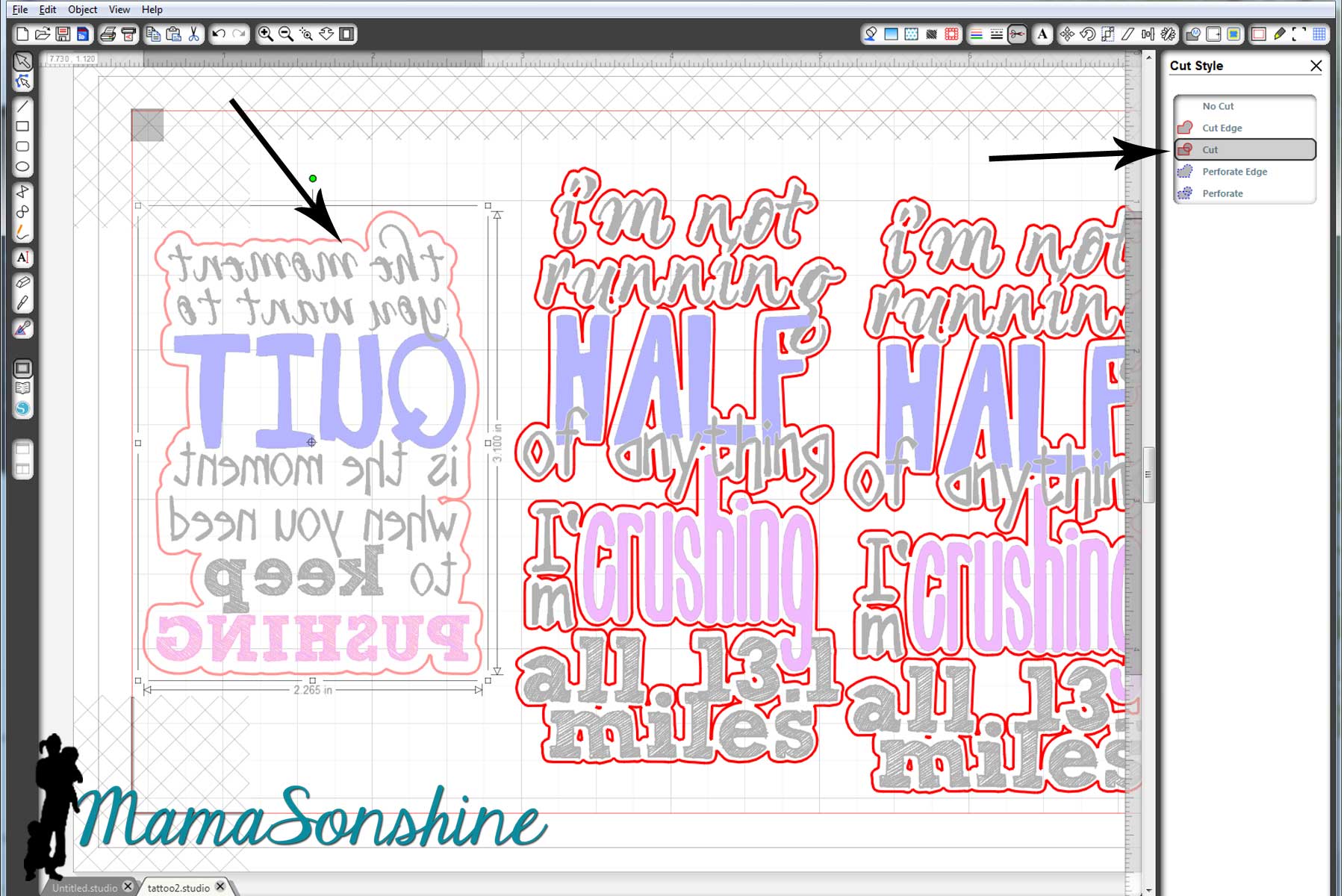
Check out your cut lines, make sure you are not cutting out the words you are printing, but just the offset you just made.
MSS_Tattoo cut lines and mirror

Once you have your design and cut lines all set, flip your image horizontally.  This is very important when doing something with words, or your words will be backwards.

The key to the temporary tattoos is Silhouette‘s print and cut feature using the software’s registration marks.  I don’t know about you, but when I print and cut, I change the paper to ‘letter’ (because that is the size of the paper I print on) and adjust my registration mark settings to the smallest available.  One day when I was printing something small I realized I don’t have to waste the whole piece of paper.  I say ‘waste’ because once I printed the registration marks, I couldn’t reprint (for cutting) on that same piece of paper.

So I changed the size of the paper, I know it seems like a simple statement.  But I made the paper size just larger than my image size, with the registration marks, and that left the rest of the paper blank, for use again!  So simple, yet so helpful.
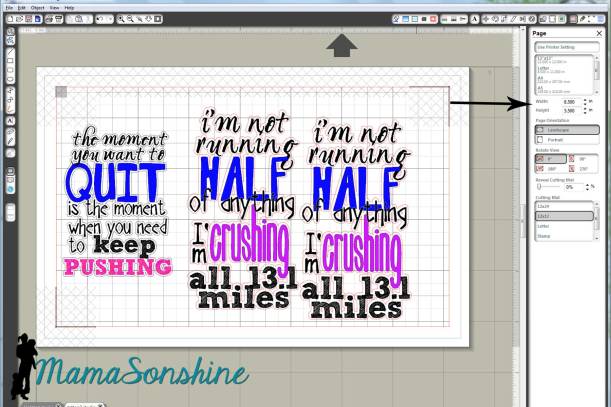
MSS_Tattoo change paper size

The tattoo paper is a bit pricey, about five bucks a sheet; the pack comes with two sheets and is priced at $9.99.  You can find it on sale at Amazon, and sometimes through Silhouette.  I didn’t want to waste any of the paper, and I wasn’t ready to print out the favors for Sid’s party, so I just adjusted the size of the paper to fit my quotes.  That way I still had half a sheet of unprinted paper I could use again.

Printing.

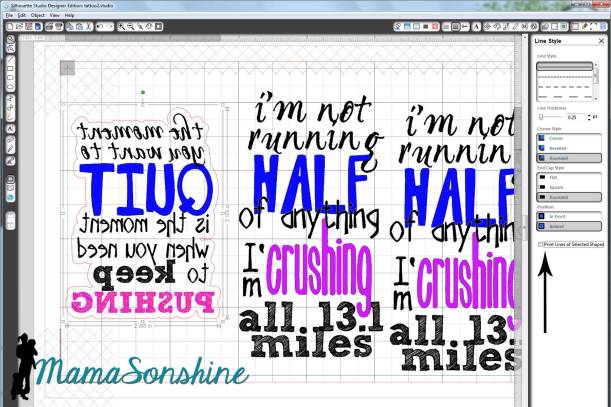
First you want to make sure when you print, that you print the lines of the words, but do not print the lines of the offset.  (Note: this feature is different if you are using V3)
MSS_Tattoo print lines

Here is where I had the main problem that I really didn’t want to admit to anyone.  It’s a little embarrassing.

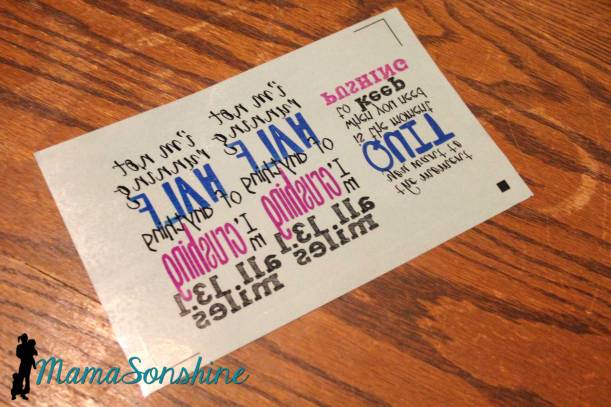
I opened the pack of tattoo paper and pulled out the first sheet on top.  The instructions say to print on shiny side then peel of green backing to apply adhesive material.  So I printed on the shiny side.
MSS_Tattoo Printing


My ink wouldn’t dry.  I left it while I went to work, when I got home it still wasn’t dry.  I wiped it off, tried different print settings, still wouldn’t dry.
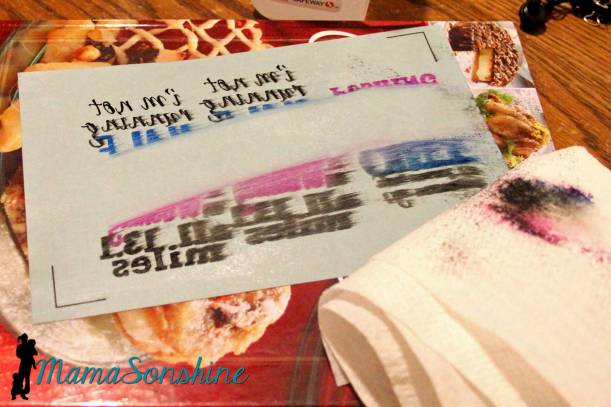
MSS_Tattoo14

I googled instructions looking for a video tutorial.  Finally when watching my second video I wondered why their paper was white when my paper was clear with a green paper backing….

Maybe I have to use my own paper, but that seemed silly because the instructions talk about printing on the shiny side…

I went back to the package and looked inside it.  Behind the two pieces of clear paper with green backing was two pieces of white paper with a shiny side.

*hand hits forehead*

Start over.  Printed on the shiny side of the white paper, and ink came out dry and sharp.  MSS_Tattoo Paper Pack
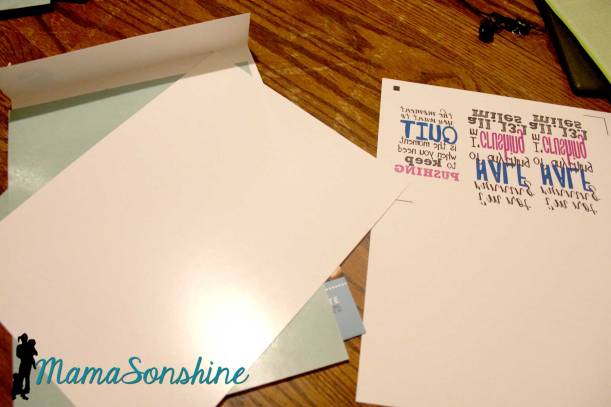
Followed directions by adding the adhesive layer.  That is the clear paper with the green backing that I was trying to print on first.
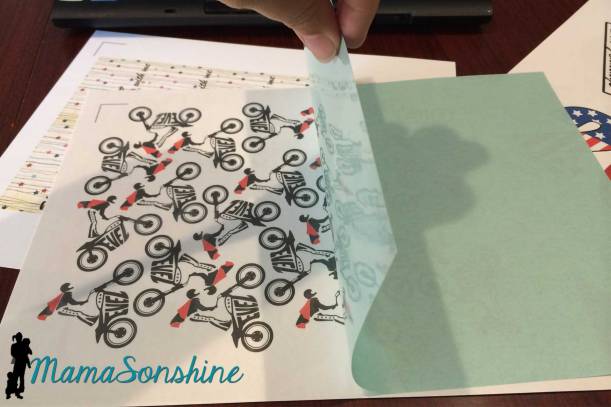
MSS_Tattoo adhesive layer

This is actually a picture of the tattoos I made for my son, but this is how you apply the adhesive layer

Because I wasn’t using the whole sheet of paper, I used a paper-cutter to trim down both the white sheet and the clear adhesive sheet before joining them.  Then used my Silhouette to cut out the tattoos.
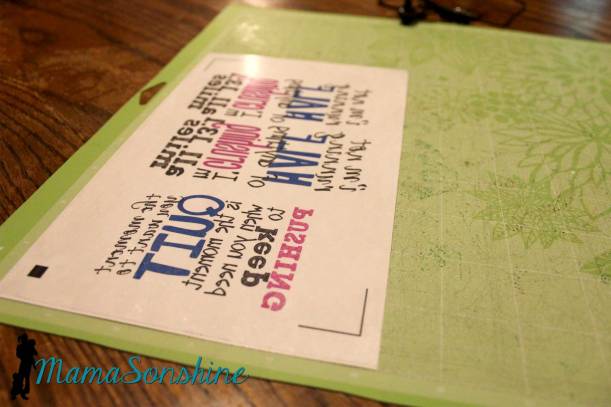
MSS_Tattoo ready to cut

They look great and just the motivation we needed.
MamaSonshine_Tattoo


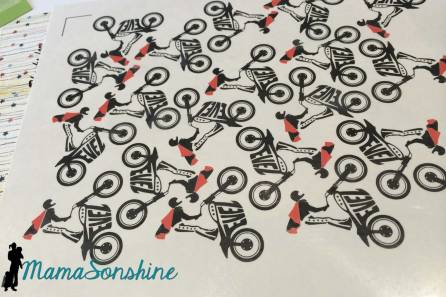
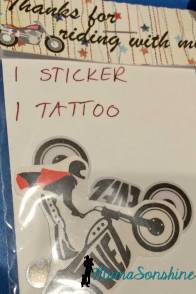
Now that I am a pro at the temporary tattoos, I made some as favors for Sid’s party.  However, I neglected to flip the image horizontally, so the words were backwards.  There is always something with me, right?  I decided to let it ride (yep, pun intended) as the guest were toddlers who really couldn’t read anyway.
MSS_Tattoos  MSS_Tattoo party favors


I am already planning my tattoos for my Halloween costume!


Dawn Marie


facebook instagram pinterest parties by mamasonshine etsy bloglovin google+ email twitter Image Map


4 Comments

Birthday Card Challenge


I decided to participate in another challenge with SVG Cutting Files.  This challenge is for birthday cards, the main focus should be something purchased from SVG Cutting Files.

I found it a little more difficult to make a card without someone specific in mind.  I knew I wanted to make a Halloween birthday card at least, but in order to get the free files associated with the challenge I had to make two cards.

MSS_Halloween01

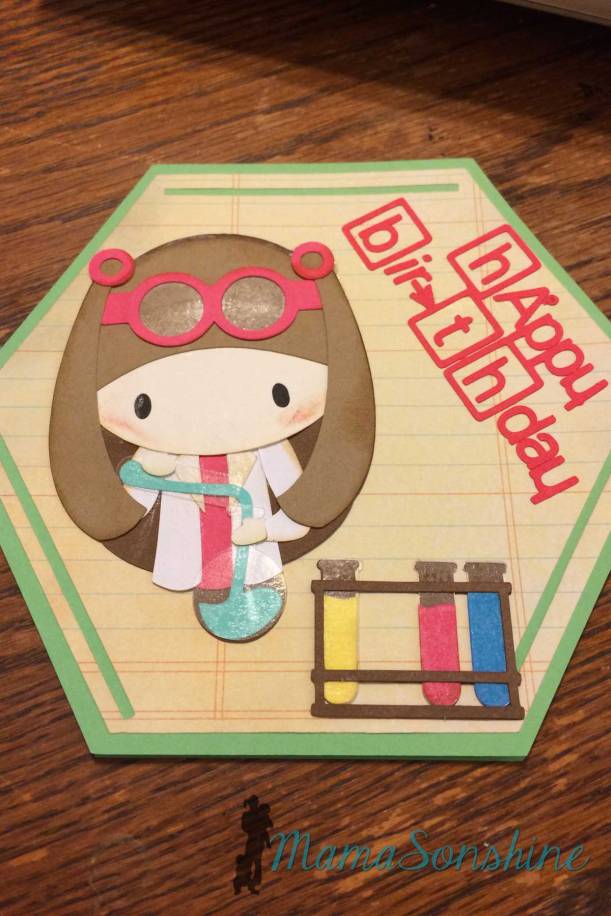
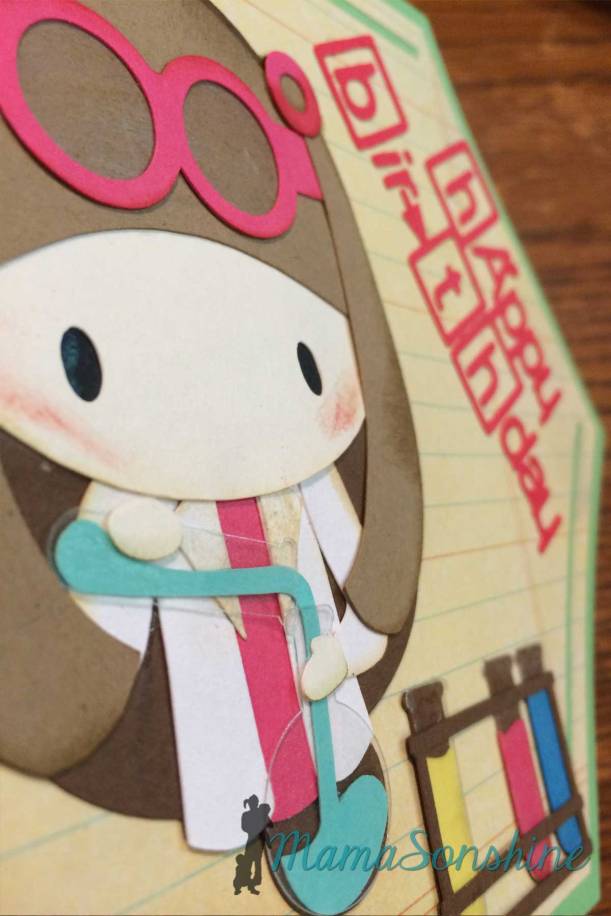
Since I am a scientist I thought I need to make a birthday card using the Science Rocks kit I had.

MSS_Chemistry04

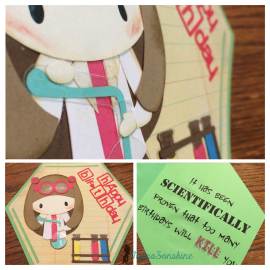
I made the card base to look like a benzene ring and used the science girl and test tube rack.

MSS_Chemistry01

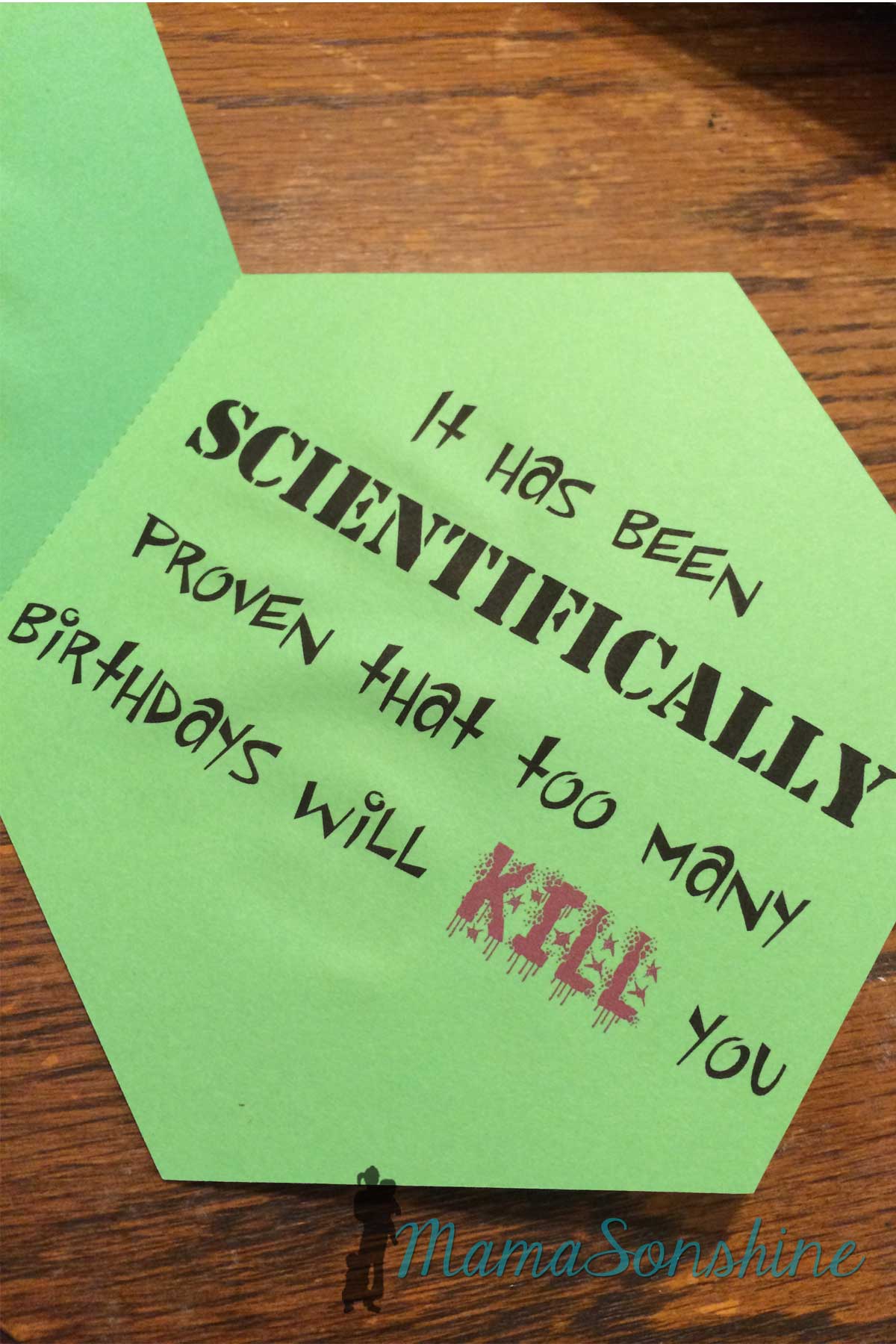
Inside it says “it has been scientifically proven that too many birthdays will kill you.”

MSS_Chemistry02


I love using clear sticker paper for glass elements, like the test tubes and her goggle lenses.

MSS_Chemistry03

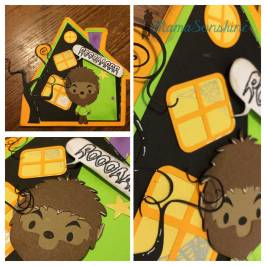
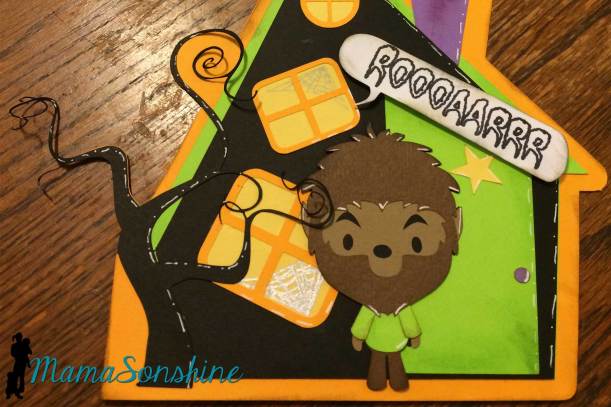
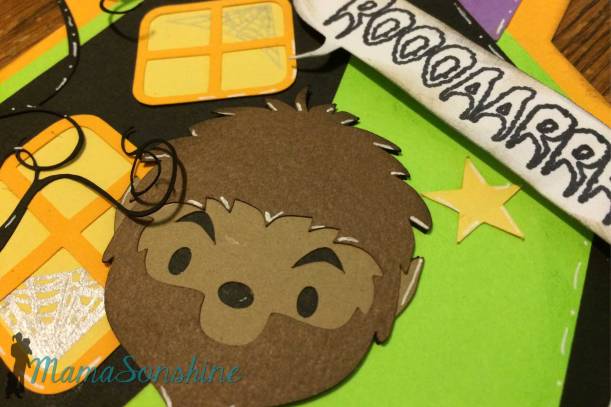
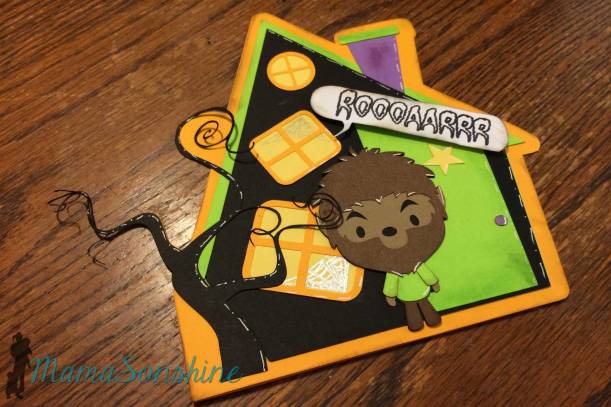
For the Halloween birthday card I used the Chibi Werewolf file.  I had actually purchased the set for the mummy, but the werewolf was perfect for this idea.  Inside it says ‘Have a howling good birthday!’

MSS_Halloween02


MSS_Halloween05


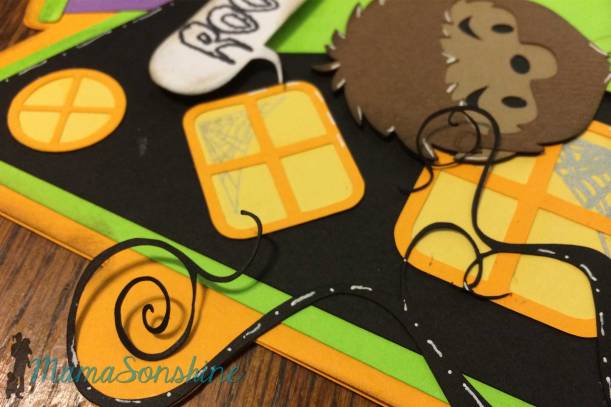
I designed the card base to be like a haunted house.  I used sketch pens to draw the spider webs in the windows.  Parts of the tree are not glued down so the stick out for some dimension.

MSS_Halloween04

I also used dimensional foam tabs to pop out the ‘roar’ word balloon.

MSS_Halloween03

I, of course, used my Silhouette Cameo to cut out all the elements for the card.

Don’t forget to go to the challenge page and see all the other amazing projects.


Dawn Marie


facebook instagram pinterest parties by mamasonshine etsy bloglovin google+ email twitter Image Map
This card is available at my Etsy Shop.


8 Comments

Autumn Colors Challenge


This is my first time participating in a challenge with SVG Cutting Files.  The challenge is for fall colors, you can create anything as long as you use fall colors and something from SVG Cutting Files.

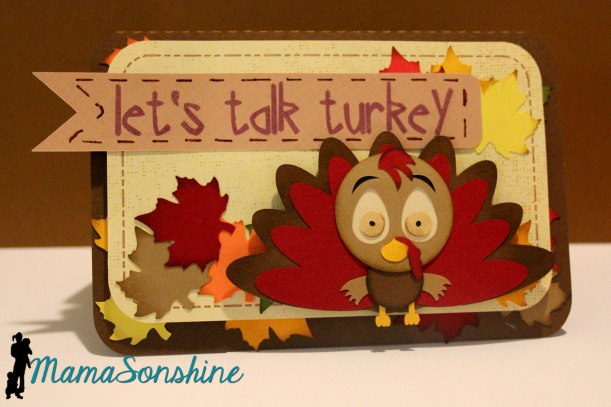
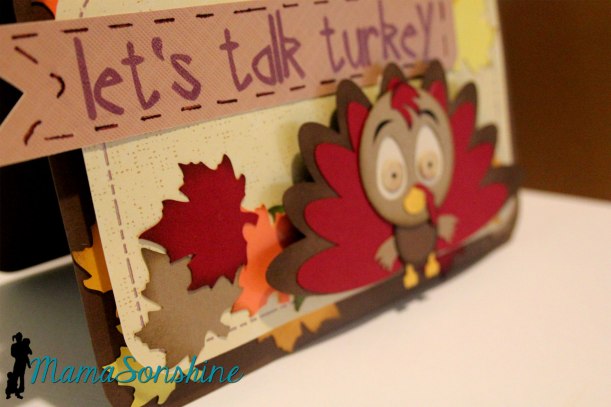
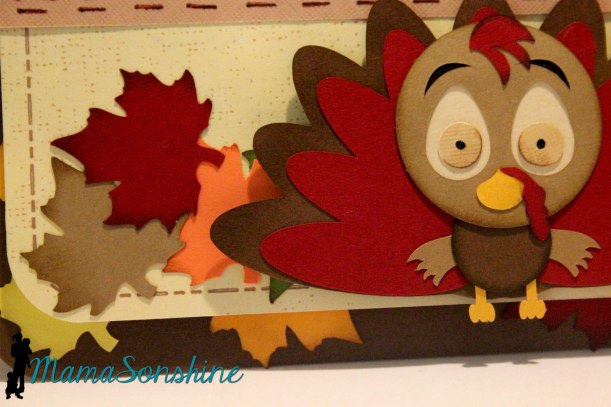
I went ahead and made a Thanksgiving card using their Chibi Turkey file.  It’s a pretty cute little bird.   Although I did just realize I put the beak and little wing-hands on up-side down! oops.

MSS_FallColorsChallenge

I designed the card base, flag and maple leaves.  I used my Silhouette Cameo to cut out all the elements for the card.

The “let’s talk turkey” flag was printed and then cut.  I had the dashed just cut, but they didn’t show up that well, so I went over them with a marker.

MSS_FallColorsChallenge

I used dimensional foam tabs to elevate the turkey and second level.

MSS_FallColorsChallenge

This was also my first time using distressing ink on the edges.  I was a little nervous, cause you know if I over do I would have to just re-cut that piece.  But I am pleased with the result.


Don’t forget to go to the challenge page and see all the other amazing projects.


Dawn Marie


facebook instagram pinterest parties by mamasonshine etsy bloglovin google+ email twitter Image Map
This card is available at my Etsy Shop.


11 Comments

Yo-Ho it’s a Pirate Party

Yo-Ho Let’s Go! To a Pirate Party!

The theme for this month’s Silhouette Challenge is “my favorite things” meaning my favorite Silhouette supplies.

The main reason I got my Silhouette Cameo was to cut paper and make party decorations.  I love to make party decorations and have always gone a little over board, but now that I have my Silhouette, I go hog-wild.

This past March we had my oldest son’s fourth birthday party and I just knew this month’s challenge would be the perfect opportunity to share them with you.  Or should I say, the perfect opportunity to force motivate me to finally get around to writing this {wink-wink}….And let me warn you, this post is full of pictures.


MamaSonshine_July2014


Ian decided he wanted a pirate party for his birthday, so I got to work, starting in January.

MSS_Pirates24

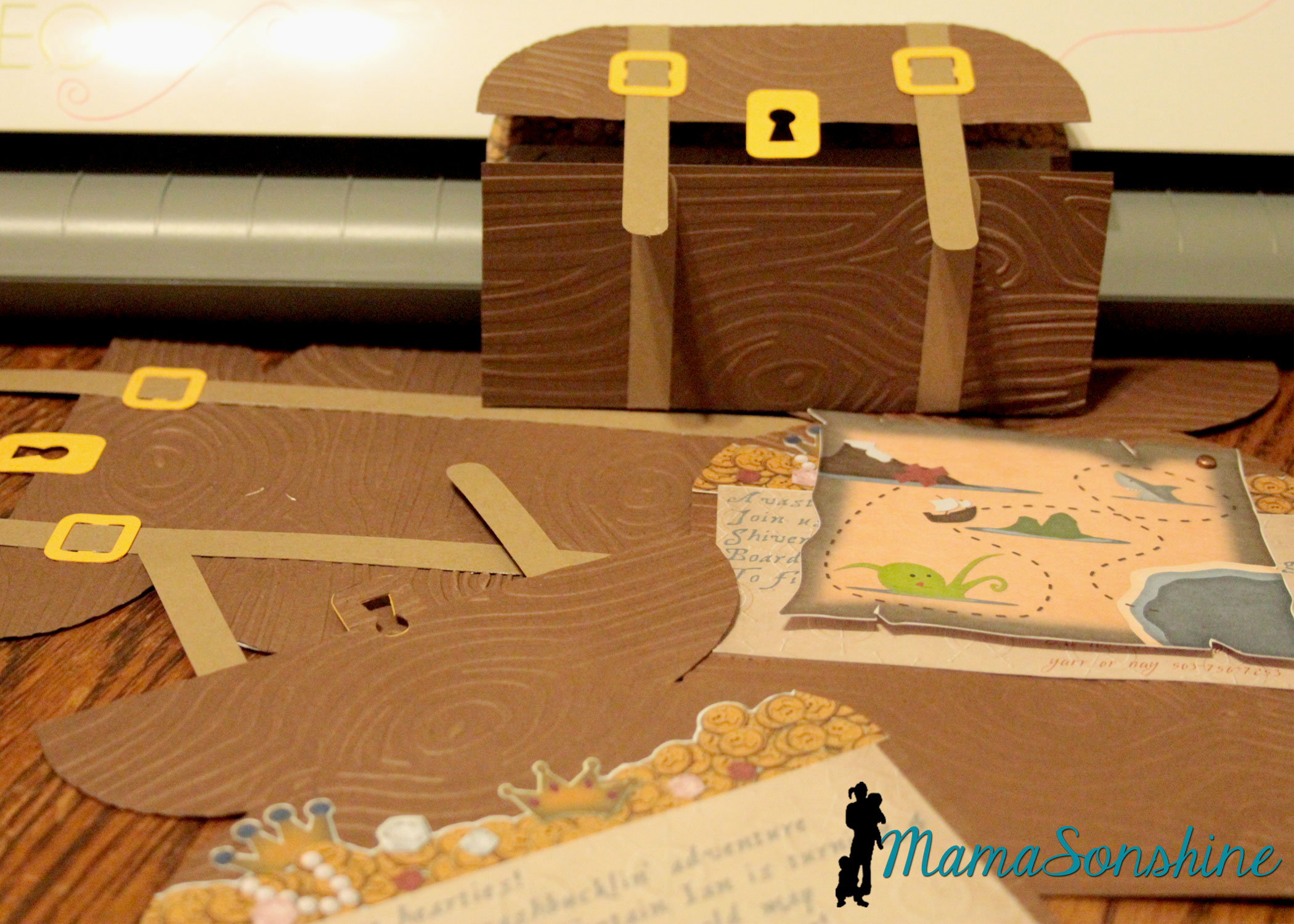
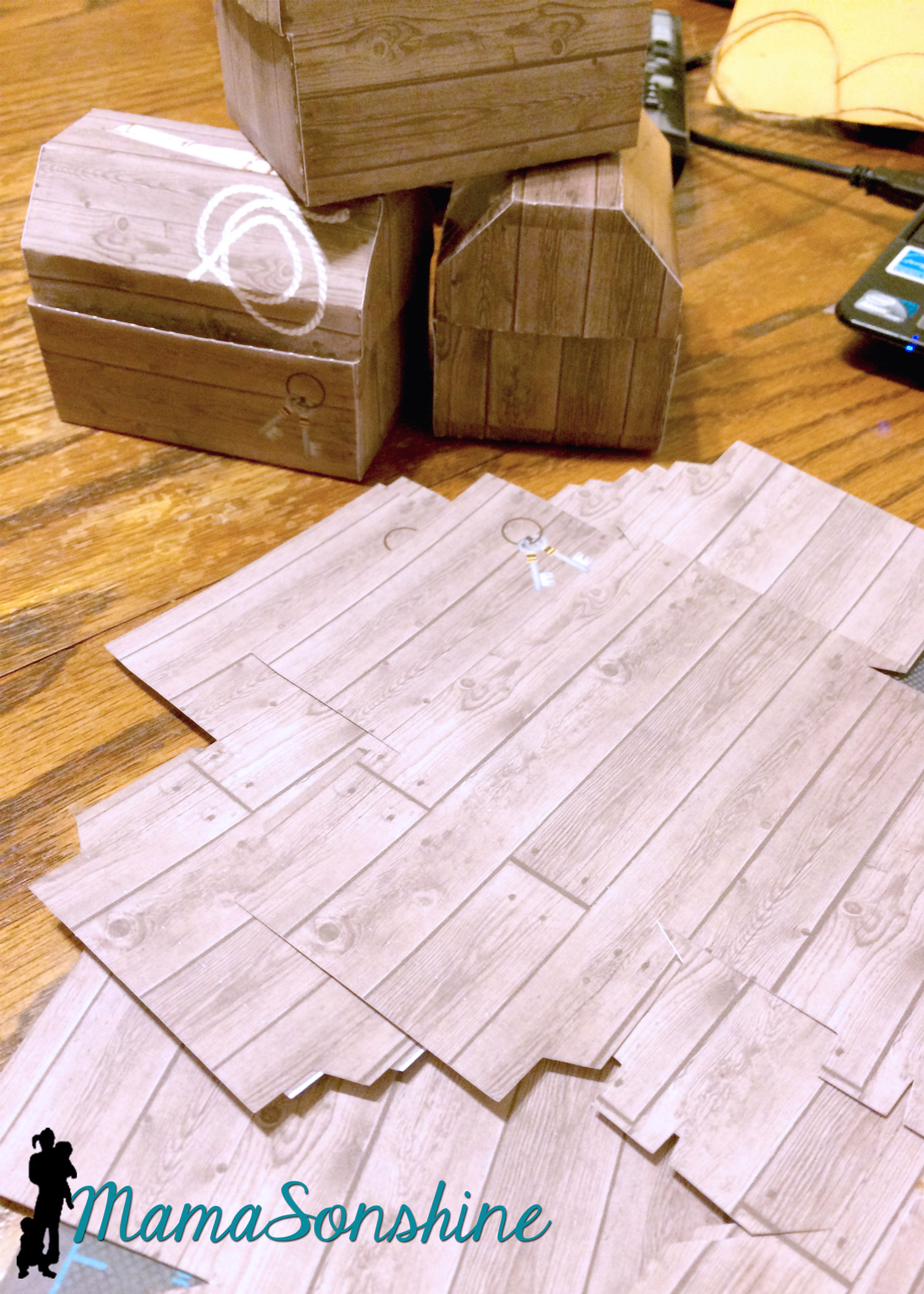
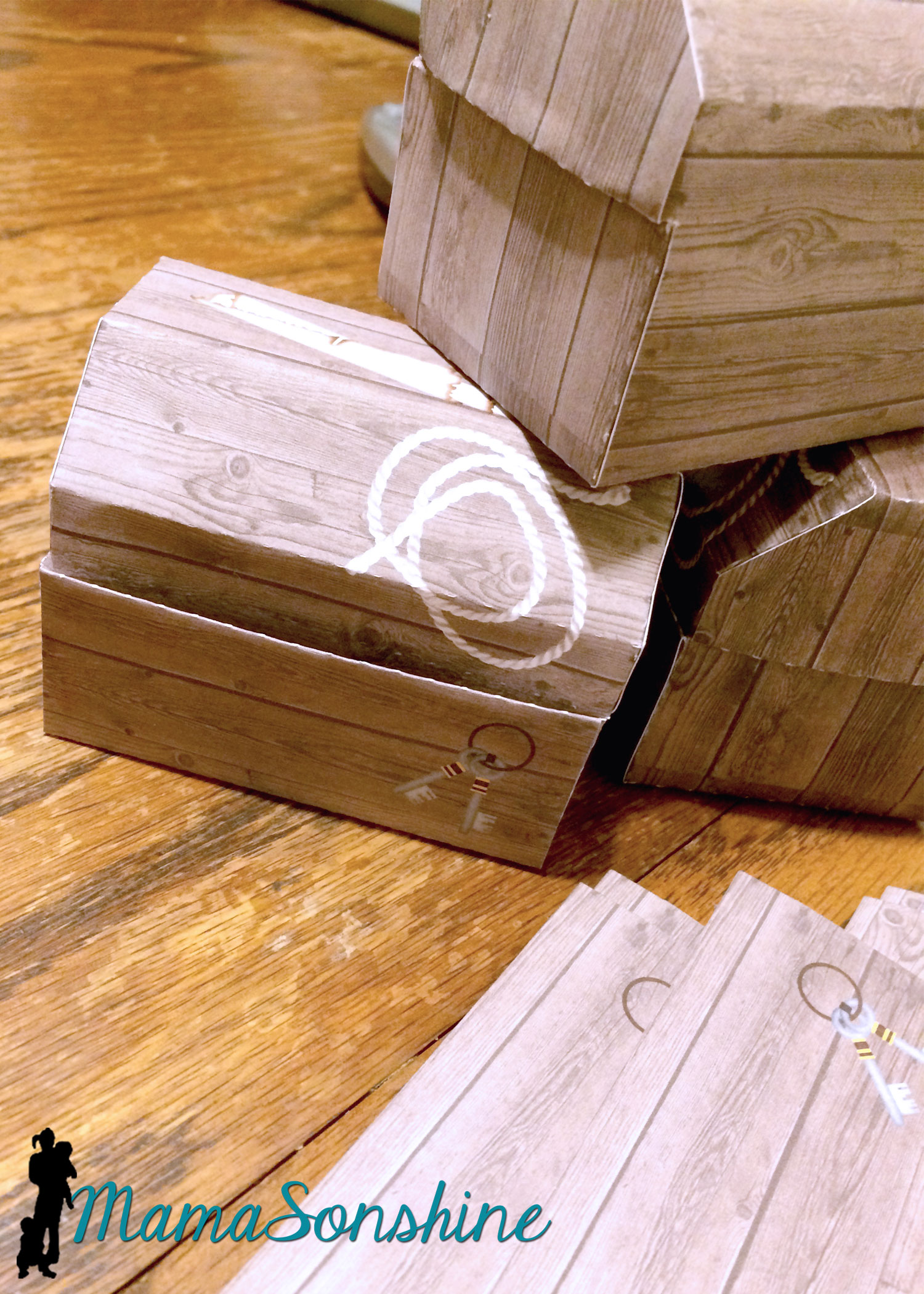
The invitations were treasure chests that opened to show a map, some treasure and the party info.  The exterior of the invitation was a cut file I purchased through the Silhouette store.  I used my Cuttlebug to give it the wood grain look.  I used elements from Just So Scrappy’s Yo-Ho Pirate digital scrapbook kit to make the map and as a background for the information section.  I used graphics from this kit in almost everything I did for this party.

MSS_Pirates26

I designed the coin and jewel pile and used Silhouette’s print and cut option to cut them out.


I love making rosettes for parties, and this party was no exception.

This slideshow requires JavaScript.


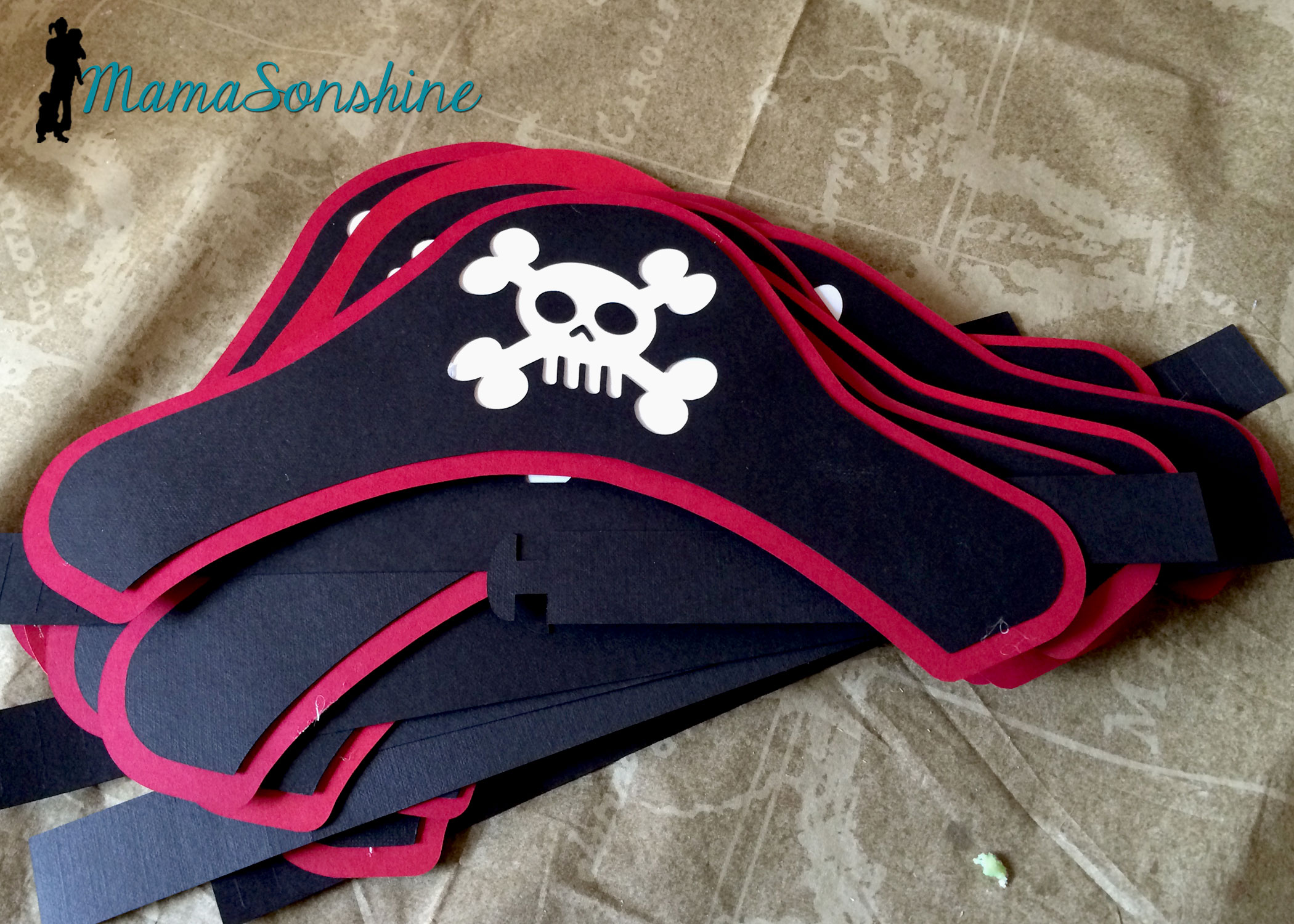
I created these party hats for the kids.  This skull and cross-bones was from the a flag in the scrapbook kit.  I used some of the negative skull and cross bone cut outs in other decorations, like the bunting flags (see below).

MSS_Pirates27

I don’t think I would have been able to make a dozen pirate party hats with out my Cameo.


I really loved these flag topiaries.  I cut the flags out from the kit and used the digital papers to make the each base.

This slideshow requires JavaScript.


Of course there has to be a picture of the Birthday Pirate!

MSS_Pirates34

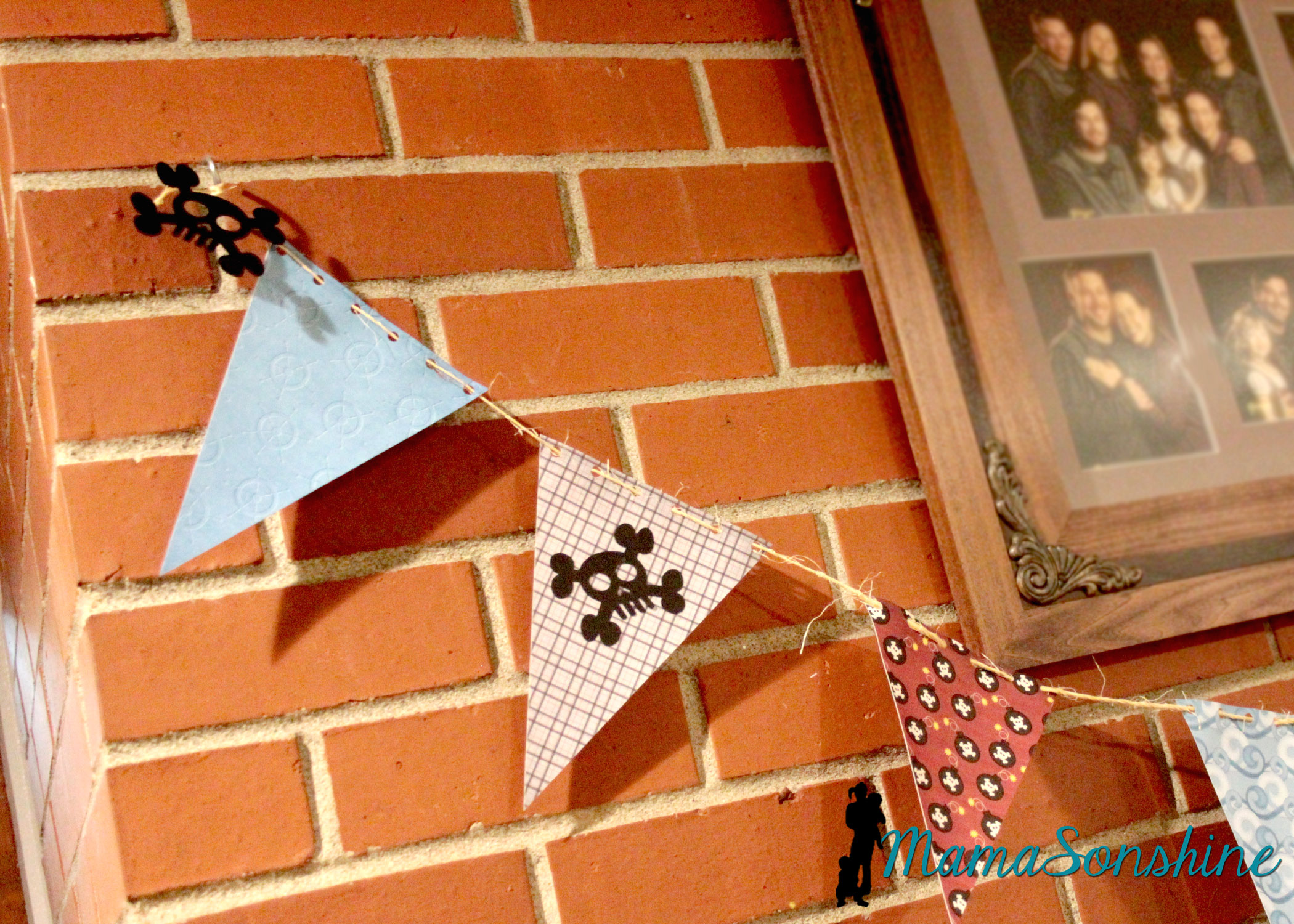
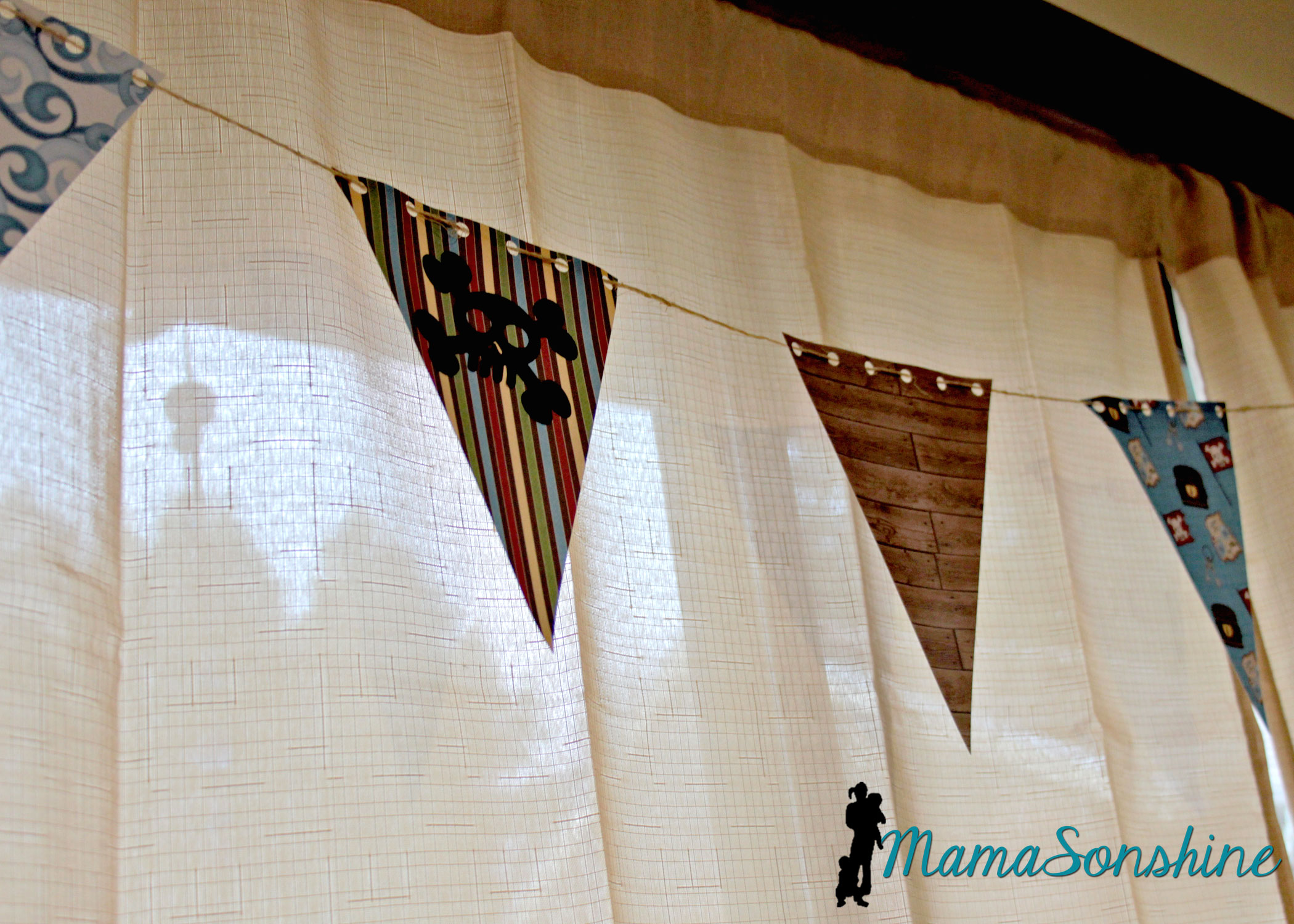
The bunting flags were made with the digital papers and cut with my cameo.  I used twine to string them all together.

MSS_Pirates10

You can see where I added the negative skull and cross-bones from the party hats.

MSS_Pirates09

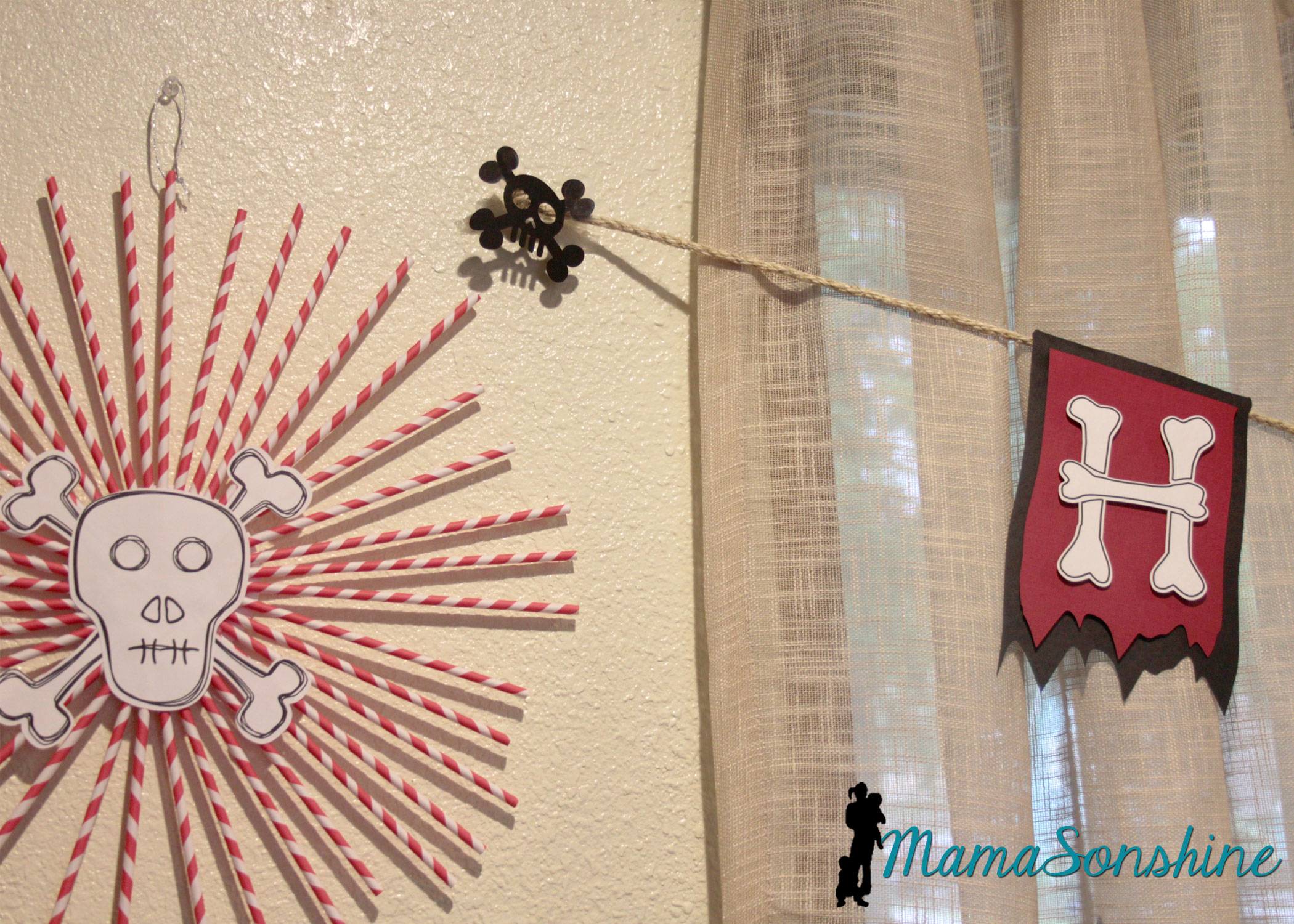
I decided to use the sketch feature in the Studio software to make the skull and cross-bones for these straw rosettes.

This slideshow requires JavaScript.


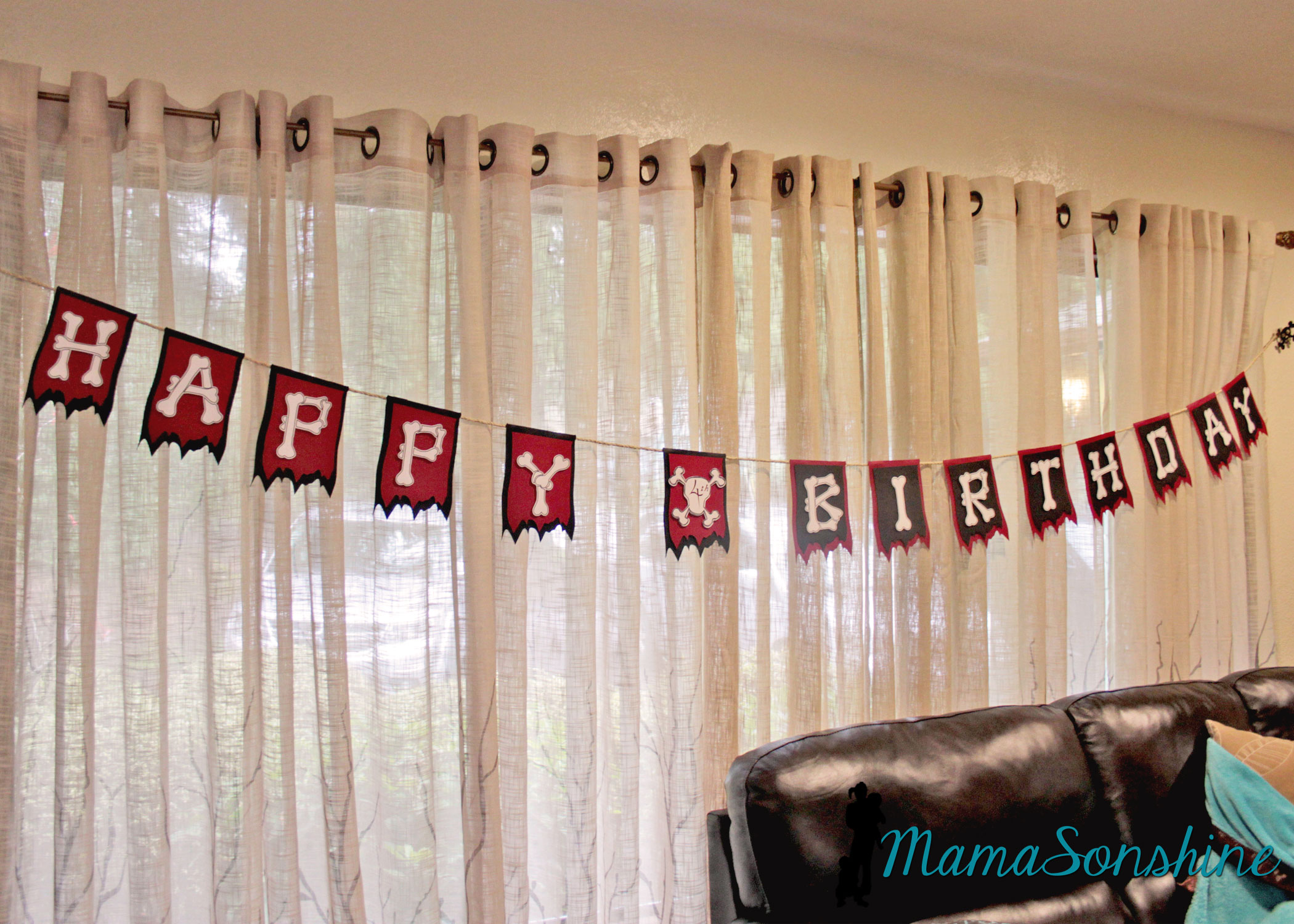
One of my favorite things from this party was the “Happy Birthday” banner.

MSS_Pirates11

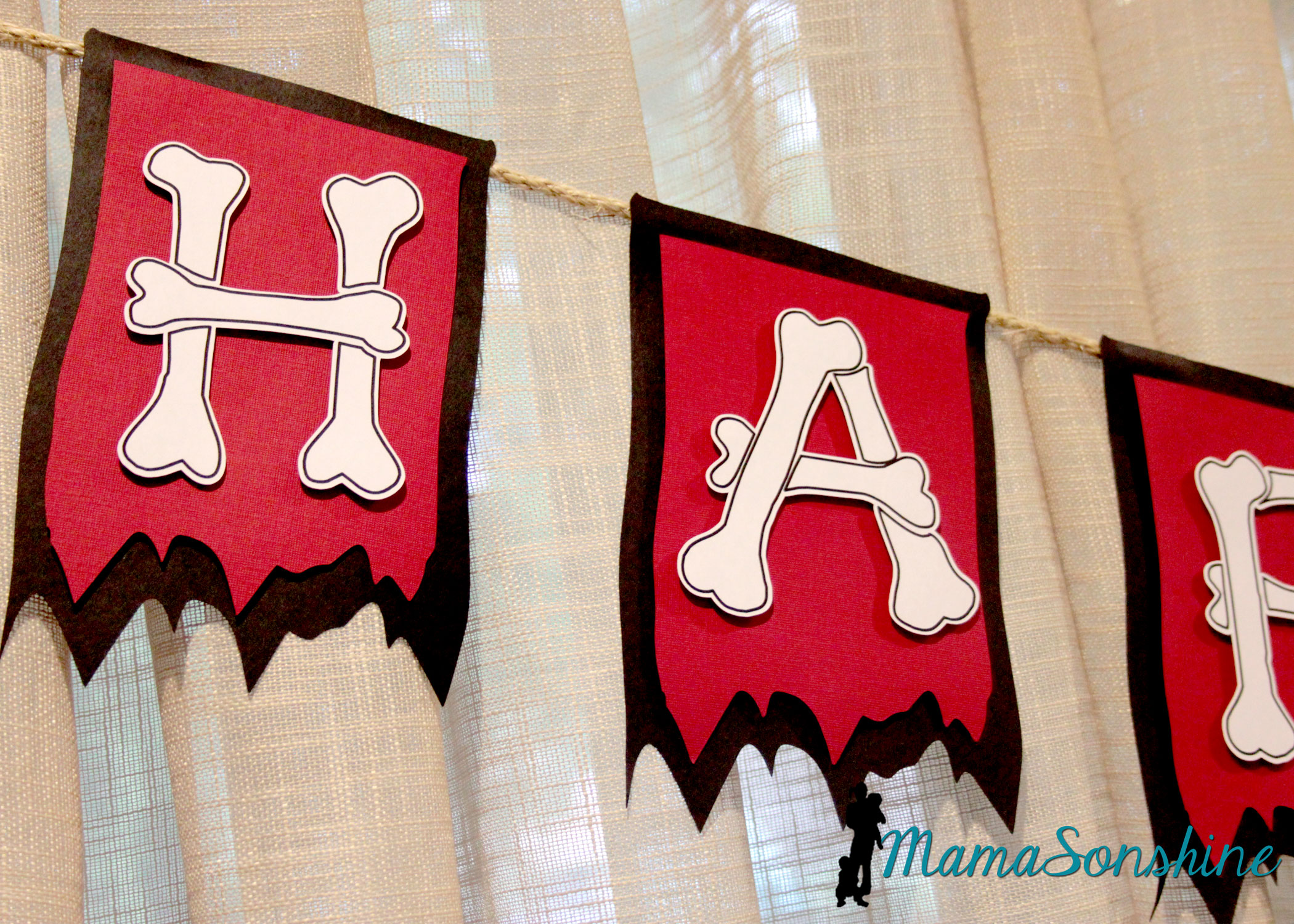
I really like how the layered flags turned out.

MSS_Pirates14

I wanted to use this bone font but each piece of bone on one letter is a cut line, so I used the offset tool to cut all around the letter.  I could have used a sketch pen, but I just printed them.

MSS_Pirates13

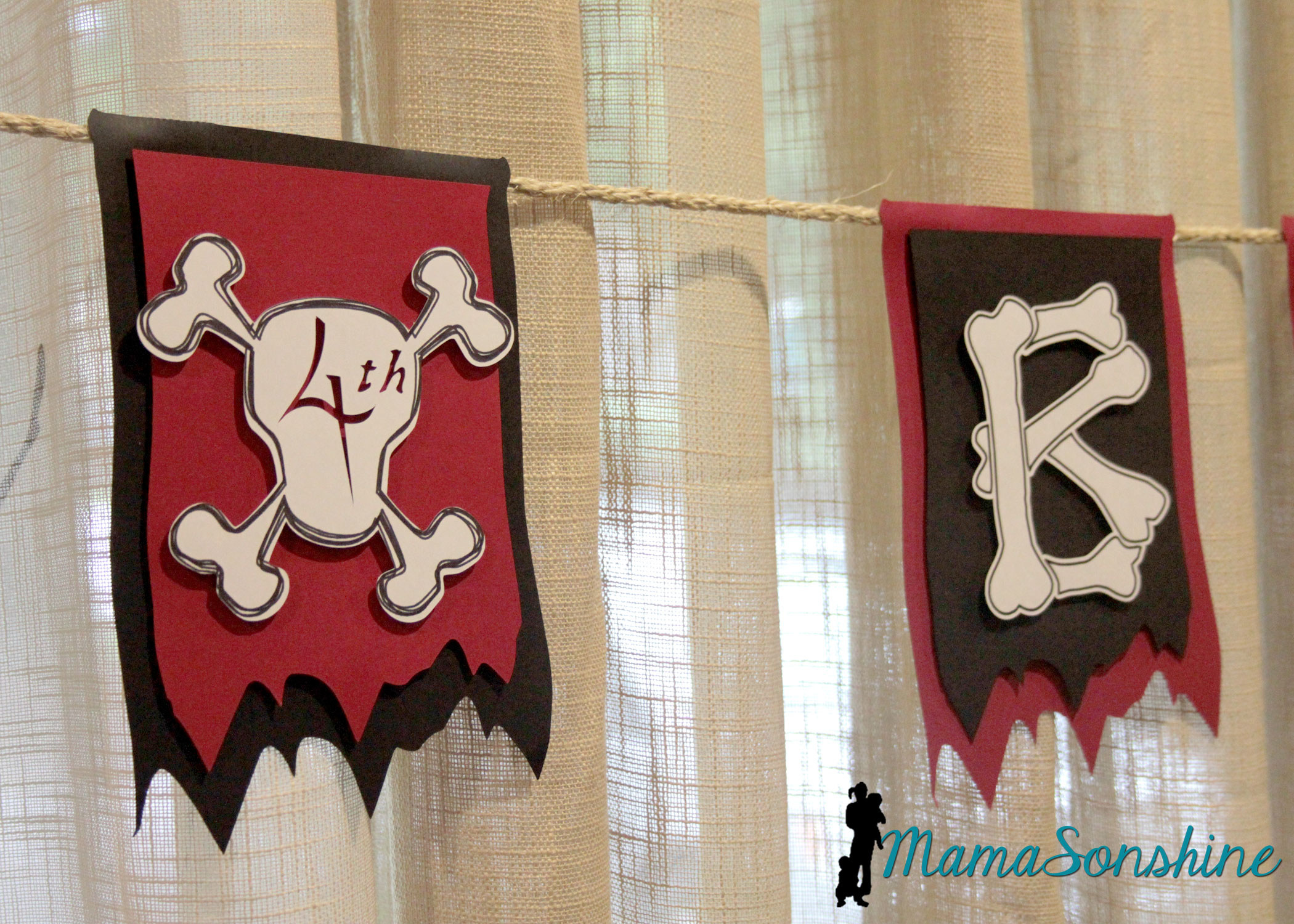
I used the custom design tool and the sketch feature to make the skull and cross-bones for the number part of the banner.  Instead of writing the number, I cut it out, so you can see the background color.  I used sisal rope to hang the banner across the window.

MSS_Pirates12

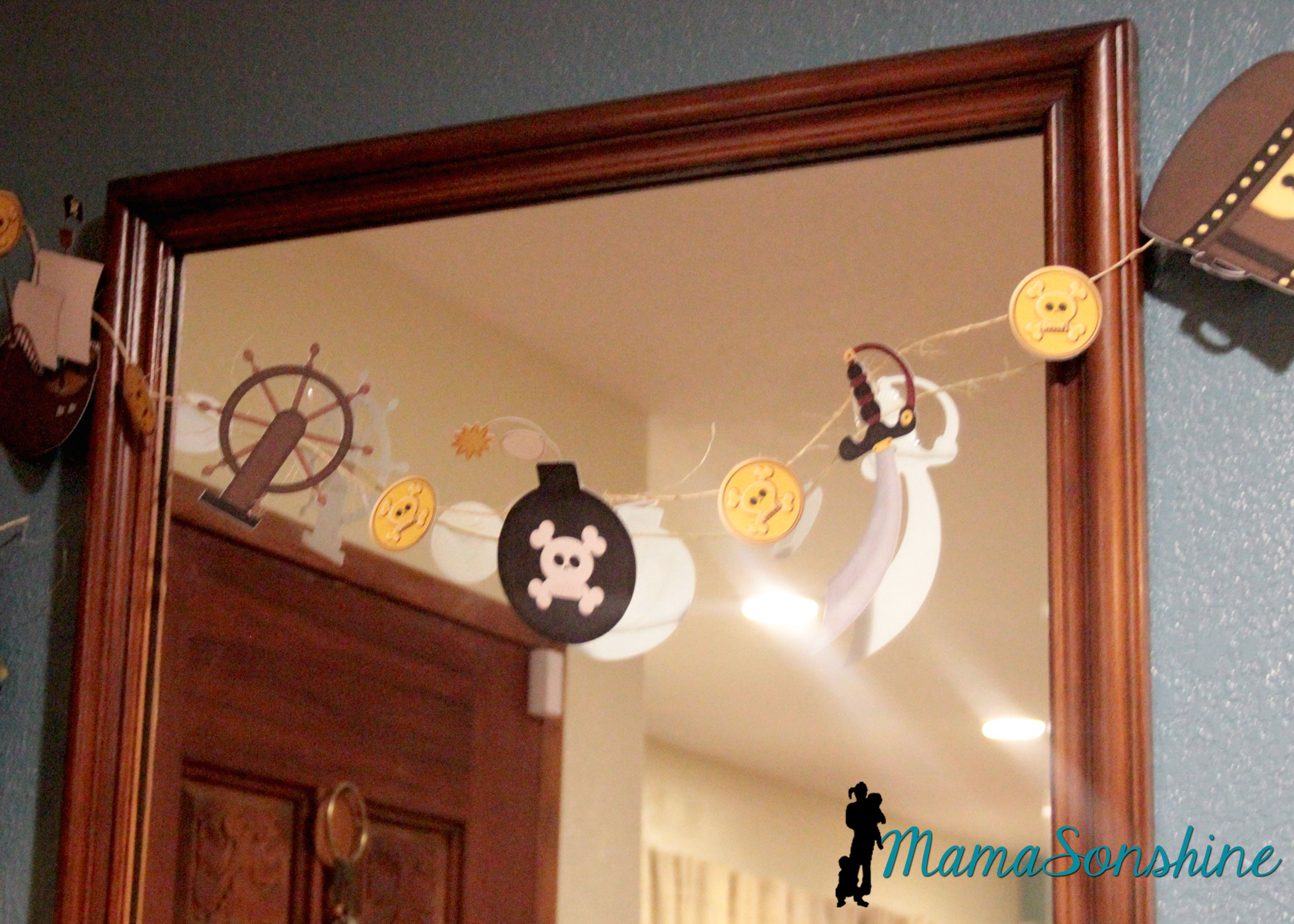
I also used the print and cut feature on the elements from the kit to make other banners.

MSS_Pirates05

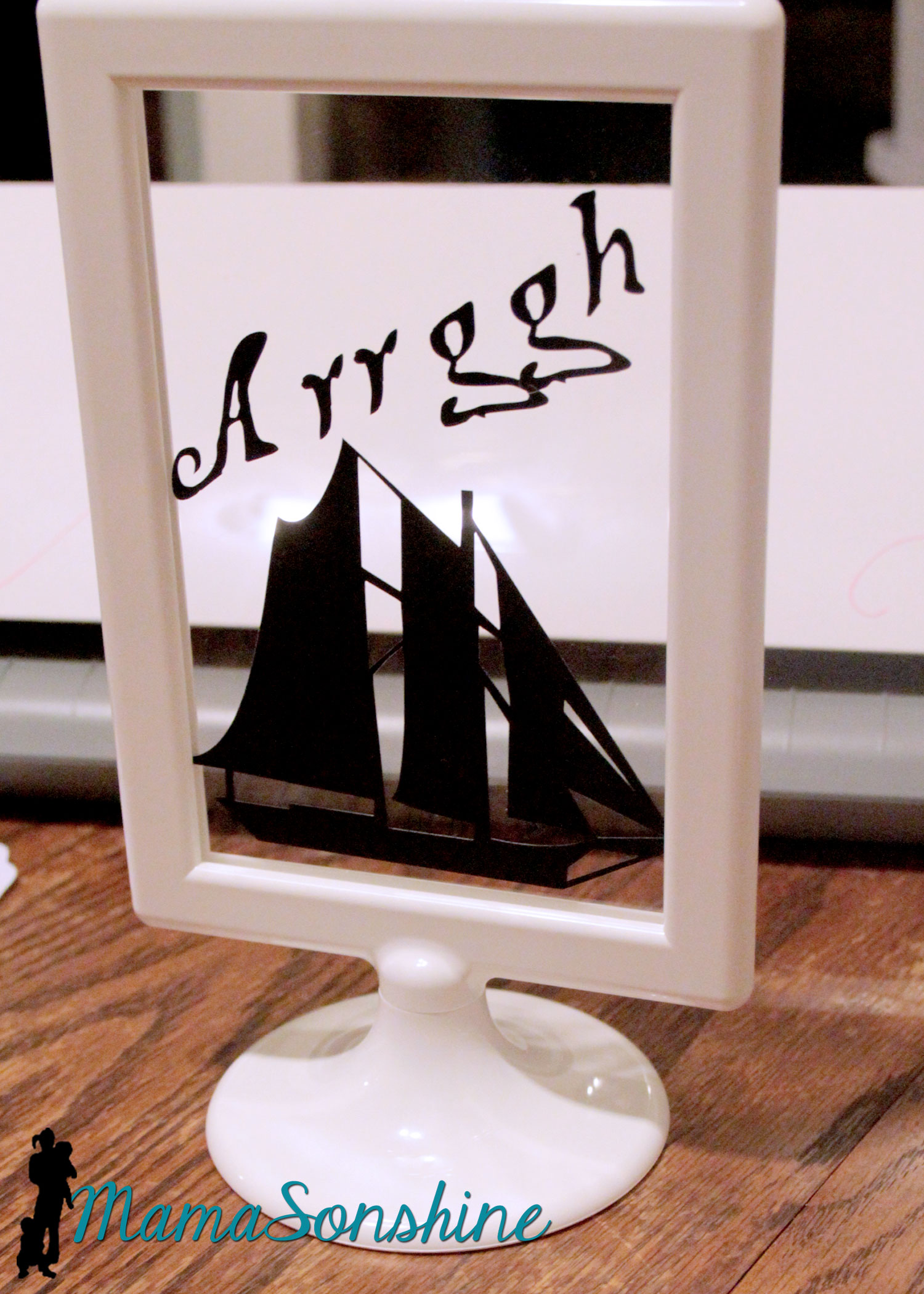
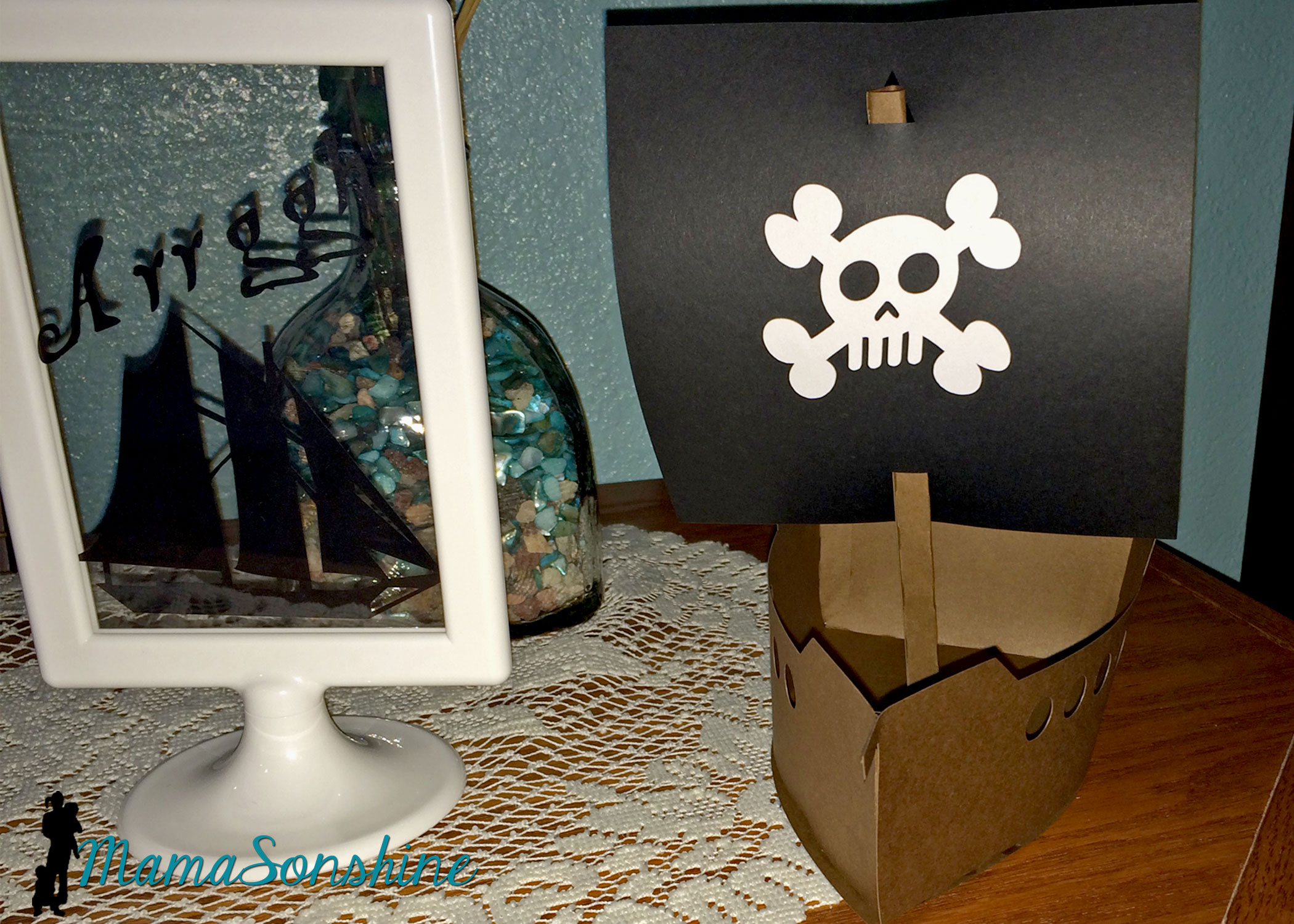
I cut out some pirate items as silhouettes and put them in these Tolsby frames from Ikea.

MSS_Pirates23

These are my new favorite party items, and they are really inexpensive and simple to adapt to any party.

MSS_Pirates43

I used black vinyl to keep the silhouette look.

MSS_Pirates29

I also purchased this 3-D pirate ship, from the Silhouette store with the idea that I would enlarge it for the center piece.  I had so much other work to do, that I just decided to use it as decorations.

MSS_Pirates28

These treasure boxes were too small to be used as the gift boxes, but they made great decorations.

MSS_Pirates40

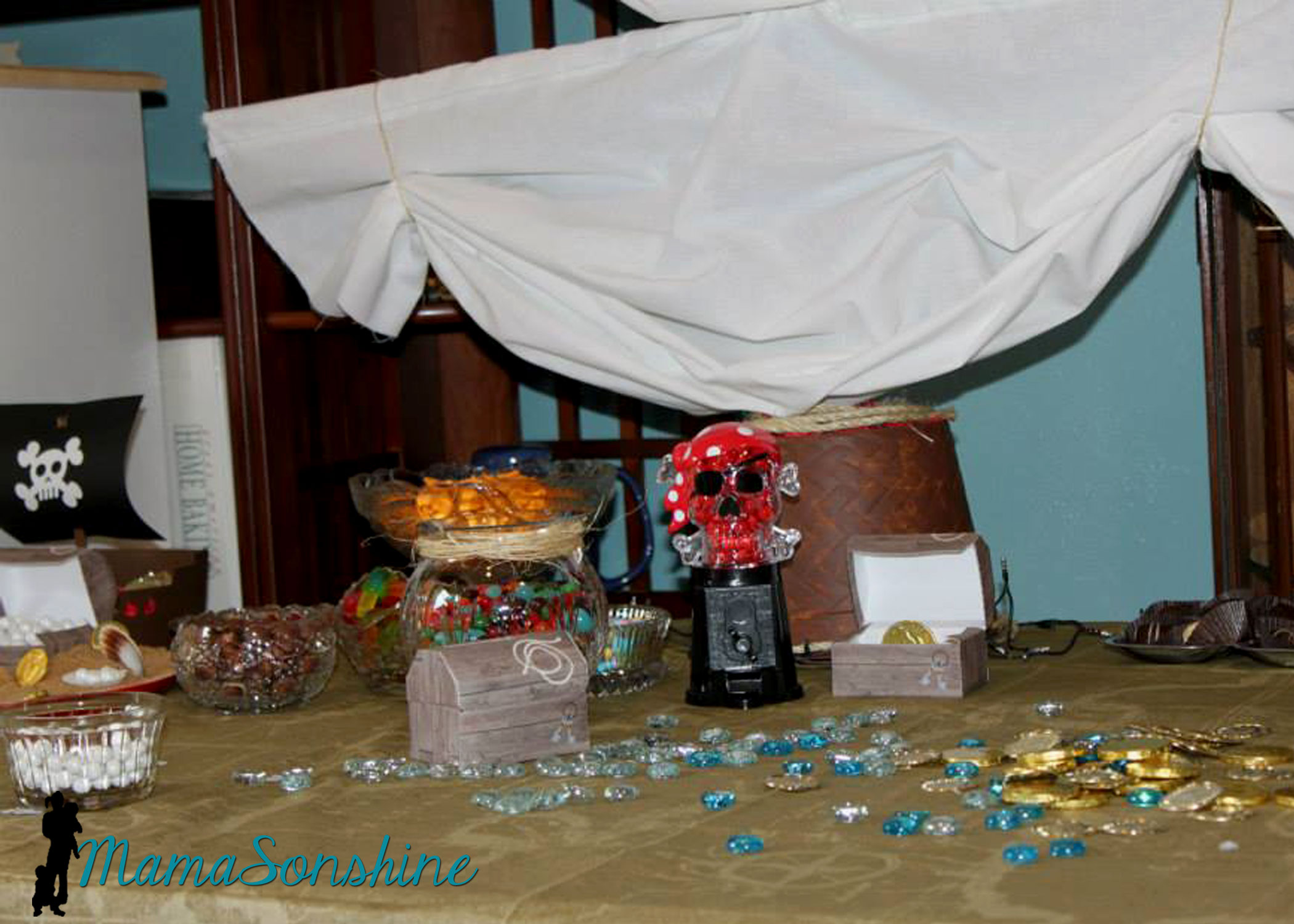
I filled them with glass stones and chocolate gold coins, and had them through out the house.

MSS_Pirates41

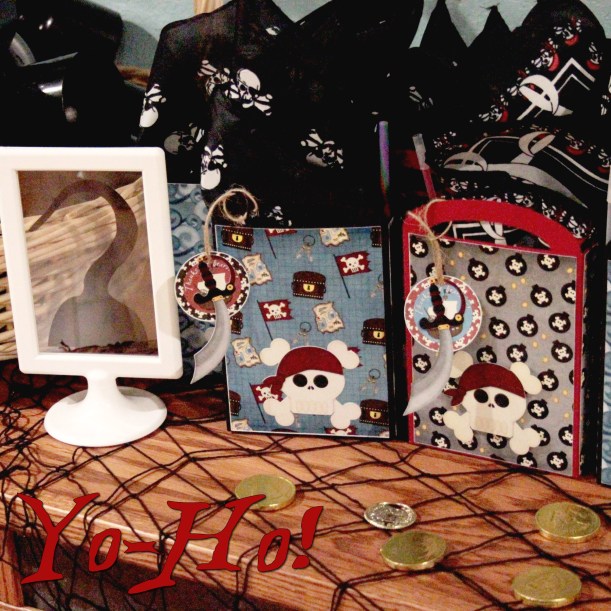
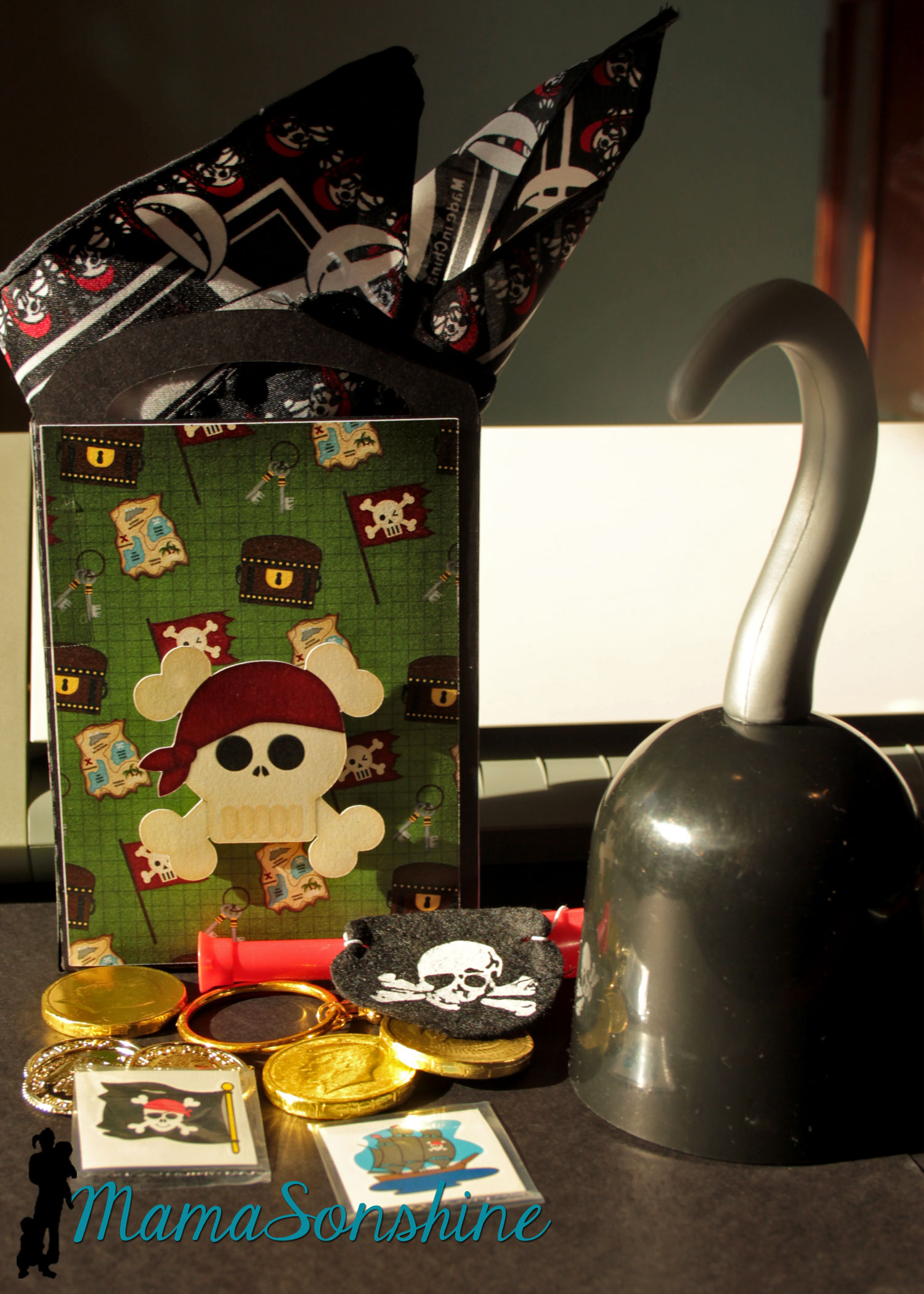
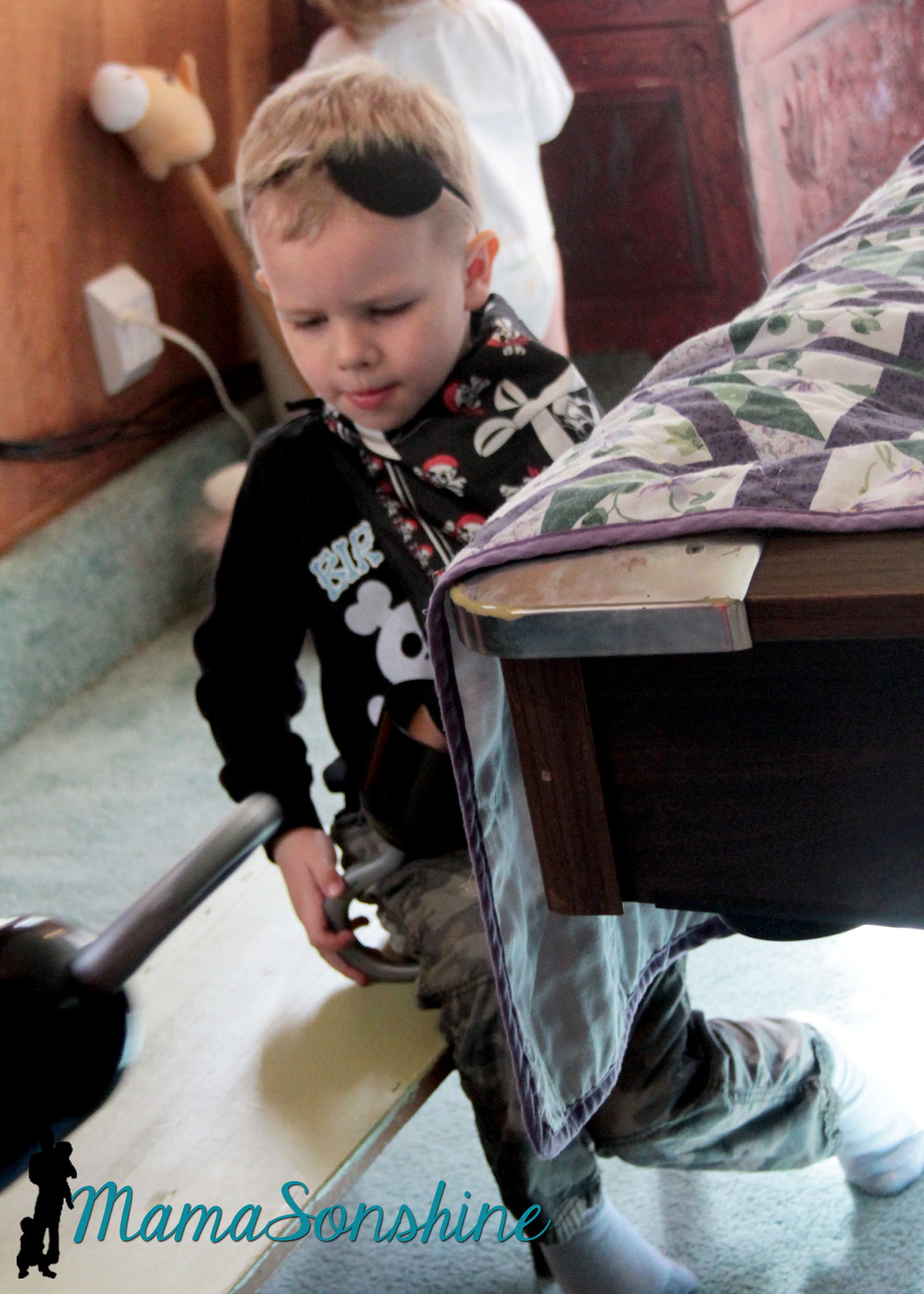
As a guest gift each kid got to take home a hook and a Thank You bag.

MSS_Pirates04

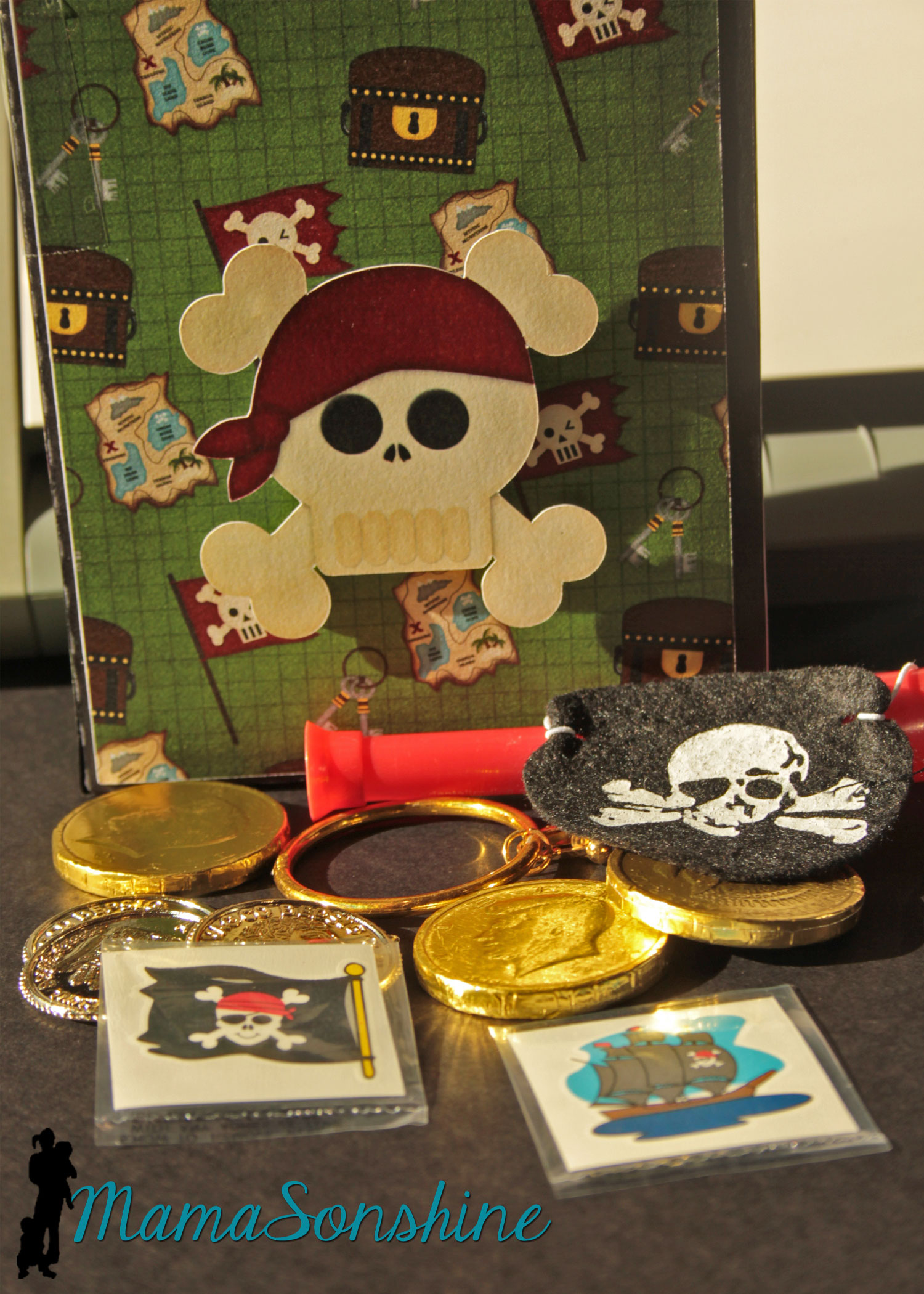
The tags say “Thanks me hearties!”  I also made the gift bags using the digital papers as the panels for the bags and black card stock for the bag base.  I used a variety of the papers included in the kit.  The skull was attached with foam dimensional tabs.

MSS_Pirates45

Each bag had a pirate bandanna, an eye patch, a pirate ear-ring, some tattoos, cold coins, chocolate coins, and a telescope.

MSS_Pirates44

The hooks wouldn’t fit in the bag, so the kids got to get them out of a basket.

The Table

MSS_Pirates15

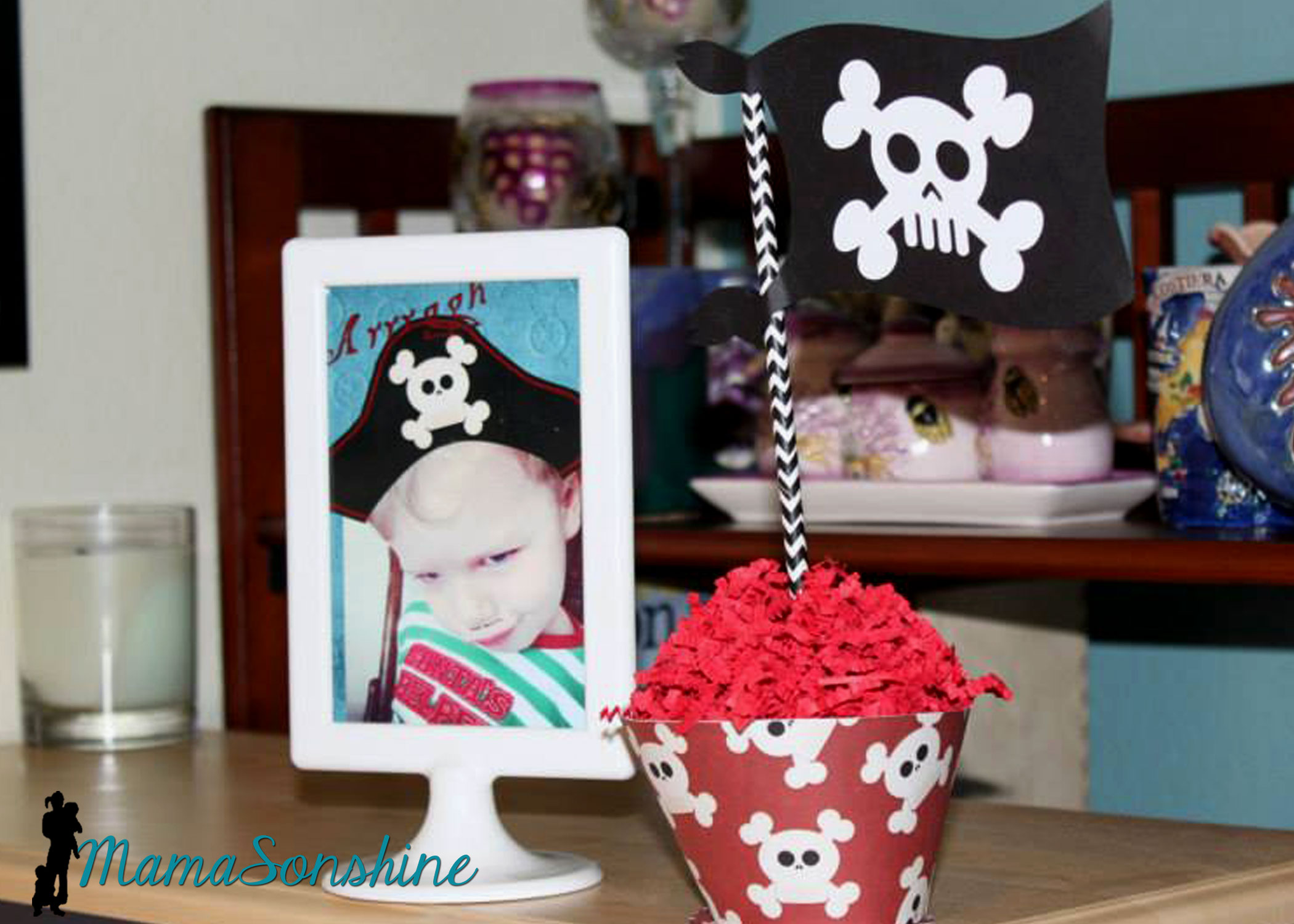
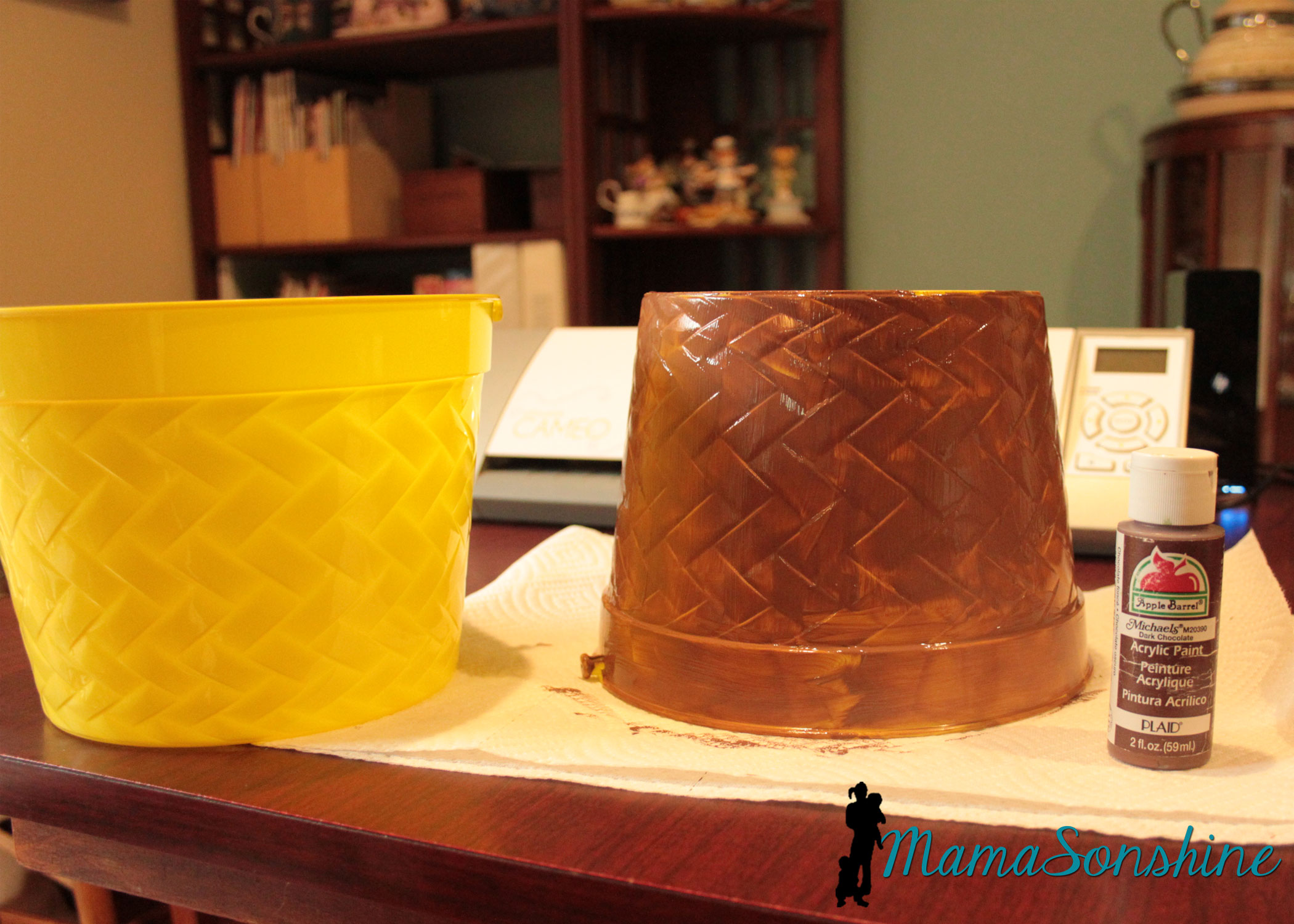
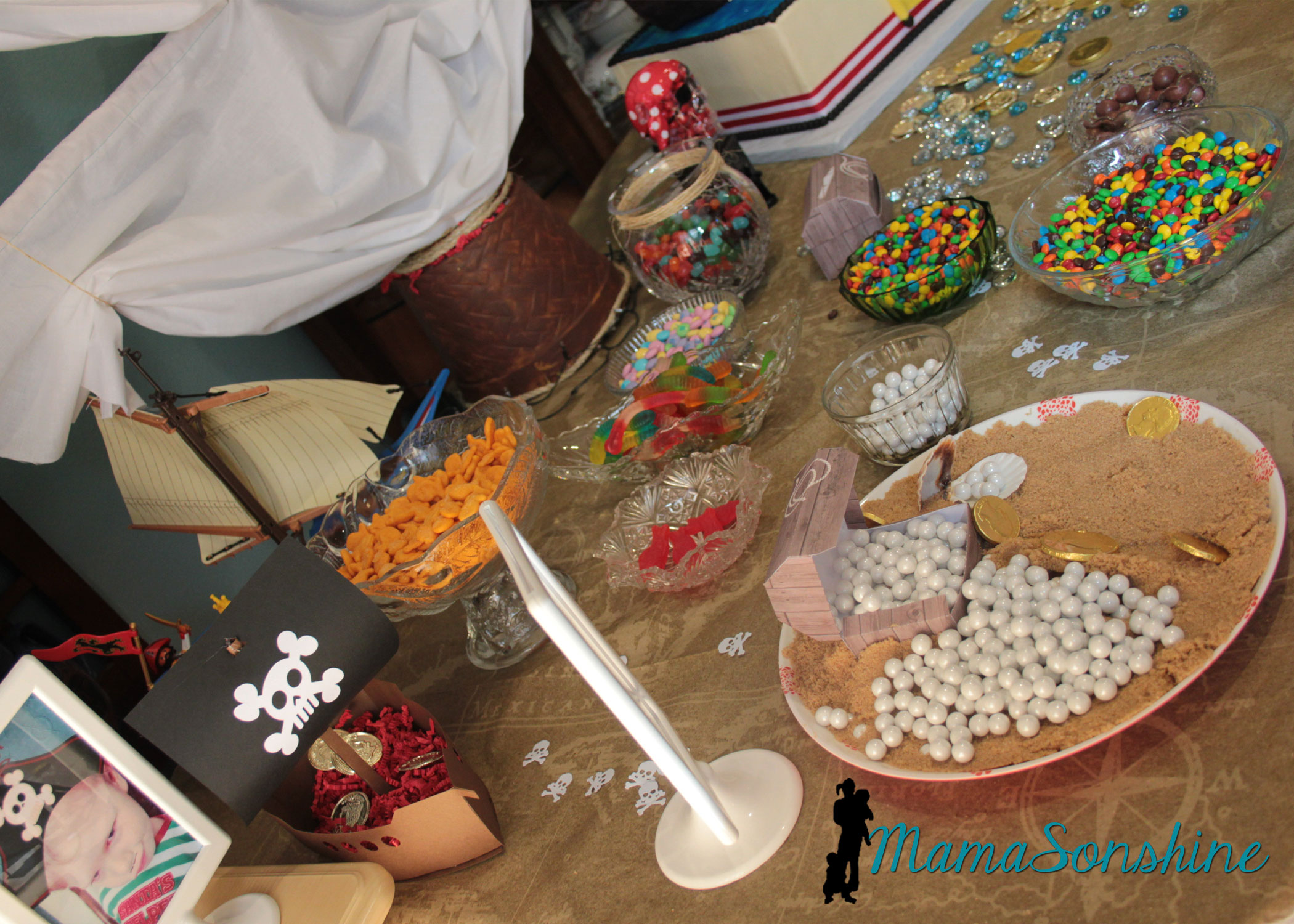
For the table center piece I took these Easter buckets I got at the dollar store and transformed them in to a mast from a boat.

MSS_Pirates47

I actually envisioned it much bigger, but the wooden dowels I had, limited the size.

MSS_Pirates35

Using the idea from Sid’s beach party, I made a plate with brown sugar sand and pearls (Sixlets) coming out of one of the paper treasure chests.

MSS_Pirates02

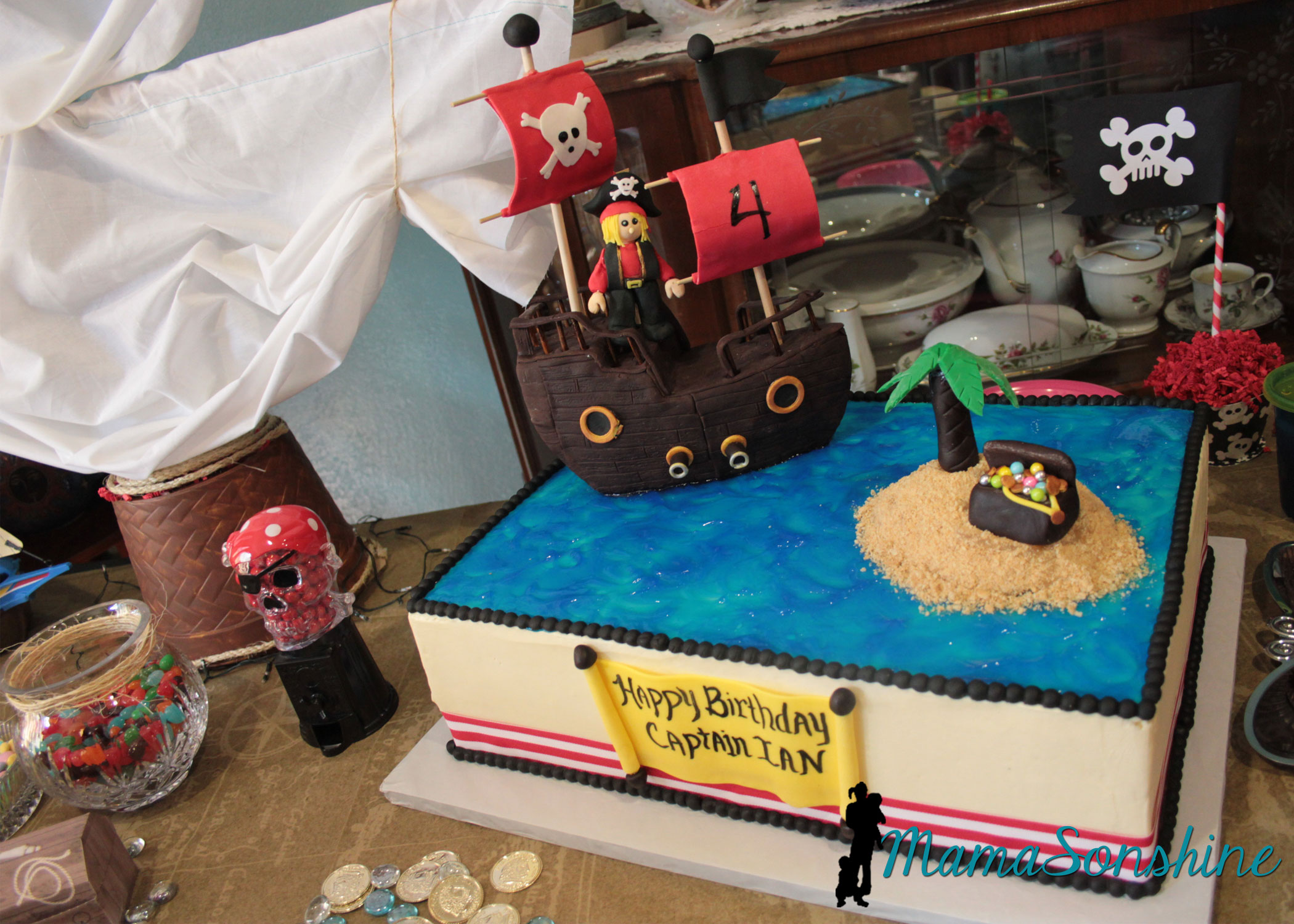
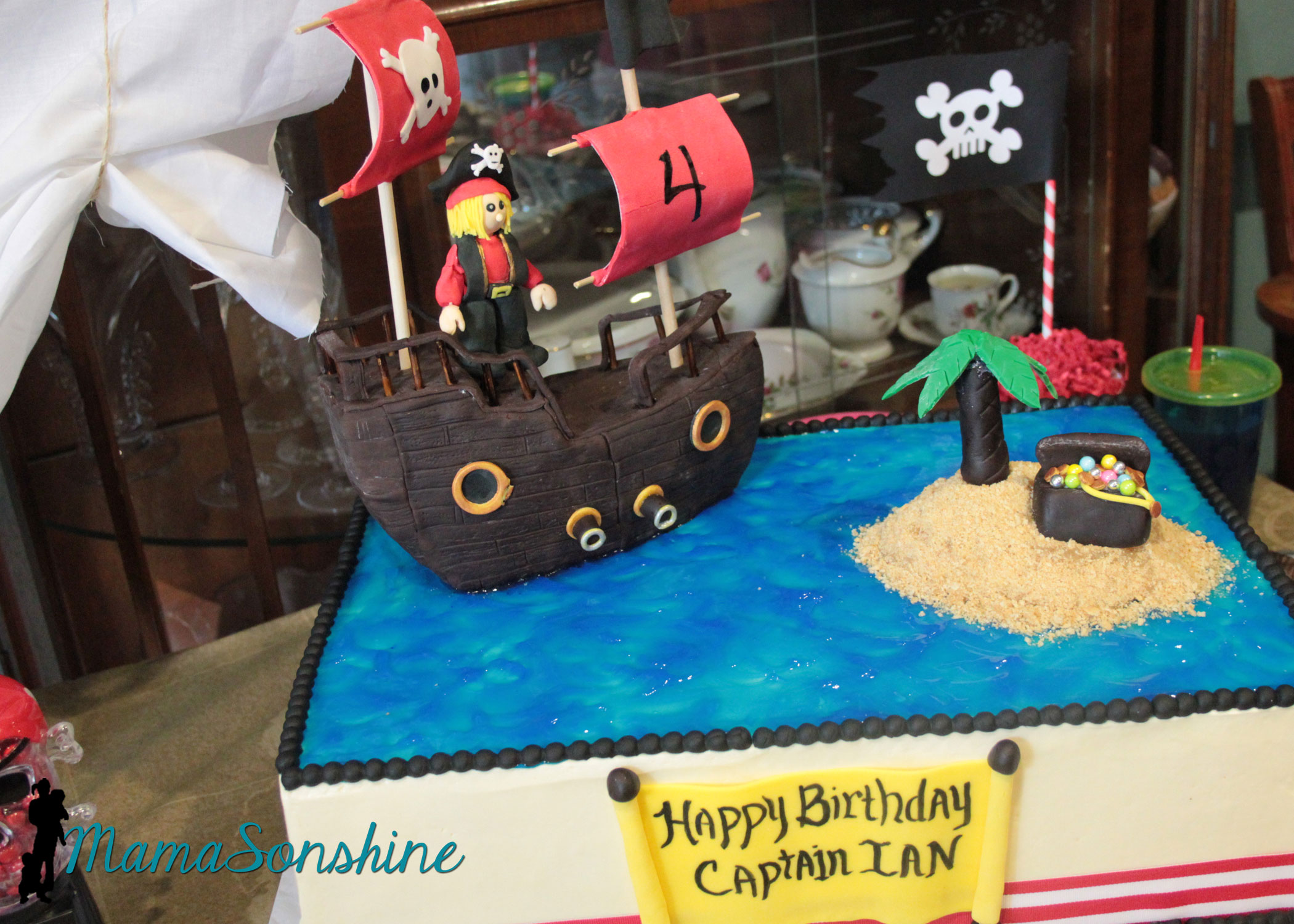
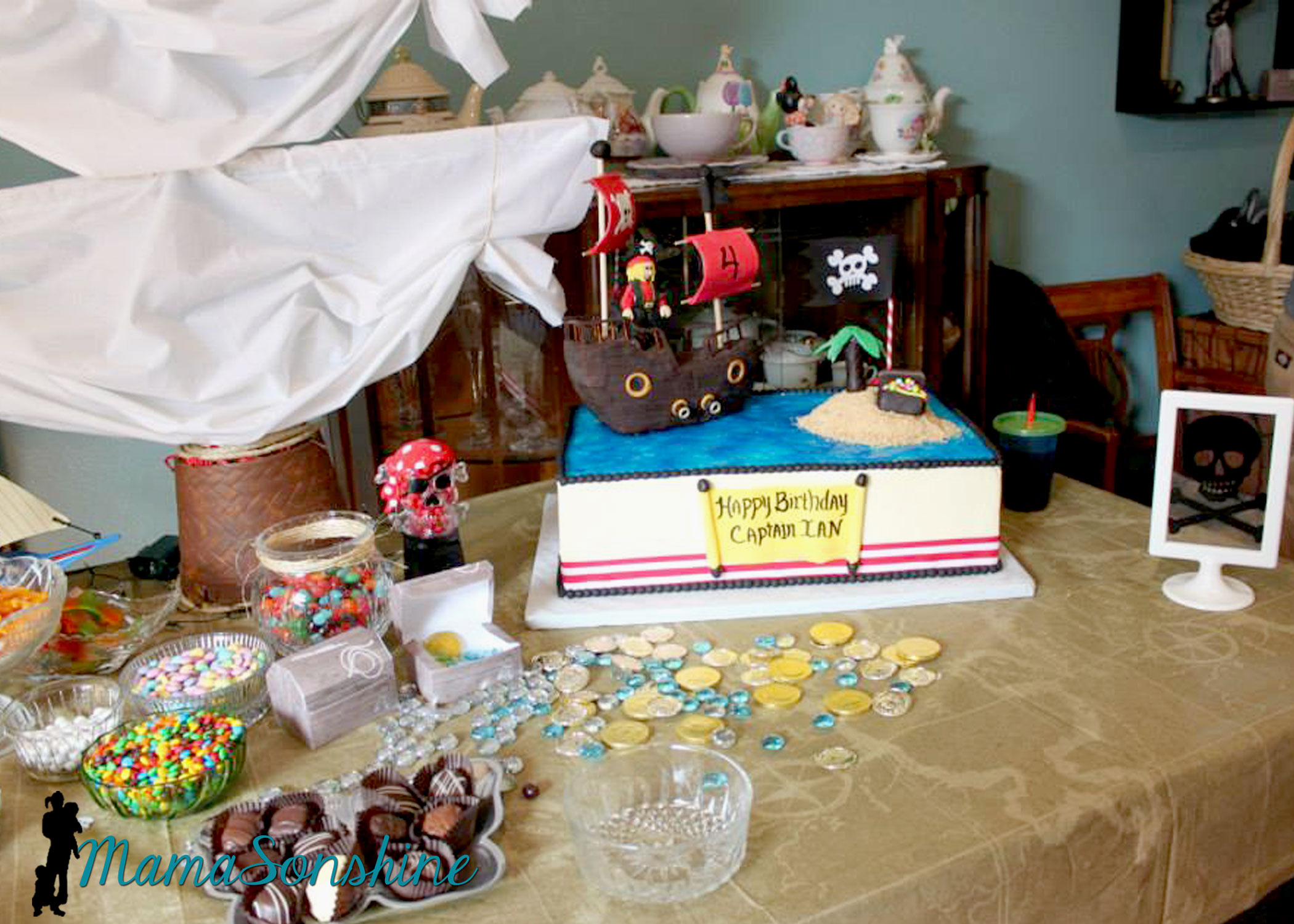
The cake

MSS_Pirates03

I did not make the cake, this awesome creation was made by my aunt.

MSS_Pirates01

MSS_Pirates32

This table-cloth was the most expensive paper table-cloth I have ever purchased, but I absolutely loved it.  The skull candy dispenser was the one thing my son said he had to have at his pirate party.

MSS_Pirates31

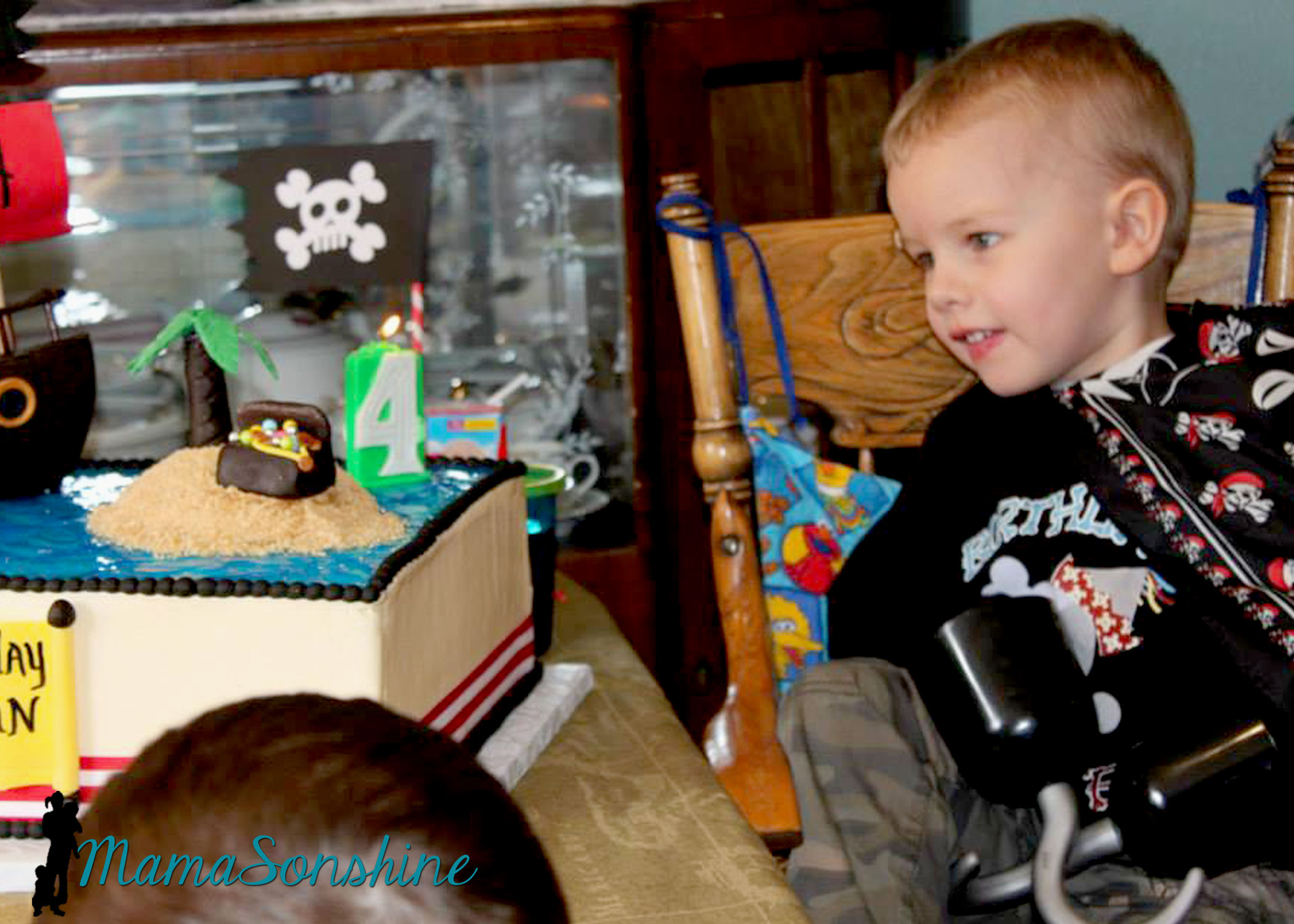
My son likes to wear his bandana as a pirate cape.

MSS_Pirates33

The drink labels were also made using the Cameo’s print and cut feature.  Have I told you how much I love that feature?

MSS_Pirates19

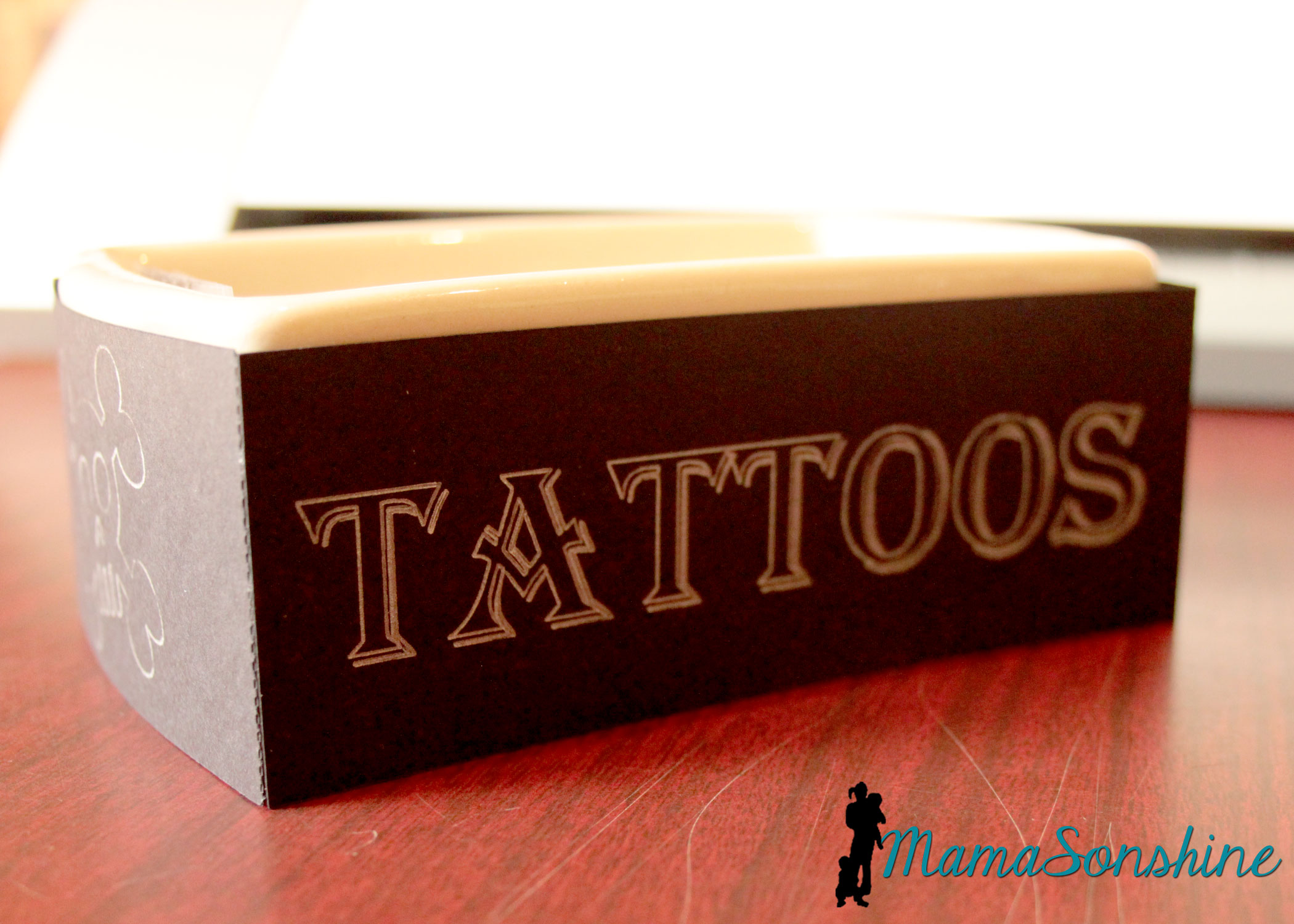
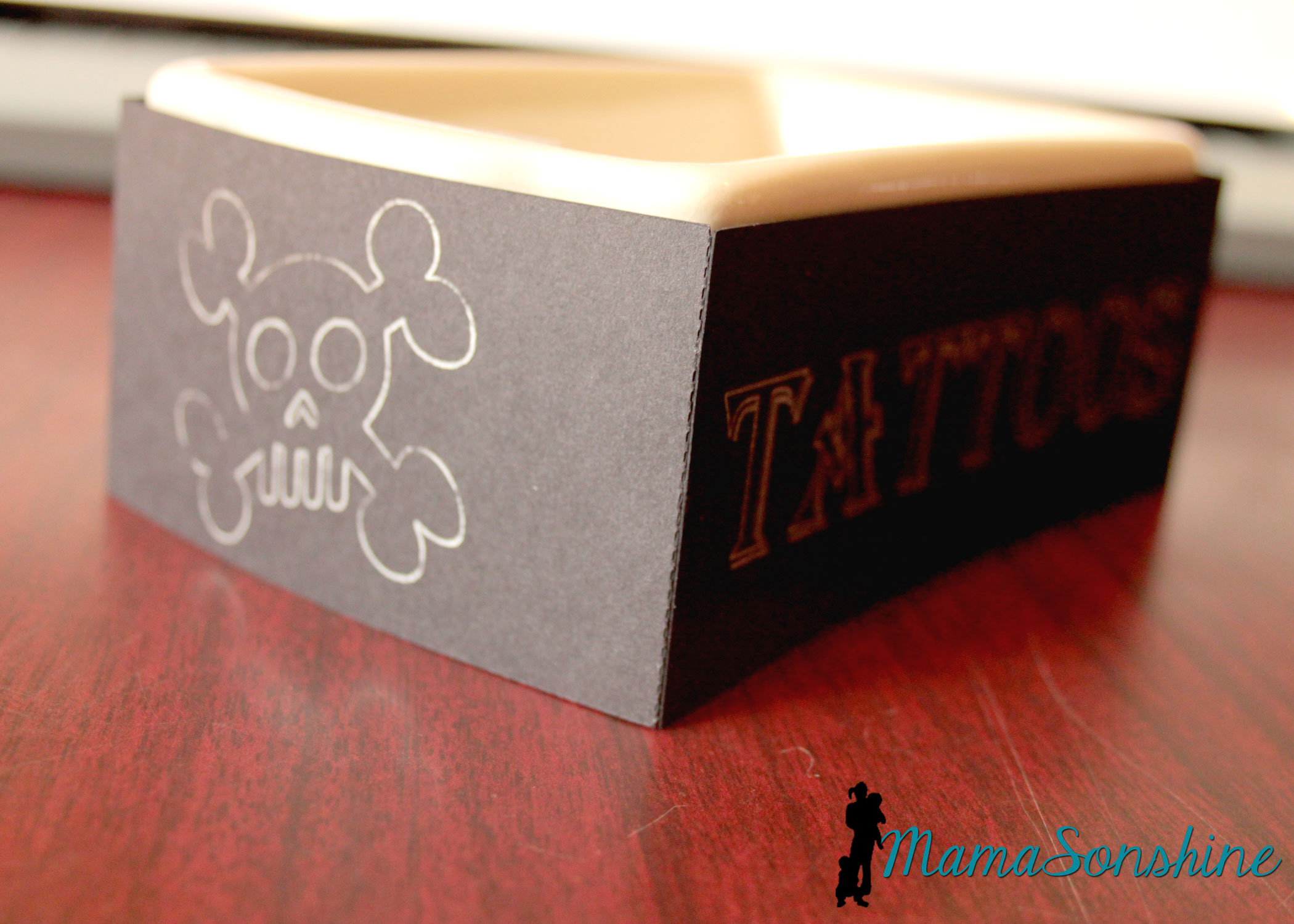
We had some extra tattoos so I transformed a dish my mom had.

MSS_Pirates18

I used the sketch pens on the cameo.  It was really easy and something I did at the last-minute, but wouldn’t have if I didn’t have my Silhouette.

MSS_Pirates17

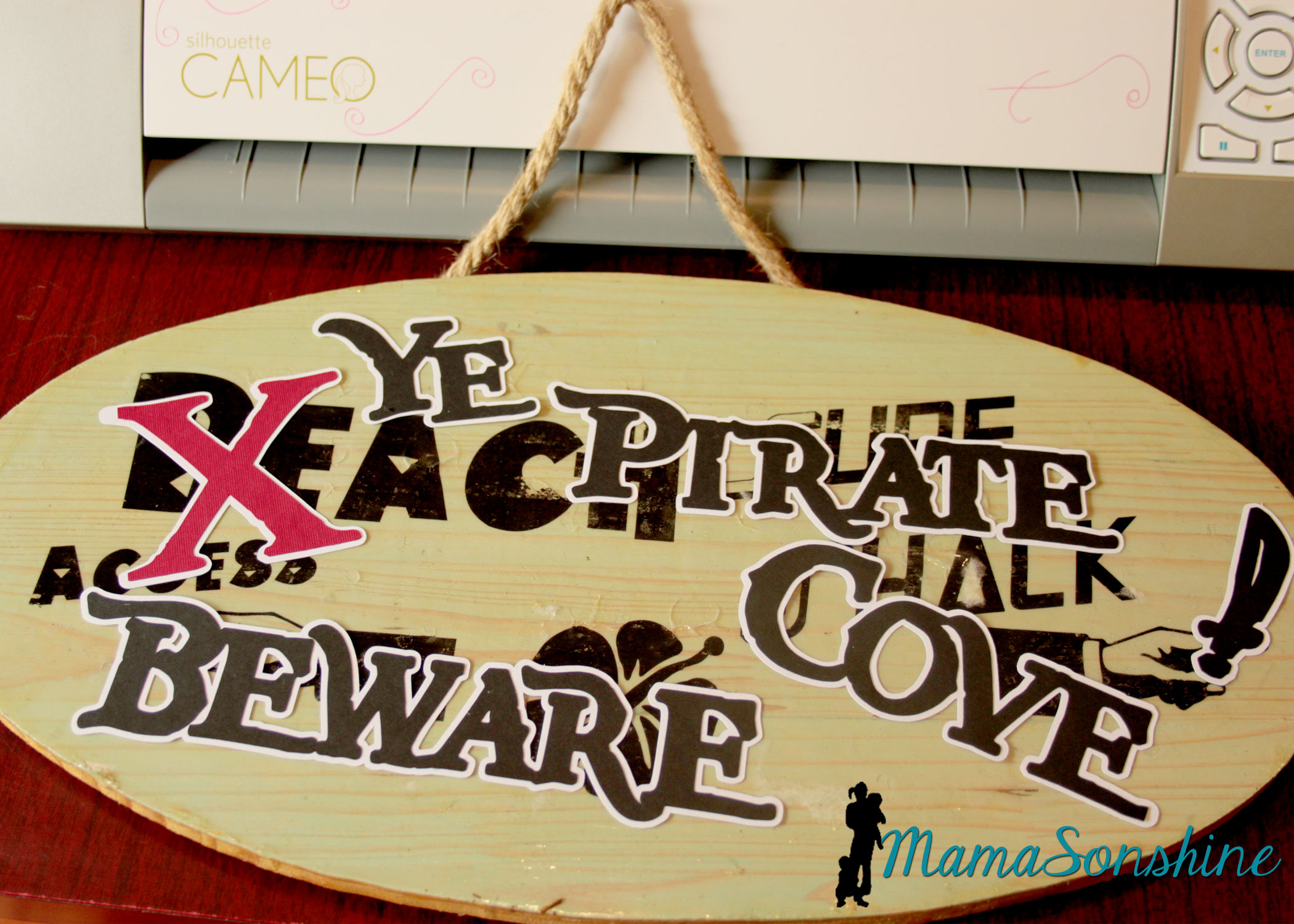
I took the sign I made for Sid’s beach party and cut out letters to make it look like Pirates had taken over the beach.  I was going to redo the sign, but my mom wanted to keep the original, so I had to make something temporary.  She has kept the sign up on the front of her house since Sid’s party.

MSS_Pirates20

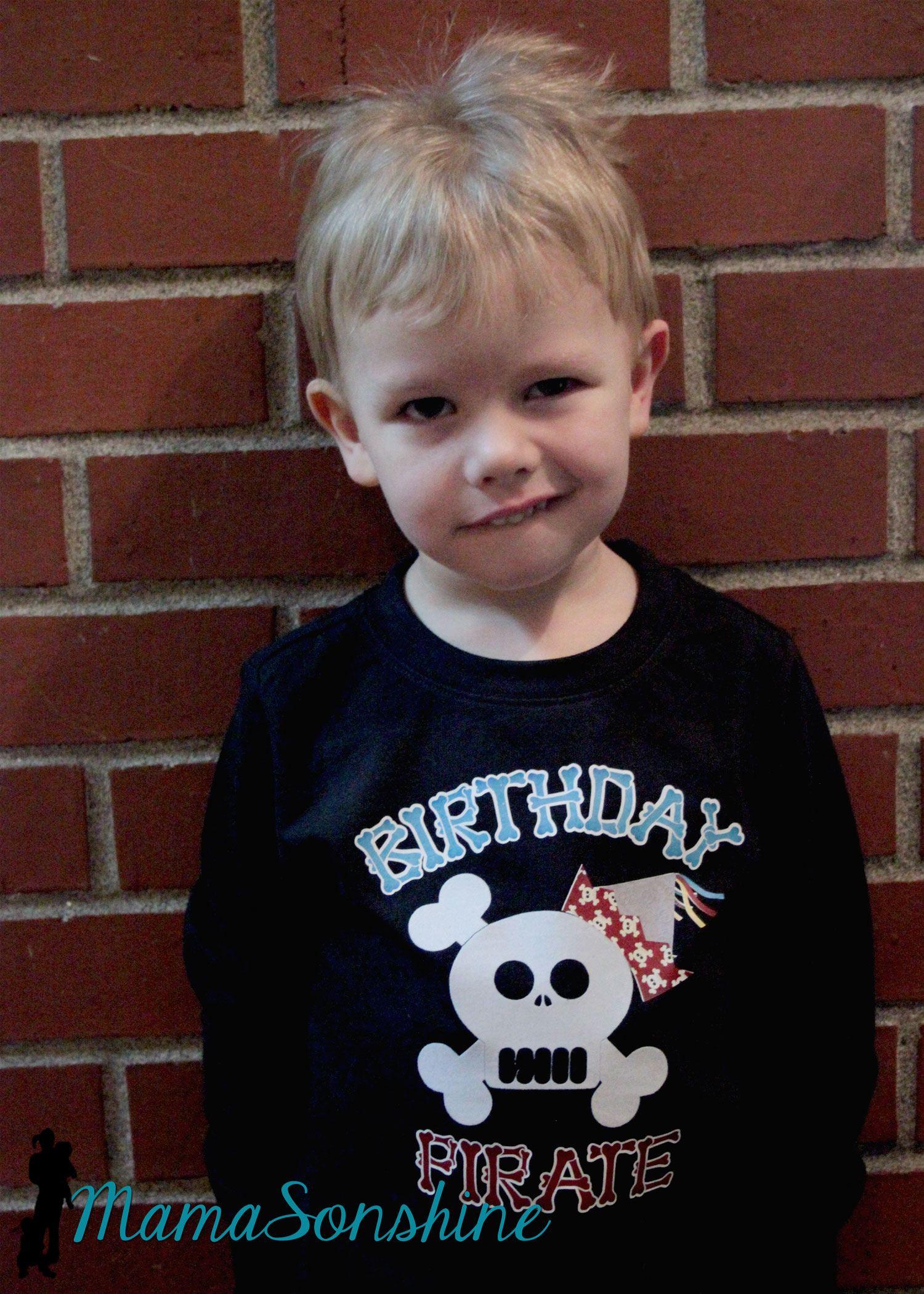
Of course the night before I decided to make Sid a shirt to wear for the party.  Then I realized I had to make Ian one in a similar style, even though I had already made him a birthday shirt.

MSS_Pirates08

Here is the birthday shirt I originally made for his party.

MSS_Pirates42

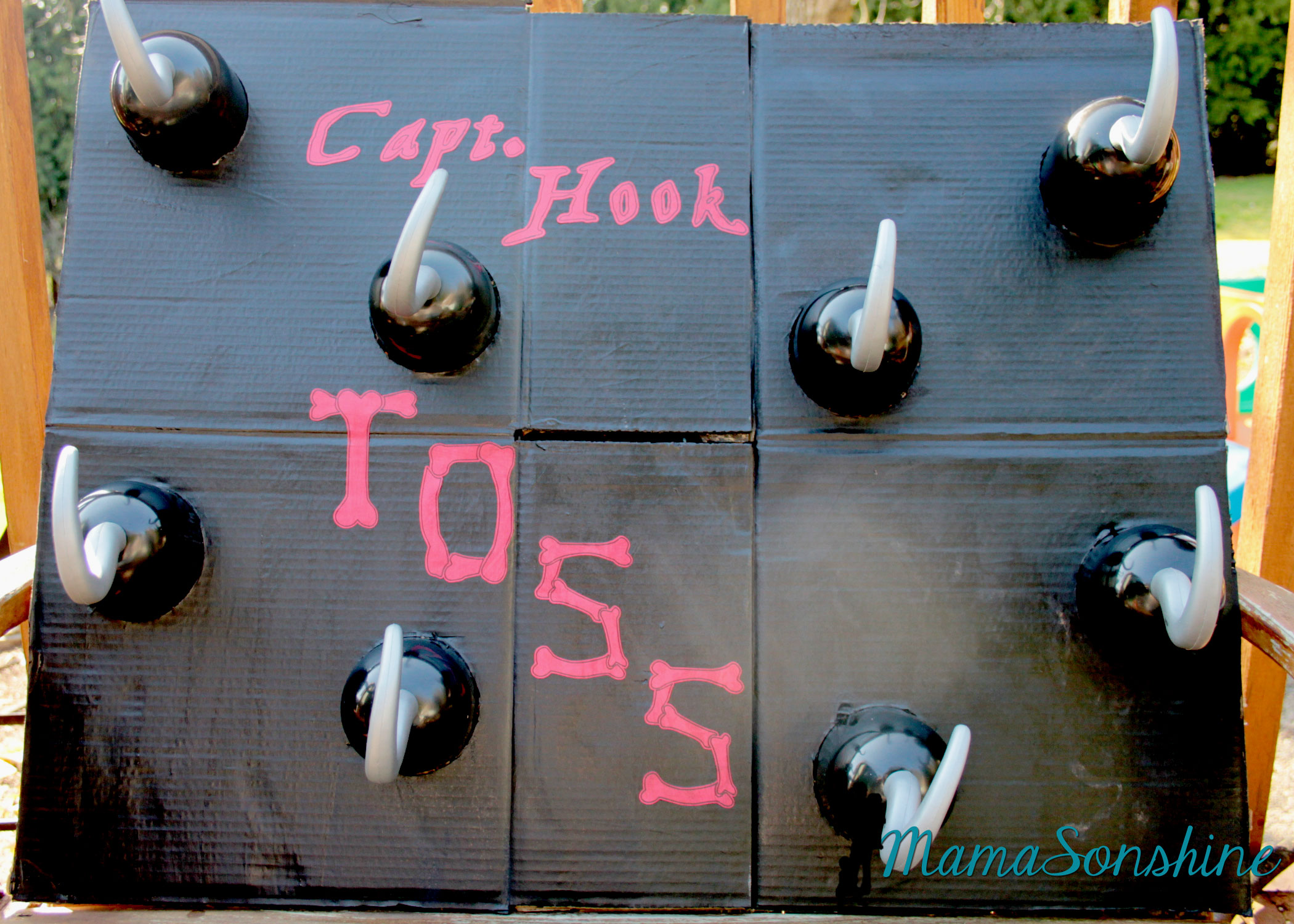
I ordered extra hooks to make a Hook Toss game.

MSS_Pirates22

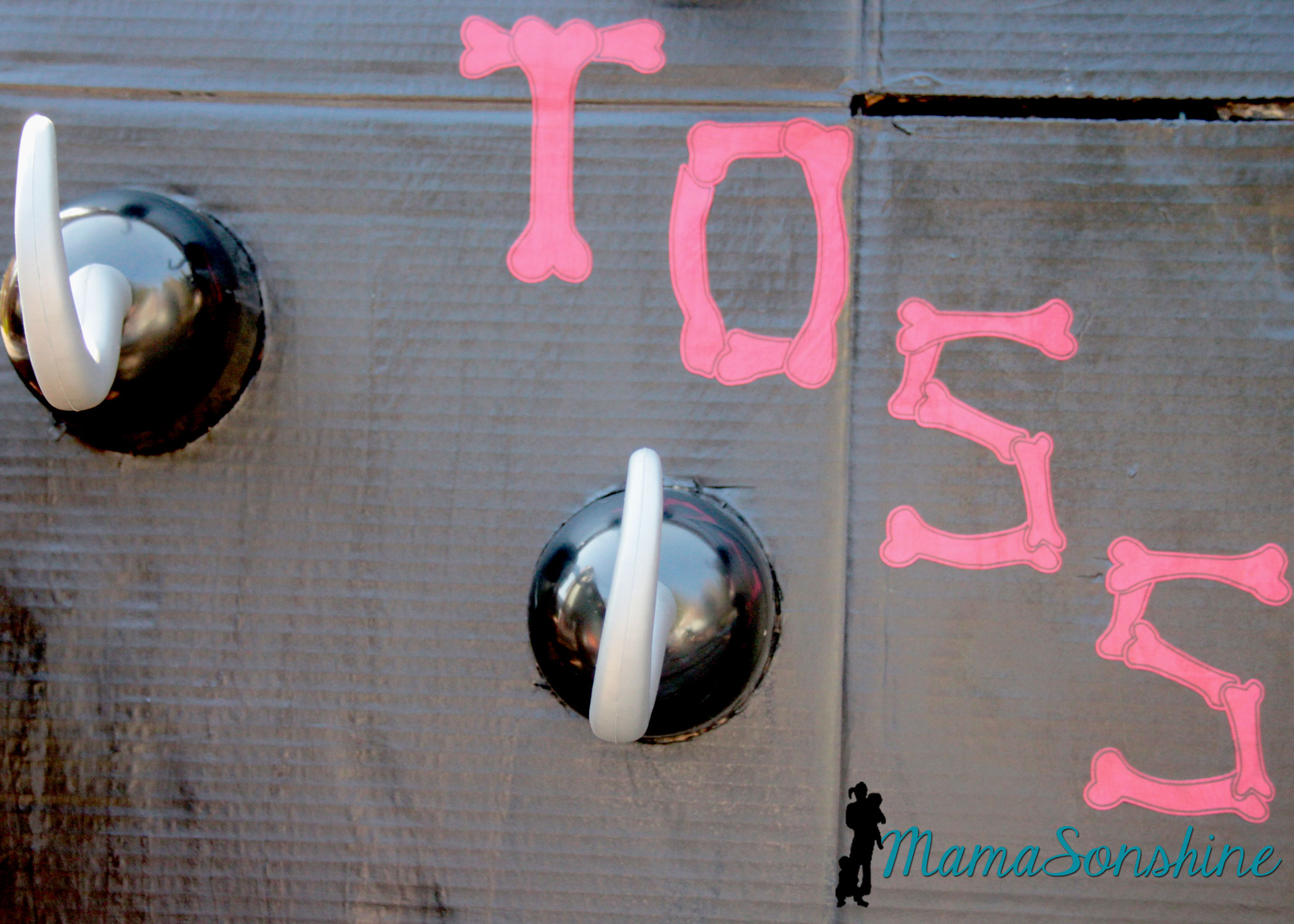
I just cut circles out of a cardboard box and painted the flattened box.  I used my cameo to cut the letters out of cardstock and Mod Podge to glue them on.

MSS_Pirates21

Baby Sid loved playing the hook toss game.

MSS_Pirates50

It was super difficult to get a picture of the birthday boy, he was in constant motion that day.

MSS_Pirates49

Since it was March in the Pacific Northwest, we couldn’t let the kids play outside.  The kids got walk the plank in the basement.  I used a wood board my mom had, some step stools and the kid pool.  I thought about filling it with those plastic balls you find in a ball pit, but didn’t have time to order them.

MSS_Pirates48

The kids didn’t need anything to jump into.  They loved the plank just the way it was.

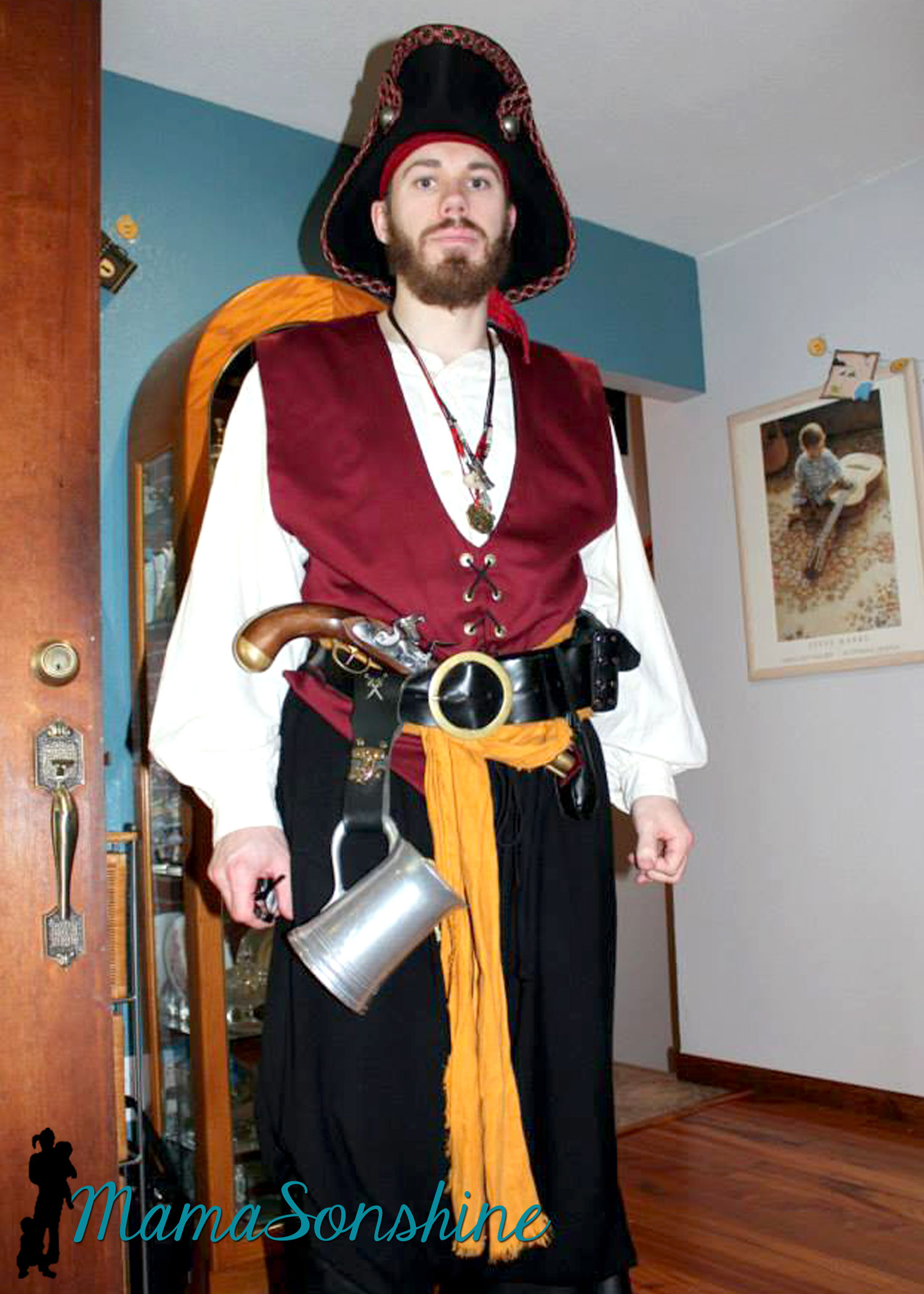
And what kind of pirate party would this be without a real pirate?

My cousin is part of a pirate group in Portland and he was kind enough to show up in full pirate grab.  He was the hit of the party!
MSS_Pirates36

It was a busy day but Ian loved his party.

MSS_Pirates30


Thanks for visiting, remember to Shine On


Dawn Marie

facebook instagram pinterest parties by mamasonshine etsy bloglovin google+ email twitter Image Map


Want to Check Out More Silhouette Projects?

My Silhouette Challenge buddies and I are all sharing projects on our blogs today, so pursue the projects below for a wealth of Silhouette inspiration!

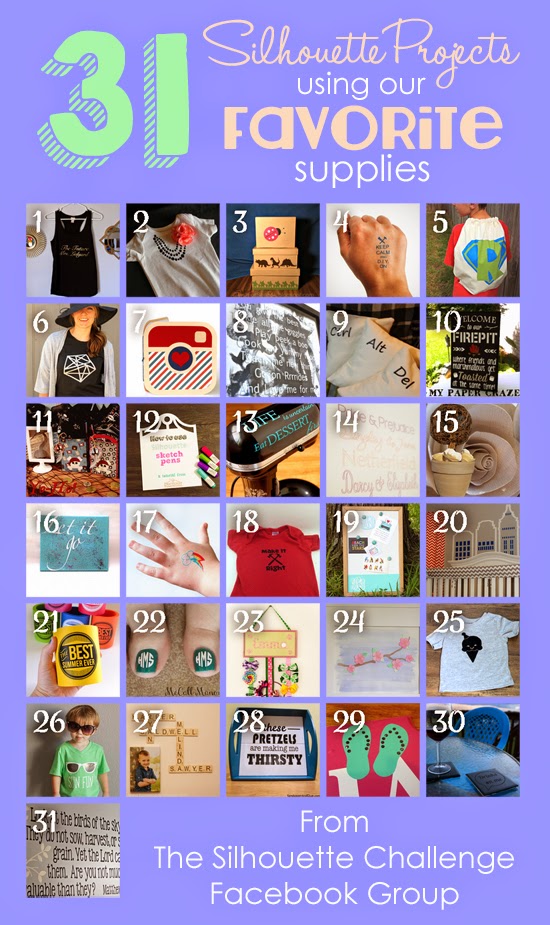
A Gift for the Bride-to-Be Silhouette Challenge: My Favorite Things My Favorite Things Keepsake Box Printable Tattoos for Crafters & DIYers Super Hero Backpacks Geometric Two Tone Shirt Refashion Instagram Paper Album Reasons I Love Daddy Ctrl Alt Del Pillows Outside Decor: DIY Pallet Board Sign Yo-Ho It's a Pirate Party How To Use Silhouette Sketch Pens Combining My Favorite Things, Baking and Crafting - July Silhouette Challenge Pride & Prejudice Subway Style Art Favorite Silhouette Challenge Just umm, Let it Go Temporary My Little Pony Tattoos Mike Holmes Baby Onesie Monogram It: A Memo Board Makeover Super Room Redo The Best Summer Ever Freebie and Tutorial Summertime Toes Crafty Girls Hair Accessories Holder Watercolor Wall Art Ice Cream Cone T-Shirt Sun Fun Shirt Family Wall Art: Scrabble Edition Serving Tray Upcycle Making Custom Rhinestone Designs Etched Glass Coasters Church Nursery Wall Quote

1. Just a Girl and Her Blog // 2. The Frill of Life // 3. A Time For Seasons // 4. The Thinking Closet // 5. Ginger Snap Crafts // 6. Grey Luster Girl // 7. Simply Kelly Designs // 8. Home At Eight // 9. Please Excuse My Craftermath… // 10. My Paper Craze // 11. Mama Sonshine // 12. Practically Functional // 13. Adventures in All Things Food // 14. Two Purple Couches // 15. Dragonfly & Lily Pads // 16. Sowdering About // 17. Cutesy Crafts // 18. My Mom Made That // 19. Pitter and Glink // 20. Pineapples And Pinecones // 21. Dream a Little Bigger // 22. McCall Manor // 23. TitiCrafty // 24. unOriginal Mom // 25. Persia Lou // 26. Lil Mrs Tori // 27. Home. Made. Interest. // 28. Sandpaper and Glue // 29. Silhouette School // 30. Creative Ramblings // 31. My Favorite Finds