Fall is in the air, and for us, that means it’s Halloween time!
Ian loves Halloween. I mean loves it.
Not just the candy, but the costumes and decorations too. Since this month’s Silhouette Challenge theme was fall I just knew I had to make something for Halloween.
If you remember from last year I made a candy treat folder and popcorn box for the kids at Ian’s school (those are a couple free printables if you want). Well that was pre-Silhouette. Now I can make things a little more intricate.
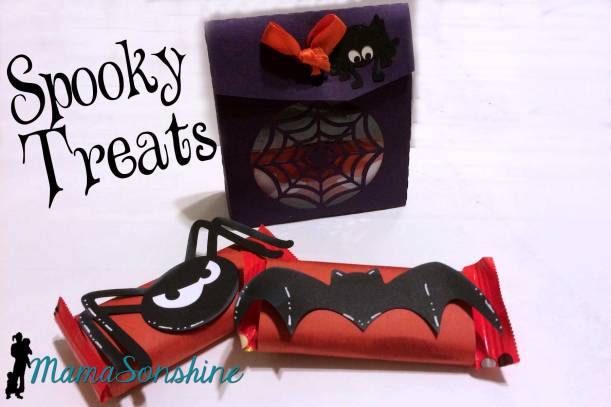
First I created a little gift bag for the kids at Ian’s school.
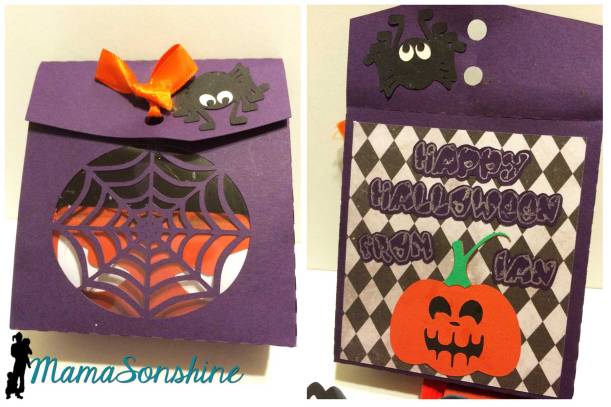
I created the bag with a little spider web window, and it is the perfect size for a couple treats and some stickers.
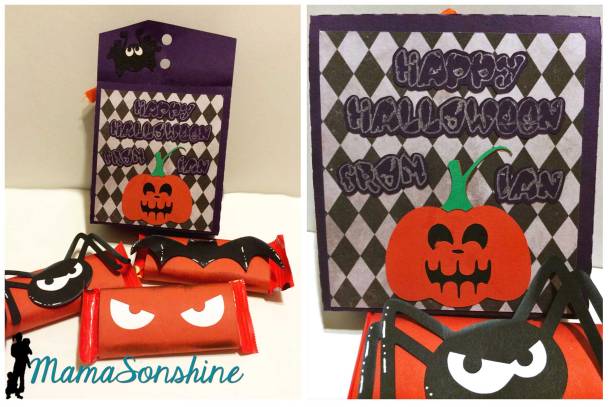
On the back panel is the sentiment and a little pumpkin. Of course I had to make some cute little wrappers for the candy.
I really like how the window turned out, and I glued a plastic sheet inside so the web doesn’t break.
But I didn’t stop there…
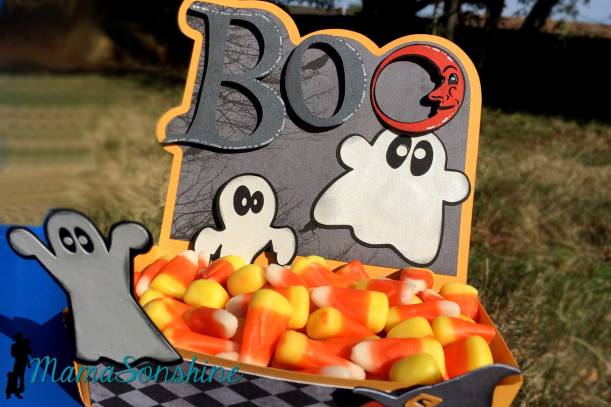
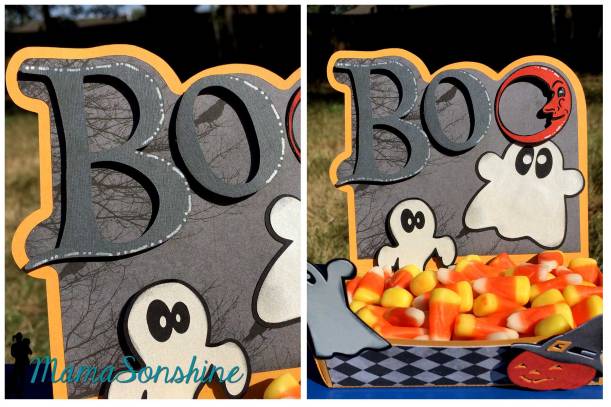
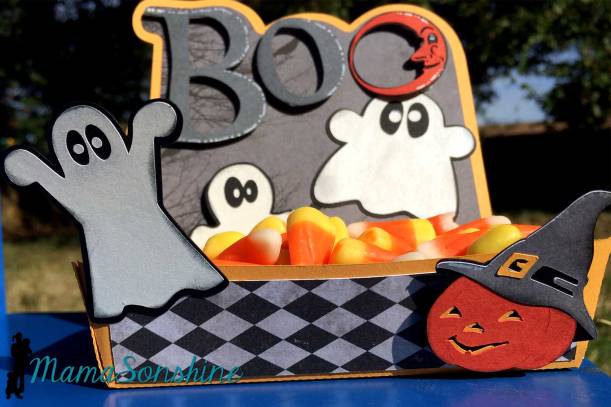
I decided to make a little candy dish, perfect for Candy Corn.
I used a hot dog boat file from Oh Happy Day as the base of the dish. I extend the dish up the back so I could create a little spooky Halloween scene.
I used foam dimensional tabs to pop out the letters, the lower ghost and the pumpkin.
I love this little dish, I have visions for a few more.
I used elements from one of Just So Scrappy‘s digital scrapbooking kit as well as from SVG Cuts.
Here is to Spook-tacular Halloween!
Want to Check Out More Silhouette Projects?
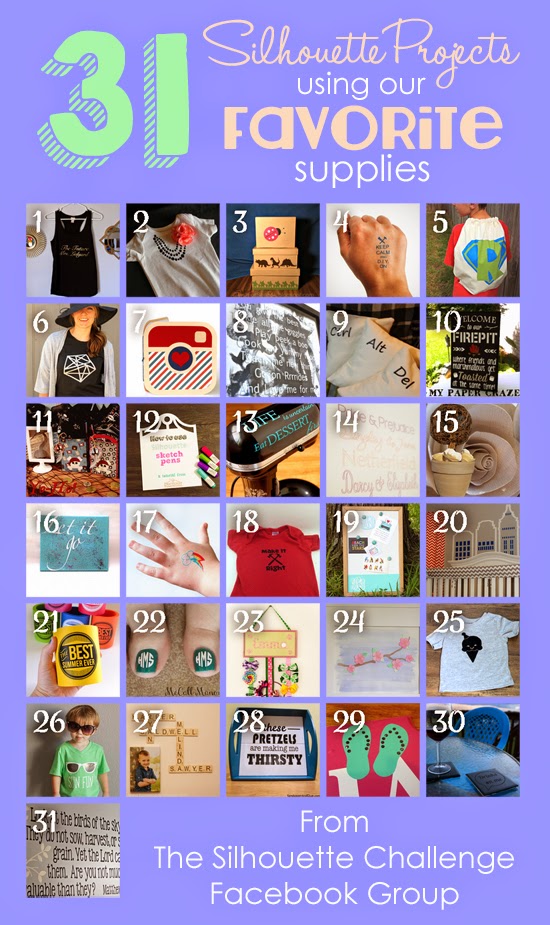
My Silhouette Challenge buddies and I are all sharing projects on our blogs today, so peruse the projects below for a wealth of Silhouette inspiration!
The theme for this month’s Silhouette Challenge is “my favorite things” meaning my favorite Silhouette supplies.
The main reason I got my Silhouette Cameo was to cut paper and make party decorations. I love to make party decorations and have always gone a little over board, but now that I have my Silhouette, I go hog-wild.
This past March we had my oldest son’s fourth birthday party and I just knew this month’s challenge would be the perfect opportunity to share them with you. Or should I say, the perfect opportunity to force motivate me to finally get around to writing this {wink-wink}….And let me warn you, this post is full of pictures.
Ian decided he wanted a pirate party for his birthday, so I got to work, starting in January.
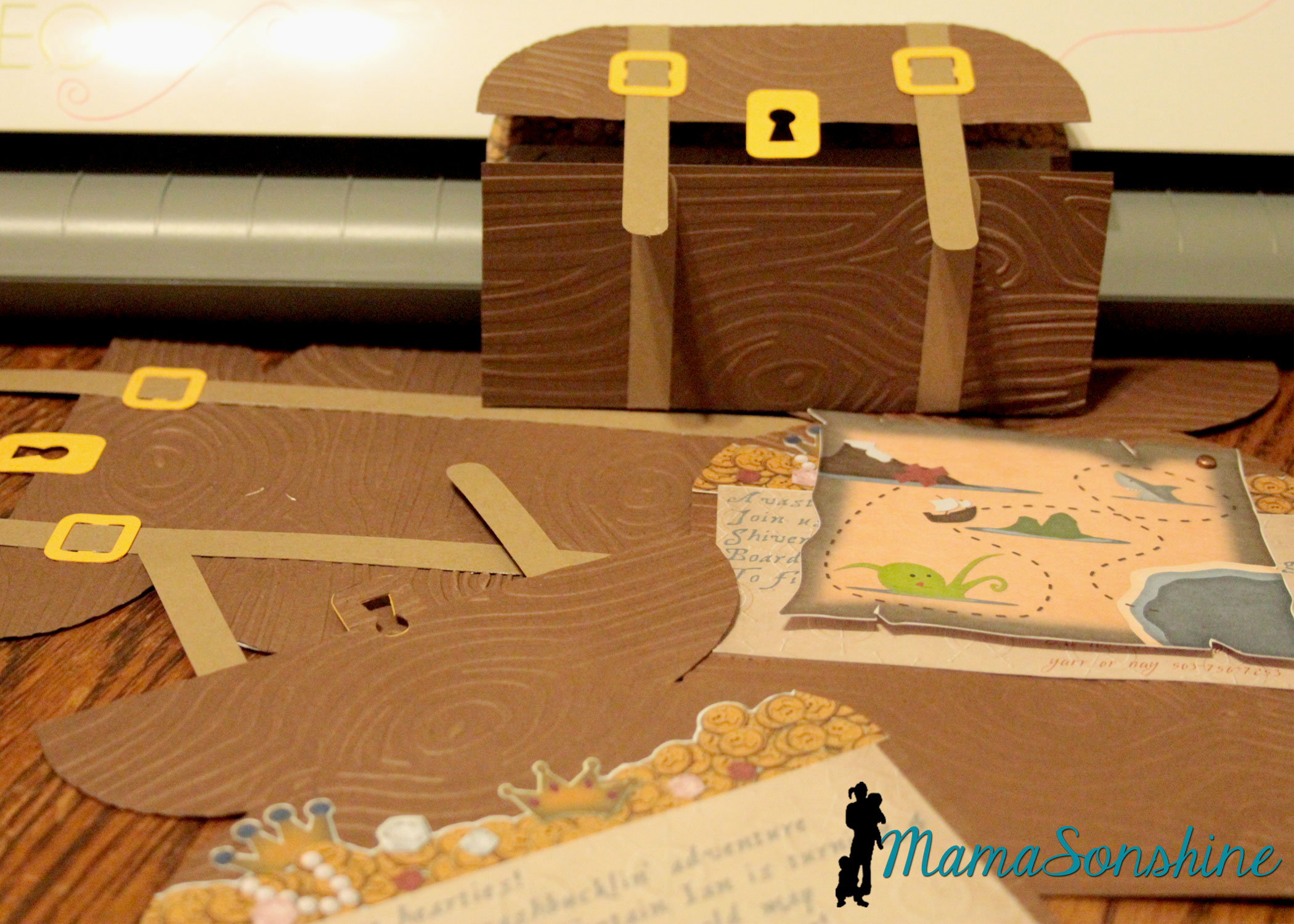
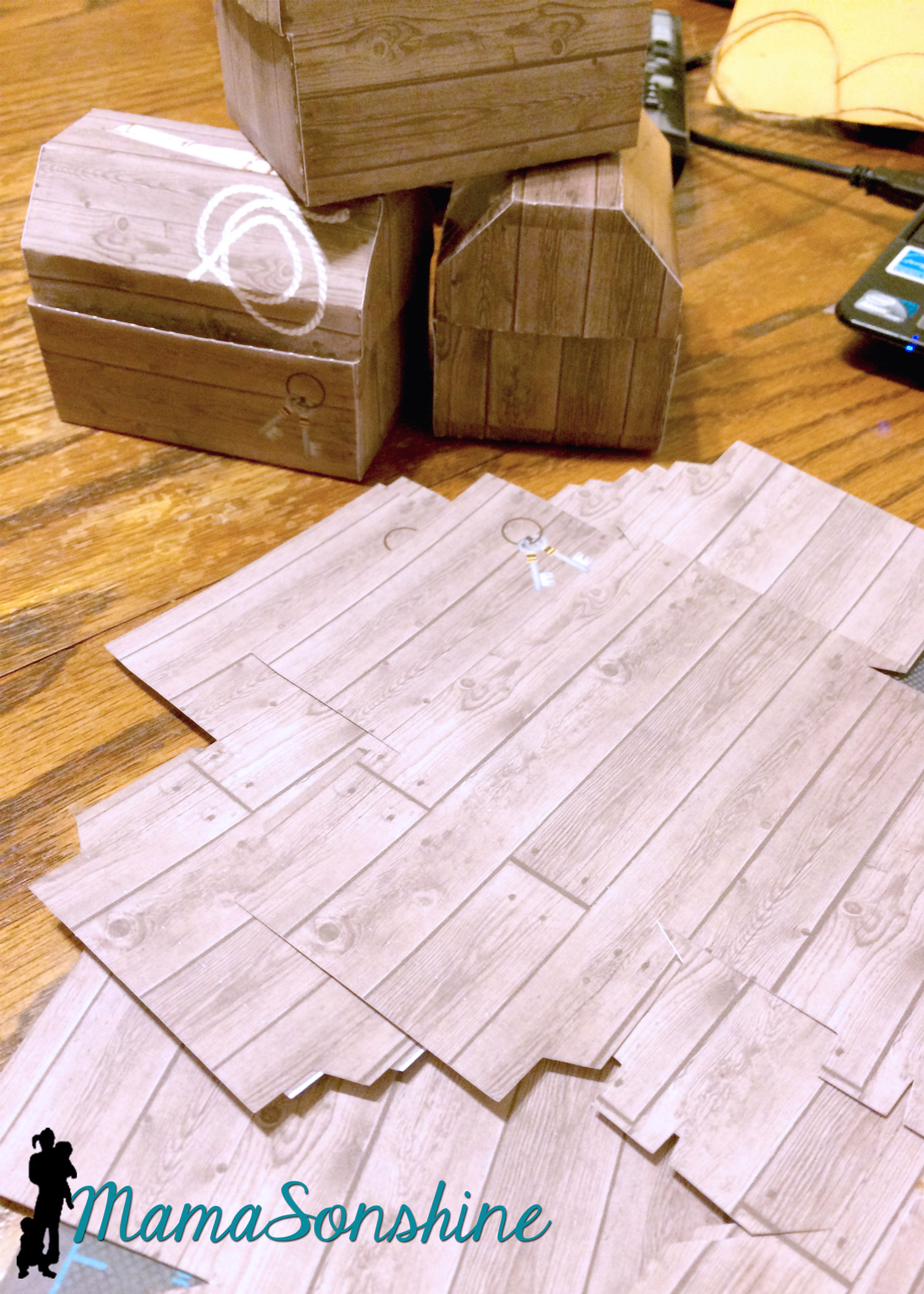
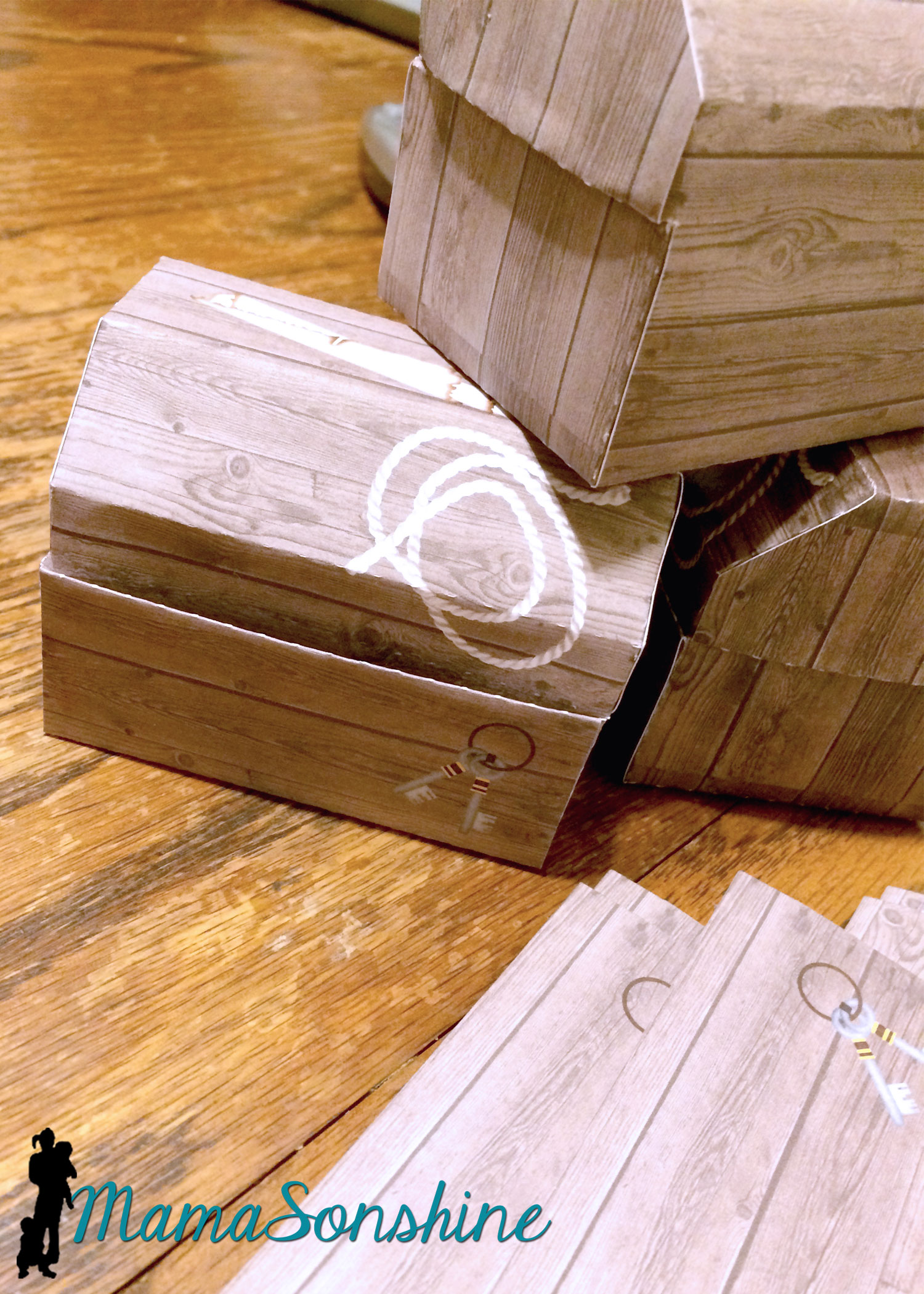
The invitations were treasure chests that opened to show a map, some treasure and the party info. The exterior of the invitation was a cut file I purchased through the Silhouette store. I used my Cuttlebug to give it the wood grain look. I used elements from Just So Scrappy’sYo-Ho Pirate digital scrapbook kit to make the map and as a background for the information section. I used graphics from this kit in almost everything I did for this party.
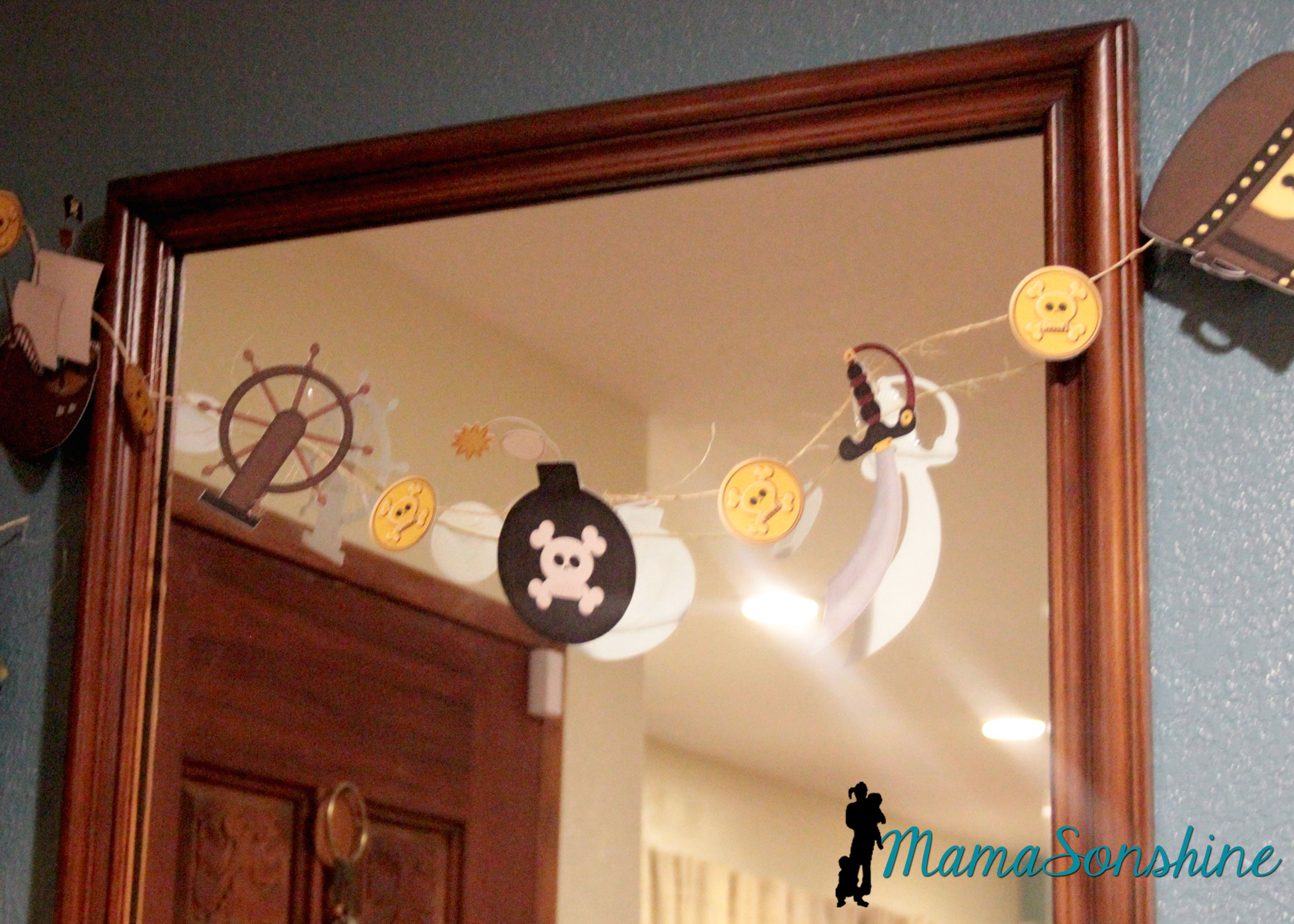
I designed the coin and jewel pile and used Silhouette’s print and cut option to cut them out.
I love making rosettes for parties, and this party was no exception.
This slideshow requires JavaScript.
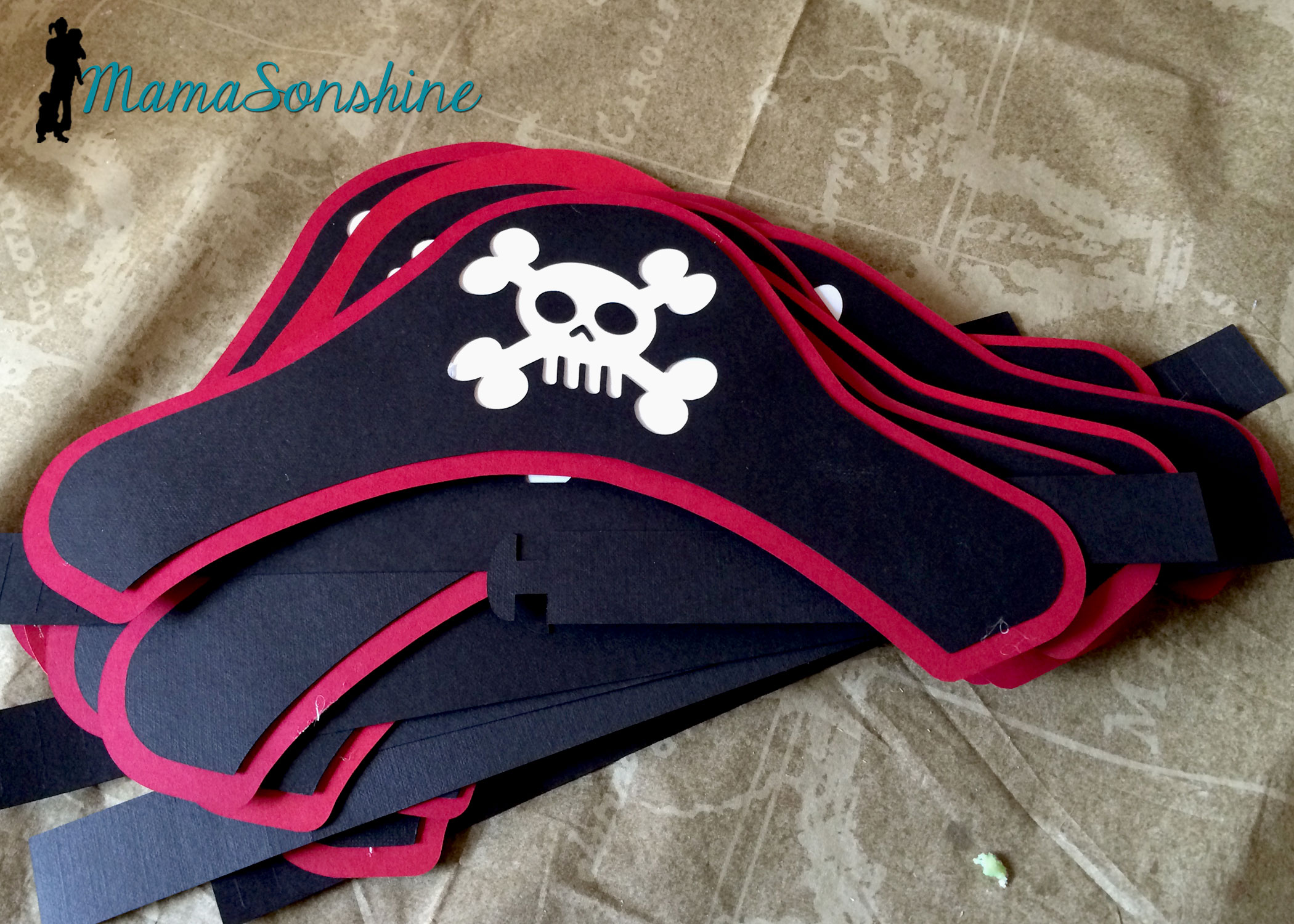
I created these party hats for the kids. This skull and cross-bones was from the a flag in the scrapbook kit. I used some of the negative skull and cross bone cut outs in other decorations, like the bunting flags (see below).
I don’t think I would have been able to make a dozen pirate party hats with out my Cameo.
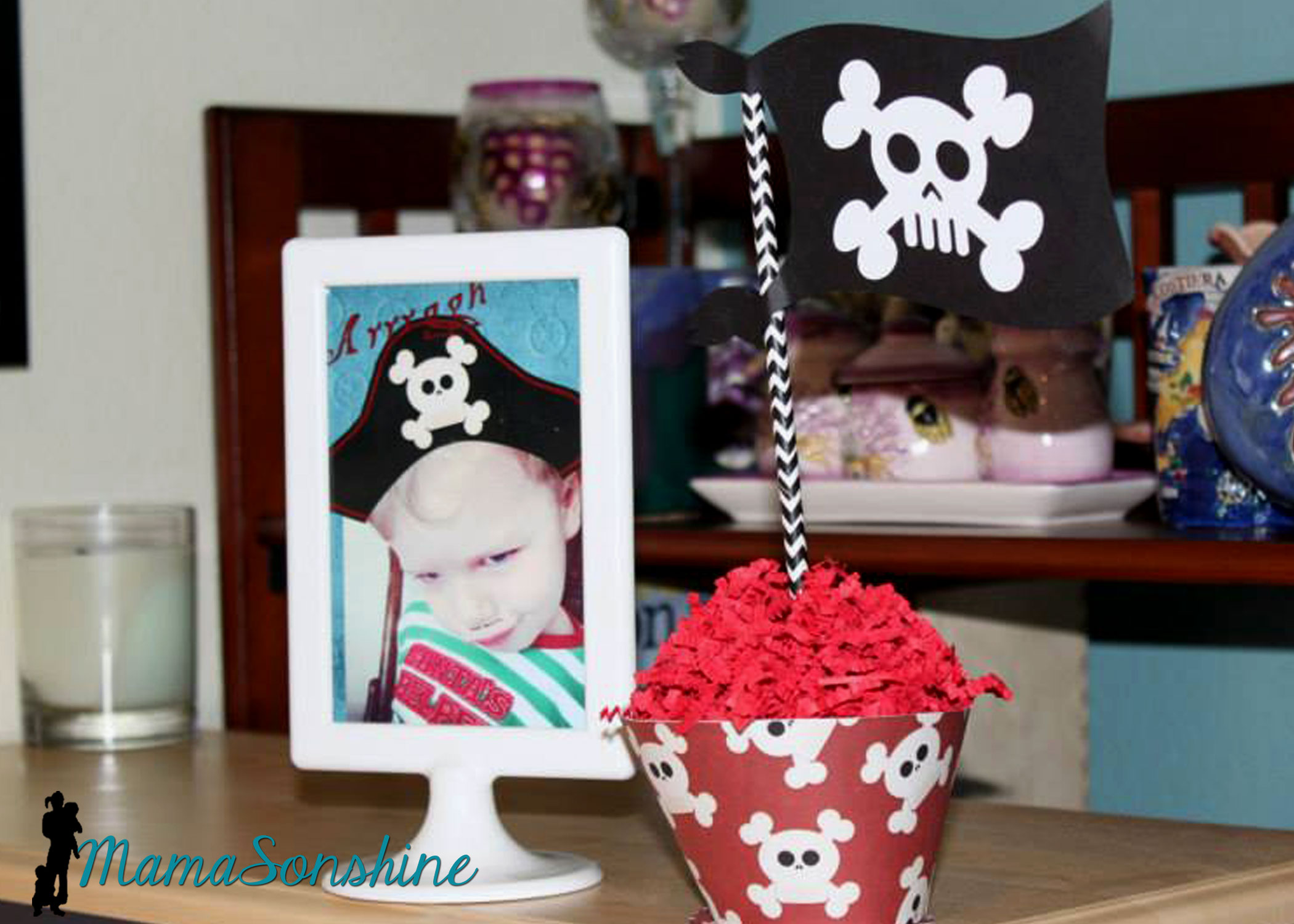
I really loved these flag topiaries. I cut the flags out from the kit and used the digital papers to make the each base.
This slideshow requires JavaScript.
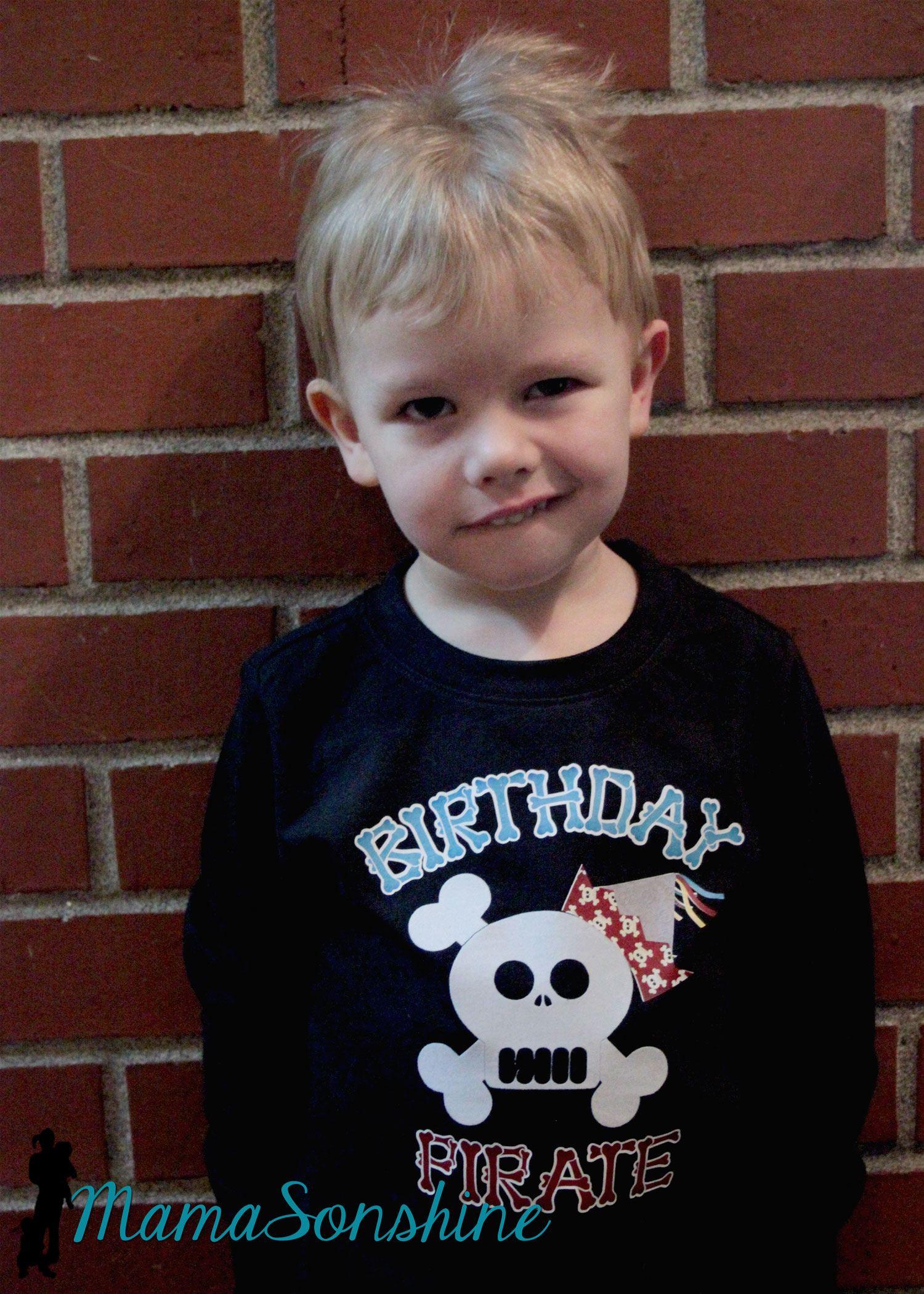
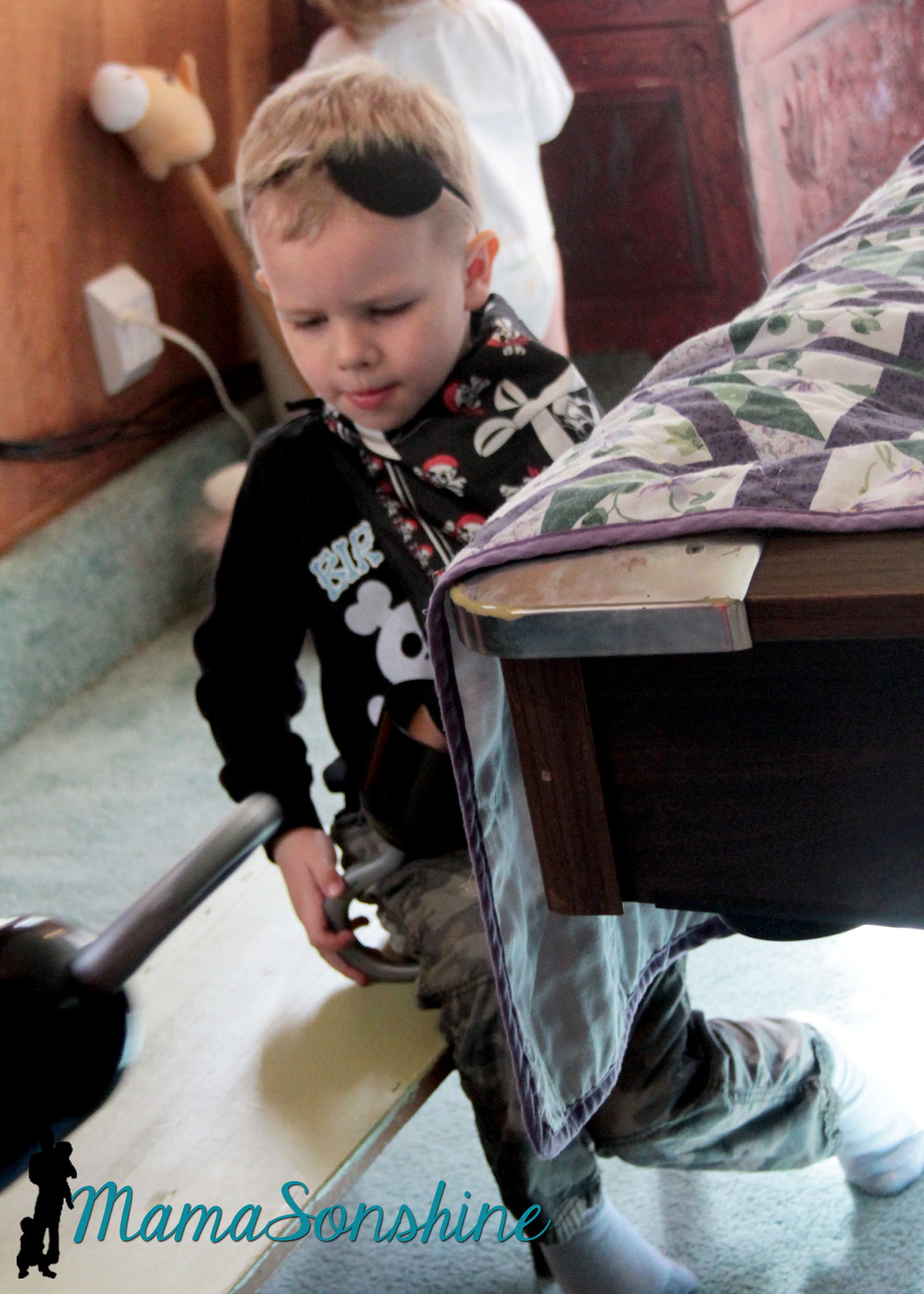
Of course there has to be a picture of the Birthday Pirate!
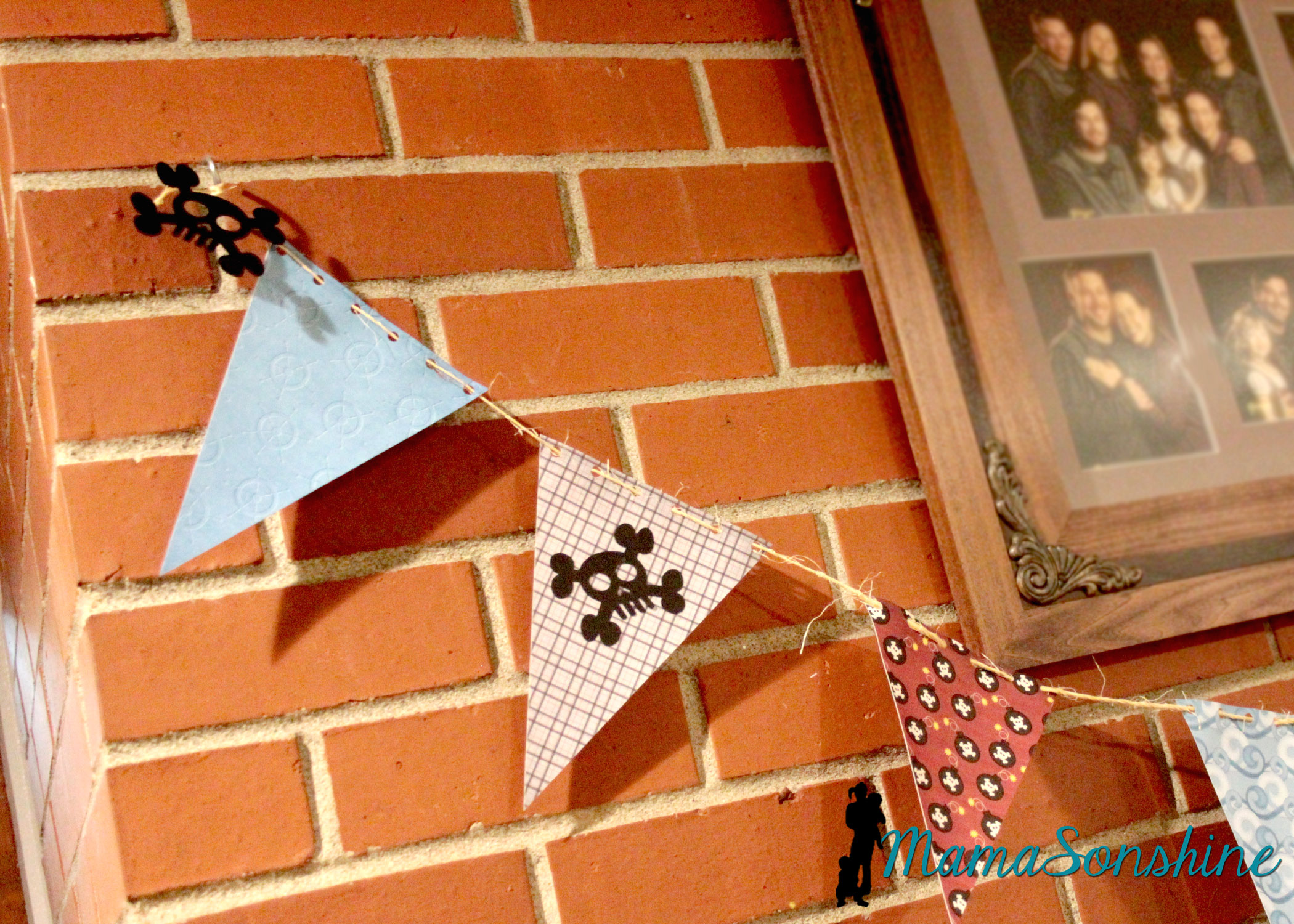
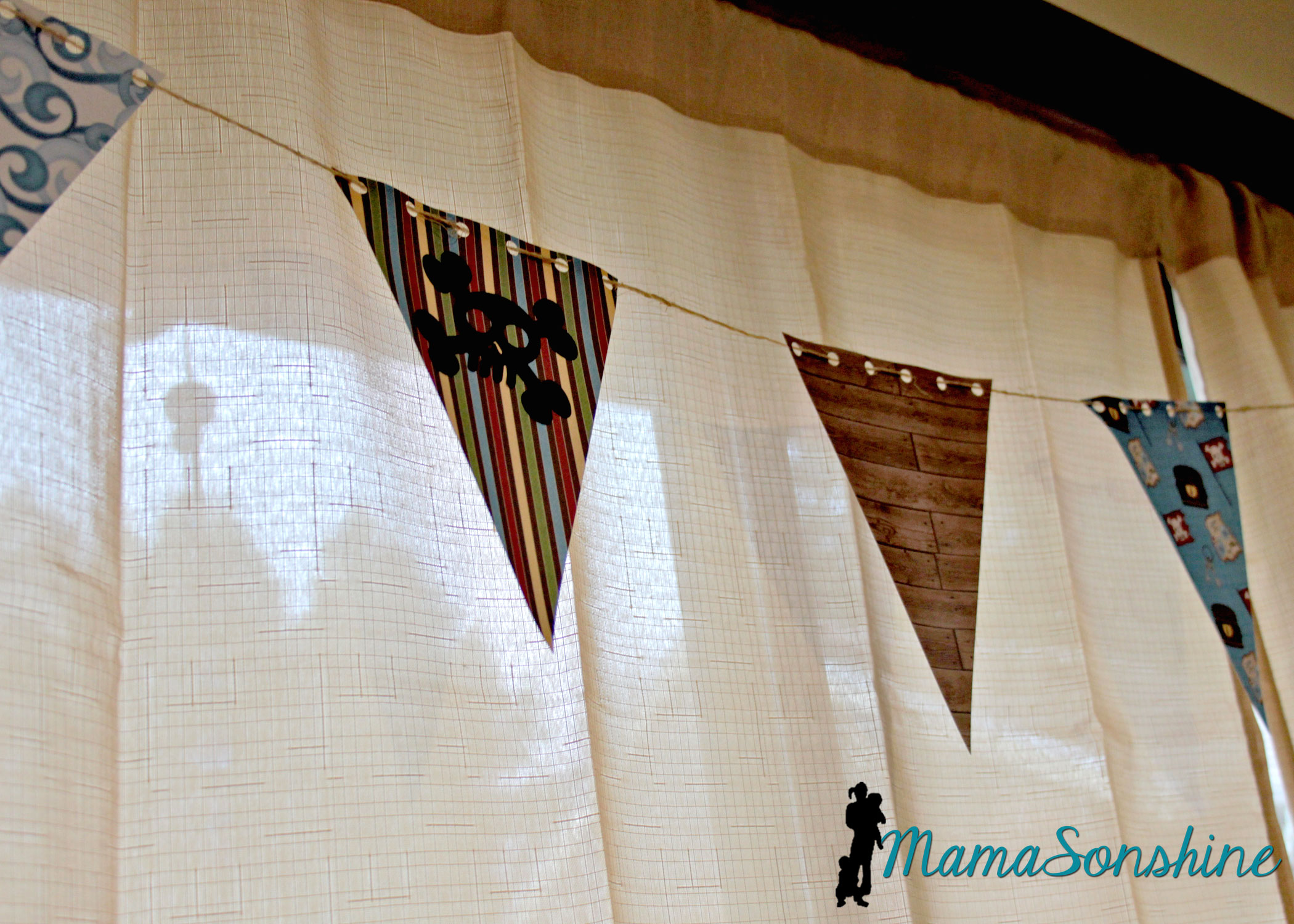
The bunting flags were made with the digital papers and cut with my cameo. I used twine to string them all together.
You can see where I added the negative skull and cross-bones from the party hats.
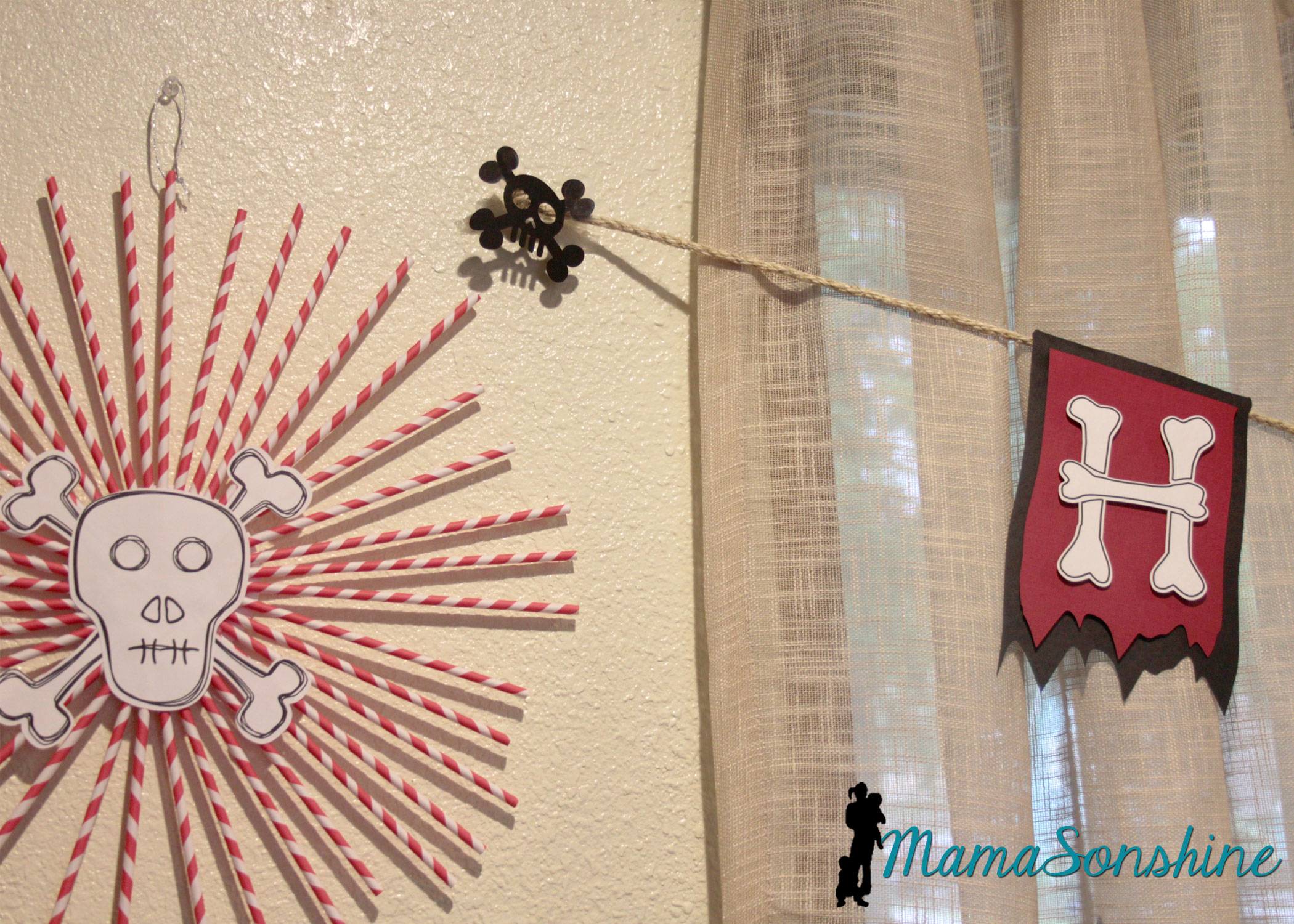
I decided to use the sketch feature in the Studio software to make the skull and cross-bones for these straw rosettes.
This slideshow requires JavaScript.
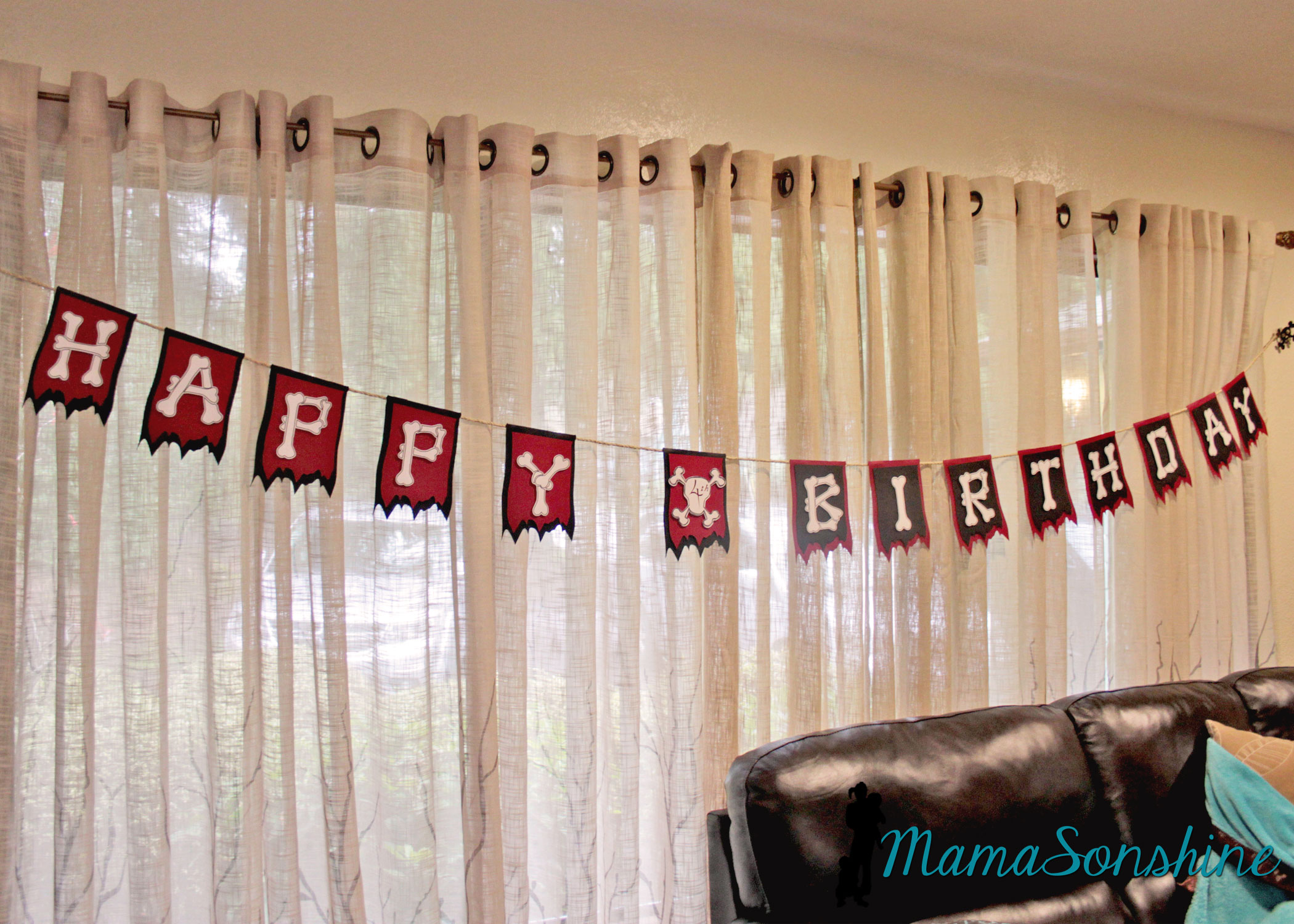
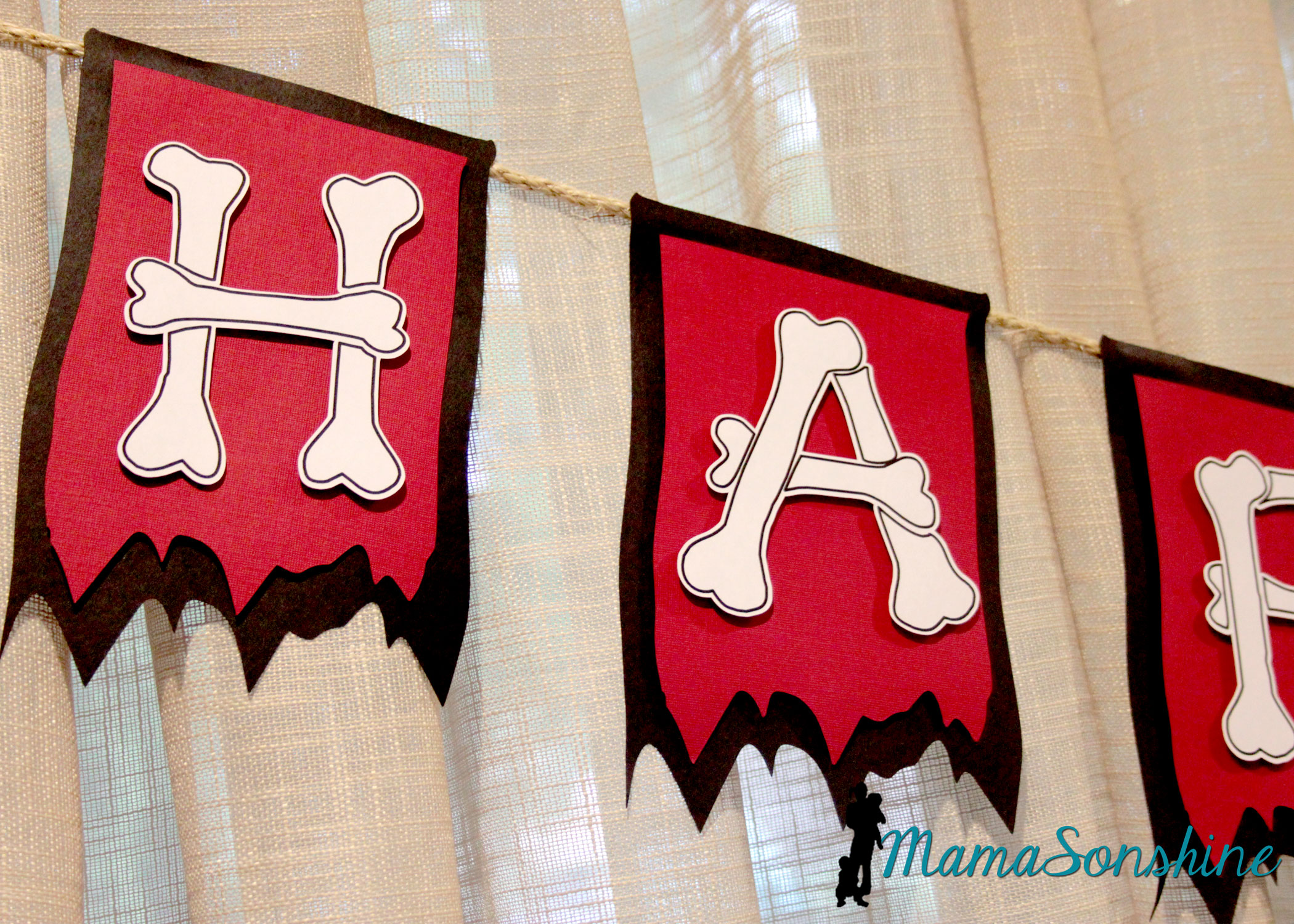
One of my favorite things from this party was the “Happy Birthday” banner.
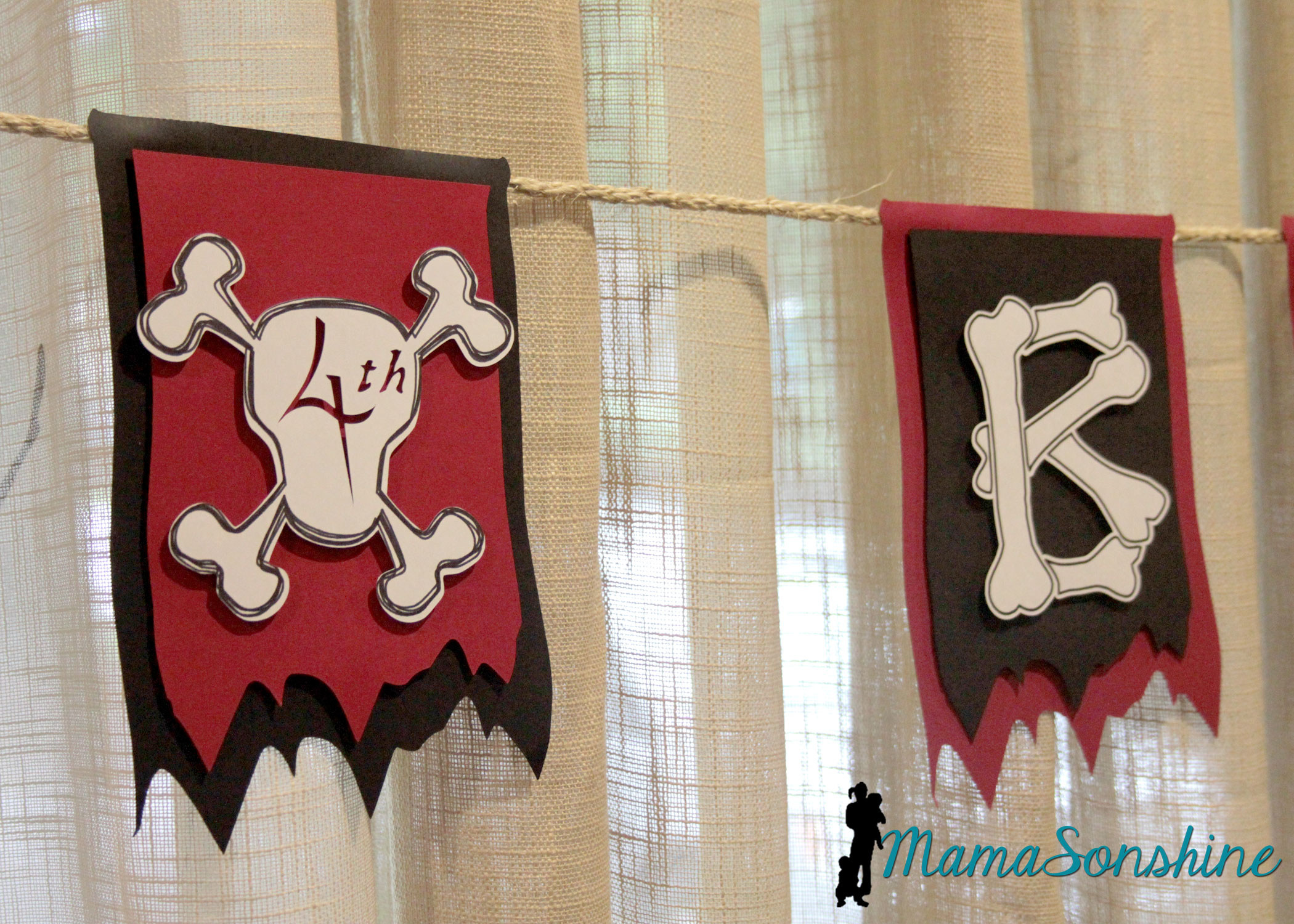
I really like how the layered flags turned out.
I wanted to use this bone font but each piece of bone on one letter is a cut line, so I used the offset tool to cut all around the letter. I could have used a sketch pen, but I just printed them.
I used the custom design tool and the sketch feature to make the skull and cross-bones for the number part of the banner. Instead of writing the number, I cut it out, so you can see the background color. I used sisal rope to hang the banner across the window.
I also used the print and cut feature on the elements from the kit to make other banners.
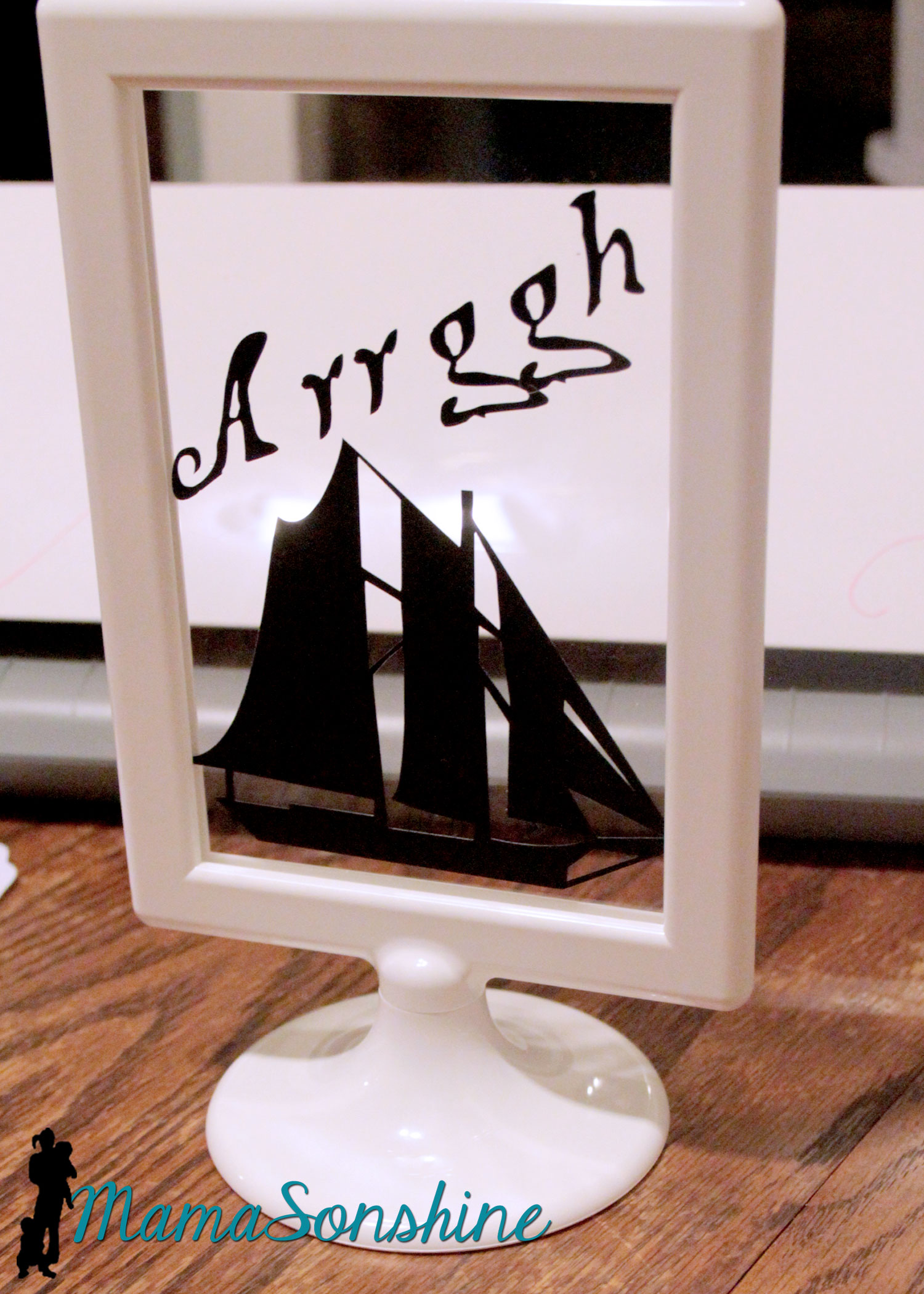
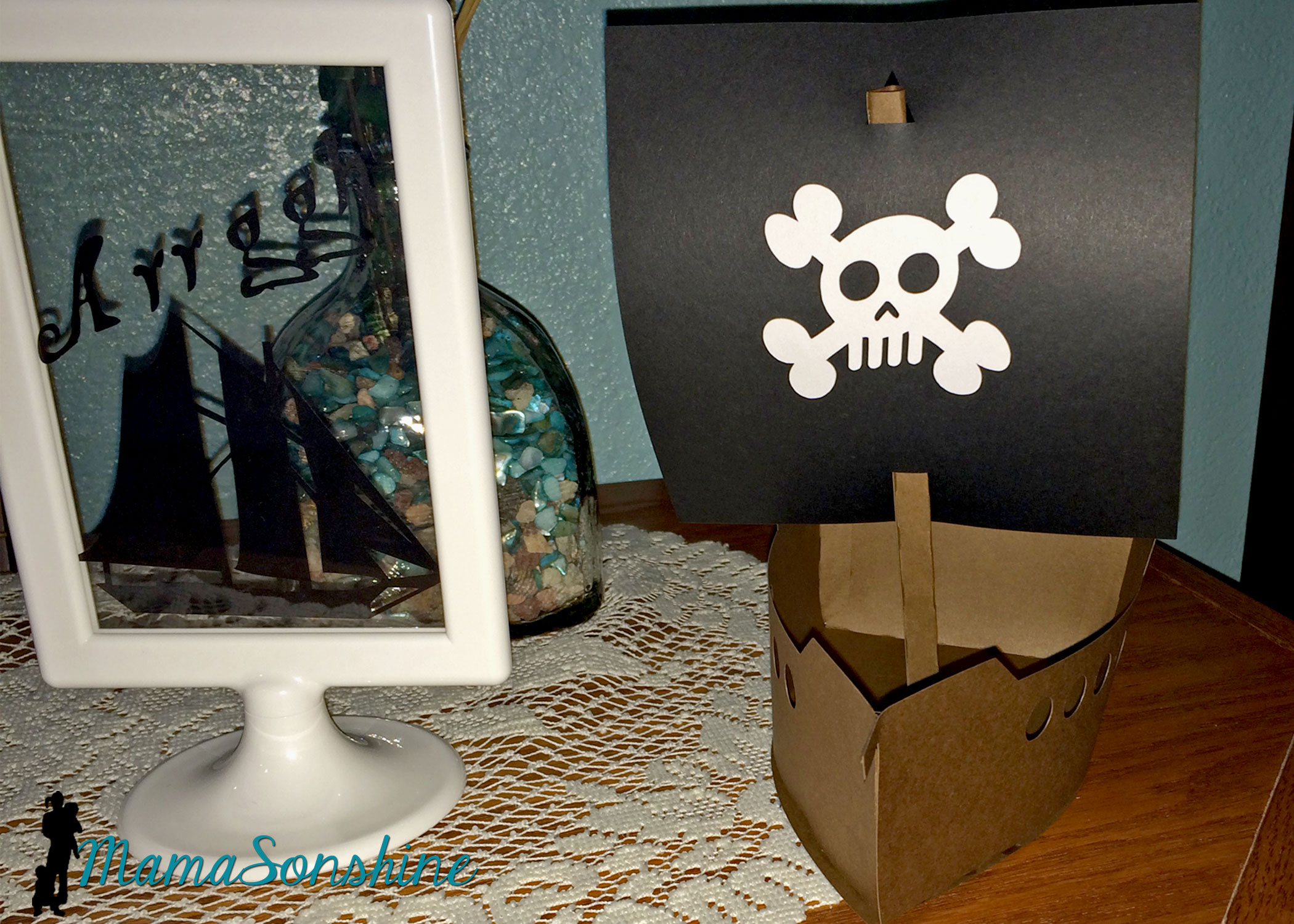
I cut out some pirate items as silhouettes and put them in these Tolsby frames from Ikea.
These are my new favorite party items, and they are really inexpensive and simple to adapt to any party.
I used black vinyl to keep the silhouette look.
I also purchased this 3-D pirate ship, from the Silhouette store with the idea that I would enlarge it for the center piece. I had so much other work to do, that I just decided to use it as decorations.
These treasure boxes were too small to be used as the gift boxes, but they made great decorations.
I filled them with glass stones and chocolate gold coins, and had them through out the house.
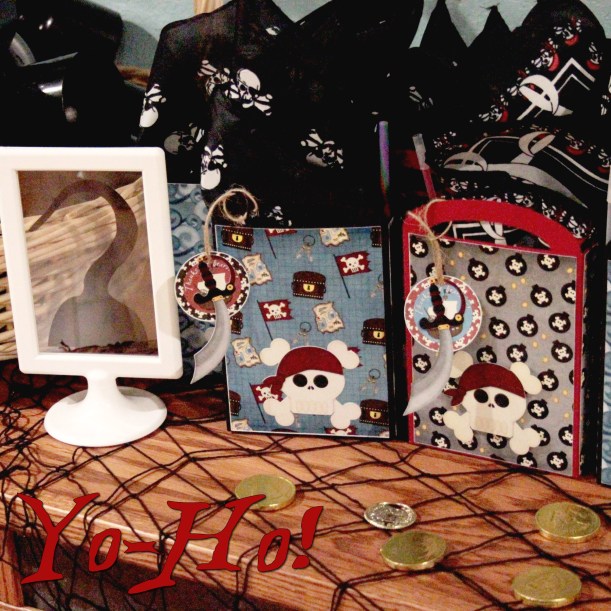
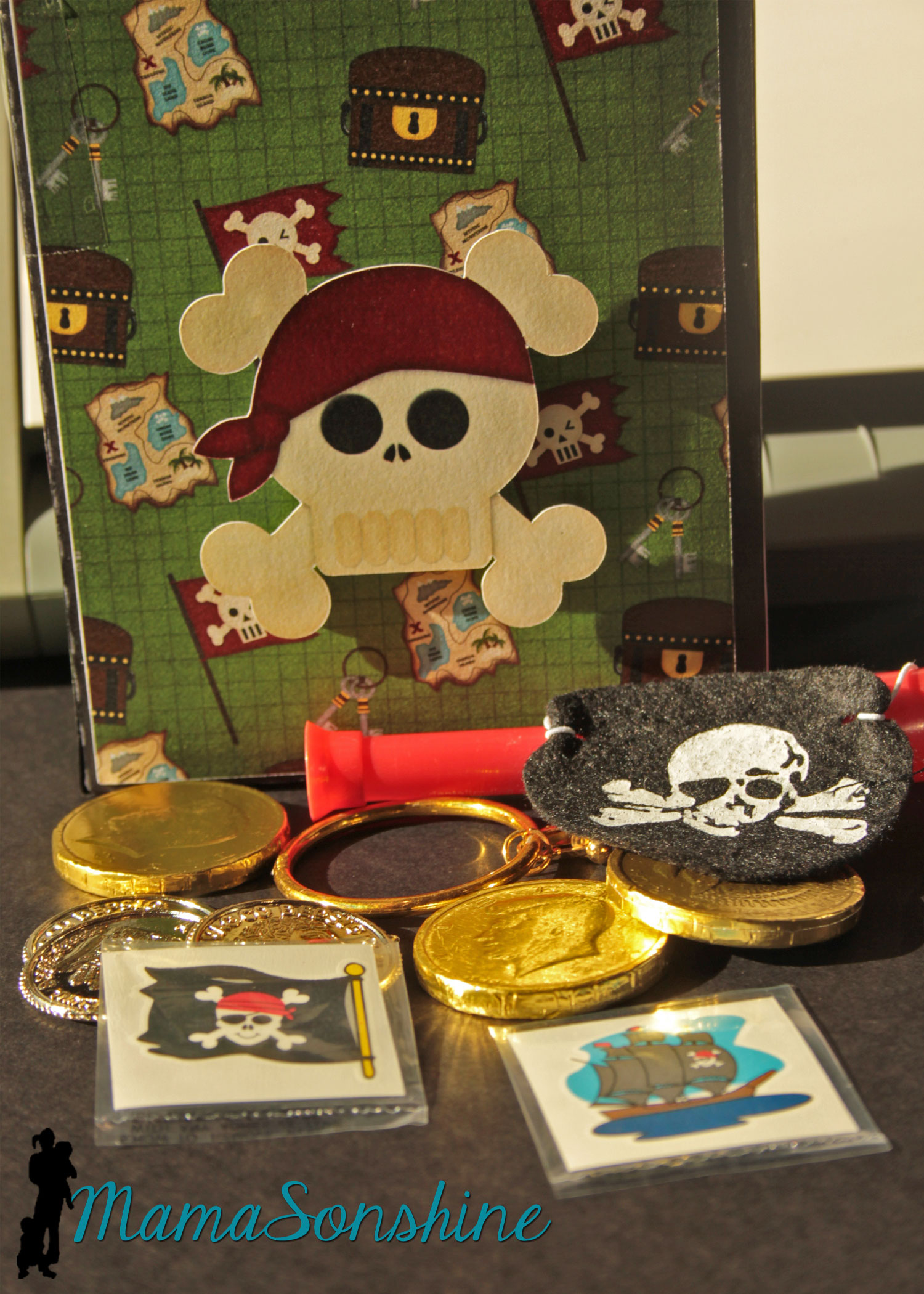
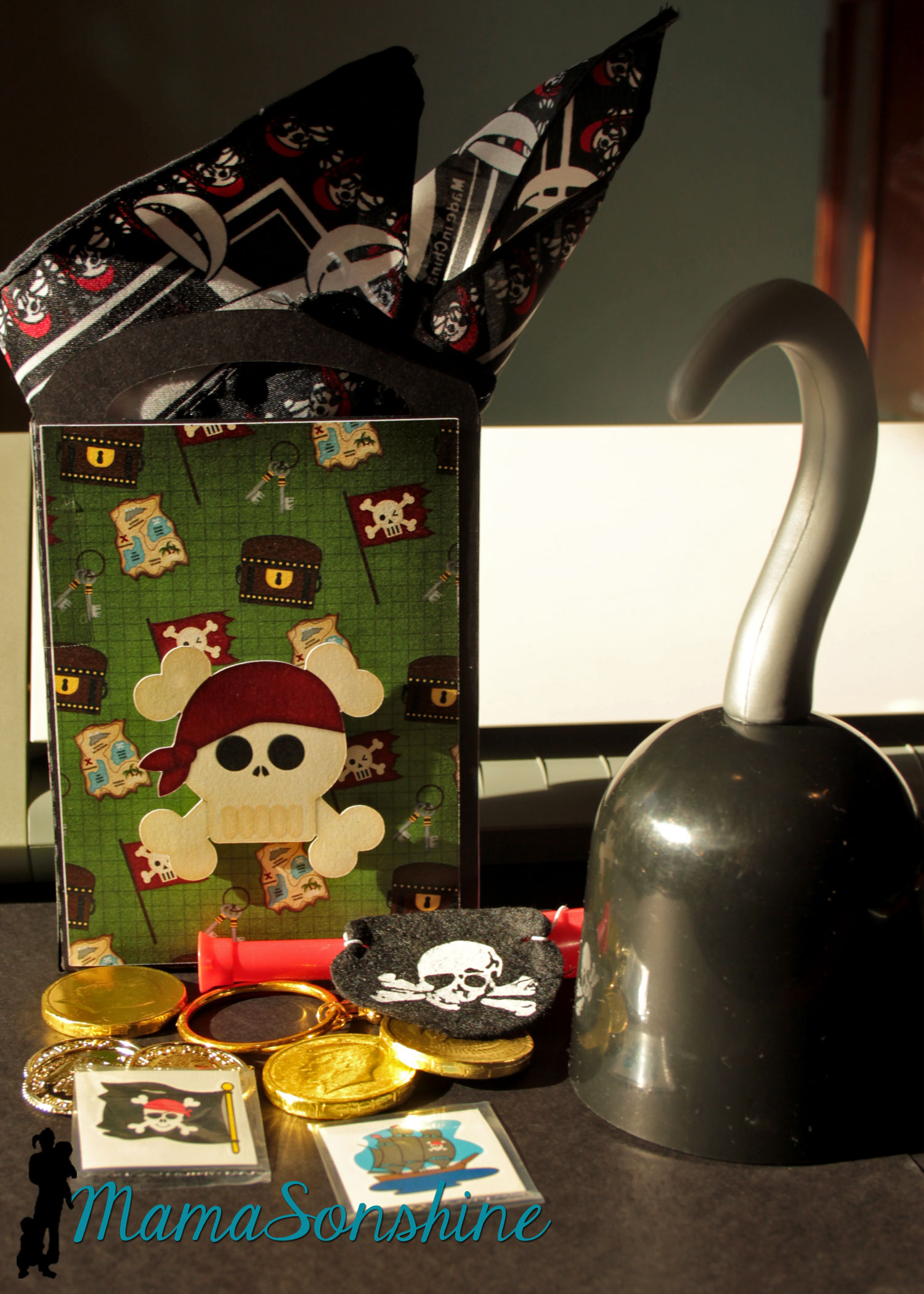
As a guest gift each kid got to take home a hook and a Thank You bag.
The tags say “Thanks me hearties!” I also made the gift bags using the digital papers as the panels for the bags and black card stock for the bag base. I used a variety of the papers included in the kit. The skull was attached with foam dimensional tabs.
Each bag had a pirate bandanna, an eye patch, a pirate ear-ring, some tattoos, cold coins, chocolate coins, and a telescope.
The hooks wouldn’t fit in the bag, so the kids got to get them out of a basket.
The Table
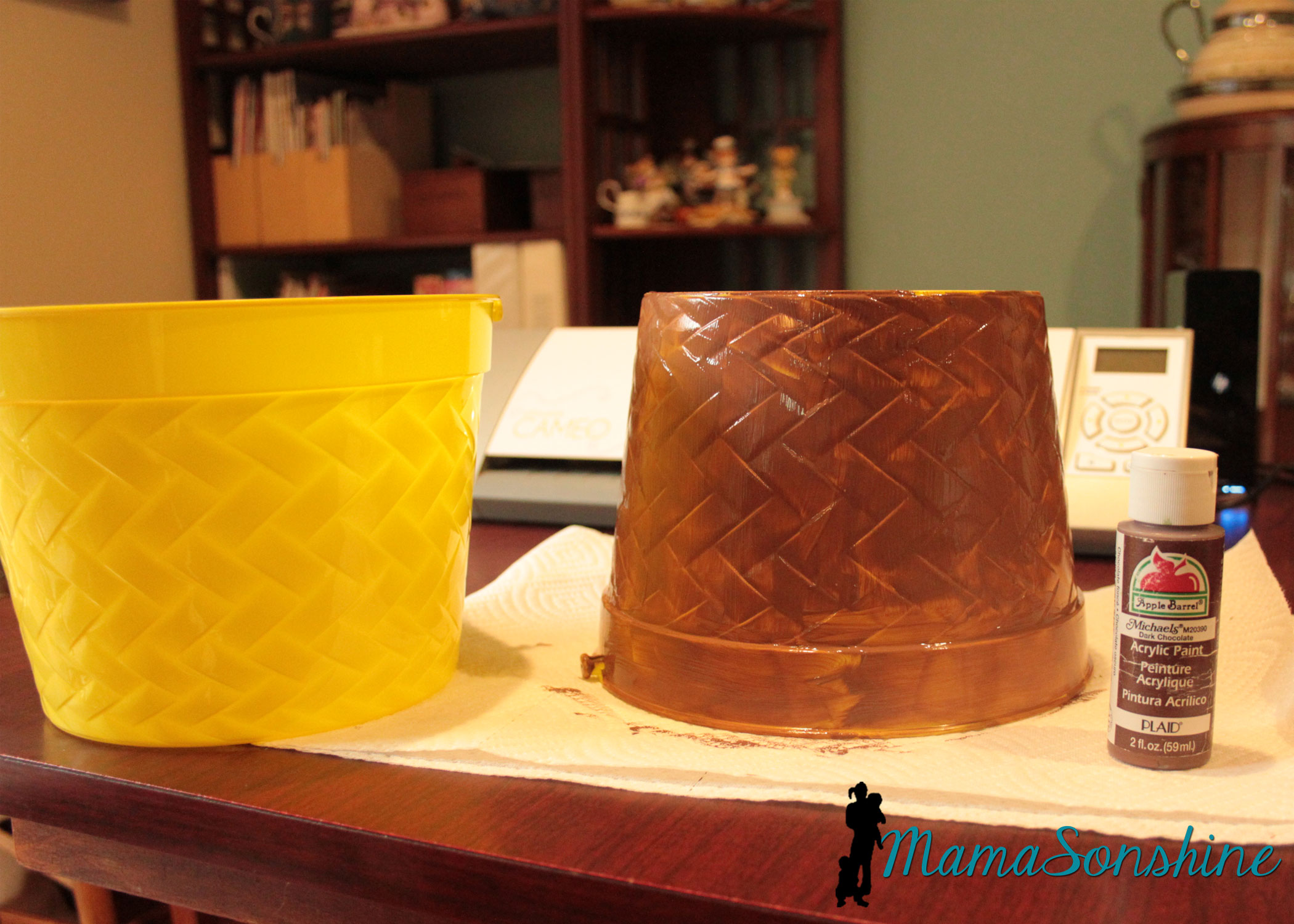
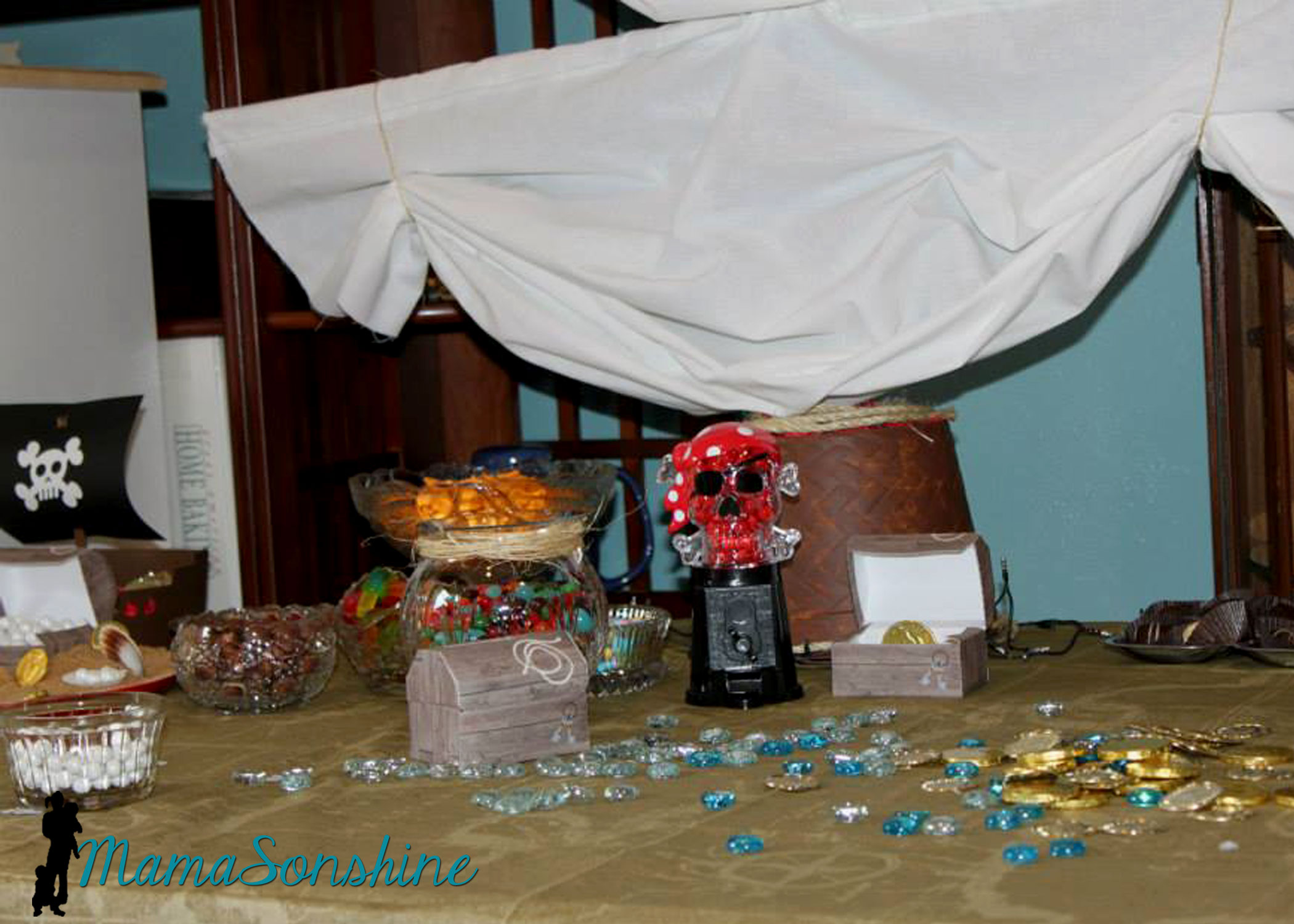
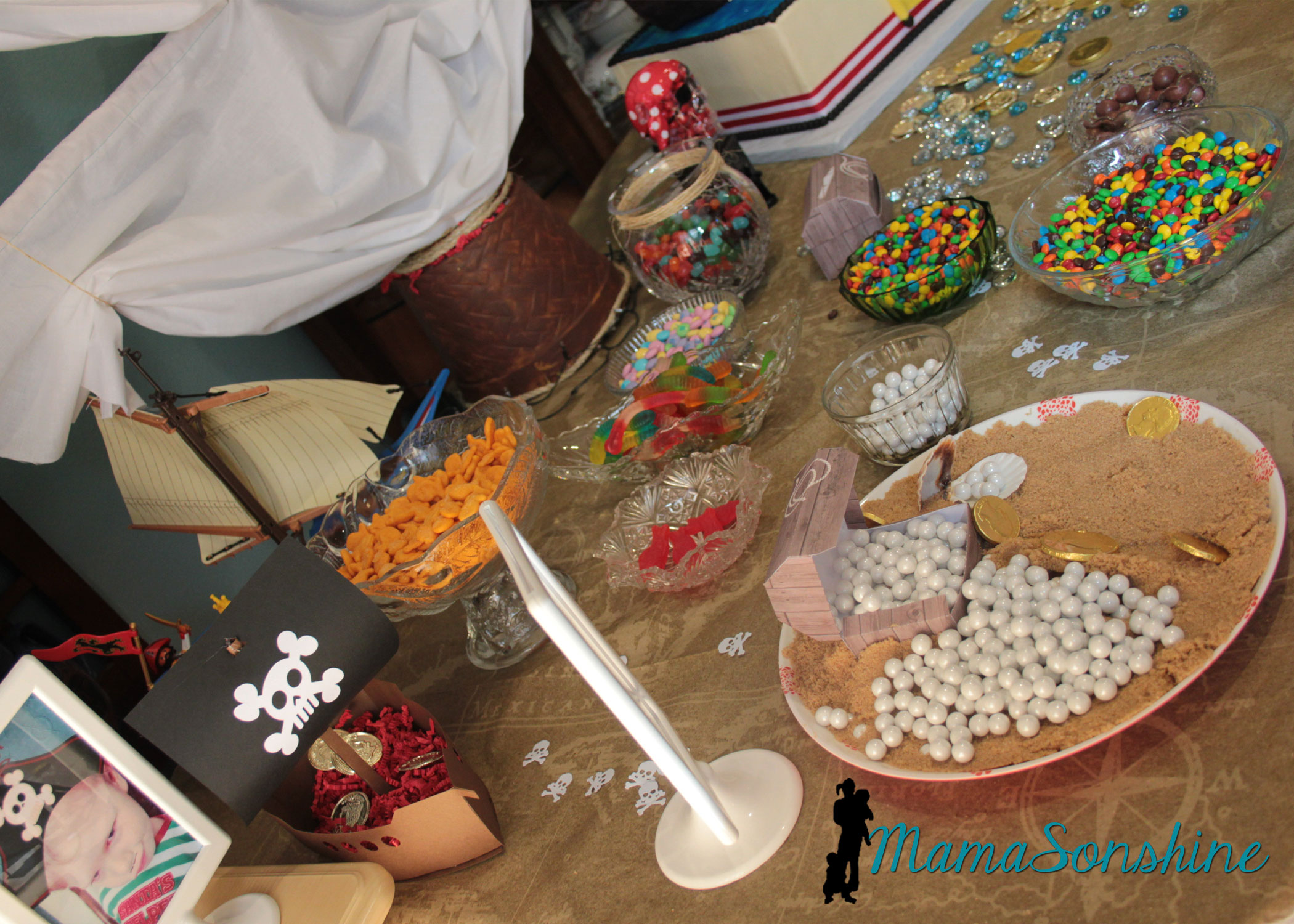
For the table center piece I took these Easter buckets I got at the dollar store and transformed them in to a mast from a boat.
I actually envisioned it much bigger, but the wooden dowels I had, limited the size.
Using the idea from Sid’s beach party, I made a plate with brown sugar sand and pearls (Sixlets) coming out of one of the paper treasure chests.
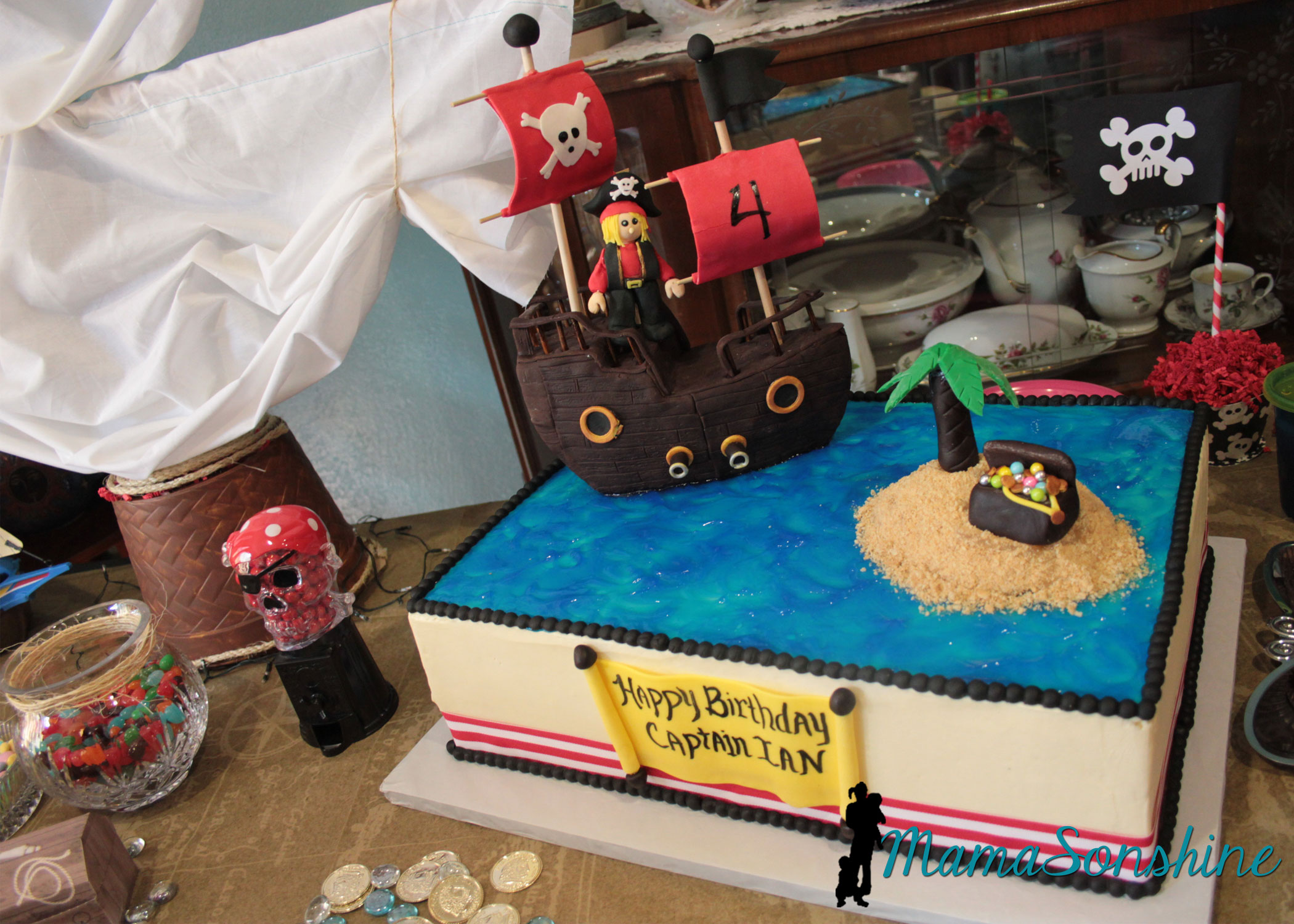
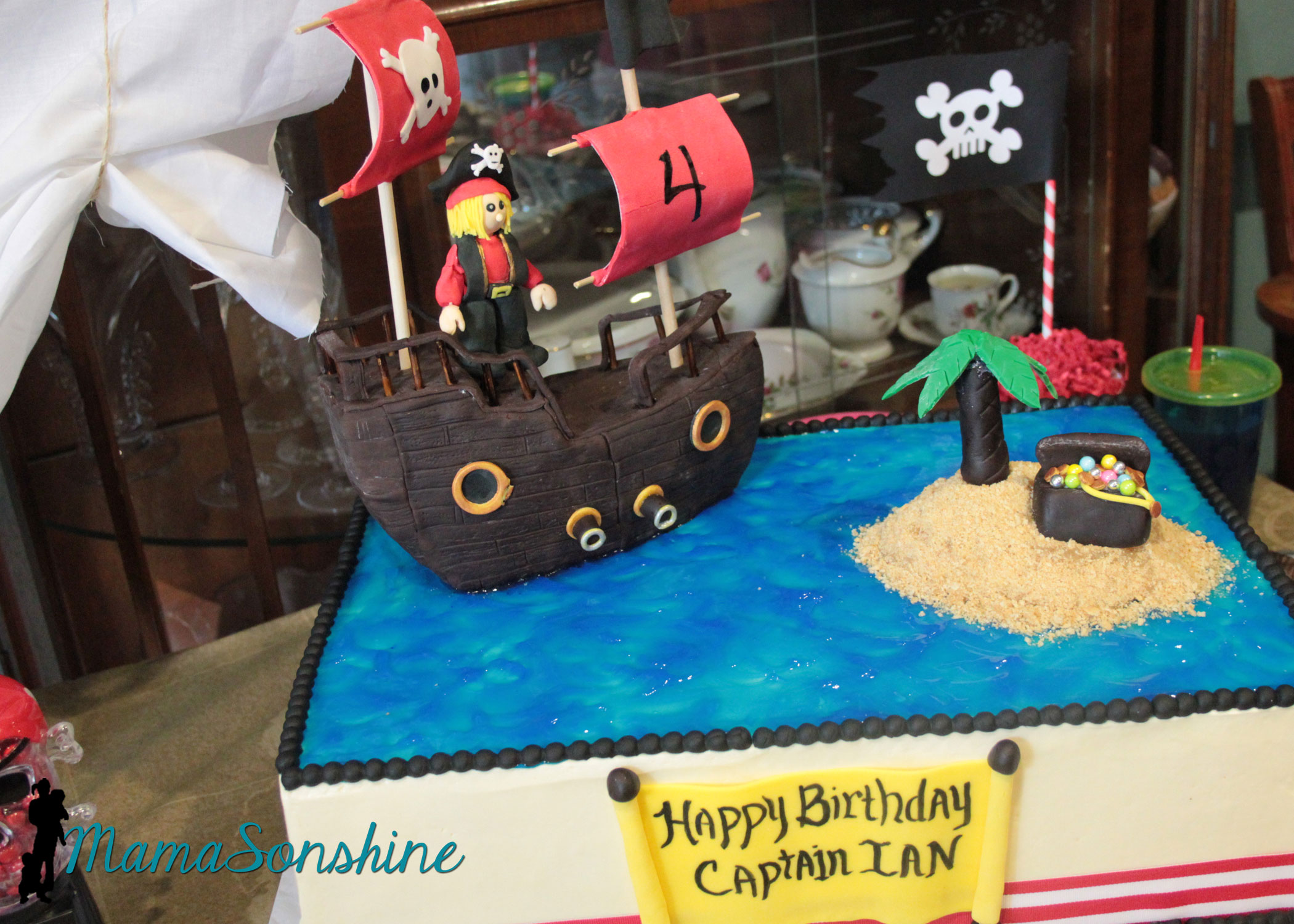
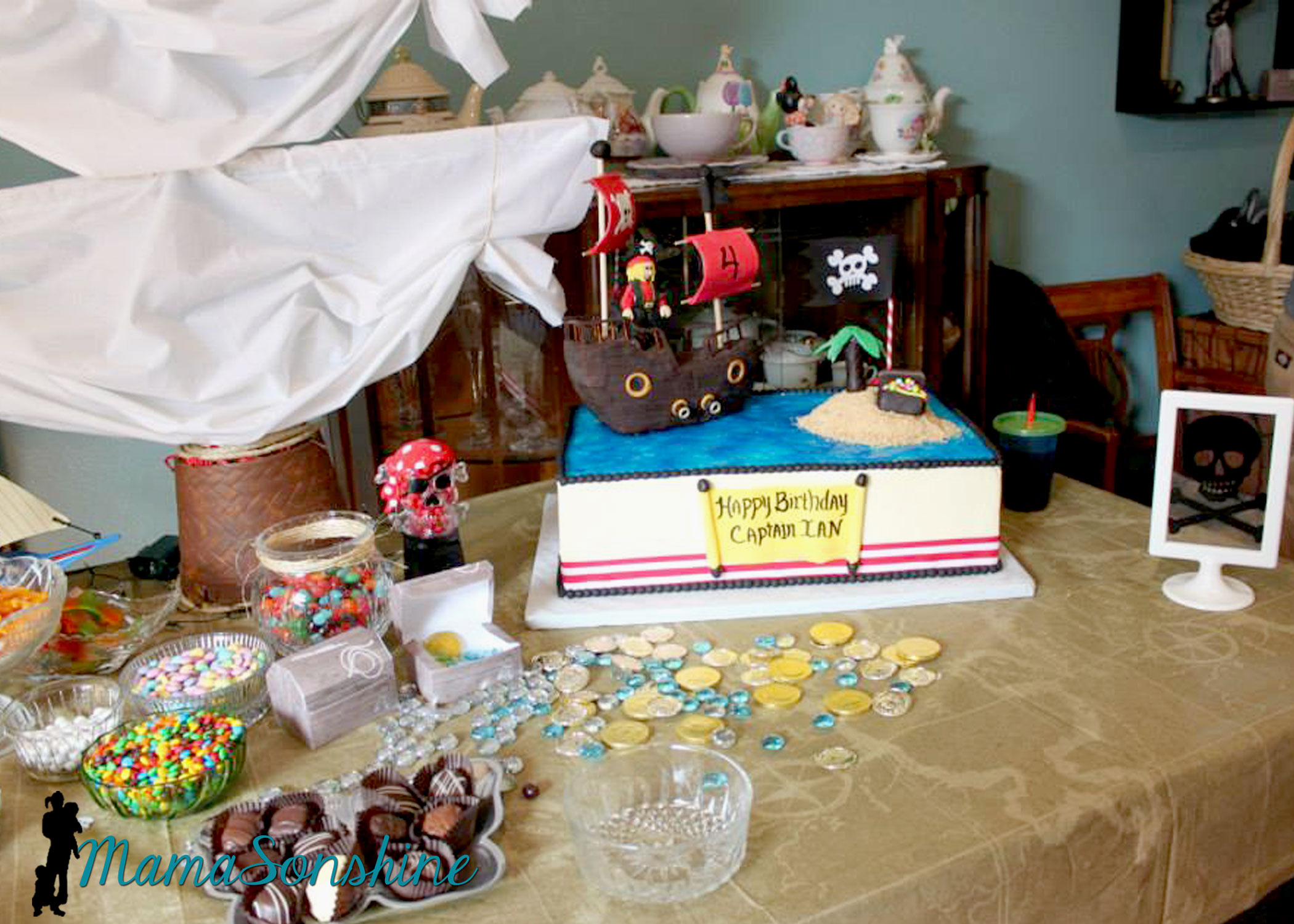
The cake
I did not make the cake, this awesome creation was made by my aunt.
This table-cloth was the most expensive paper table-cloth I have ever purchased, but I absolutely loved it. The skull candy dispenser was the one thing my son said he had to have at his pirate party.
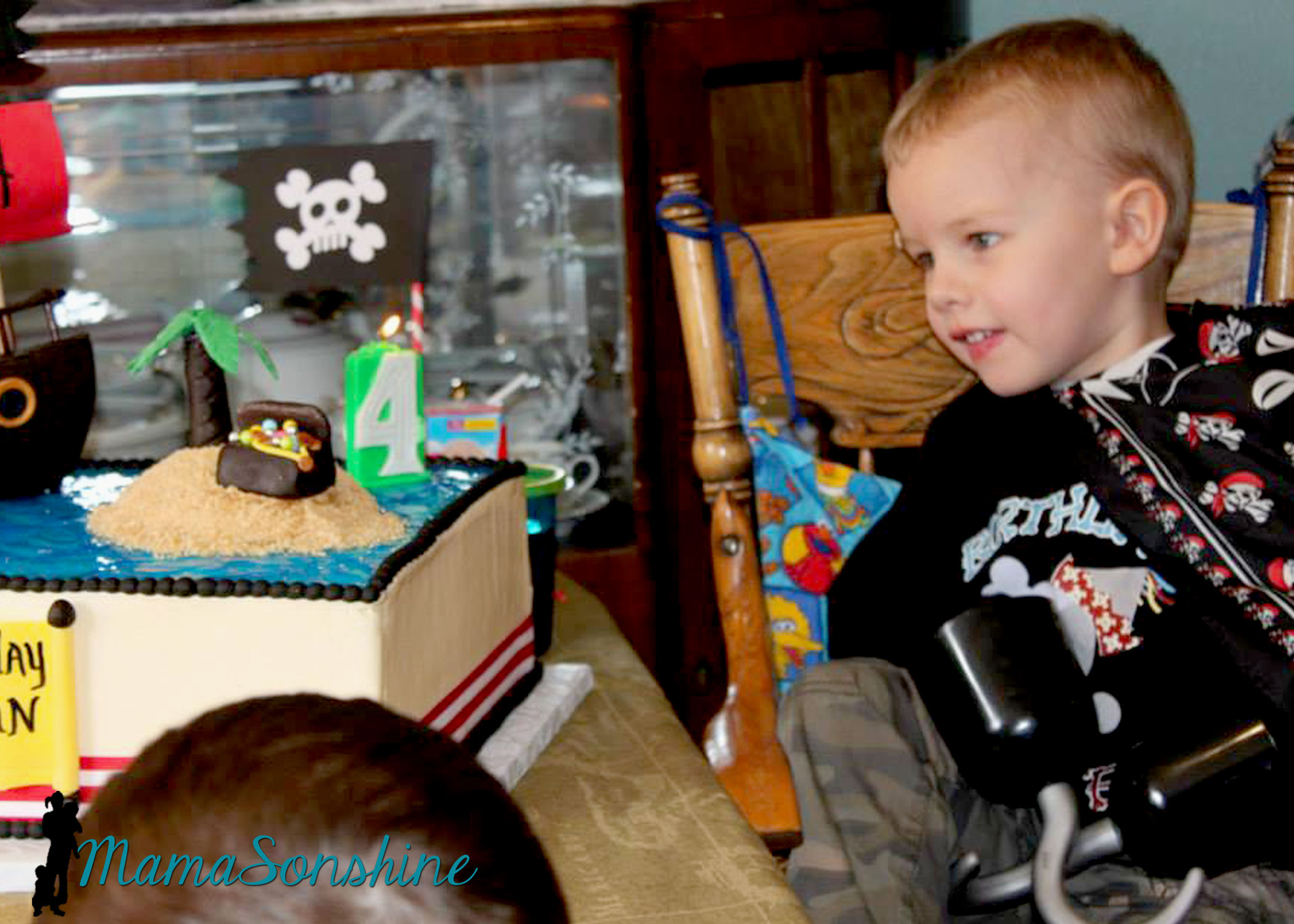
My son likes to wear his bandana as a pirate cape.
The drink labels were also made using the Cameo’s print and cut feature. Have I told you how much I love that feature?
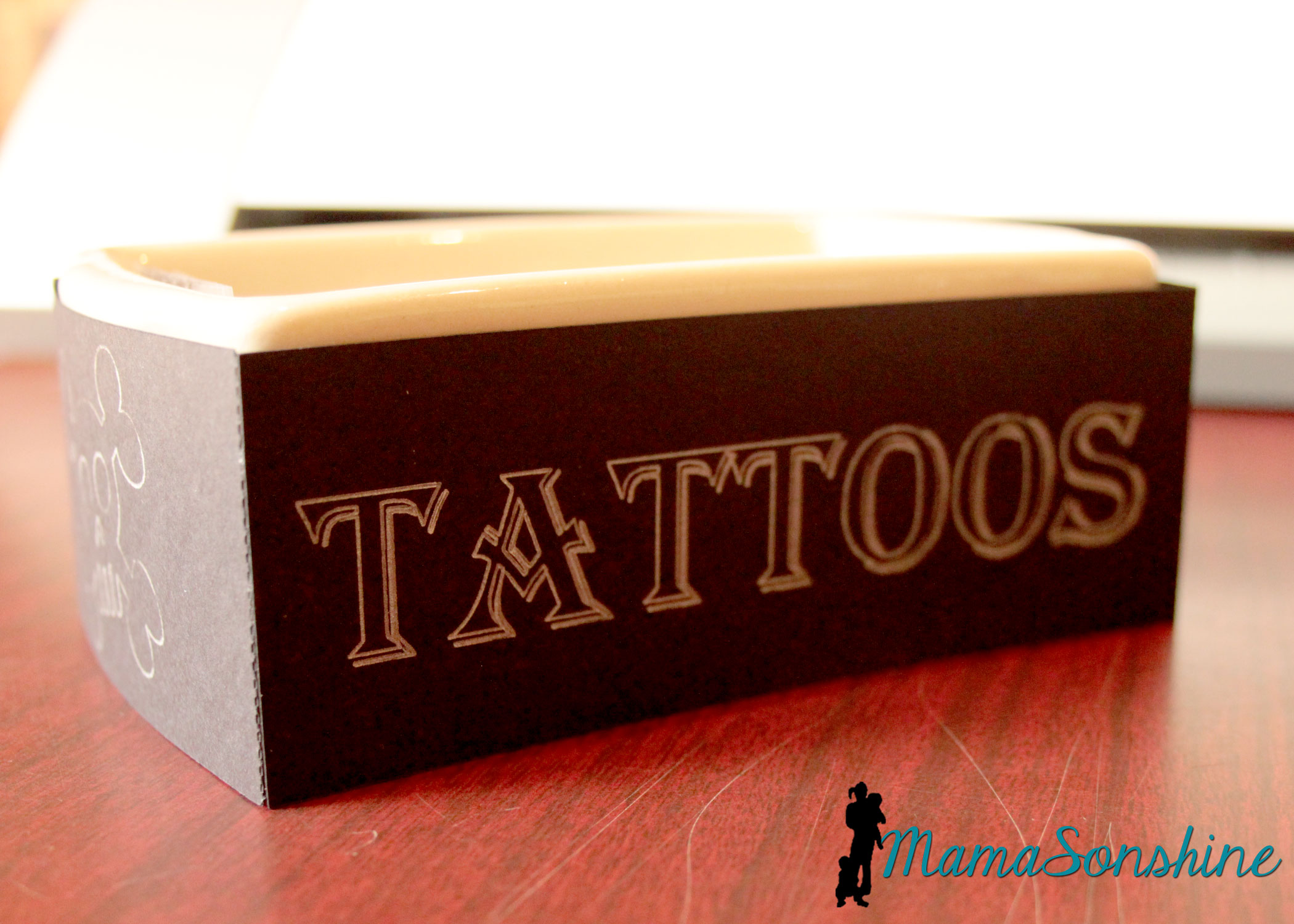
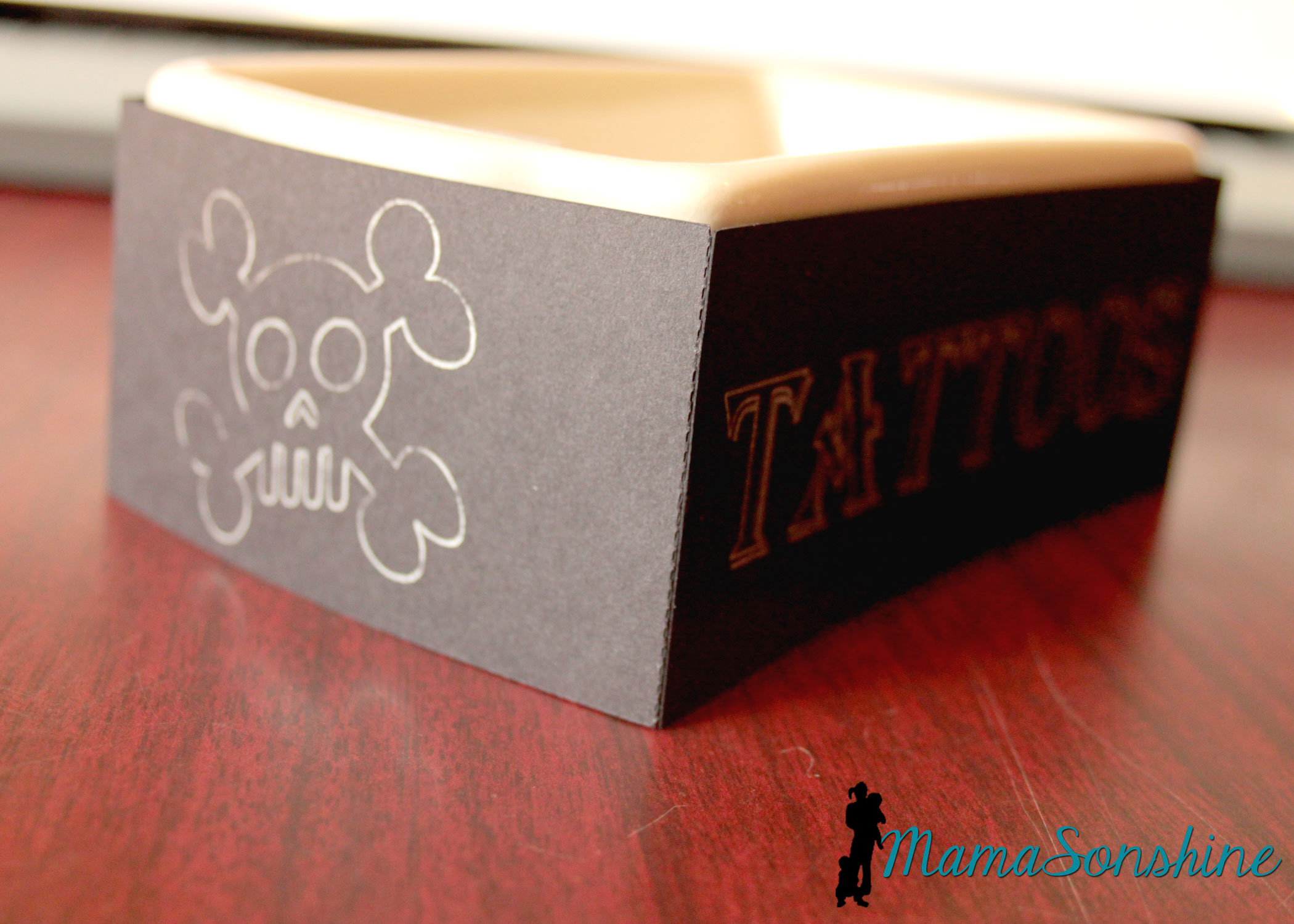
We had some extra tattoos so I transformed a dish my mom had.
I used the sketch pens on the cameo. It was really easy and something I did at the last-minute, but wouldn’t have if I didn’t have my Silhouette.
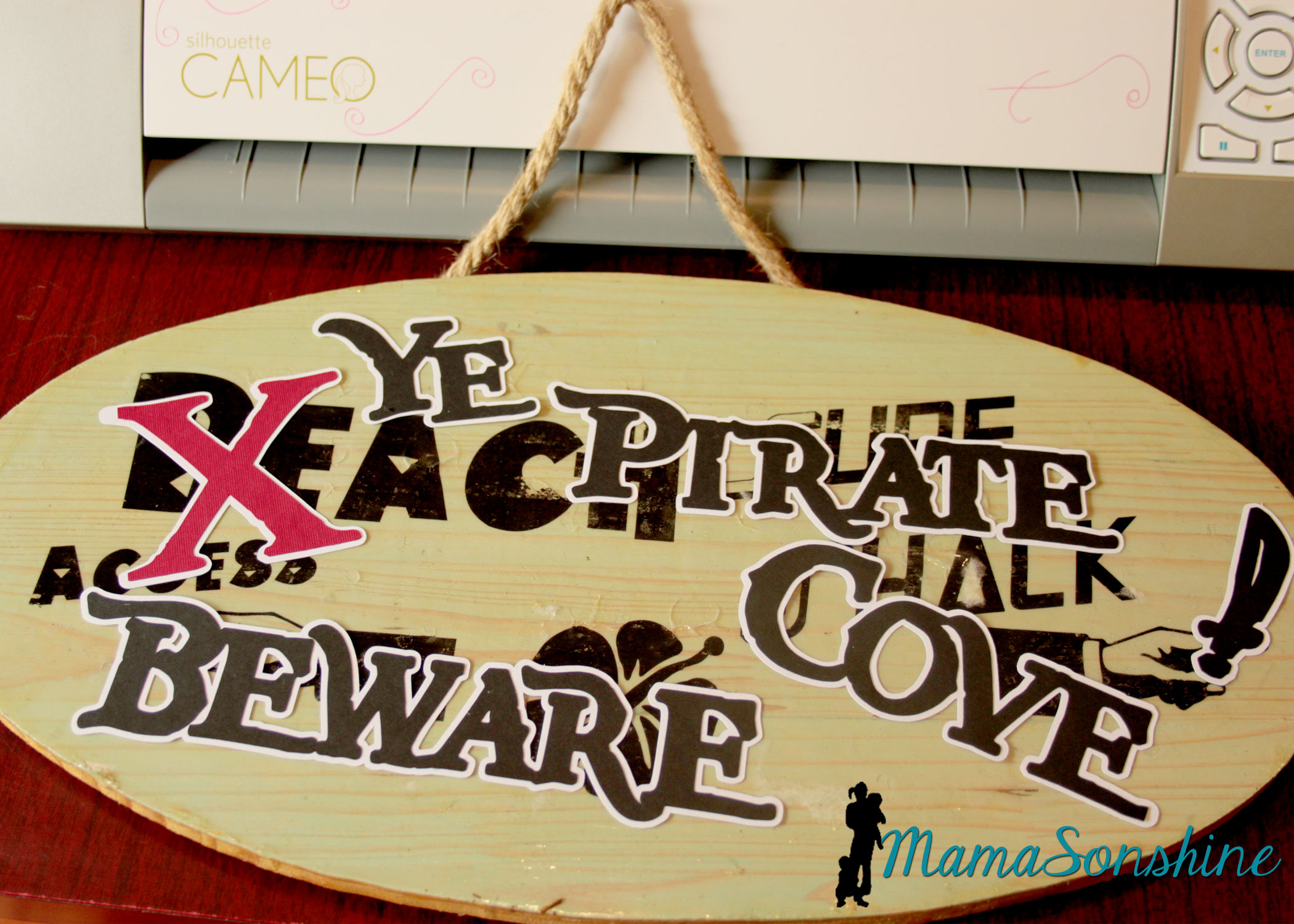
I took the sign I made for Sid’s beach party and cut out letters to make it look like Pirates had taken over the beach. I was going to redo the sign, but my mom wanted to keep the original, so I had to make something temporary. She has kept the sign up on the front of her house since Sid’s party.
Of course the night before I decided to make Sid a shirt to wear for the party. Then I realized I had to make Ian one in a similar style, even though I had already made him a birthday shirt.
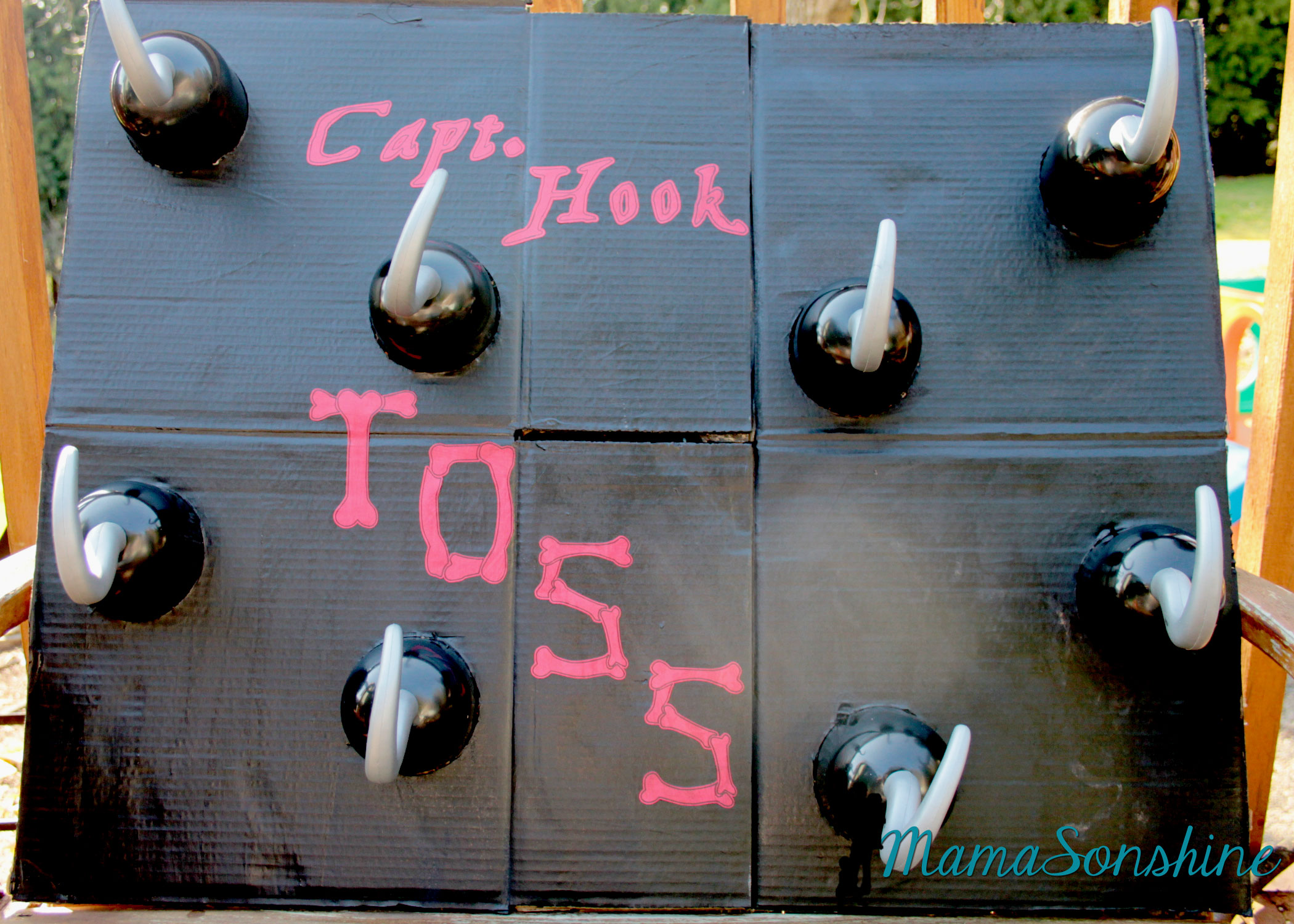
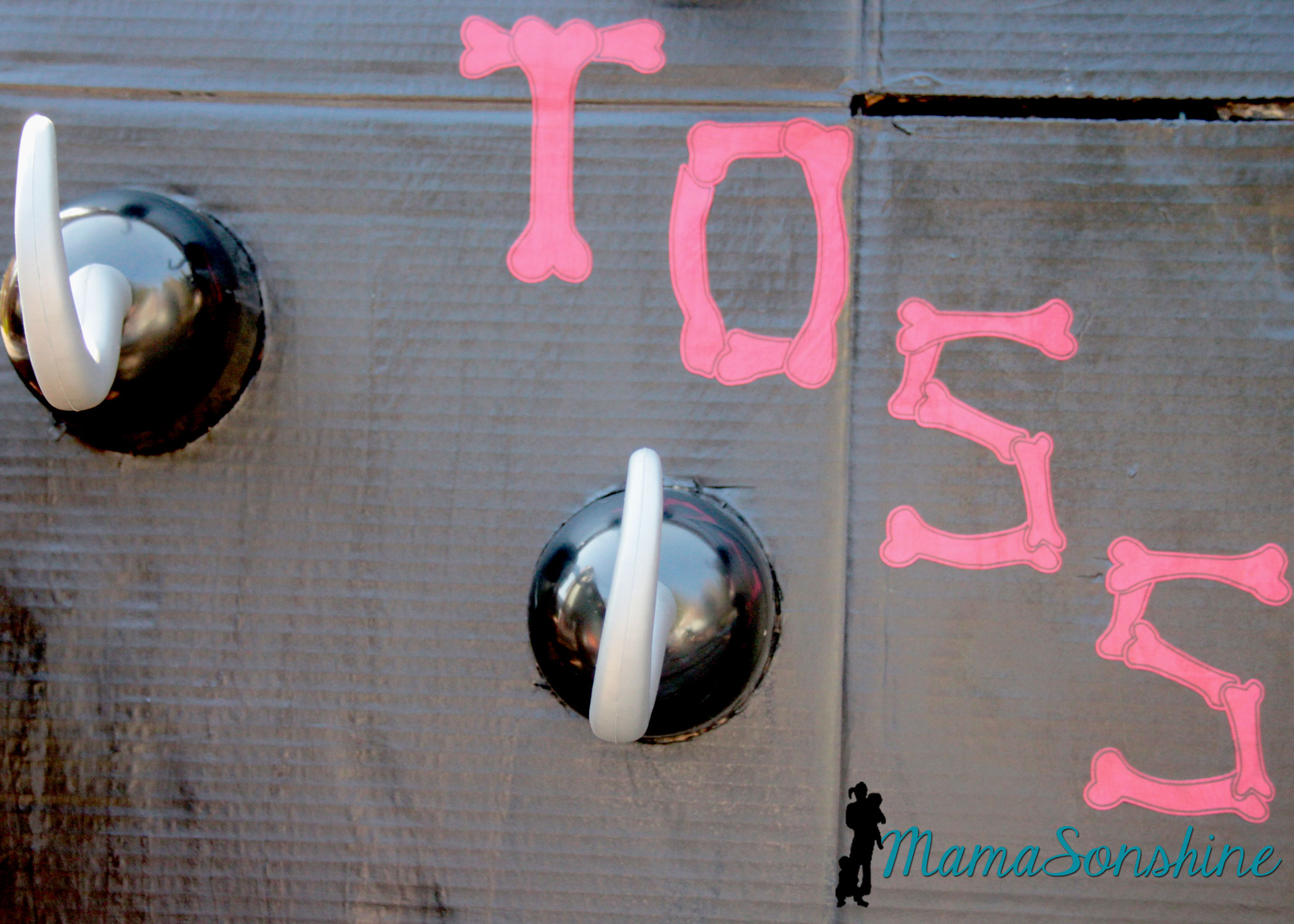
I just cut circles out of a cardboard box and painted the flattened box. I used my cameo to cut the letters out of cardstock and Mod Podge to glue them on.
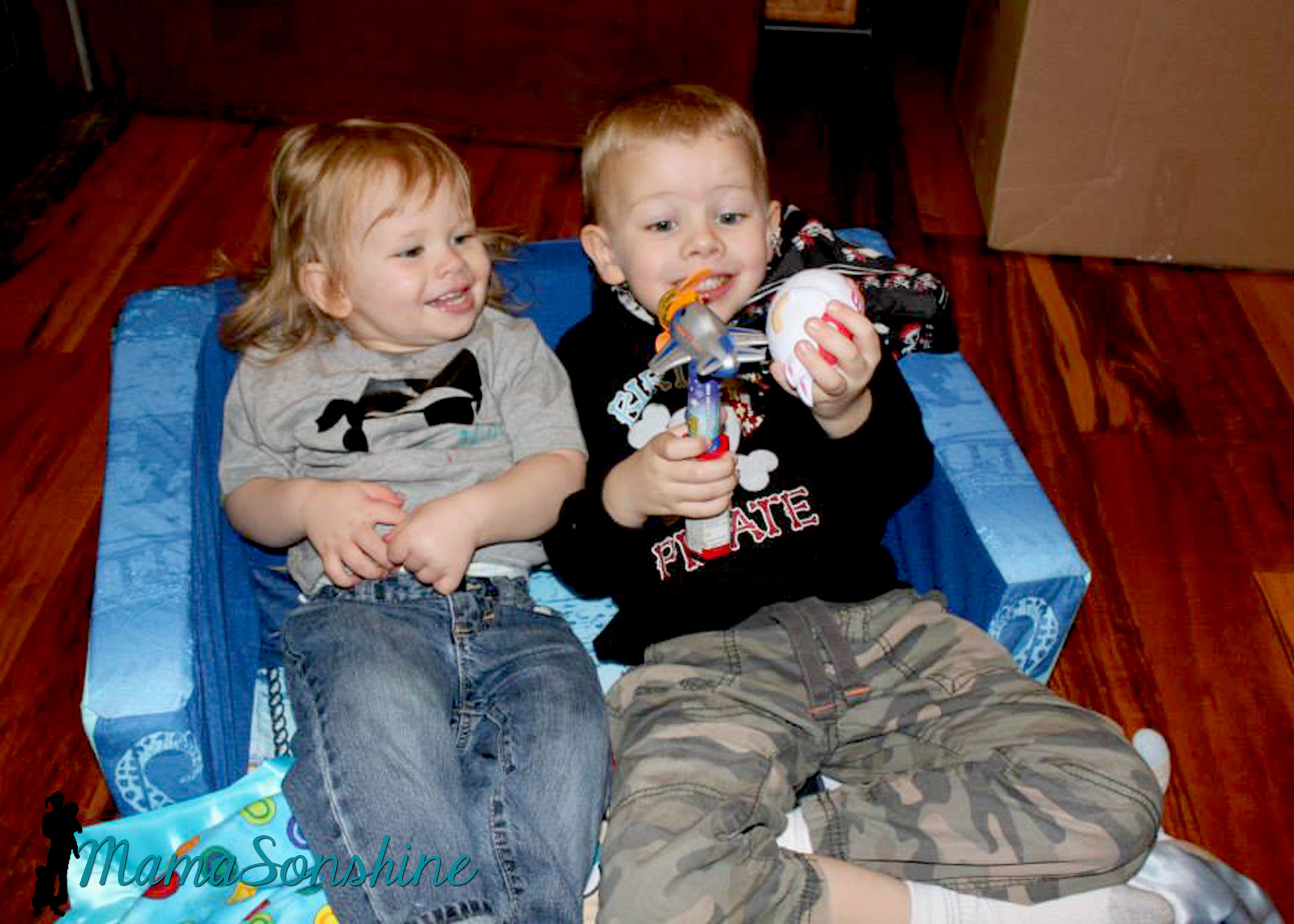
Baby Sid loved playing the hook toss game.
It was super difficult to get a picture of the birthday boy, he was in constant motion that day.
Since it was March in the Pacific Northwest, we couldn’t let the kids play outside. The kids got walk the plank in the basement. I used a wood board my mom had, some step stools and the kid pool. I thought about filling it with those plastic balls you find in a ball pit, but didn’t have time to order them.
The kids didn’t need anything to jump into. They loved the plank just the way it was.
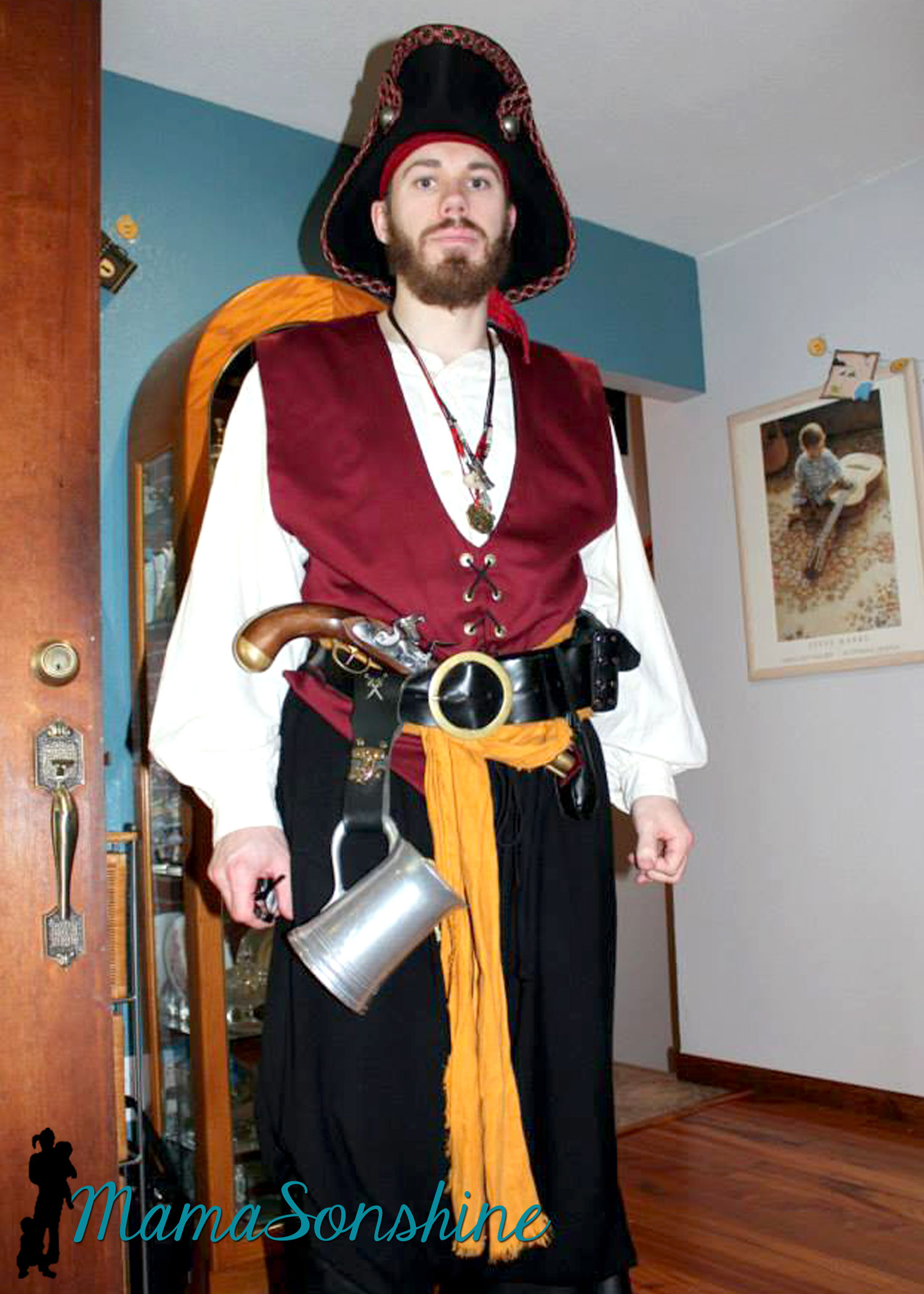
And what kind of pirate party would this be without a real pirate?
My cousin is part of a pirate group in Portland and he was kind enough to show up in full pirate grab. He was the hit of the party!
It was a busy day but Ian loved his party.
Thanks for visiting, remember to Shine On
Want to Check Out More Silhouette Projects?
My Silhouette Challenge buddies and I are all sharing projects on our blogs today, so pursue the projects below for a wealth of Silhouette inspiration!
Way back in the late 90’s my sister got married and I helped her make the bridal party gifts. She wanted to order etched beer mugs for the groomsmen and I told her we could just do it ourselves. So we went to the craft store and bought this:
Armour Etch Starter Kit
You see the rose wine glass? We made those for the bridesmaids. And the kit hasn’t changed in the almost 20 years since we bought it.
It was a pain! You tape the stencil to the glass and the etching cream bleeds through and smears and it isn’t pretty.
But guess what….I now have a Silhouette Cameo that cuts vinyl. And vinyl makes the perfect stencil for glass etching. They also make stencil material that has a sticky back, or you could use contact paper.
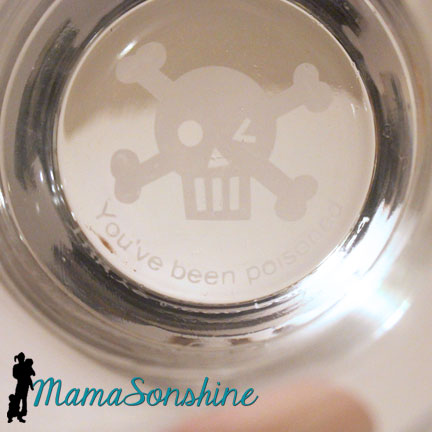
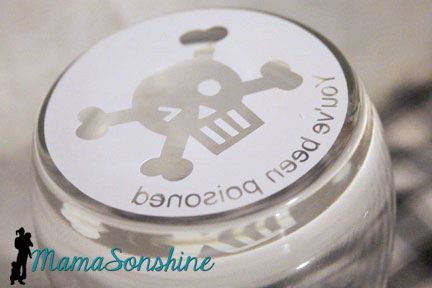
So while searching Pinterest one day I saw some glasses that state “you have just been poisoned” at the bottom of them. I just knew I wanted to make some, and I knew the perfect machine to make a really good stencil.
After getting my Silhouette Cameo for Christmas I joined a Facebook group that has allowed me to learn how to use my machine, share my projects, help others learn how to use their machine and push me to try new things.
One of the events they hosted this year was a hand-made gift exchange. Whomever in the group wanted to participate just signed up and the coordinator matched you with another group member. You then made each other a hand-made gift. Sounds like fun, huh?
After chatting with my gift receiver I thought she might just be the person to appreciate this fun gift. To the Silhouette I go!
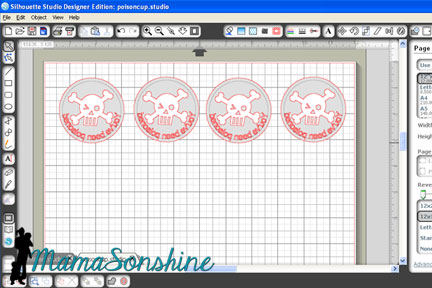
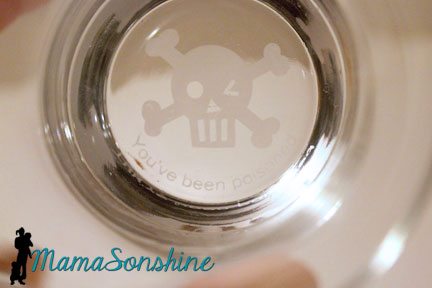
I measured the bottom of the glasses. It is important when looking for drinking glasses that the bottom of the glass be completely flat. Typically when etching on the outside of glass you don’t need to flip the image, but with this design it will be read through the bottom of the glass, so it needs to be flipped on the horizontal.
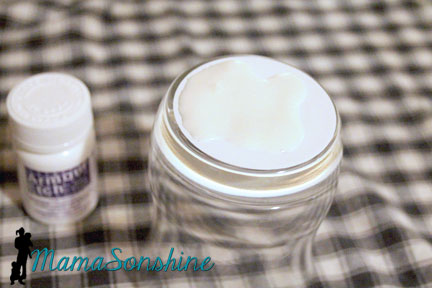
Cut your stencil out of vinyl, others have had success with contact paper, but I have yet to try it as a stencil. I used the default vinyl settings and it cut perfectly.
Clean the glassware and wipe with rubbing alcohol. When completely clean and dry apply stencil.
Follow the instructions on the glass etching cream you have purchased. The etching process is pretty quick to apply it next you a running water source. That way if you happen to get any on your skin you can quickly rinse it off.
Please remember this is a caustic substance and can eat away at your skin. Be safe and use precaution and proper safety gear. Gloves are highly recommended, as is a well ventilated work area next to running water. If you do happen to get some on your skin rinse under high flowing cold water for at least 15 minutes.
As per instructions I used a wooden stick to pile on a helping glob of cream and let it sit for about a minute. I then ran it under cold water until it was all rinsed off. If you are concerned about the cream etching your pipes, don’t be, but you can run cold water down your sink for 2-3 minutes if you want to ensure you have full diluted the cream.
I think they turned out pretty awesome, don’t you?
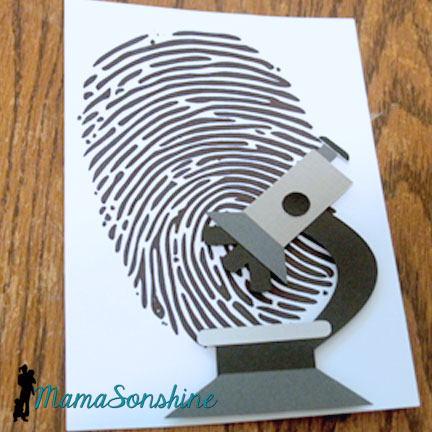
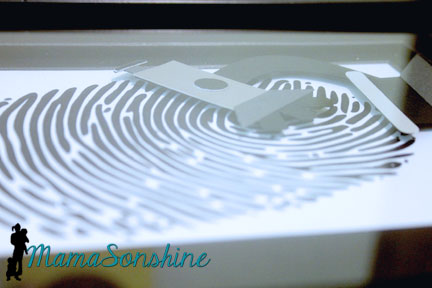
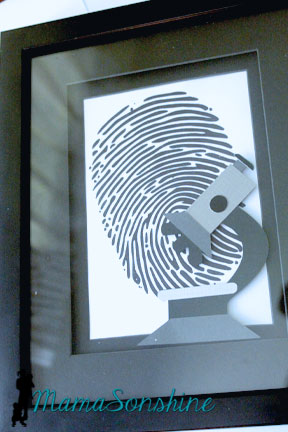
Now while these are awesome drinking glasses, I also wanted to make something a little more personal for her. My gift exchange partner is going to school to become a forensic investigator! What an awesome degree huh? So I decided to make her a some artwork that encompass that goal.
I used sketch pens to draw the finger print and cut the microscope out of card-stock. I used dimensional tabs to lift the microscope off the paper.
I framed it in a frame that had some depth to it so the microscope didn’t get all smooshed.
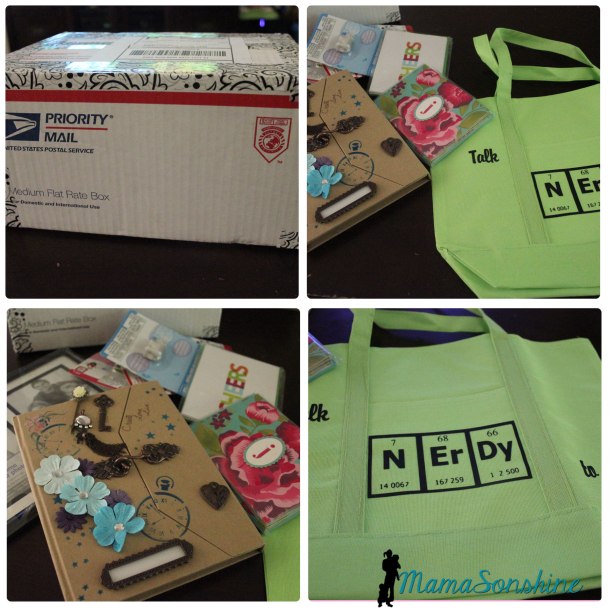
In return I also received a box of goodies from my exchange buddy. Don’t you just love the “Talk Nerdy To Me” bag?
This was a super fun event and I am so excited to get back into glass etching. I can’t wait to etch my next project.
Happy Crafting
Check out some more projects from the talented women who participated in this event.
Freezer paper is every crafters’ best friend and I can now see why.
I have made shirts for the boys before using Heat Transfer Vinyl and Printable Heat Transfer Material, but never using fabric paint.
For this month’s Silhouette Challenge the theme was patriotic. Seriously you could go anywhere with that theme, but I decided the boys needed custom shirts to wear on the 4th of July.
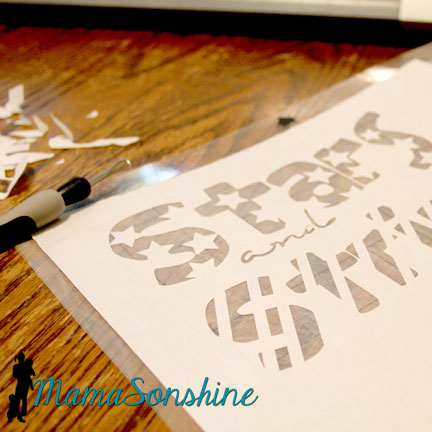
I wanted to make a stencil out of freezer paper that I cut with my Silhouette Cameo. I didn’t want the basic plain old flag, but I wanted something kinda flag related.
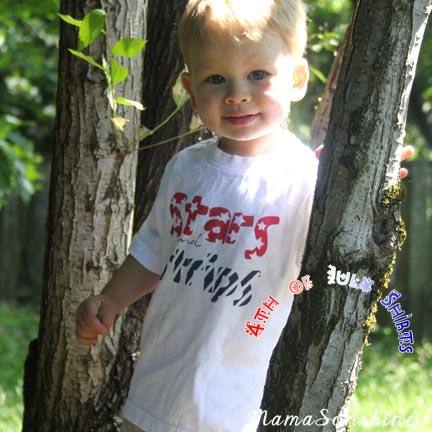
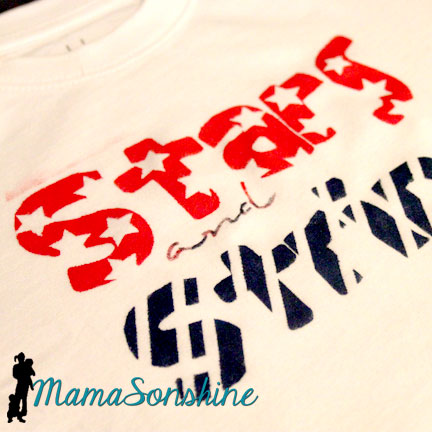
So I cam up with this shirt for Sid. It says “Stars and Stripes” and has coordinating graphics with the words. And it was done in Red, White, & Blue. Tots Adorbs huh?
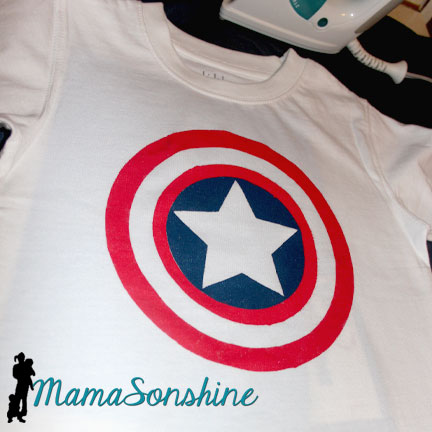
Since I didn’t actually want them to match I decided to make Ian a Capt. America shirt. Because who is more patriotic than Capt. America?
The process
Create and cut your design, you don’t have to use a cutting machine to make a shirt out of freezer paper but it sure is helpful.
In the cutting machine the freezer paper can be cut with shiny side up or shiny side down. However, the shiny side is the side you will iron to your fabric, so if you cut shiny side up, you will need to mirror (flip horizontally) your design. I used a blade of 2, speed of 3 and thickness of 10. But there has been a variety of recommended settings on-line, so make sure to do a test cut first.
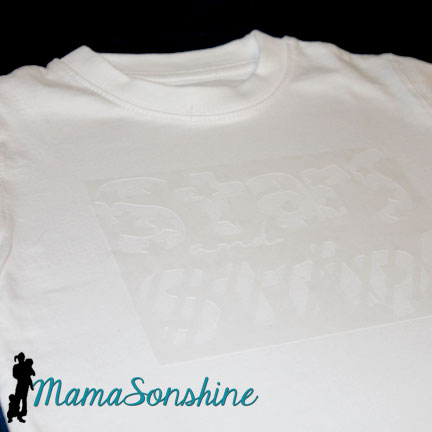
Iron on your stencil. Put the shiny side down on your fabric and use a dry iron on the setting for your fabric. Use lots of pressure, and pay extra special attention to the edges. You don’t want paint to bleed under the stencil. Freezer paper and transfer tape don’t mix, so you will have to put all those little letter innards back by hand. I made font decisions with this in consideration.
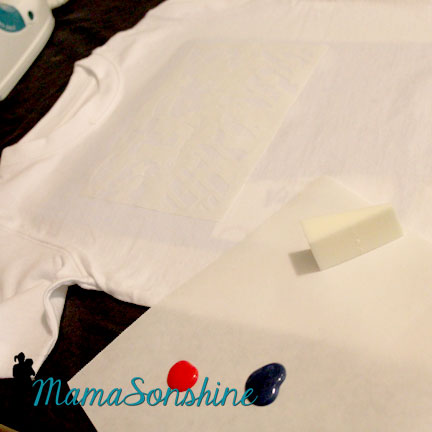
Here is a little confession. I don’t paint much, so I didn’t have any paint sponges or foam brushes or anything at home. You know what I did have though? Make-up foam applicator, which worked just fine.
Make sure you place a piece of cardboard or a few pieces of cardstock between the layers of your shirt. The paint can bleed through, and you don’t want it showing up on the back of your shirt.
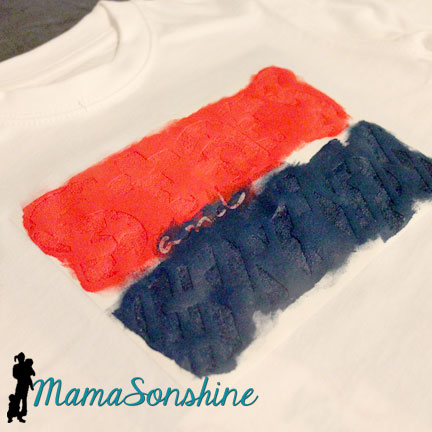
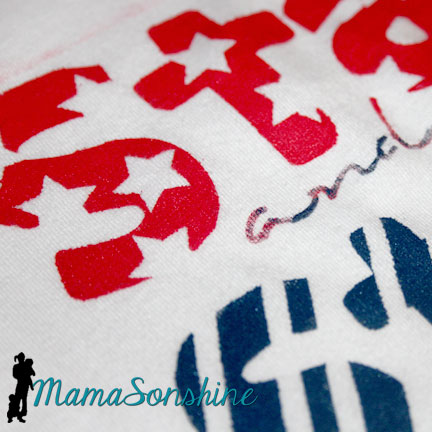
Make sure you dab and lift, do not brush. Brushing can lead to paint bleeding under your stencil. The idea is have many thin layers of paint instead of one thick one. I decided I wanted the ‘and’ to be a mix of red and blue, because I didn’t want too much of one color.
Let your paint dry and peel up your stencil. You may have to hold down the shirt to avoid stretching the newly painted fabric.
Most fabric paint requires you to heat set it, running the iron over the design so the paint doesn’t wash off. The fabric paint I bought did not have that on the instructions, but I did it anyway. I ran the iron over the front of the shirt, with a pillowcase in between, after is had dried for a couple of days. I turned it inside out and washed it after that.
If you notice above the word “stars” you can see a little smear of red pain because the frame of my stencil was too small. I didn’t run the iron over that part, and it was mostly gone after washing it. So I am glad I did heat set the rest of the shirt.
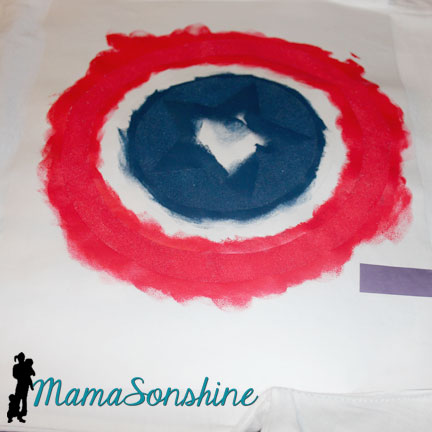
The Captain America shirt seemed like it was going to be easy, but I forgot about the fact that there is a red circle next to a blue circle with no white between.
So I had to paint it on two different days.
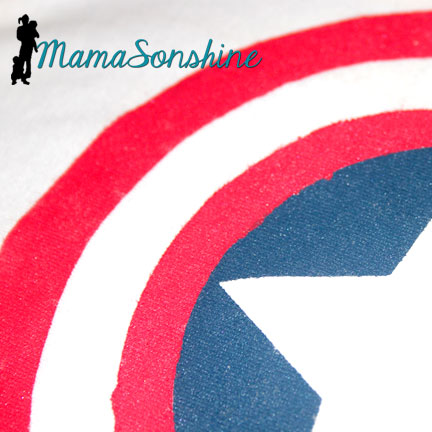
The stencils were different circles, so the inner white circle is actually two. After all the above was dry, I removed the circle next to the blue, but left the one where it should be white. I then added another circle to cover the blue center. This one didn’t stick as well because I was afraid to mess up the paint, so I didn’t press to hard or long.
This lead to some bleeding of the red paint in to the blue circle.
But it only looks bad close up.
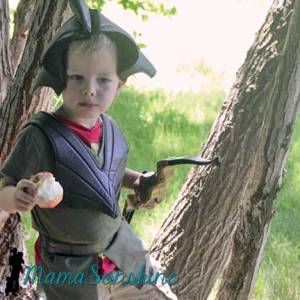
My older son then informed me he no longer likes Capt. America, so he wouldn’t wear the shirt for me.
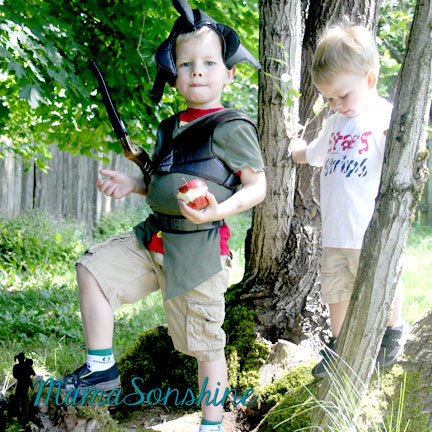
He did tell me he was a Mystic Forest Ranger Zombie Hunter though.
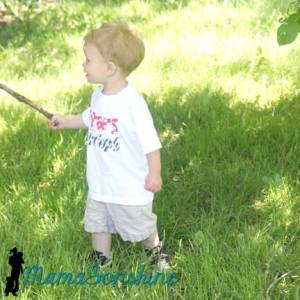
At least Sid was cooperative.
Happy Crafting
Want to Check Out More Silhouette Projects?
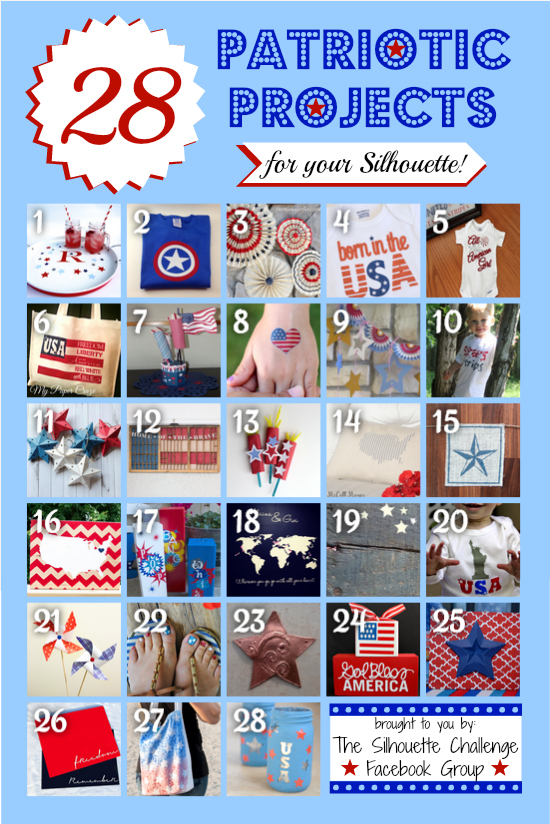
My Silhouette Challenge buddies and I are all sharing projects on our blogs today, so pursue the projects below for a wealth of Silhouette inspiration!

















 I Tri and Craft