I love chalkboard art. I love that it can be changed really easily, just erase it and write something new.
The problem I have….
I have horrible handwriting and I can’t draw a stick figure.
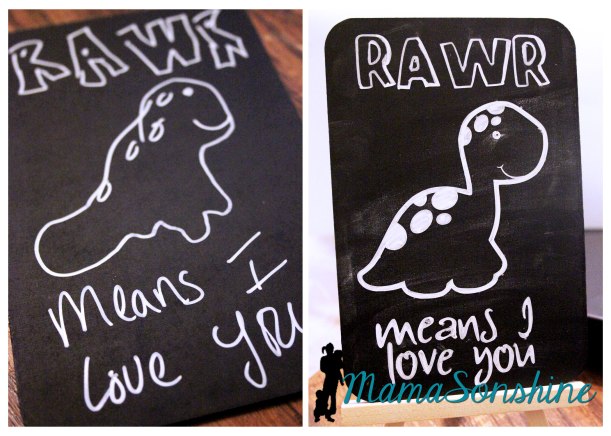
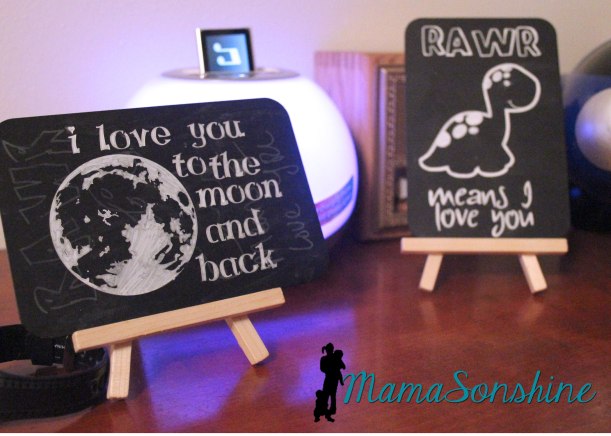
Ok, seriously, look at the one on the left, would you want that on your dresser if you were a kid? Can you say SCAR-RY. Nothing about it says ‘I love you.’
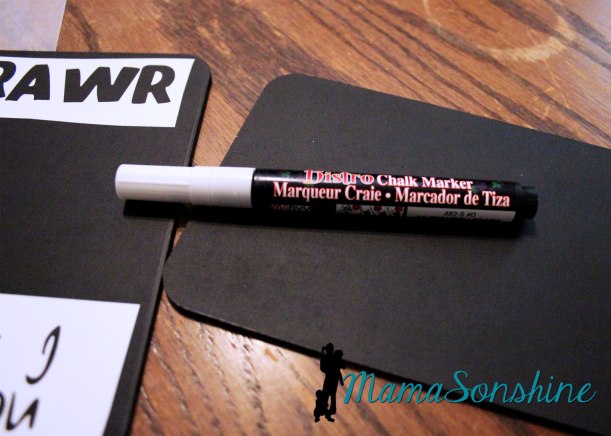
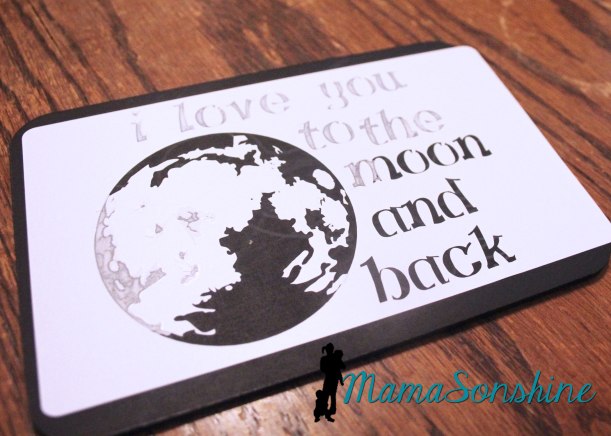
But I found these super cute little chalkboards at the craft store and a chalk marker and wanted to make something for my son. So I thought I would turn to my Silhouette Cameo and some vinyl to make a stencil.
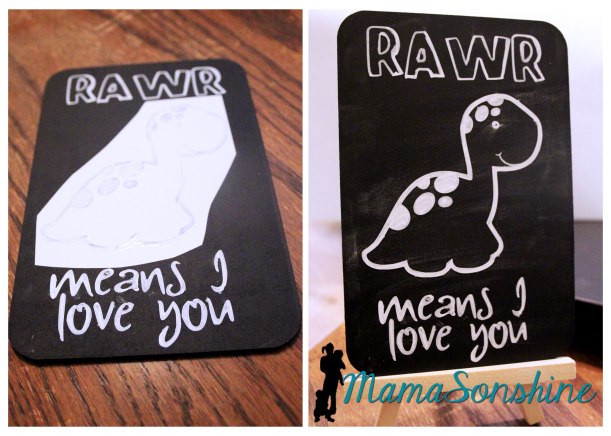
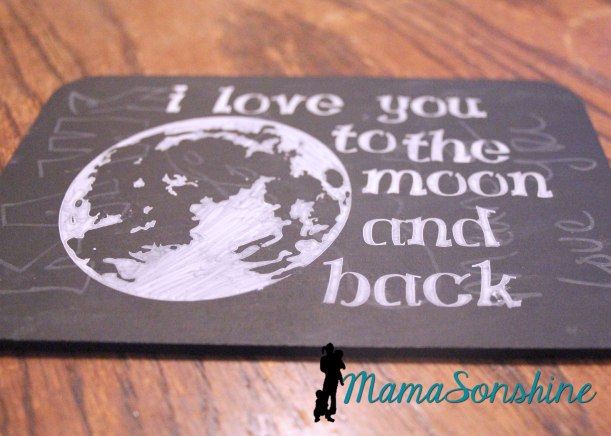
I just colored in the lines of the stencil using the chalk marker. Much cuter, and way easier than writing.
I made two stencils because I have two chalkboards. There is no way I would have been able to draw this moon by hand.
The marker says it will come off with water, but as you can see with the moon one, it doesn’t really come all the way off if you leave it on for a while.
Ian really likes his little signs, even if he can’t read them yet. They are super easy to make, and super easy to change the sentiment.
The theme for this month’s Silhouette Challenge is “my favorite things” meaning my favorite Silhouette supplies.
The main reason I got my Silhouette Cameo was to cut paper and make party decorations. I love to make party decorations and have always gone a little over board, but now that I have my Silhouette, I go hog-wild.
This past March we had my oldest son’s fourth birthday party and I just knew this month’s challenge would be the perfect opportunity to share them with you. Or should I say, the perfect opportunity to force motivate me to finally get around to writing this {wink-wink}….And let me warn you, this post is full of pictures.
Ian decided he wanted a pirate party for his birthday, so I got to work, starting in January.
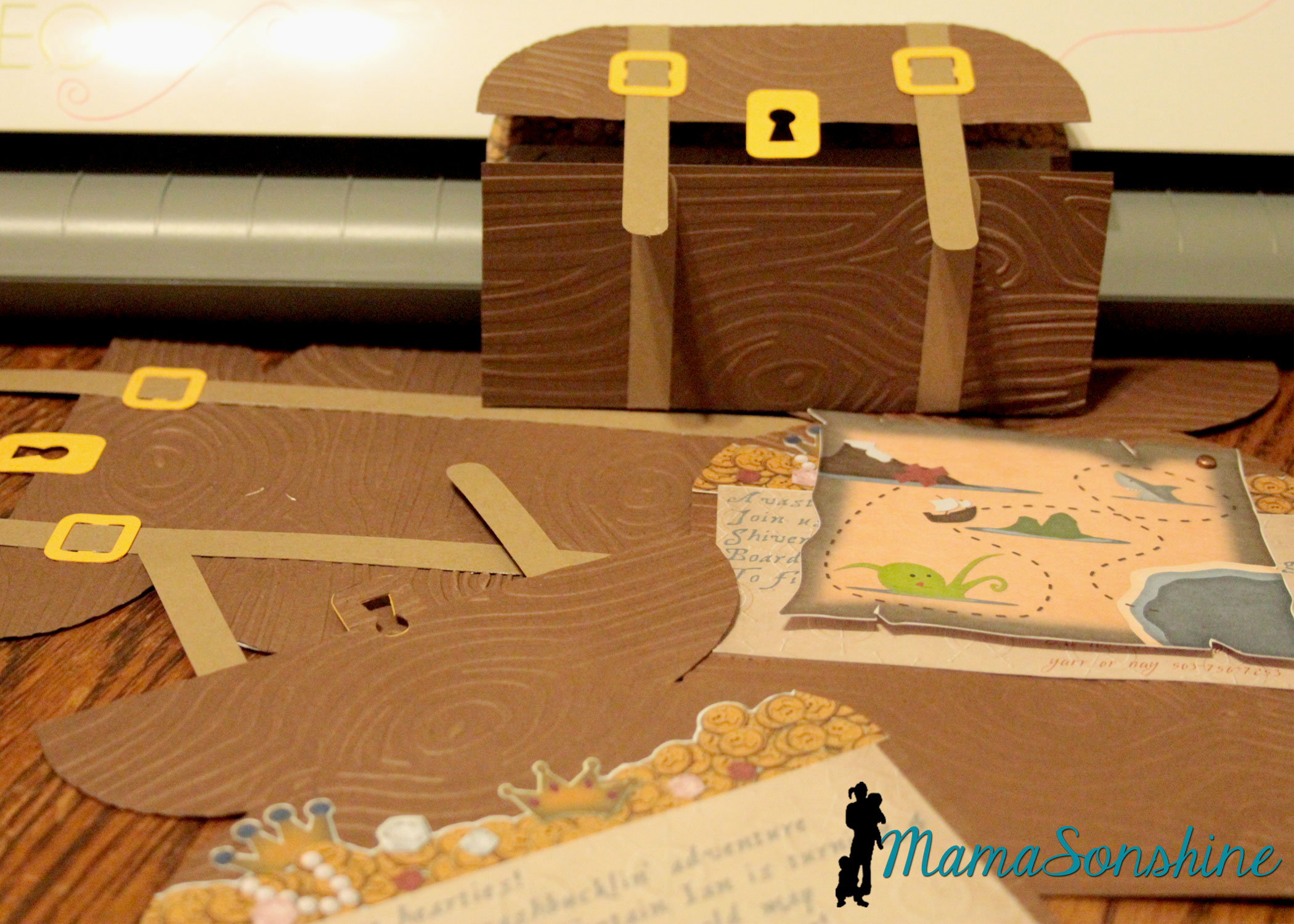
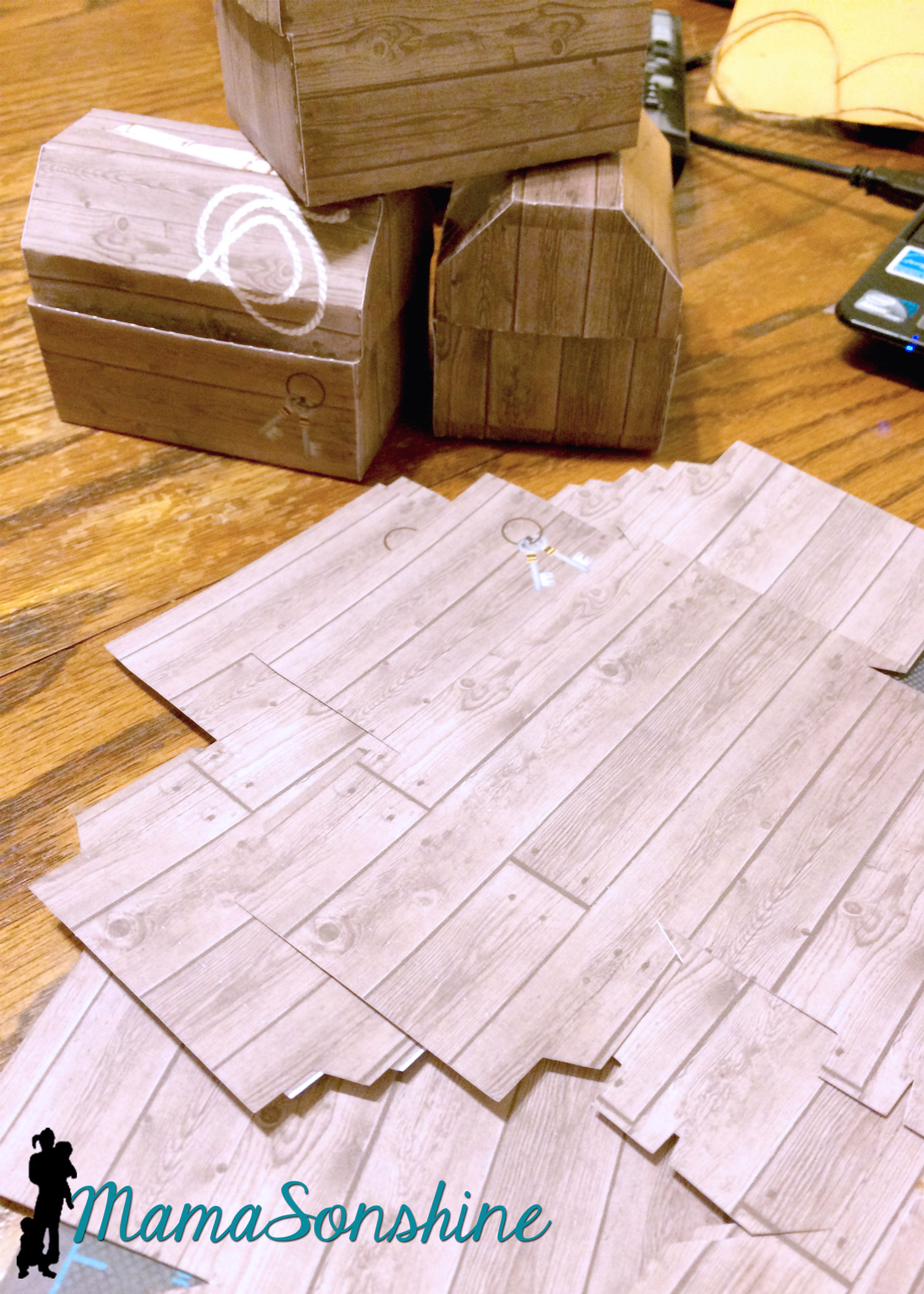
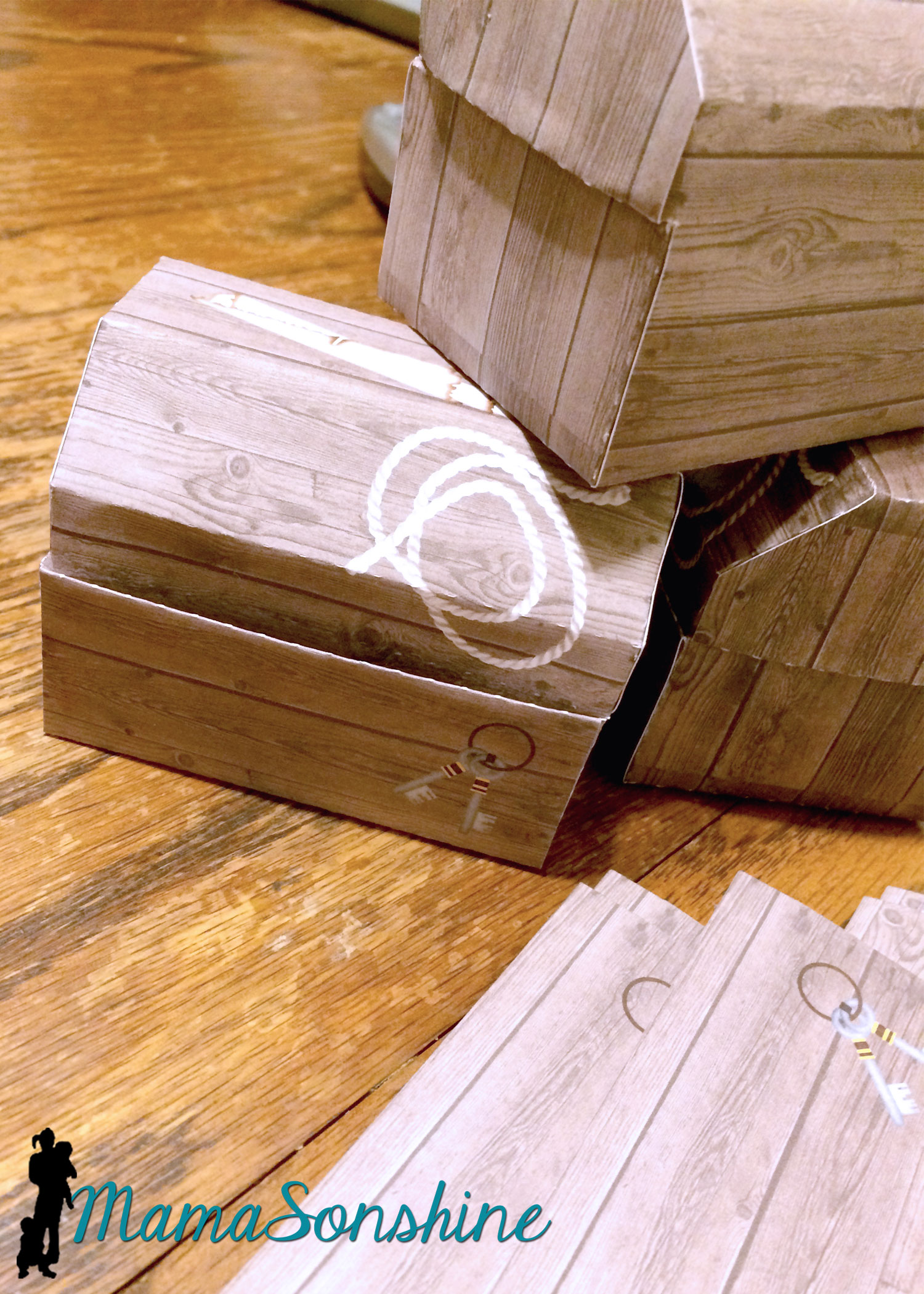
The invitations were treasure chests that opened to show a map, some treasure and the party info. The exterior of the invitation was a cut file I purchased through the Silhouette store. I used my Cuttlebug to give it the wood grain look. I used elements from Just So Scrappy’sYo-Ho Pirate digital scrapbook kit to make the map and as a background for the information section. I used graphics from this kit in almost everything I did for this party.
I designed the coin and jewel pile and used Silhouette’s print and cut option to cut them out.
I love making rosettes for parties, and this party was no exception.
This slideshow requires JavaScript.
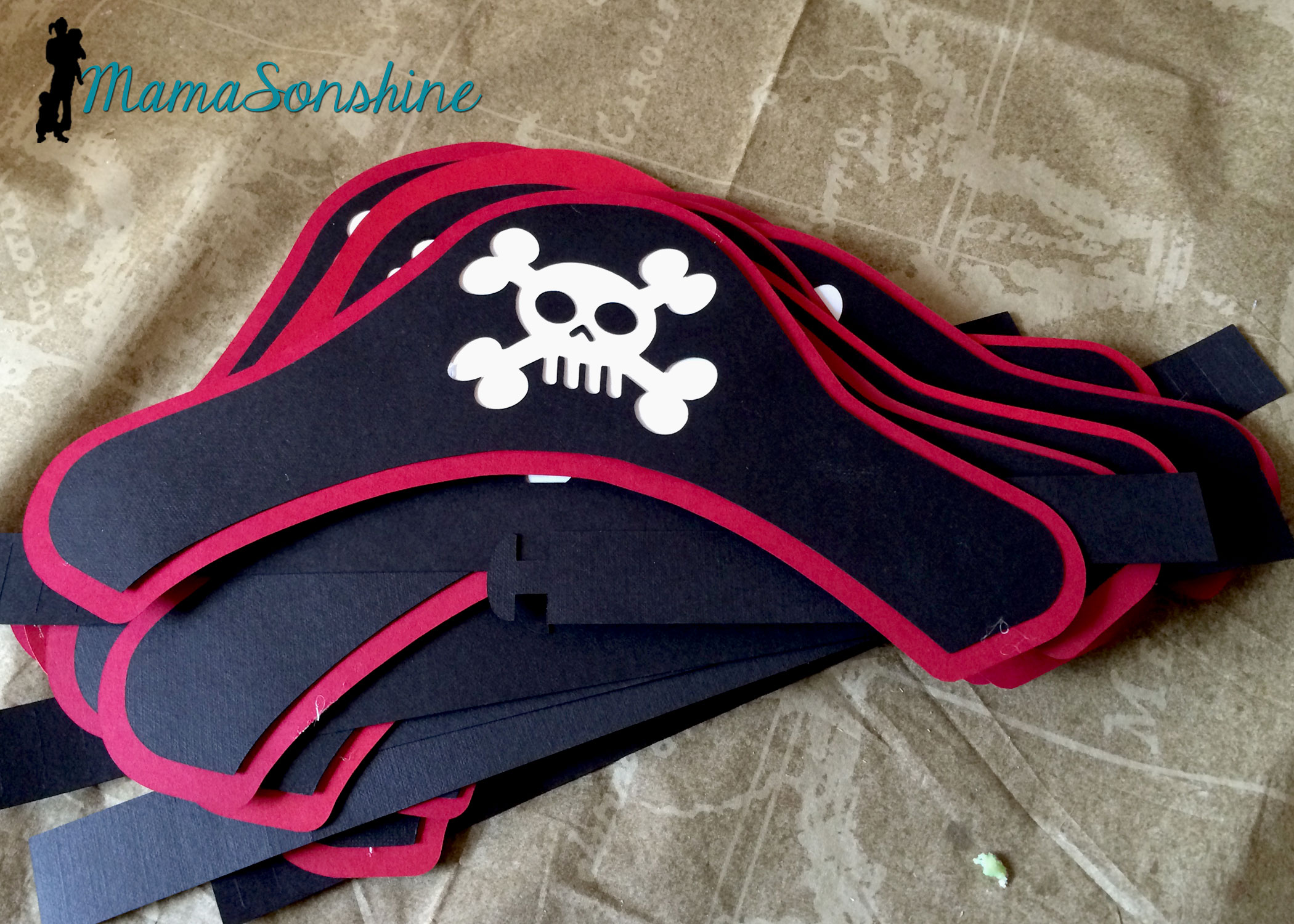
I created these party hats for the kids. This skull and cross-bones was from the a flag in the scrapbook kit. I used some of the negative skull and cross bone cut outs in other decorations, like the bunting flags (see below).
I don’t think I would have been able to make a dozen pirate party hats with out my Cameo.
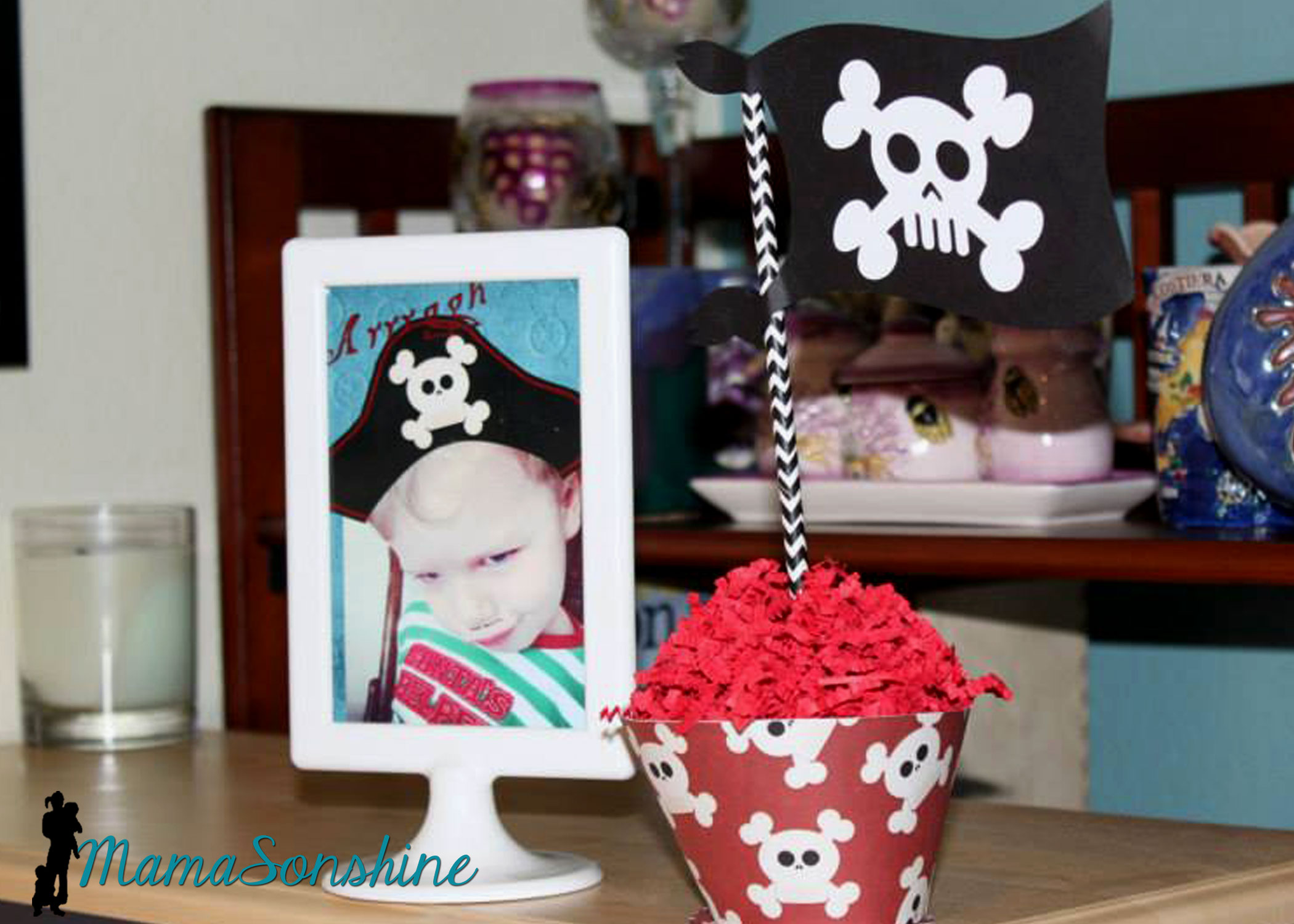
I really loved these flag topiaries. I cut the flags out from the kit and used the digital papers to make the each base.
This slideshow requires JavaScript.
Of course there has to be a picture of the Birthday Pirate!
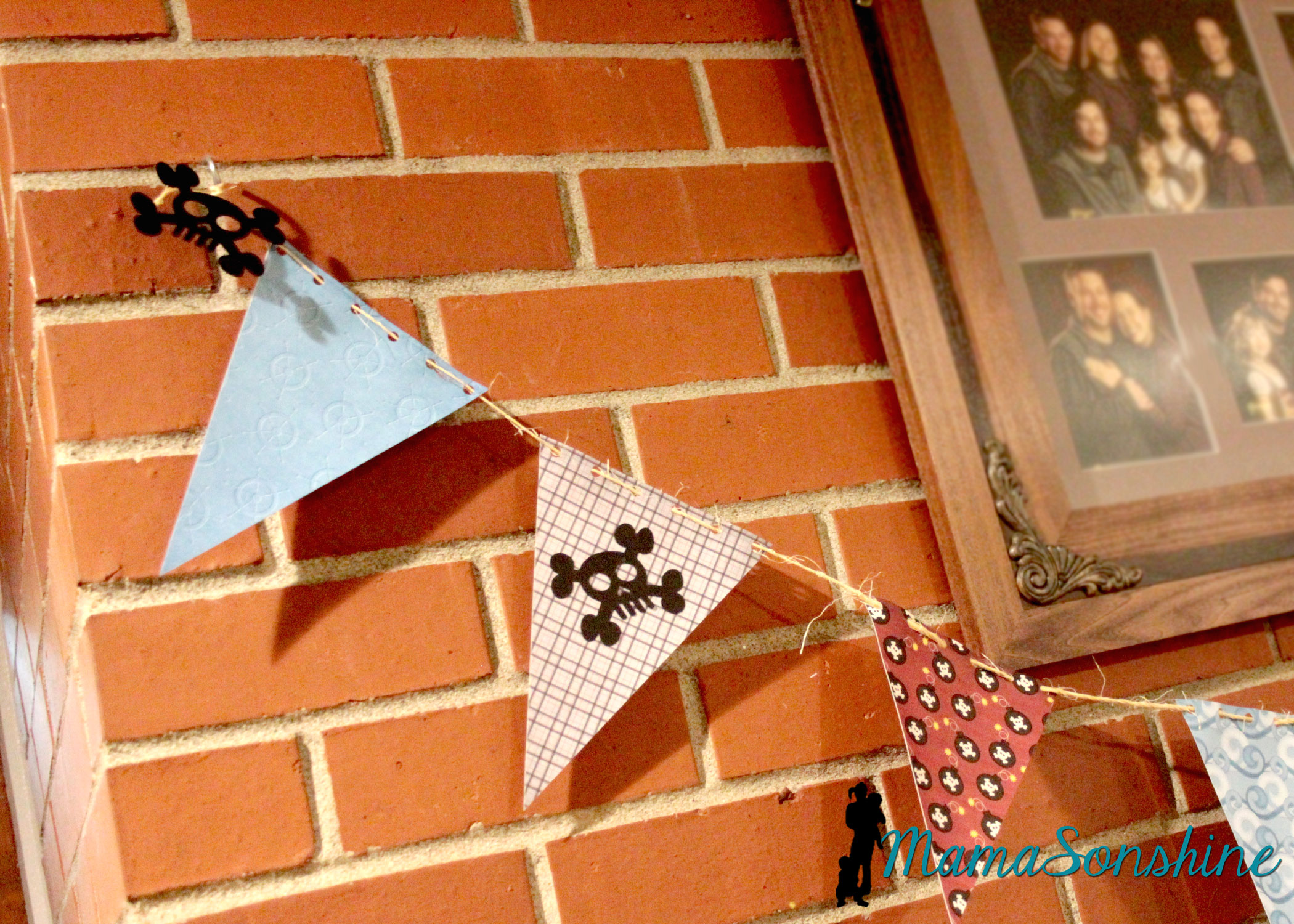
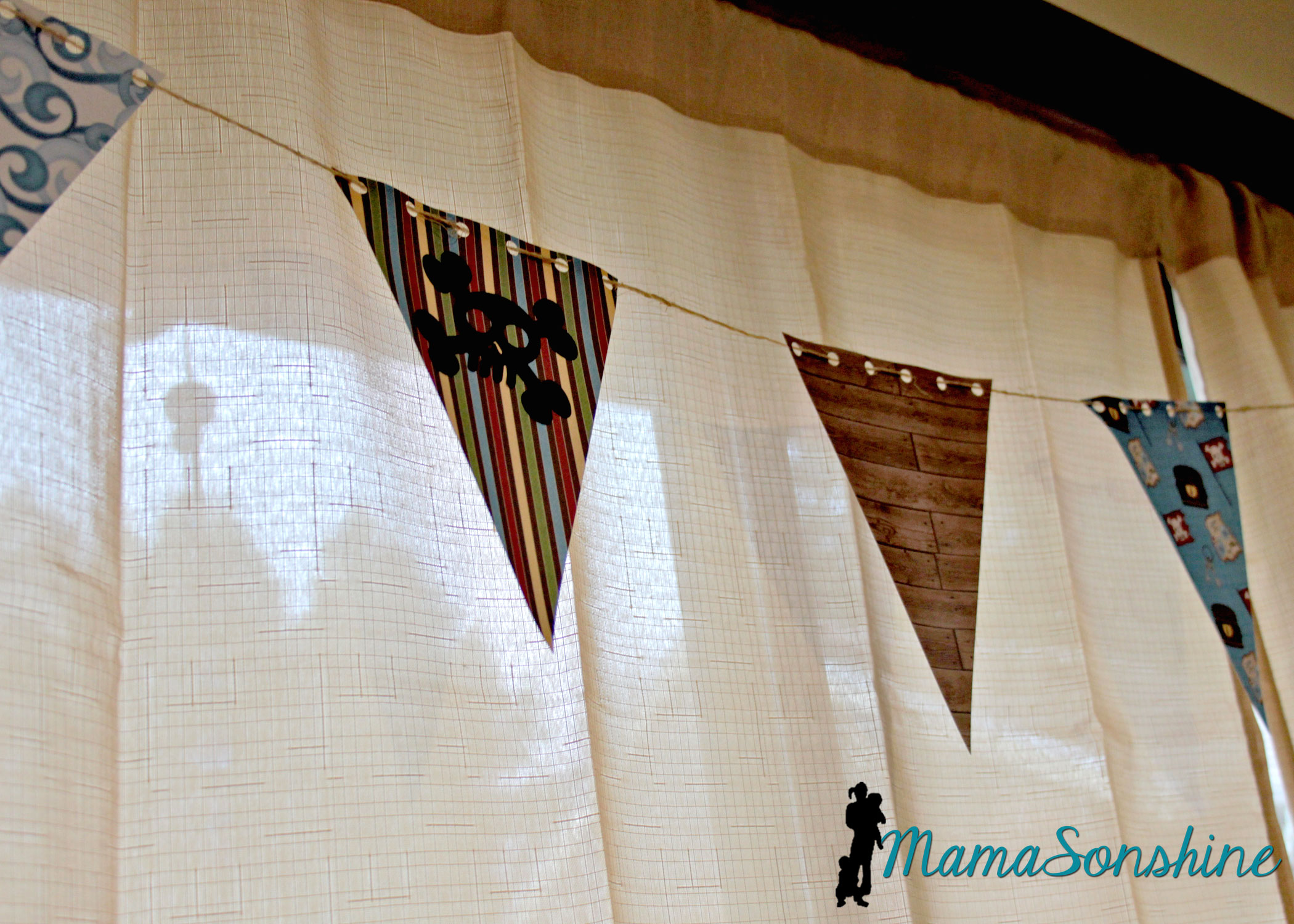
The bunting flags were made with the digital papers and cut with my cameo. I used twine to string them all together.
You can see where I added the negative skull and cross-bones from the party hats.
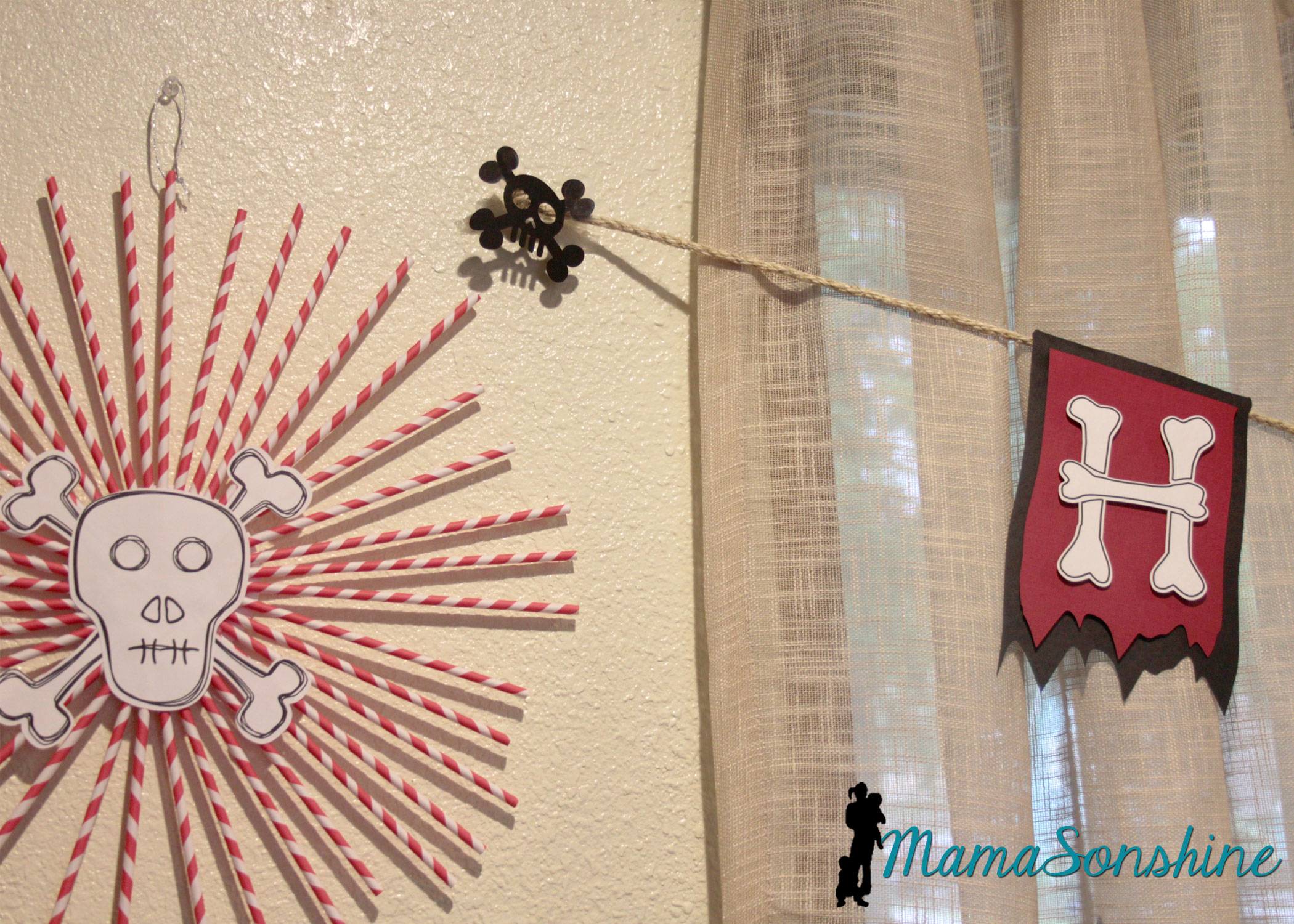
I decided to use the sketch feature in the Studio software to make the skull and cross-bones for these straw rosettes.
This slideshow requires JavaScript.
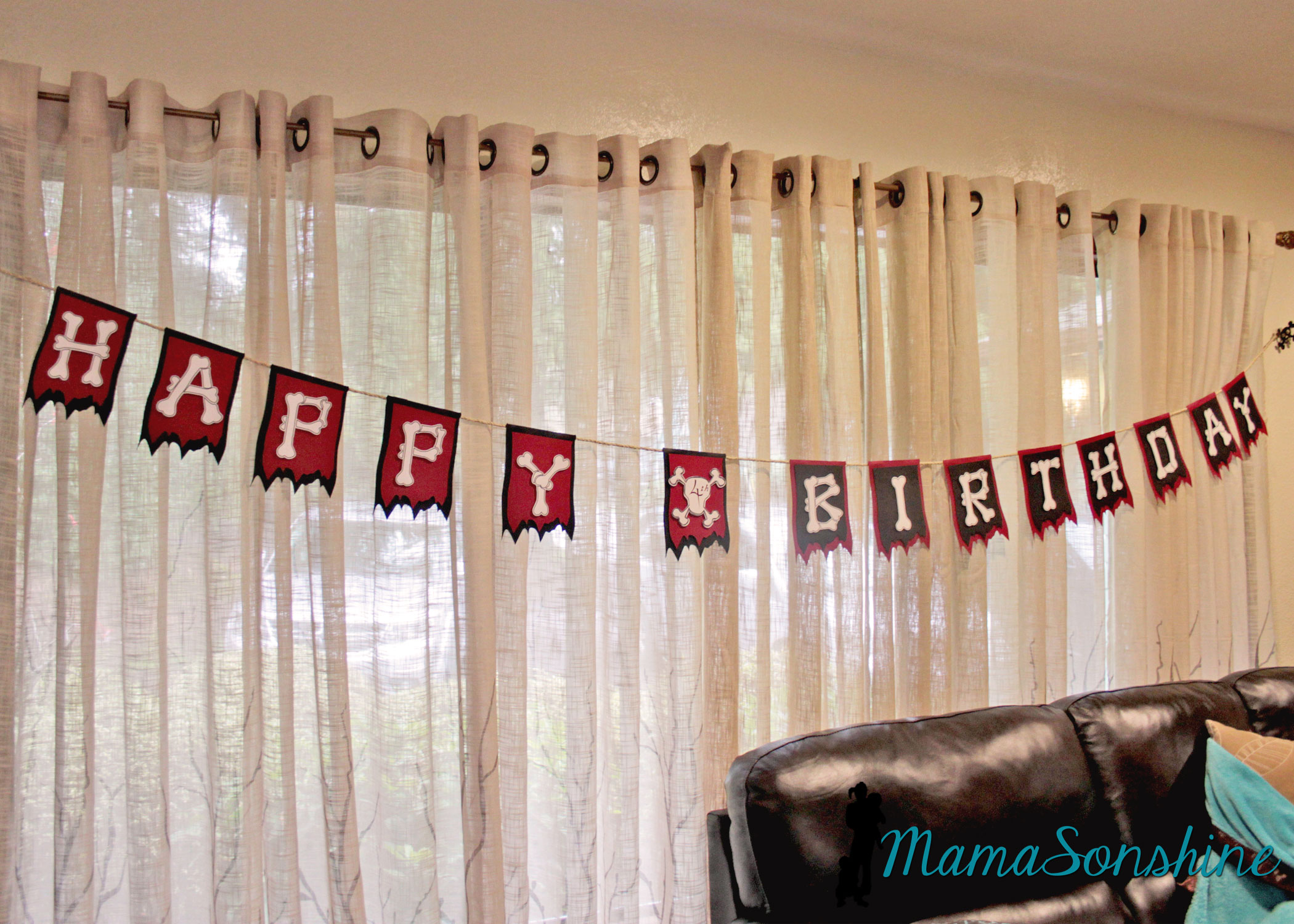
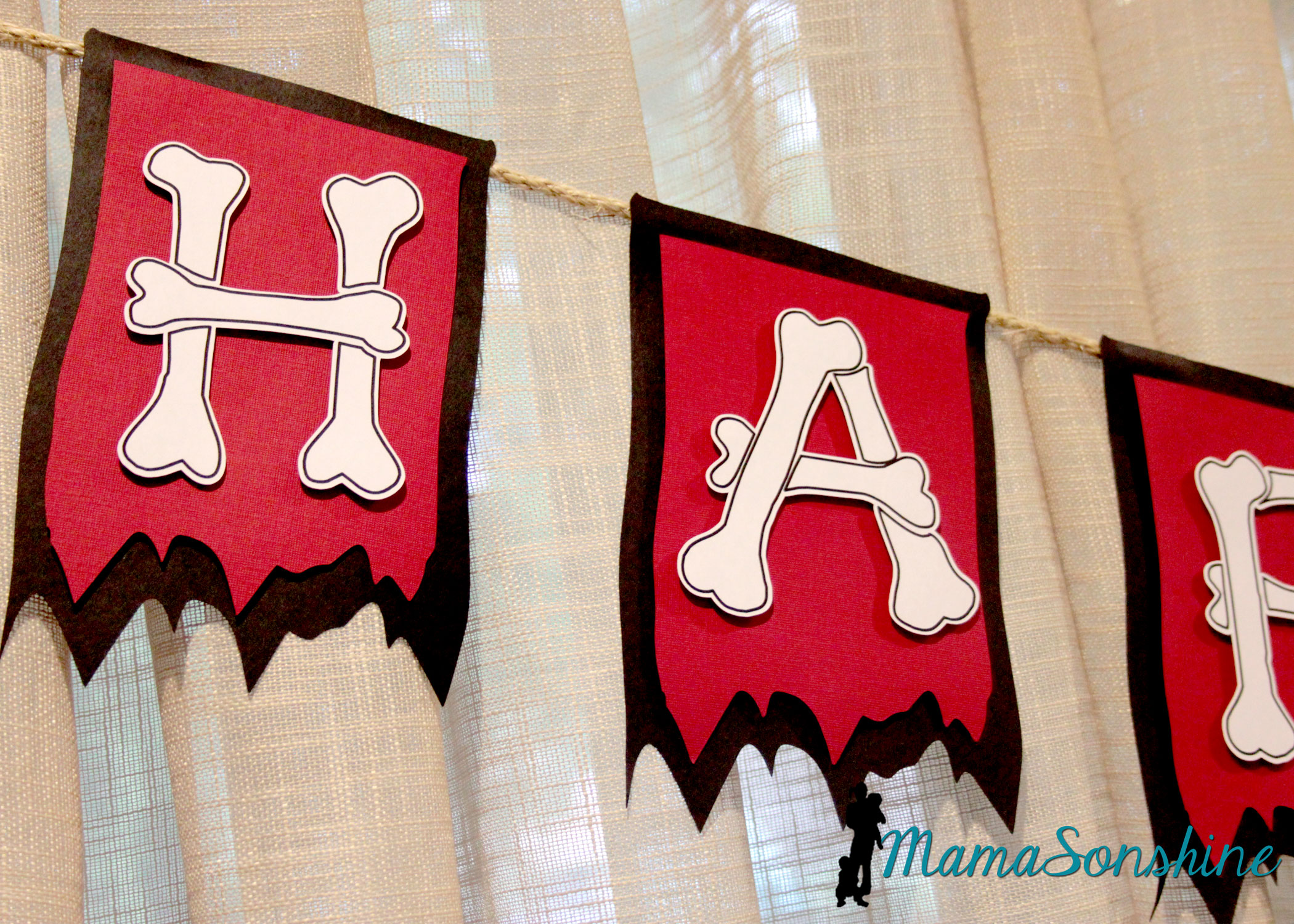
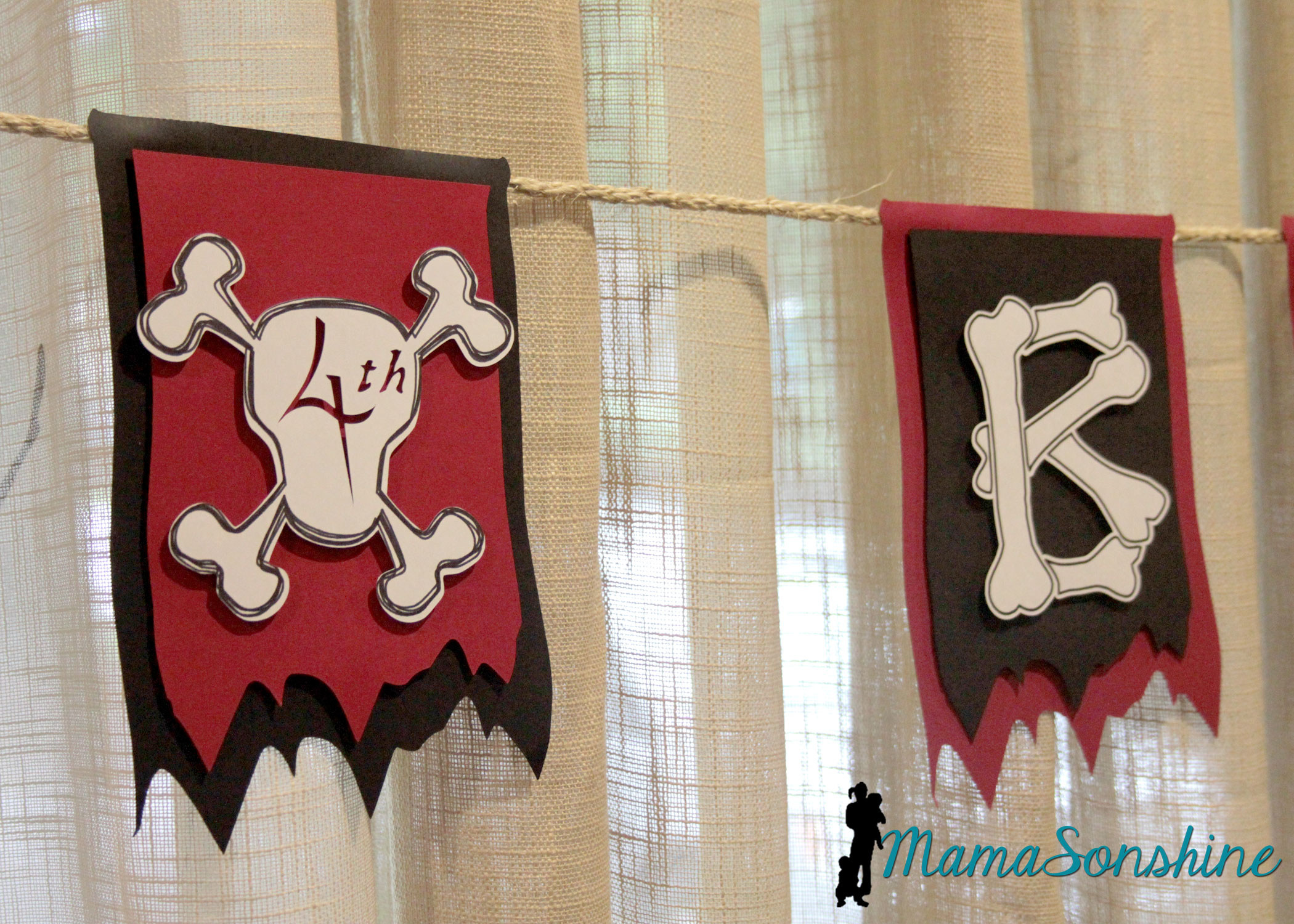
One of my favorite things from this party was the “Happy Birthday” banner.
I really like how the layered flags turned out.
I wanted to use this bone font but each piece of bone on one letter is a cut line, so I used the offset tool to cut all around the letter. I could have used a sketch pen, but I just printed them.
I used the custom design tool and the sketch feature to make the skull and cross-bones for the number part of the banner. Instead of writing the number, I cut it out, so you can see the background color. I used sisal rope to hang the banner across the window.
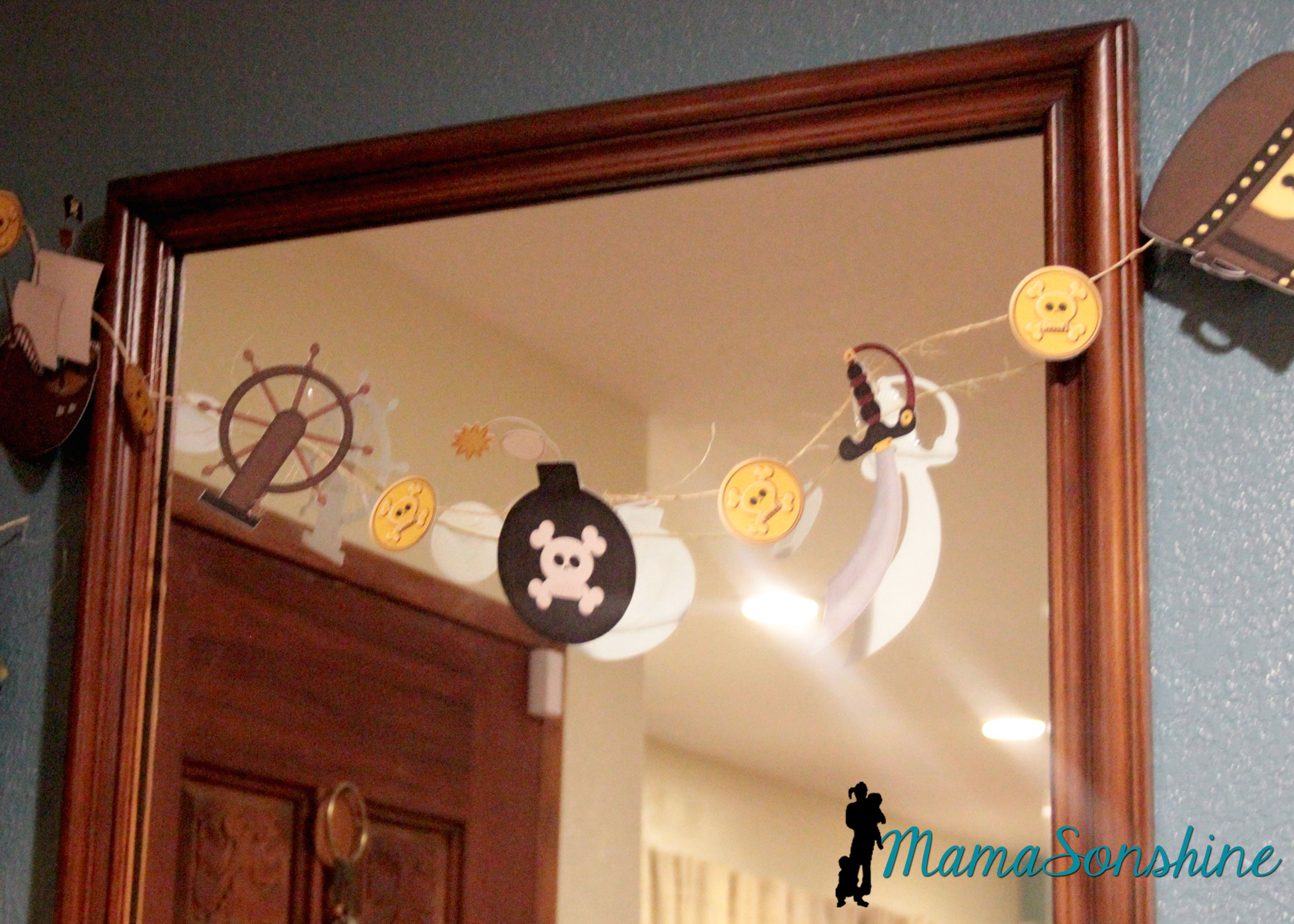
I also used the print and cut feature on the elements from the kit to make other banners.
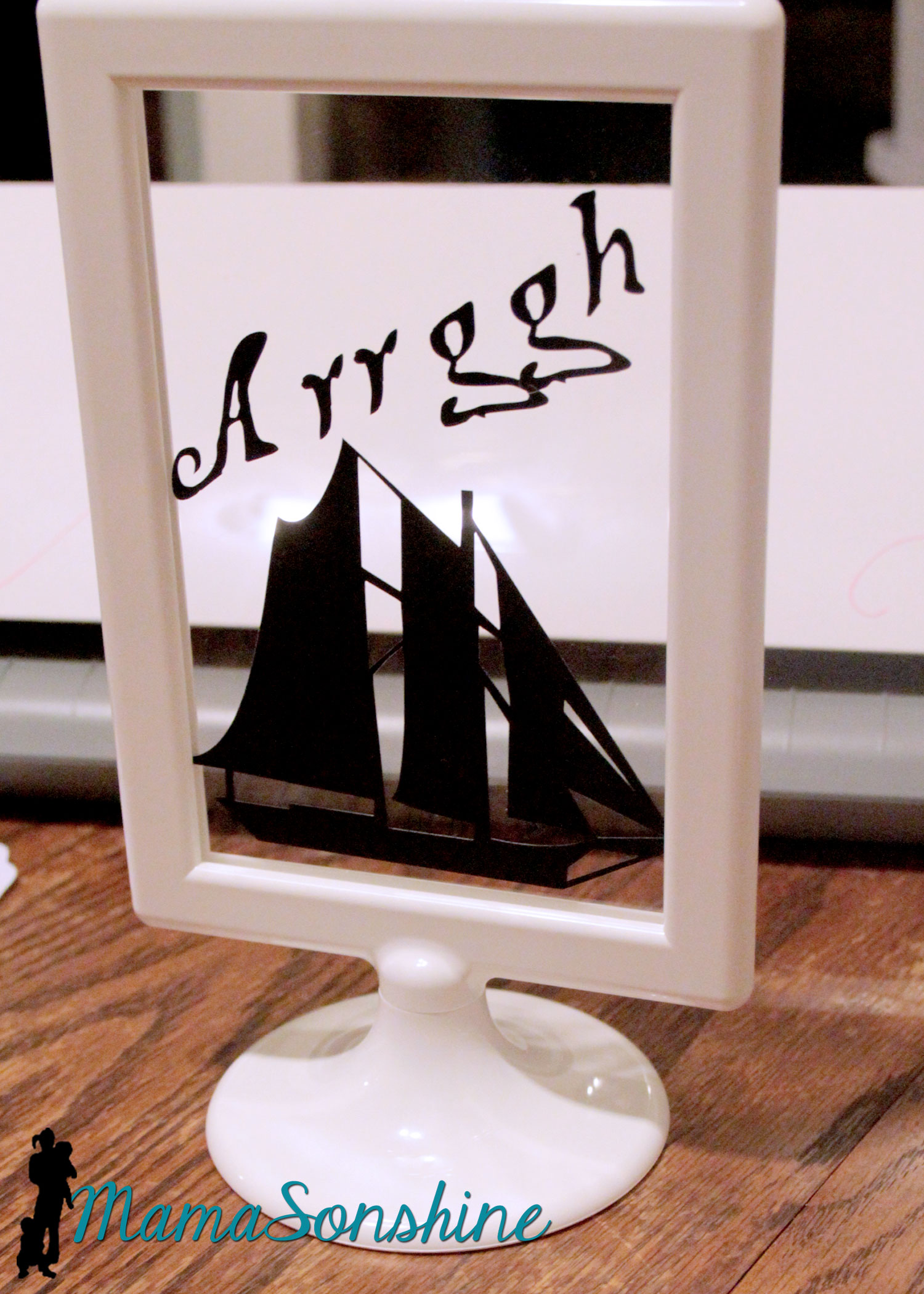
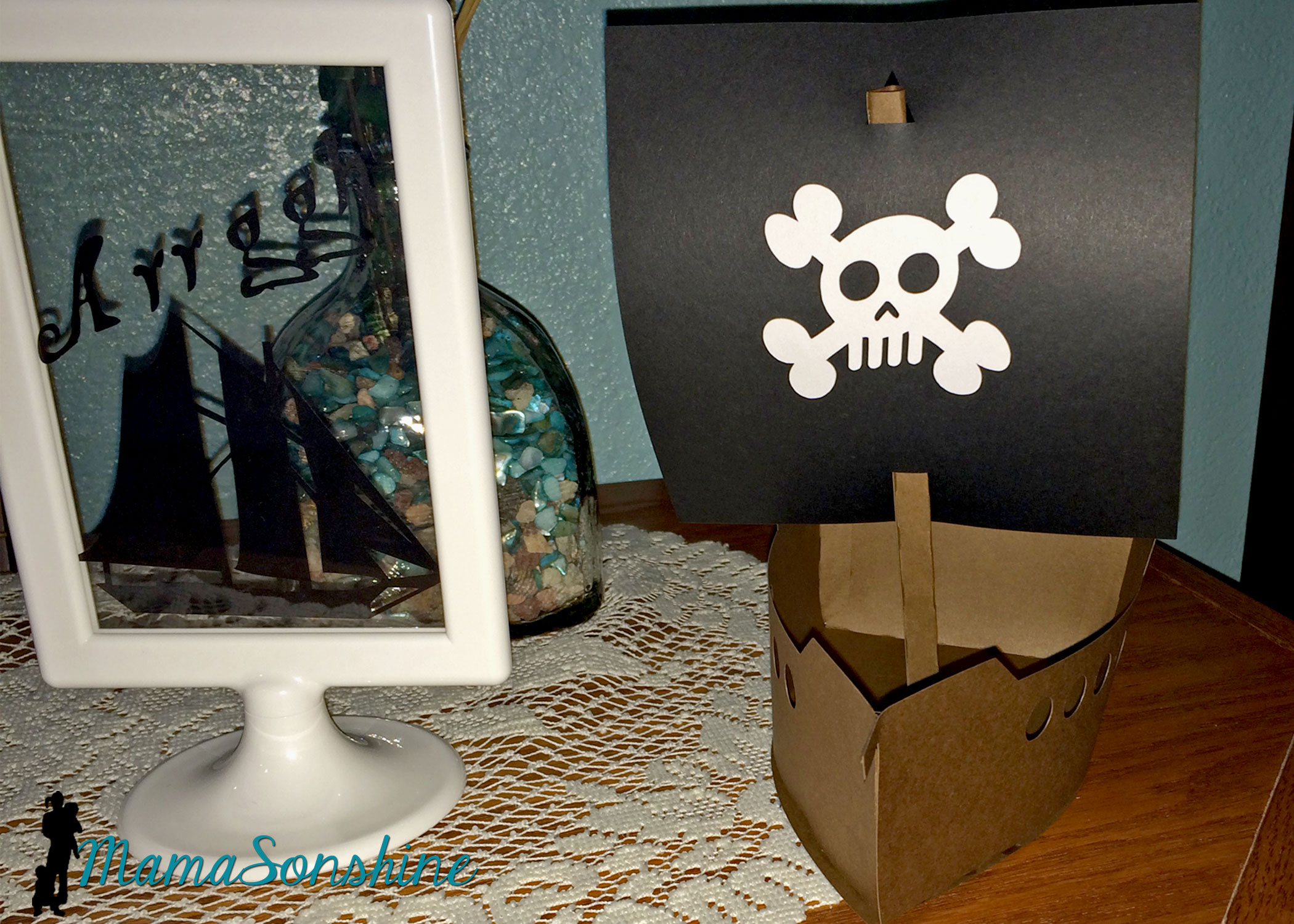
I cut out some pirate items as silhouettes and put them in these Tolsby frames from Ikea.
These are my new favorite party items, and they are really inexpensive and simple to adapt to any party.
I used black vinyl to keep the silhouette look.
I also purchased this 3-D pirate ship, from the Silhouette store with the idea that I would enlarge it for the center piece. I had so much other work to do, that I just decided to use it as decorations.
These treasure boxes were too small to be used as the gift boxes, but they made great decorations.
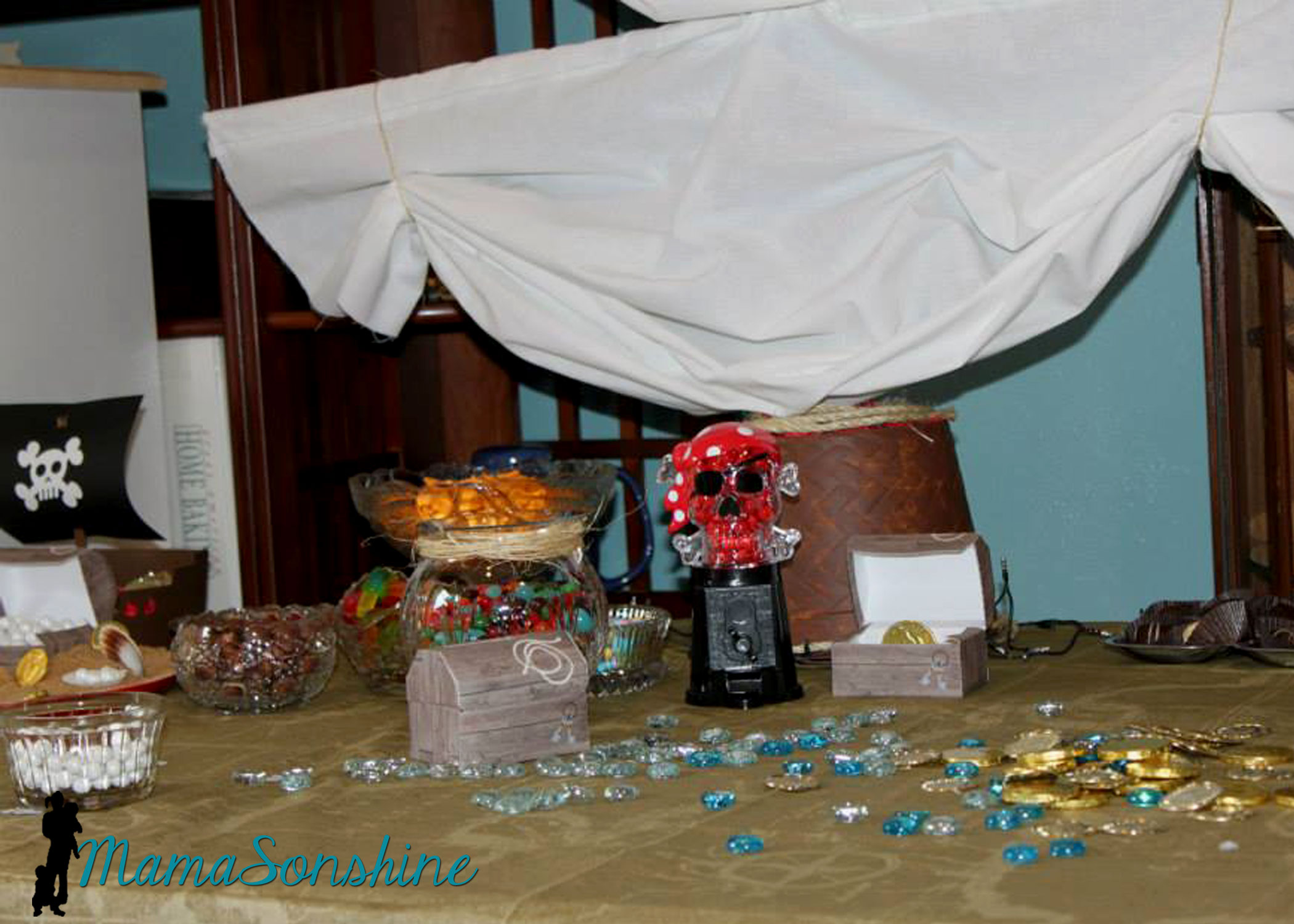
I filled them with glass stones and chocolate gold coins, and had them through out the house.
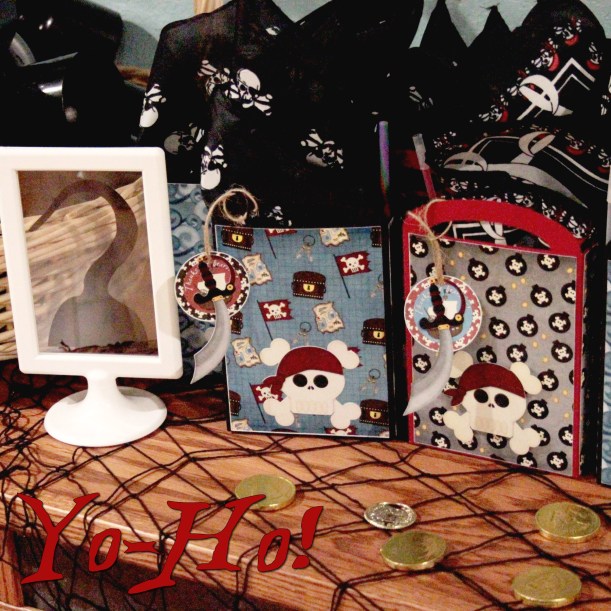
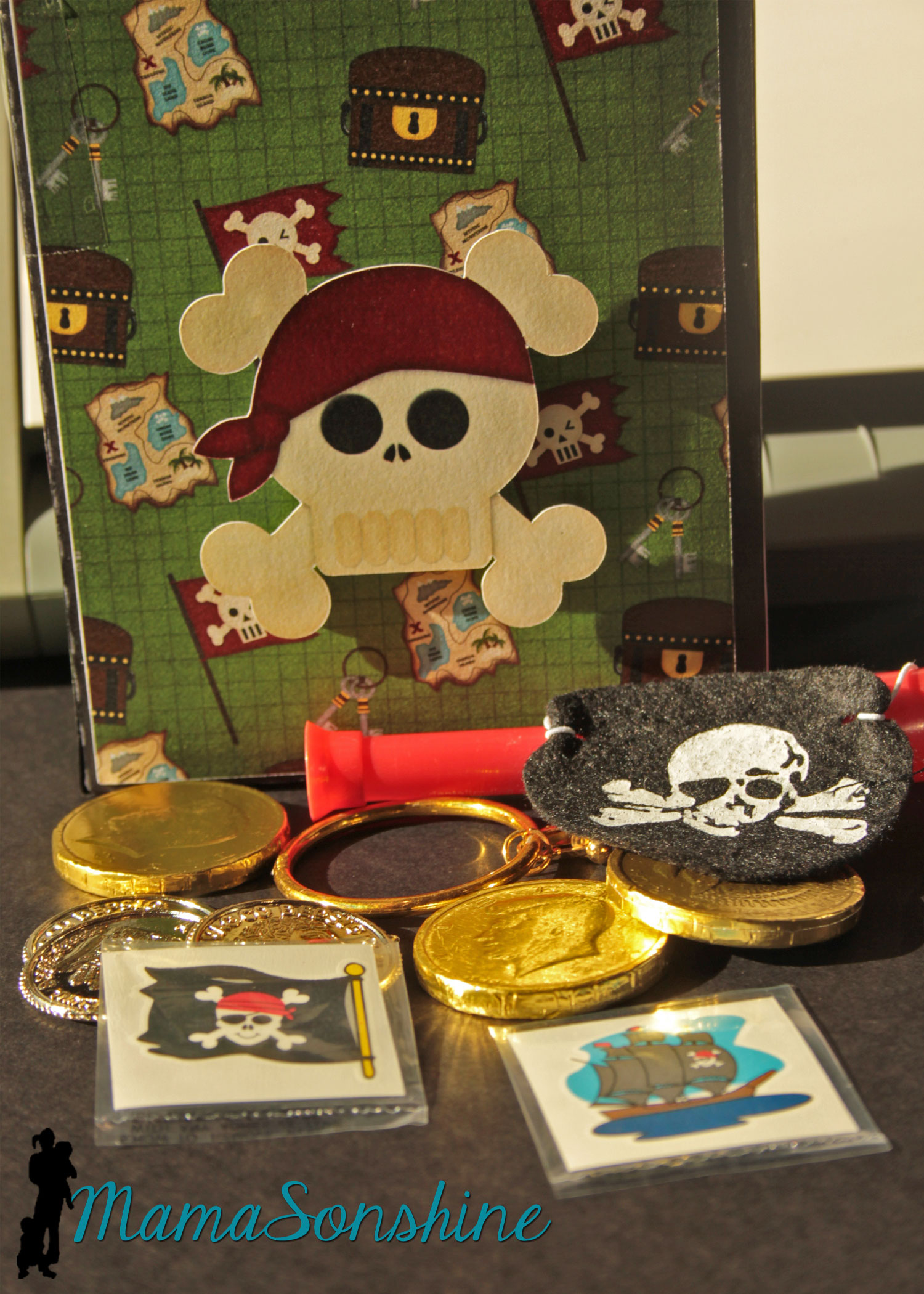
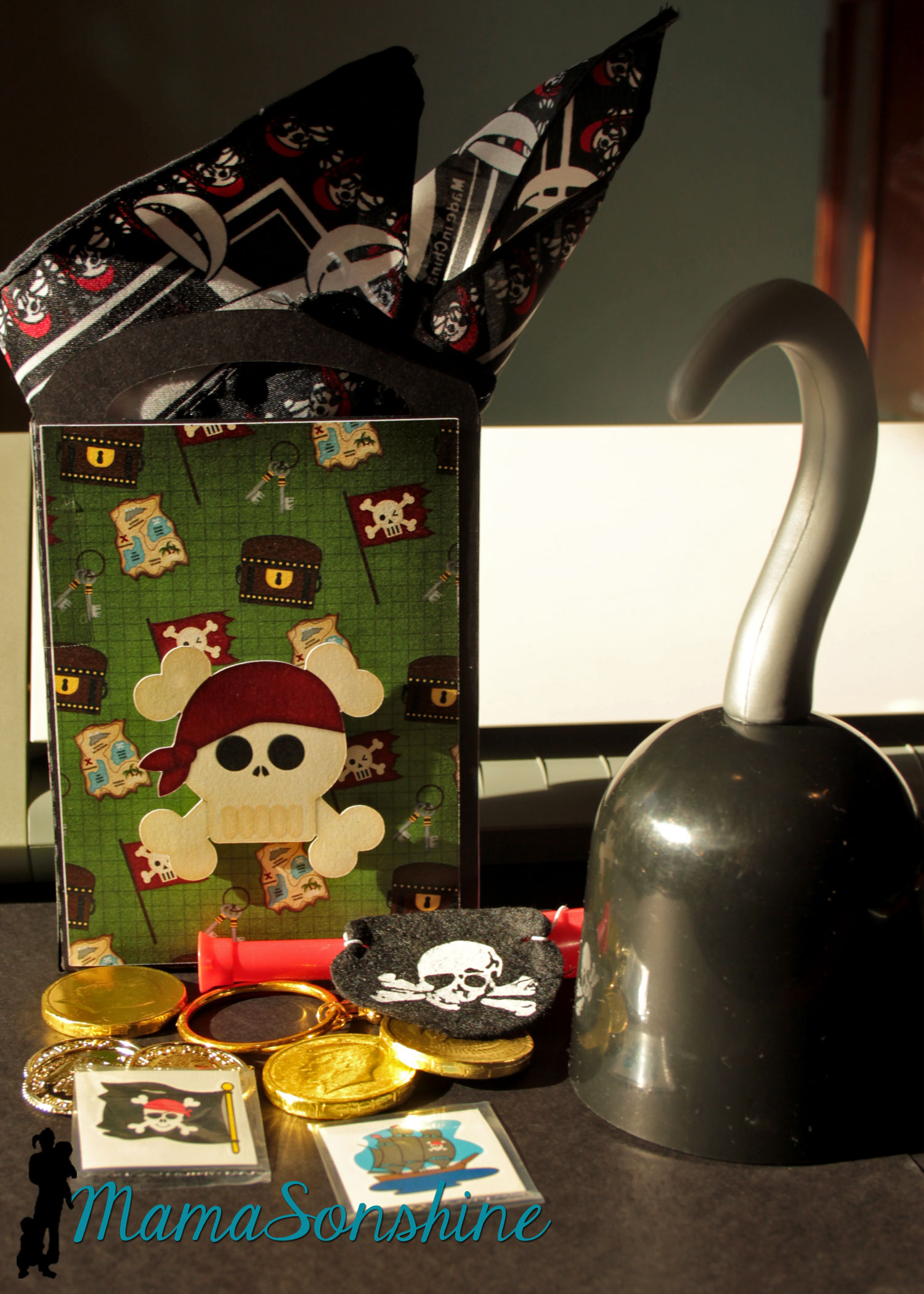
As a guest gift each kid got to take home a hook and a Thank You bag.
The tags say “Thanks me hearties!” I also made the gift bags using the digital papers as the panels for the bags and black card stock for the bag base. I used a variety of the papers included in the kit. The skull was attached with foam dimensional tabs.
Each bag had a pirate bandanna, an eye patch, a pirate ear-ring, some tattoos, cold coins, chocolate coins, and a telescope.
The hooks wouldn’t fit in the bag, so the kids got to get them out of a basket.
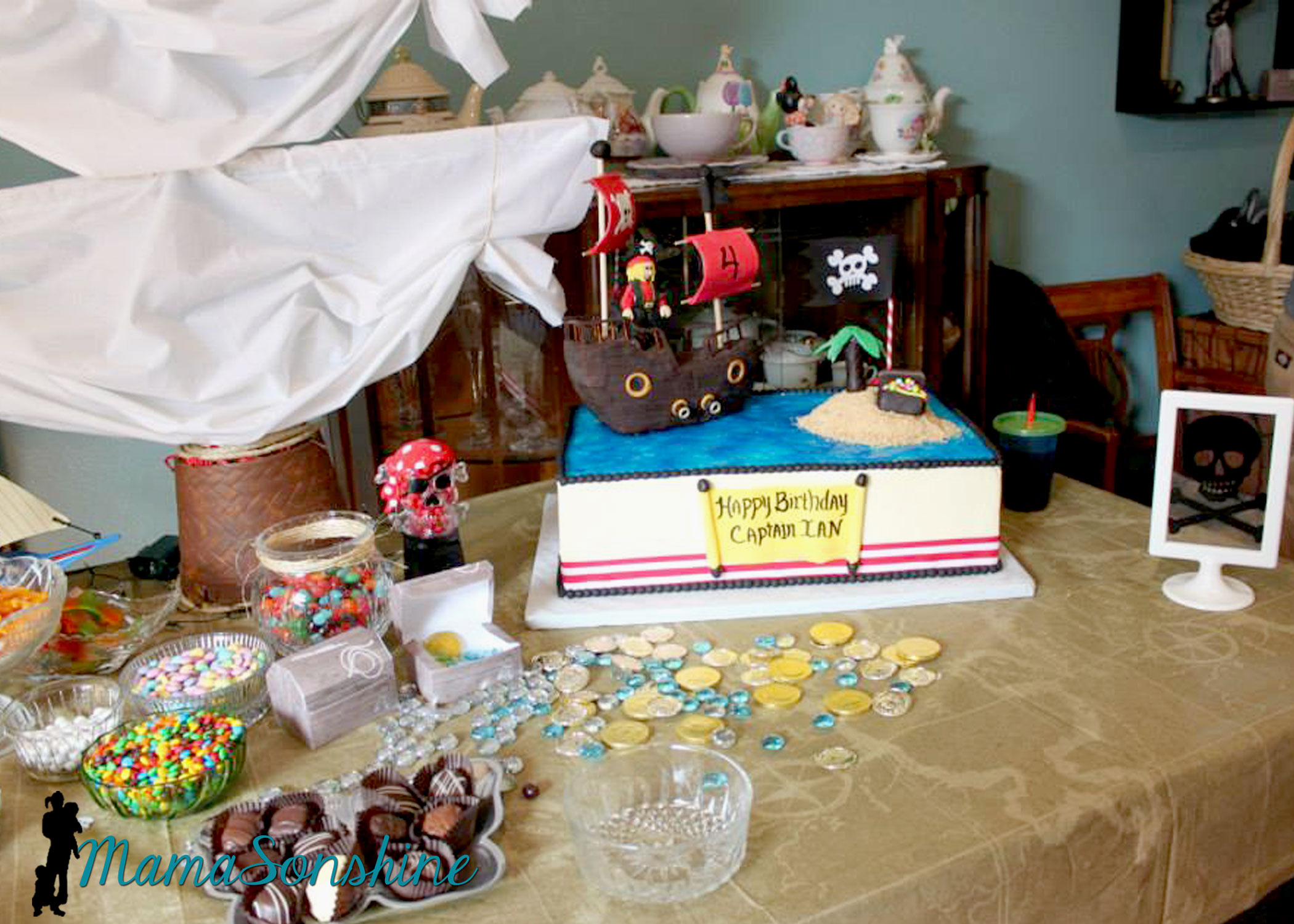
The Table
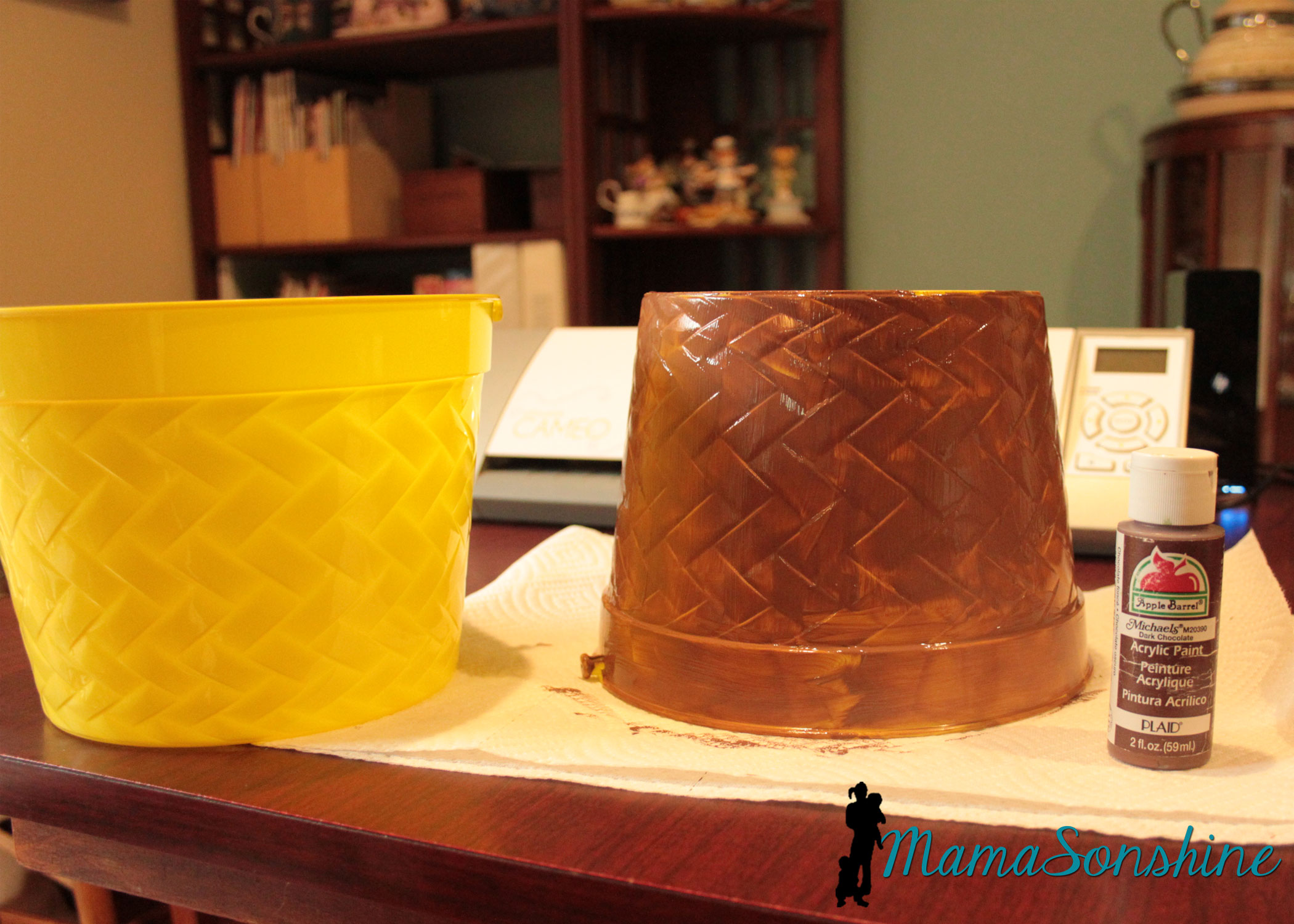
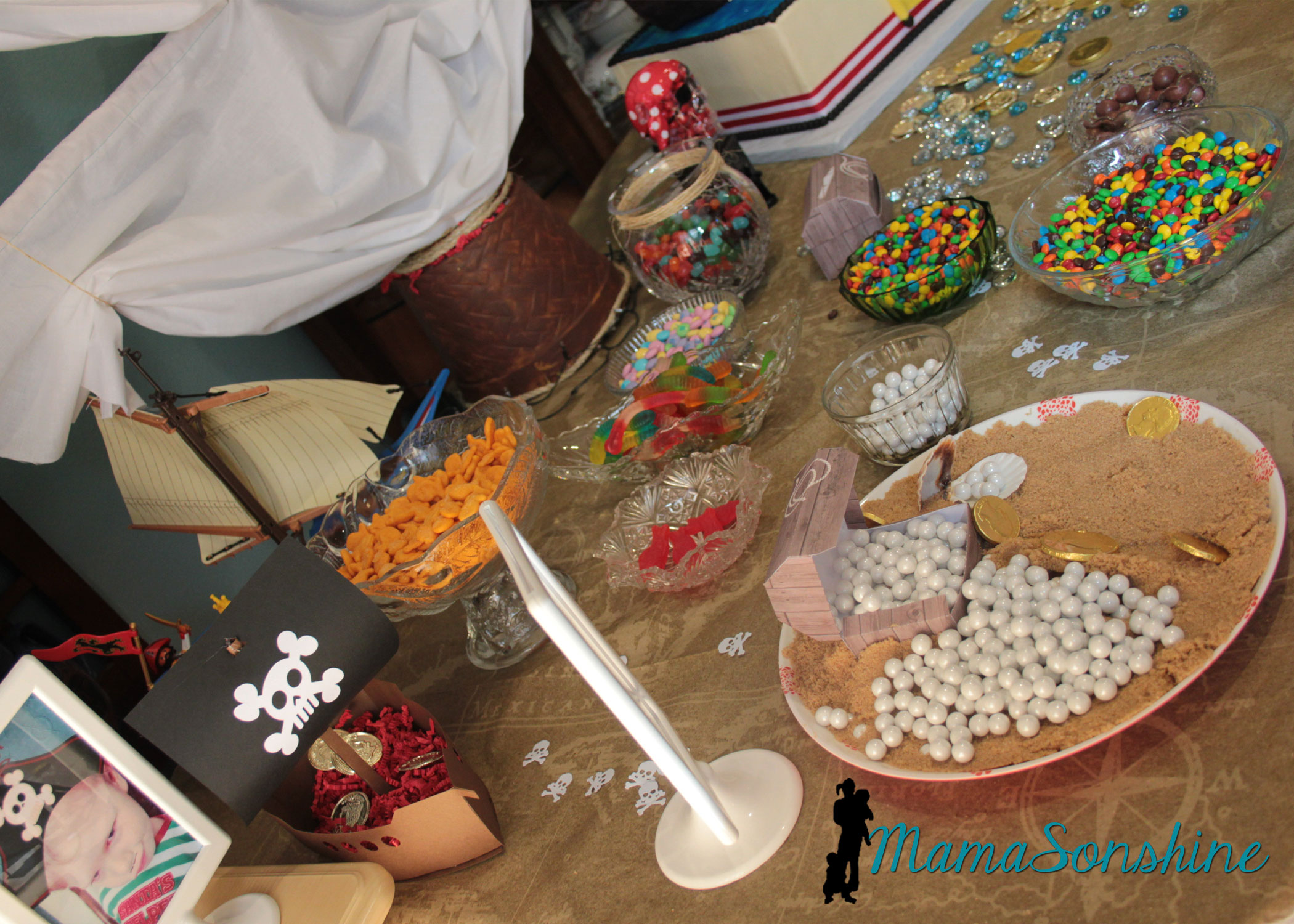
For the table center piece I took these Easter buckets I got at the dollar store and transformed them in to a mast from a boat.
I actually envisioned it much bigger, but the wooden dowels I had, limited the size.
Using the idea from Sid’s beach party, I made a plate with brown sugar sand and pearls (Sixlets) coming out of one of the paper treasure chests.
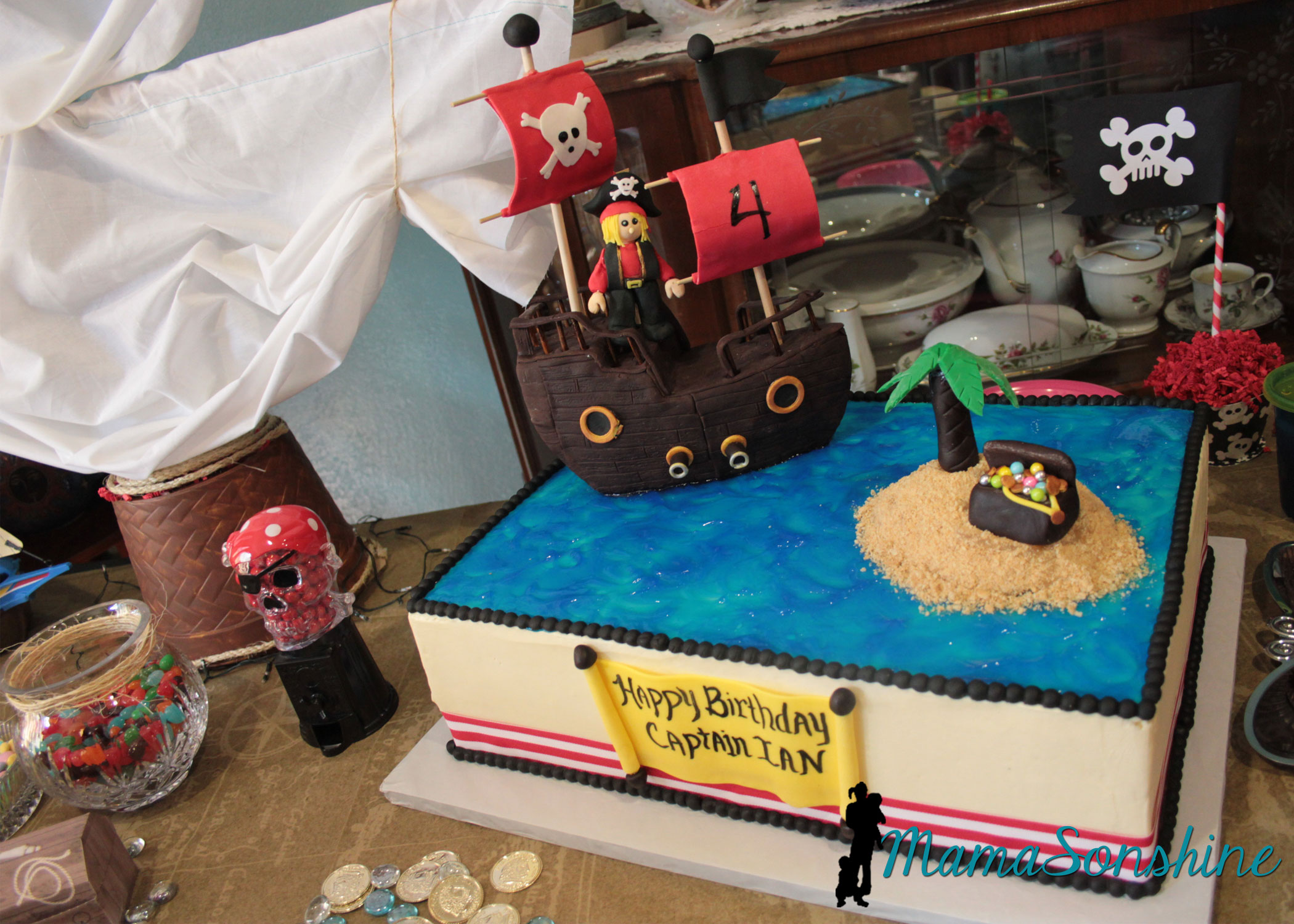
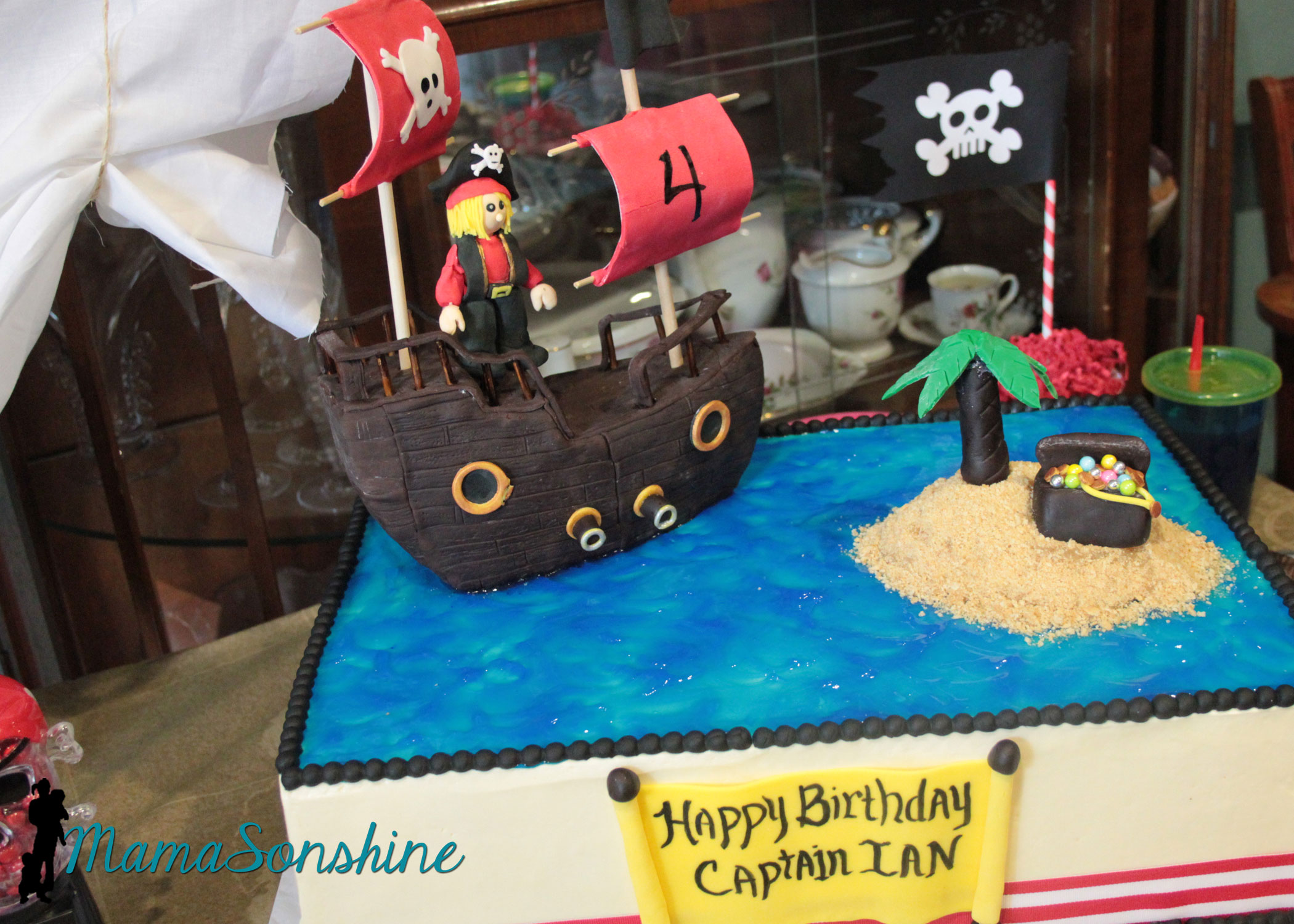
The cake
I did not make the cake, this awesome creation was made by my aunt.
This table-cloth was the most expensive paper table-cloth I have ever purchased, but I absolutely loved it. The skull candy dispenser was the one thing my son said he had to have at his pirate party.
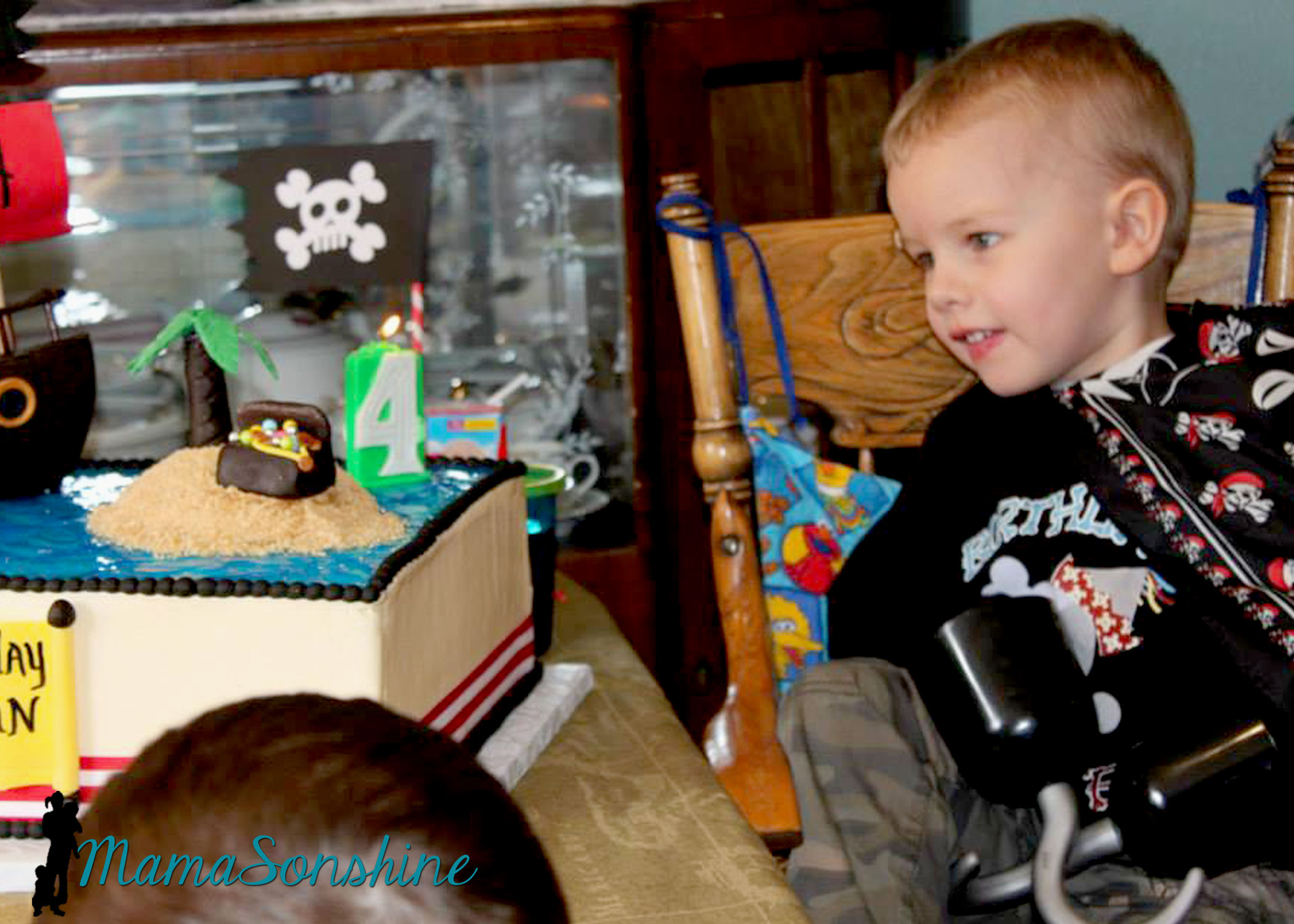
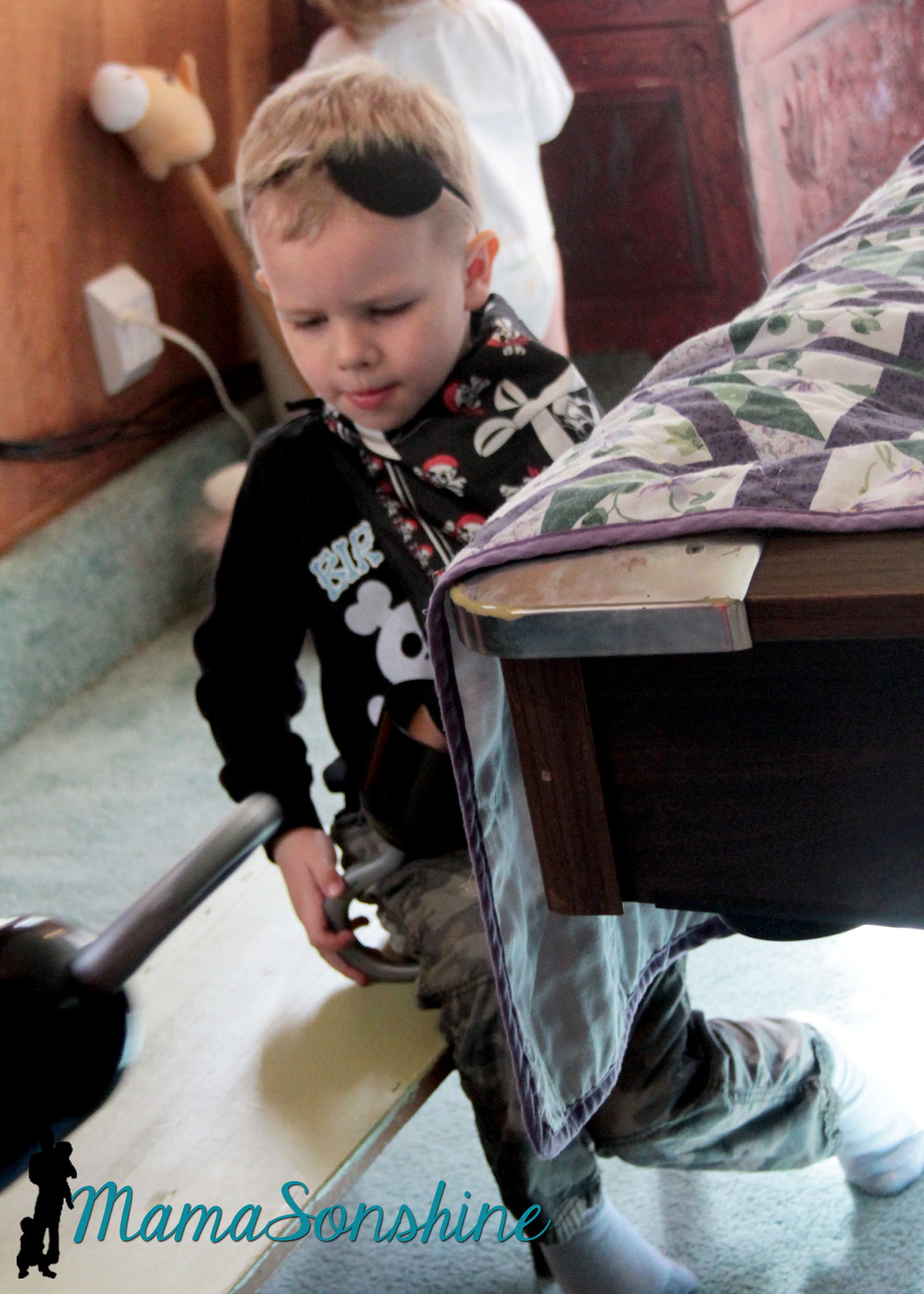
My son likes to wear his bandana as a pirate cape.
The drink labels were also made using the Cameo’s print and cut feature. Have I told you how much I love that feature?
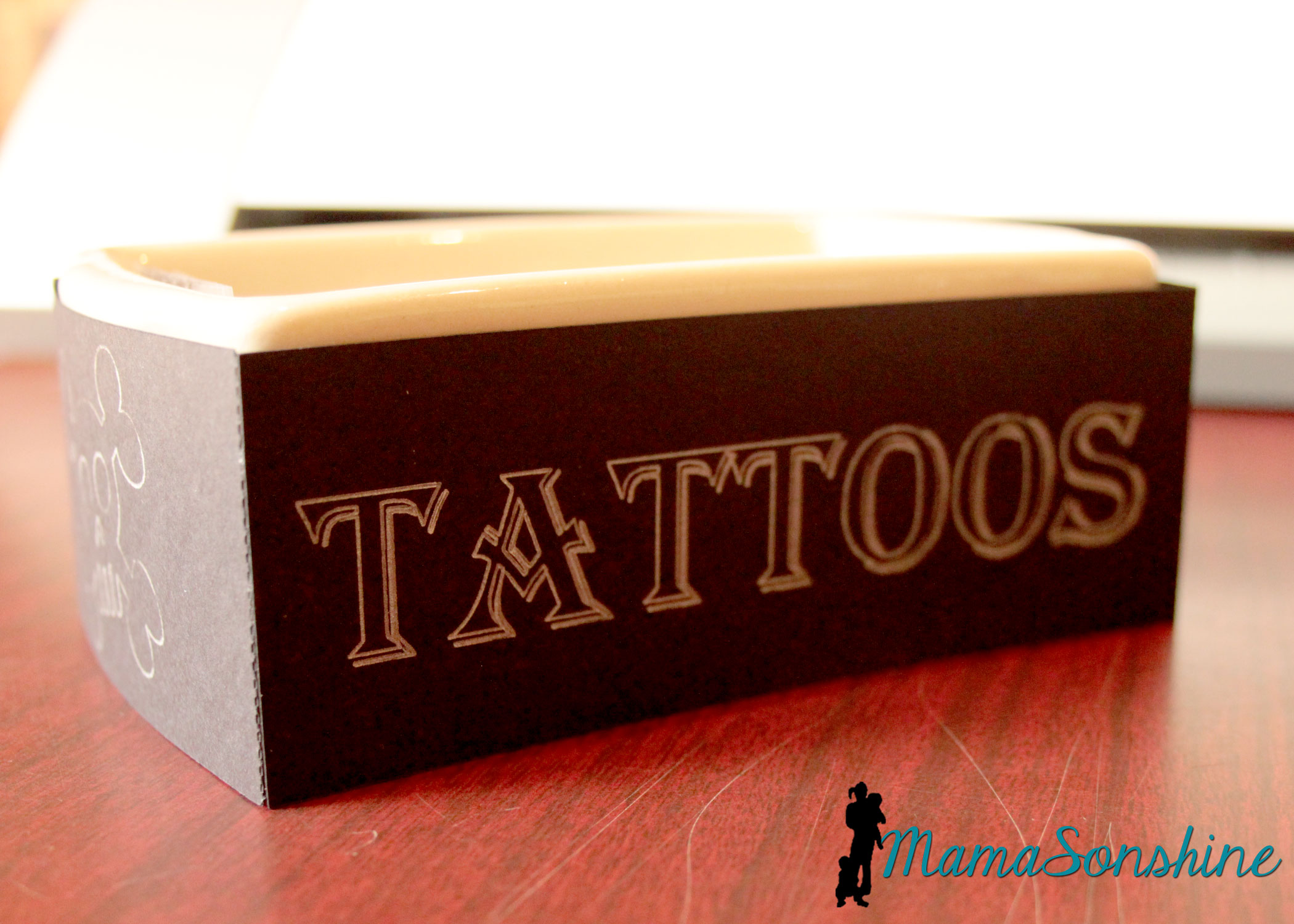
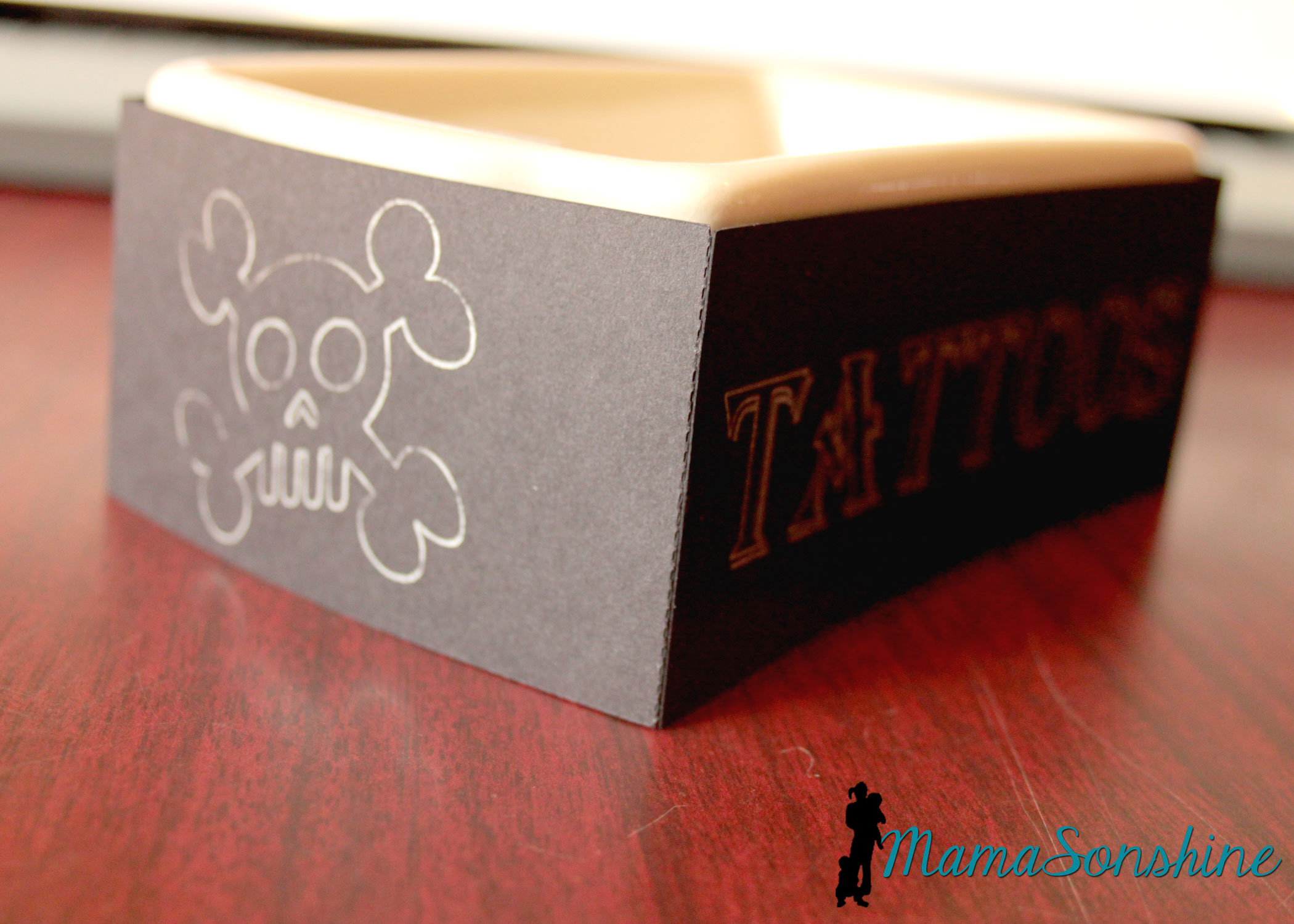
We had some extra tattoos so I transformed a dish my mom had.
I used the sketch pens on the cameo. It was really easy and something I did at the last-minute, but wouldn’t have if I didn’t have my Silhouette.
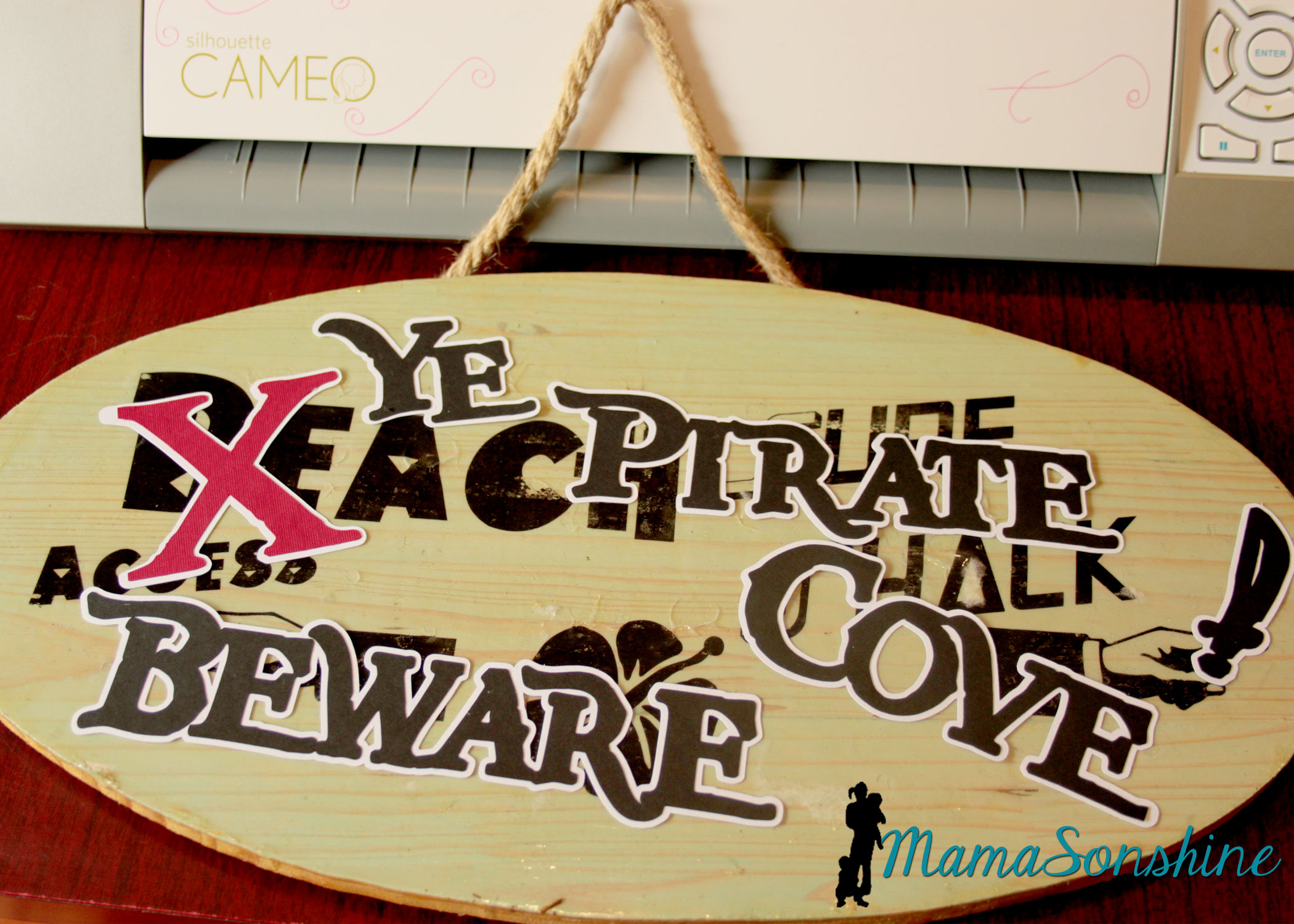
I took the sign I made for Sid’s beach party and cut out letters to make it look like Pirates had taken over the beach. I was going to redo the sign, but my mom wanted to keep the original, so I had to make something temporary. She has kept the sign up on the front of her house since Sid’s party.
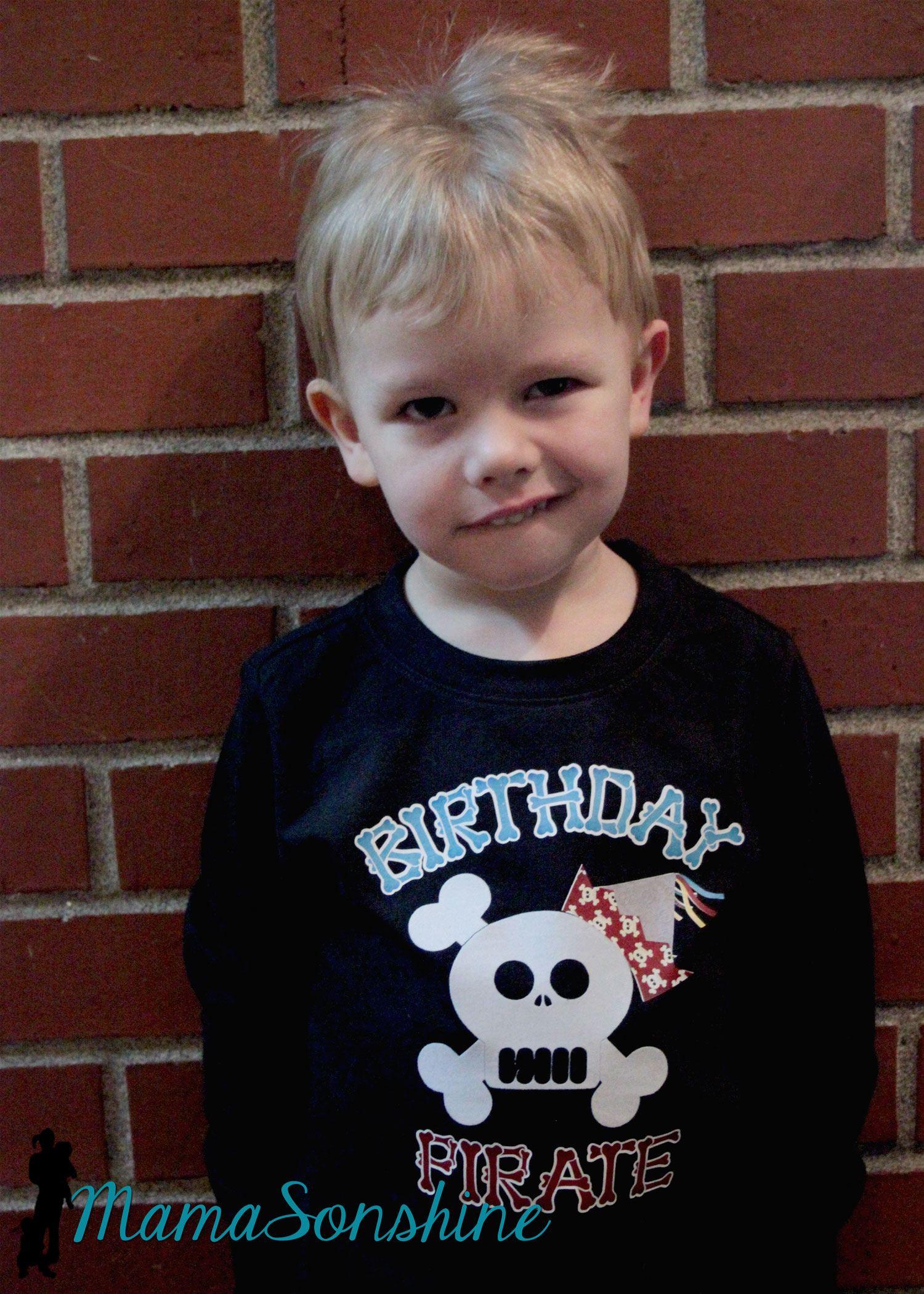
Of course the night before I decided to make Sid a shirt to wear for the party. Then I realized I had to make Ian one in a similar style, even though I had already made him a birthday shirt.
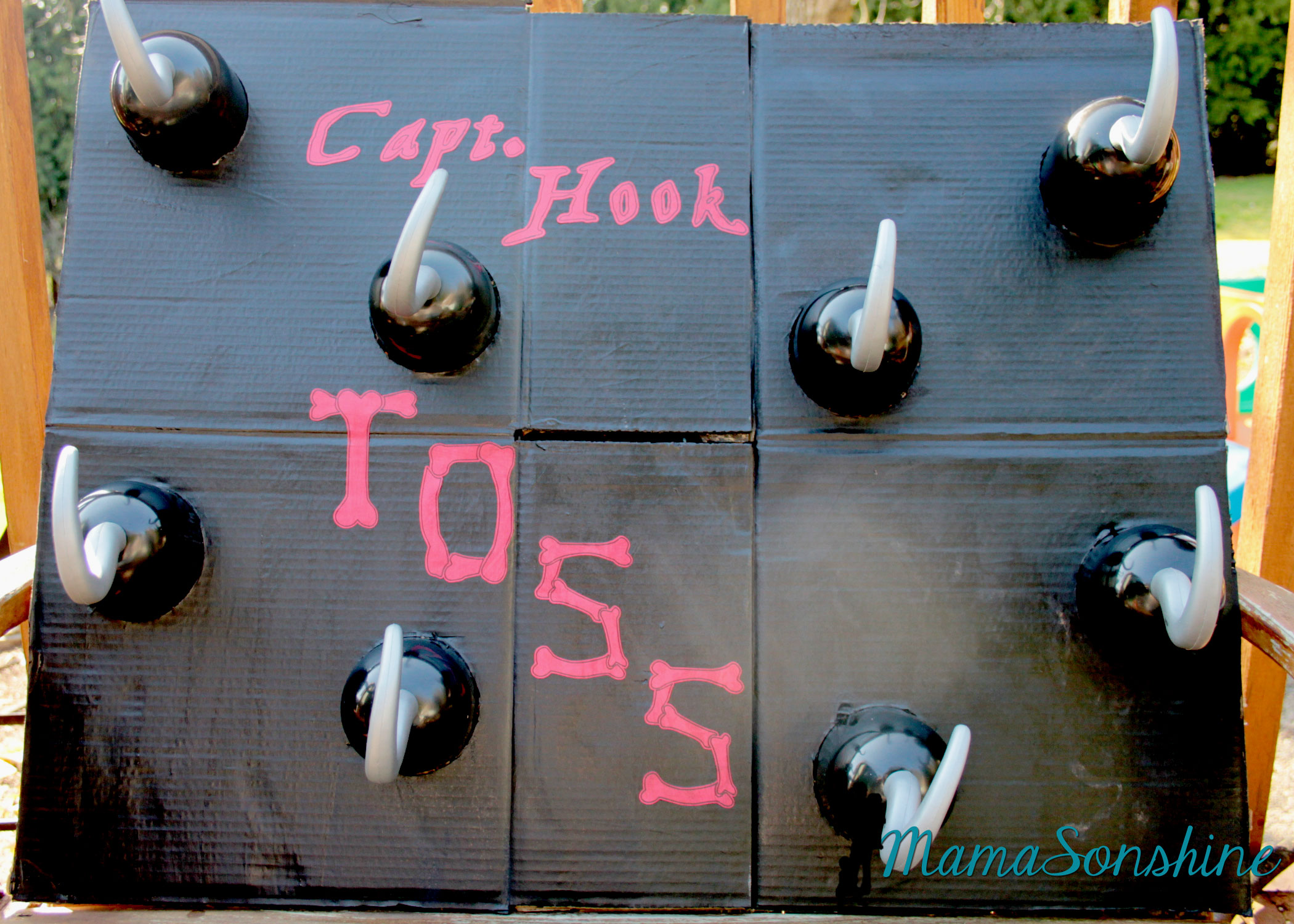
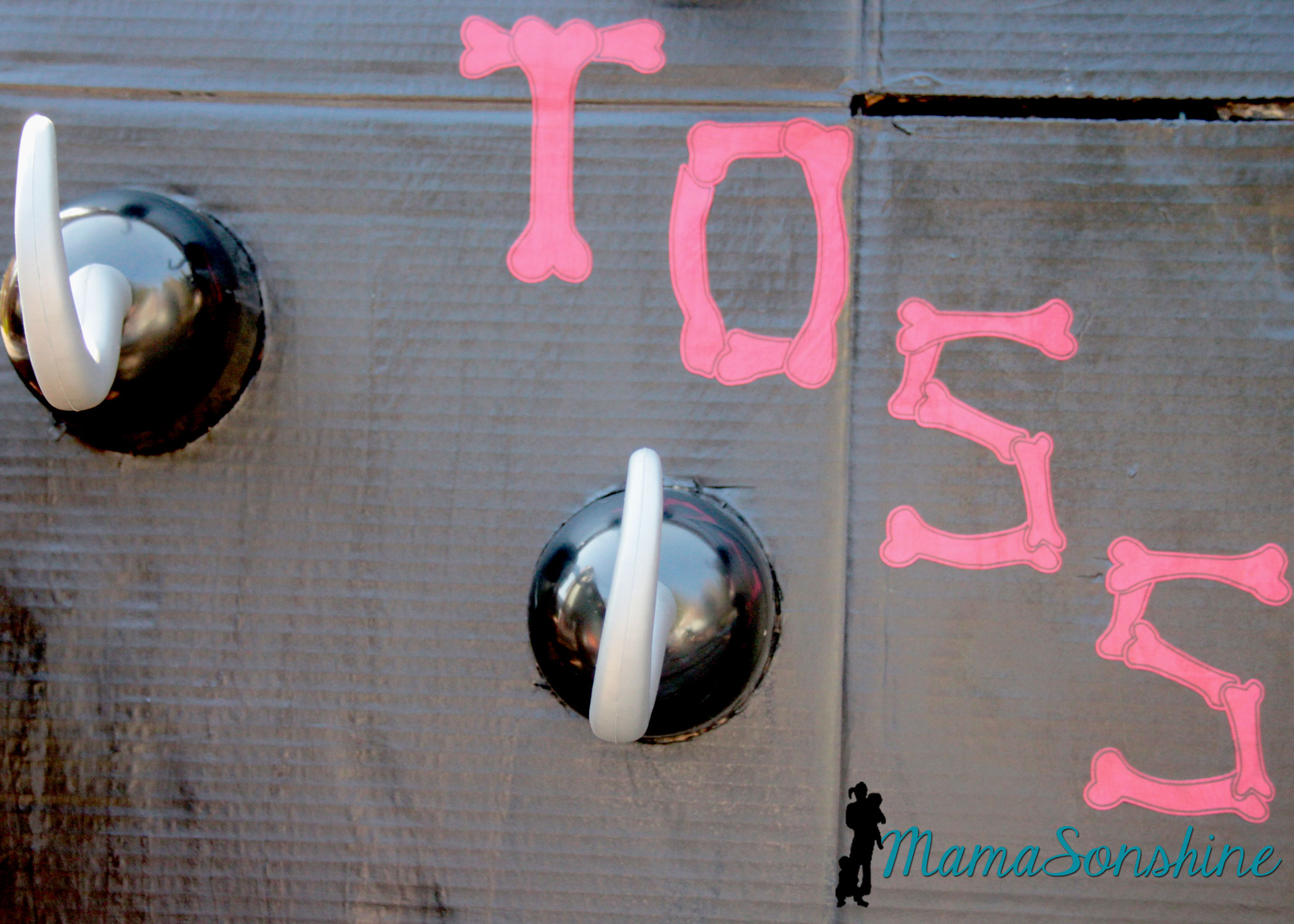
I just cut circles out of a cardboard box and painted the flattened box. I used my cameo to cut the letters out of cardstock and Mod Podge to glue them on.
Baby Sid loved playing the hook toss game.
It was super difficult to get a picture of the birthday boy, he was in constant motion that day.
Since it was March in the Pacific Northwest, we couldn’t let the kids play outside. The kids got walk the plank in the basement. I used a wood board my mom had, some step stools and the kid pool. I thought about filling it with those plastic balls you find in a ball pit, but didn’t have time to order them.
The kids didn’t need anything to jump into. They loved the plank just the way it was.
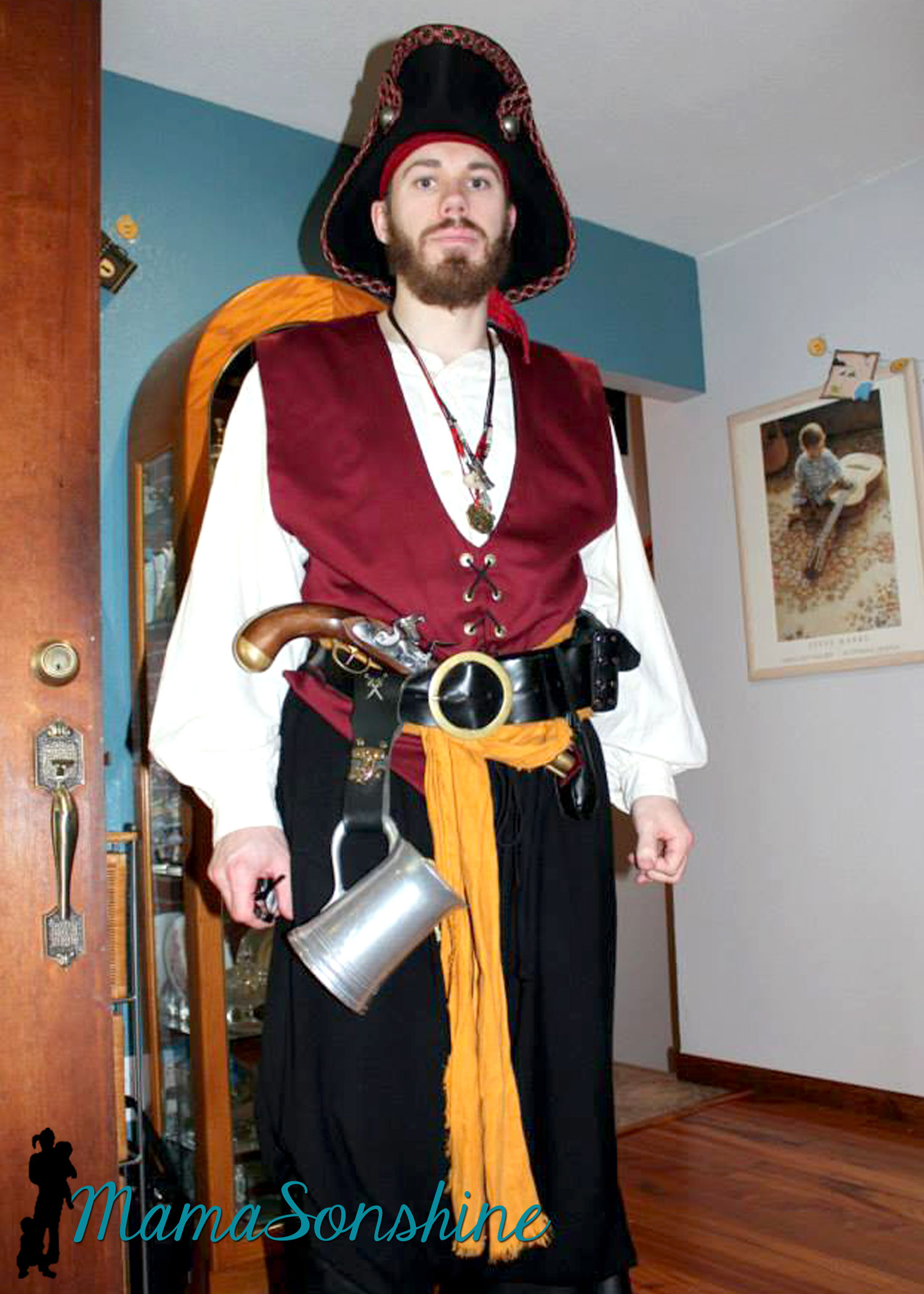
And what kind of pirate party would this be without a real pirate?
My cousin is part of a pirate group in Portland and he was kind enough to show up in full pirate grab. He was the hit of the party!
It was a busy day but Ian loved his party.
Thanks for visiting, remember to Shine On
Want to Check Out More Silhouette Projects?
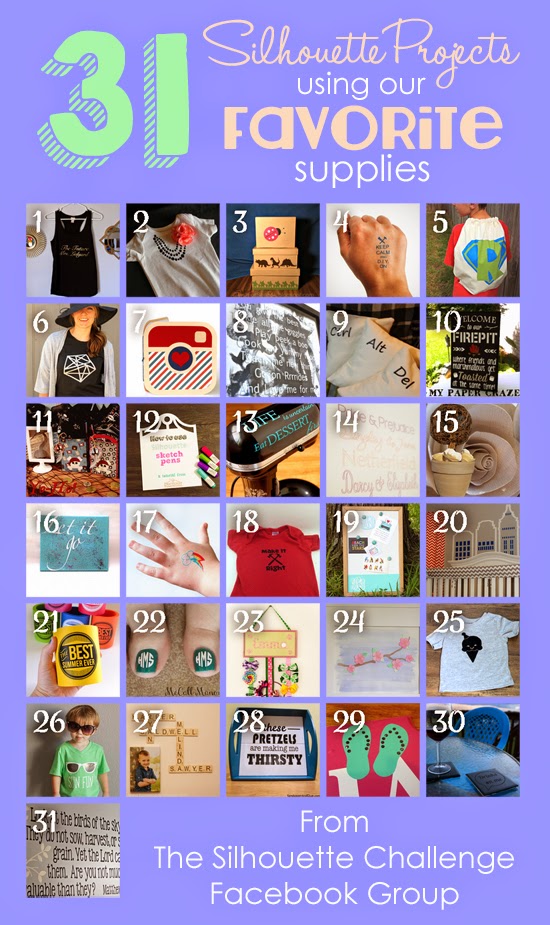
My Silhouette Challenge buddies and I are all sharing projects on our blogs today, so pursue the projects below for a wealth of Silhouette inspiration!
I had thought I was very cleaver making my four-year old a Capt. America shirt for him to wear on July 4th.
Till I showed him and he said “I don’t yike Capt. America now”
hmmm….
OK back to the drawing board.
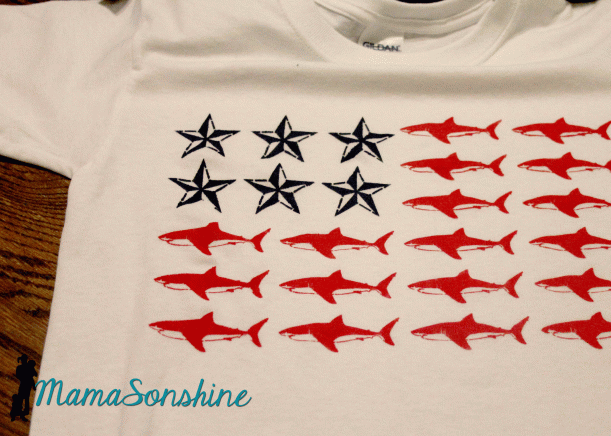
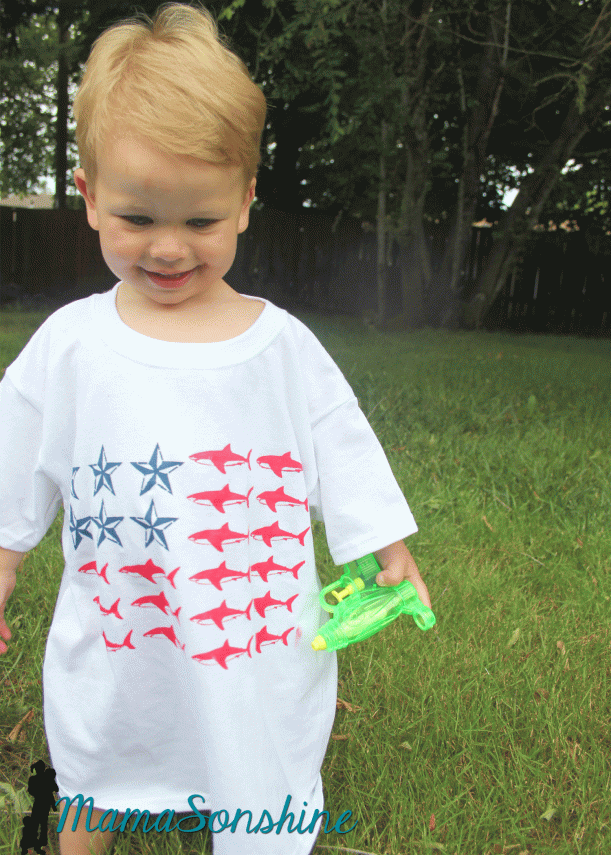
This time around I decided to take a sailors approach to the flag. Because I saw Lauren’s post (The Thinking Closet) about her Nautical Star Banner. I just loved the nautical star and thought it would look great on a shirt. But I didn’t want plain old boring stripes….
hmm….what to do….
Then my son picks these out at the store. “I’m a SHARK! dana dana dana”
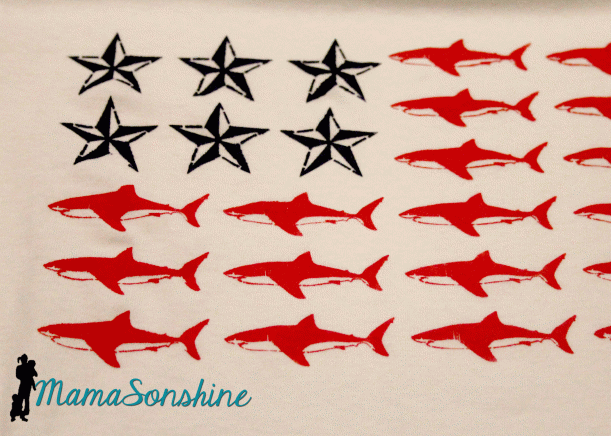
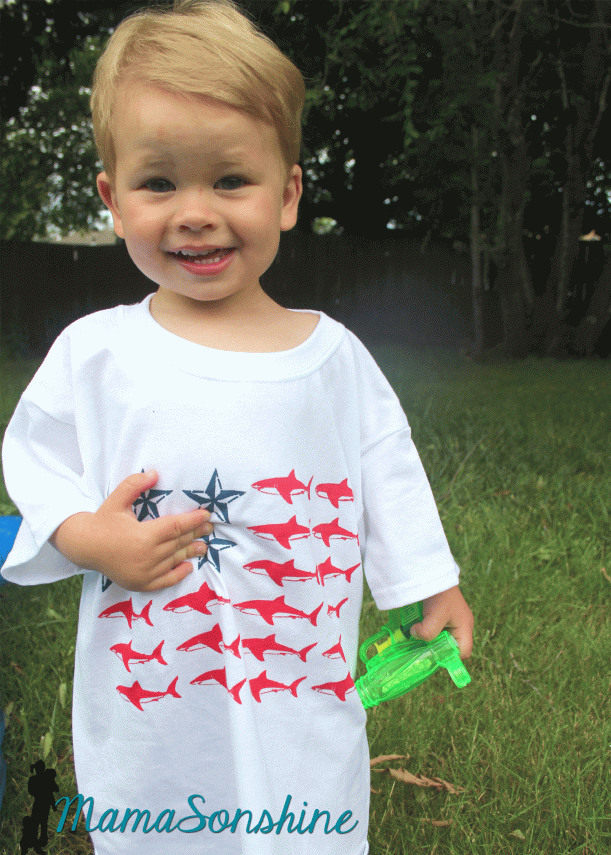
So my brain clicked and this shirt was born. Just in the nick of time.
My original plan was to do the stencil with freezer paper, because it makes a tighter seal and crisper lines.. But the cuts are too intricate for my dull blade. So I used vinyl, and as you can see some of the detail, like the gills was lost, and the edges are a little blurred.
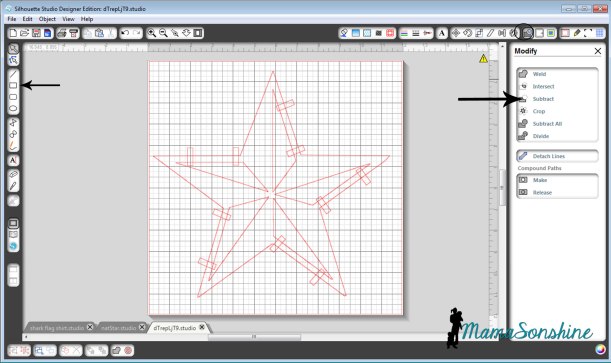
The tricky part to this shirt is all the small pieces, I didn’t want to lay every little piece of freezer paper down one at a time. I thought I would share how I connected all the parts to make one complete stencil. Lauren also talks about how to do this in her afore-mentioned post.
First find the FREE images you want to use and trace them. (Please be mindful of copyright laws, and other people’s art work)
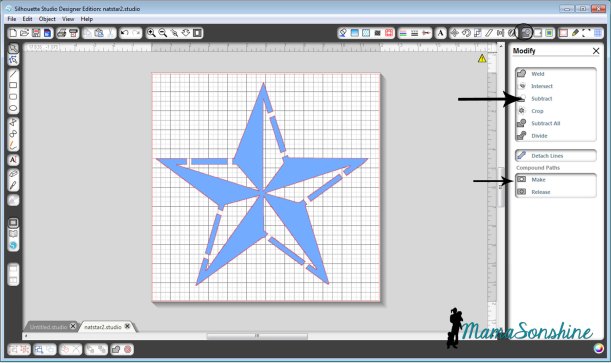
Draw lots of little rectangles using the rectangle tool. Place them on top, over the two parts you want connected. Select everything, go to the modify window and click on subtract. Then select everything again and click on make, under compound path.
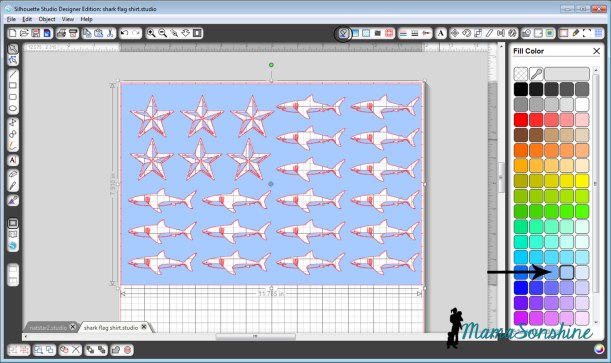
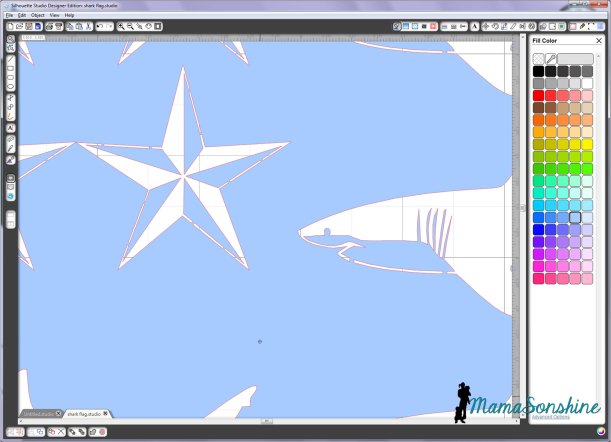
If you go to the color fill tool box and fill your shape with a color, you can easily see you now have a star that has missing parts. The parts that are colored is what will be painted on the shirt.
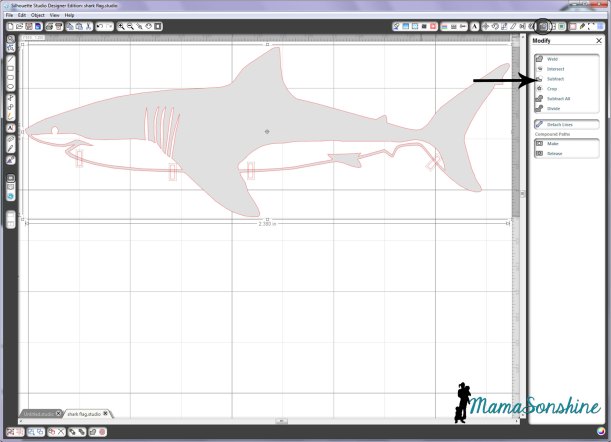
After tracing the shark, we do the same thing. Make rectangles, go to modify and click subtract.
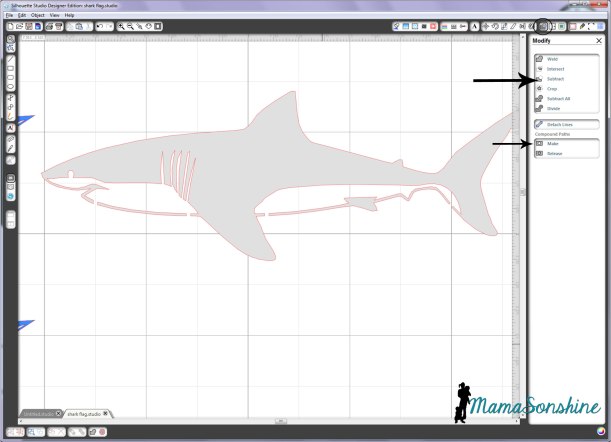
Then, under compound path, click make (after selecting all parts of the shark). You will see that when I traced the shark, I made sure that the gills and eye were part of the white portion. This eliminates a bunch of little eyes having to be added after the stencil is laid down.
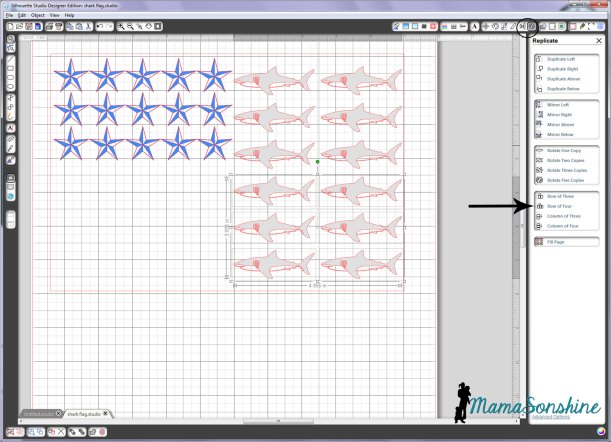
Draw a large rectangle, the size that you want your flag. Use the replicate and alignment tool boxes to fill the rectangle with your stars and stripes.
The row of … and column of…were especially useful in this design. As was the space vertically and space horizontally tools in the alignment tool box.
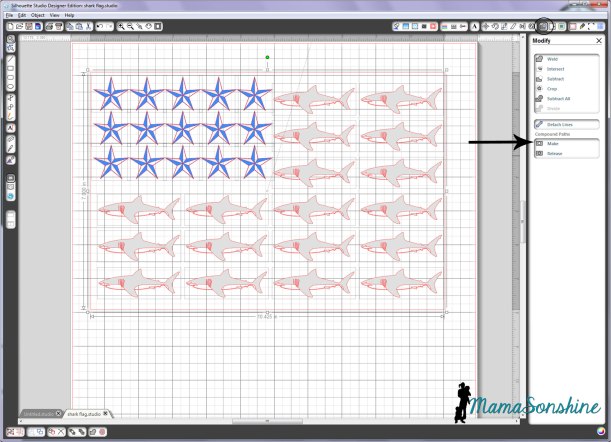
Now select everything, the outer rectangle, all the sharks and all the stars, go to the modify window and click on makecompound path.
Of course this removes all the fill colors you have used, but that’s ok.
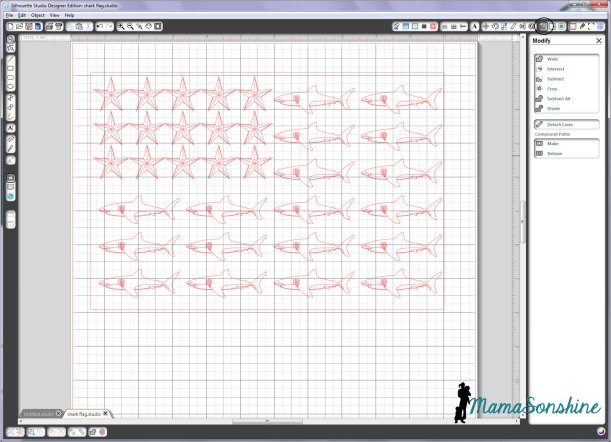
If you click on a fill color now, you will see that all the parts that will be your stencil are now colored. These are the parts that the shirt will show through.
You can look closely and see all the parts are connected and will come off in one piece.
Cut, apply to shirt, paint, etc. You know the drill.
Got all that?
Well don’t worry, I decided to just let you download this cut file. For free. Yep. Go ahead and make your own. Tonight. Cause the fourth is coming soon.
I can make anything with paper, but vinyl still scares me.
What about you? Do you vinyl?
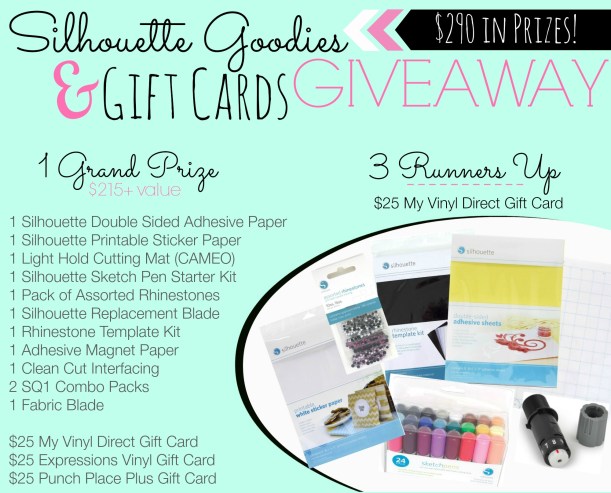
If not here is your chance to try! I have teamed up with some other wonderful bloggers to give you a chance to win a gift certificate to purchase some vinyl and other awesome Silhouette goodies.
T-Ball is over, which makes me a little sad. This year I volunteered to be the parent that took care of getting a thank you gift for our coaches.
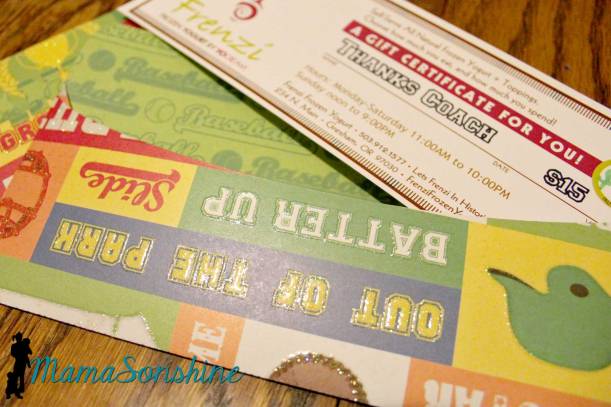
I collected money and went out and purchased gift certificates for a self-serve frozen yogurt store. I used sketch pens in my Silhouette Cameo to write the sentiment and dollar amount on the gift certificate.
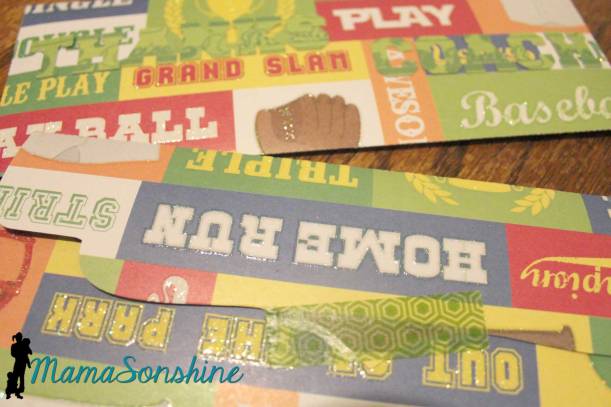
Looks way better than my own hand writing! I of course had to make envelopes out of fun baseball paper to hold the certificates.
I used my Cameo to cut out the envelopes and I also cut out “Thanks Coach” and glued it to the front of the envelope.
Of course being the over-achieving-silhouette-owner that I am, that just wasn’t enough.
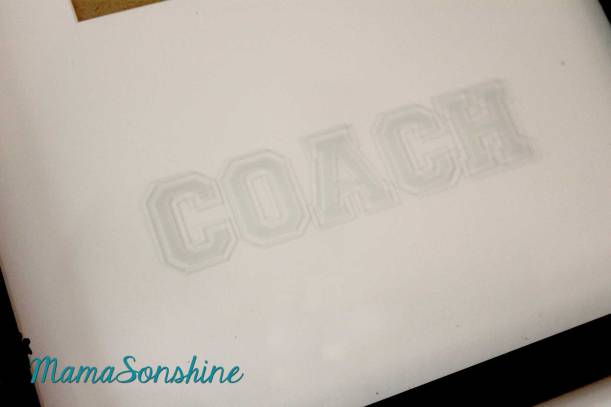
I recently talked about my new love of glass etching and thought how awesome it would be to etch a picture frame with the word “Coach” and have a spot for the team picture and a spot with some baseball subway art.
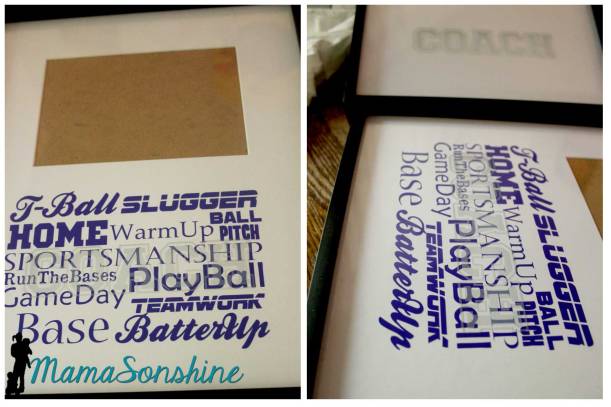
I made up the subway art in a horizontal 5×7″ size, as our team pictures were also 5×7″. I thought I could find a frame with two horizontal 5×7″ spots, but in a vertical orientation.
Boy was I wrong! All the pre-cut mats for horizontal pictures were horizontal, making a long picture. That just would look good with what I had in mind.
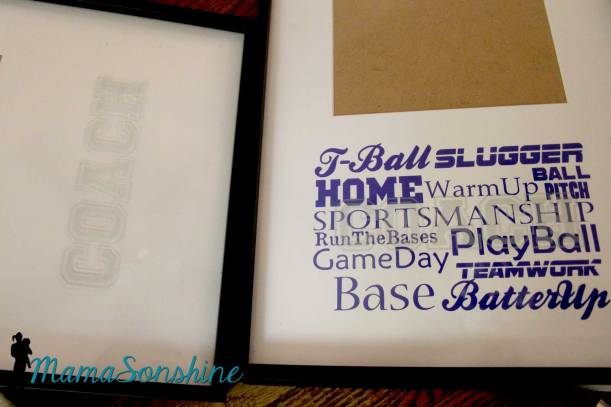
I found these (buy one get one free!) frames that had a horizontal 5×7 and lots of blank space. And I realized I could do the subway art with vinyl!
I used vinyl as a stencil to etch the word “coach” in the glass. Vinyl is such a great etching stencil, it gives nice clean edges so none of the etching cream leaks under the stencil.
I had to do an offset of the text, to get the look I wanted. I etched it on the inside of the glass, so the outside is all smooth.
The colors of our baseball organization are blue and yellow, so I used blue vinyl for the subway art. It was so easy to apply, and it gives it a look that says “this is the way I purchased them at the store.”
I forget how easy vinyl is to work with, my mind always first goes to paper. What can I make out of paper? Maybe now I will ask “Can I make that out of vinyl?”
I can’t over how easy this project was! Although, if you notice in the bottom left corner it just says “base” with a blank space before it, I did have some difficulty with fonts. It really says “1st, 2nd, 3rd” but the font was too thin, so I had to redo it in a different font. But that was just a minor flaw, and was quick to fix.
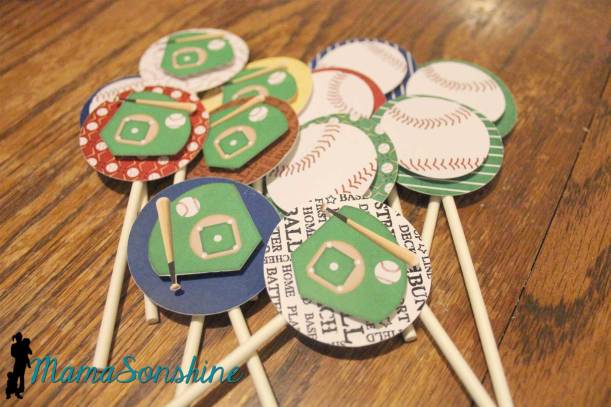
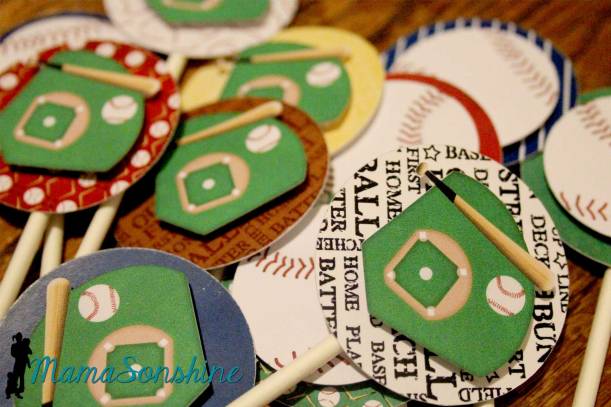
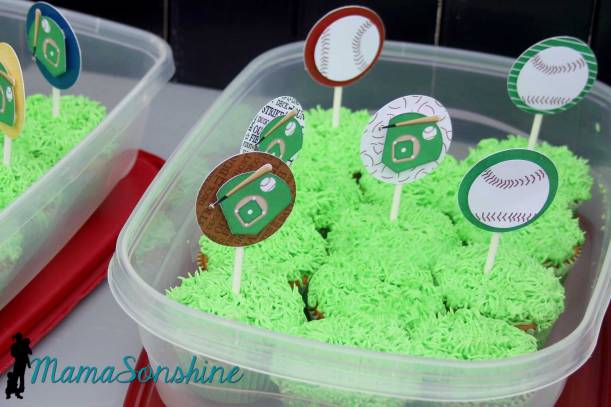
I also made some cupcake toppers for our end of the season party, to go on the cupcakes my sister made. (but they are made from paper)
The frosting on the cupcakes looks like grass, cause you know, that’s what the field is.
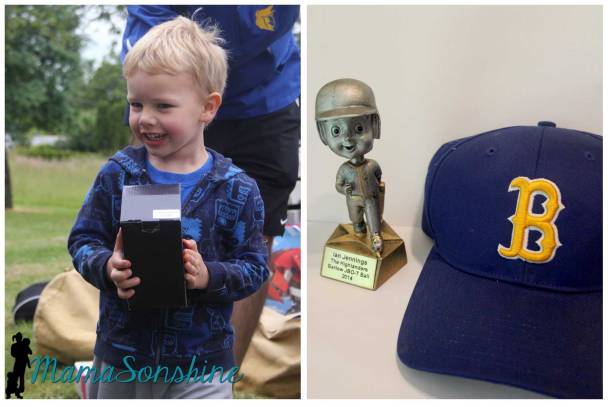
Ian and his trophy at the end of the T-Ball season
Now it’s your turn to make something!
I’ve teamed up with some amazingly crafty women to allow you a chance to get some vinyl, from Expressions Vinyl and My Vinyl Direct, and other goodies including a fabric blade and interfacing. There will be one grand prize winner and three runners-up.
Enter below for your chance to win a gift certificate for some vinyl and a whole bunch of Silhouette goodies!
You only have to enter on one of our blogs, but be sure to check them all out.
Use the Rafflecopter link below to enter the giveaway















 I Tri and Craft